A focused set of guides for anyone who uses their phone to talk, stream, or connect inside popular apps. Whether you’re a mobile gamer, a social media user, or a VR enthusiast, these articles are built to solve specific, everyday frustrations with messaging and live interaction features.
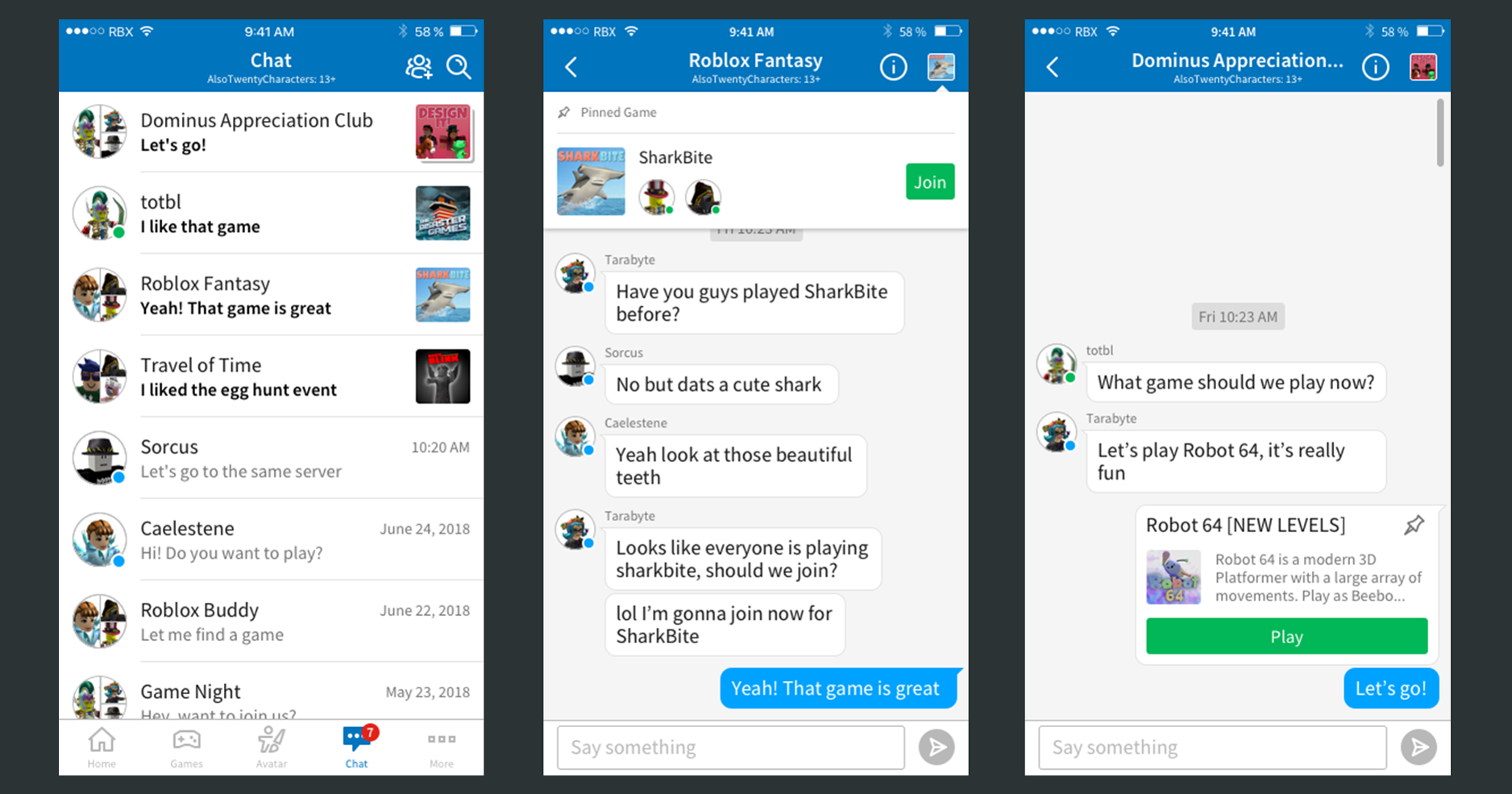
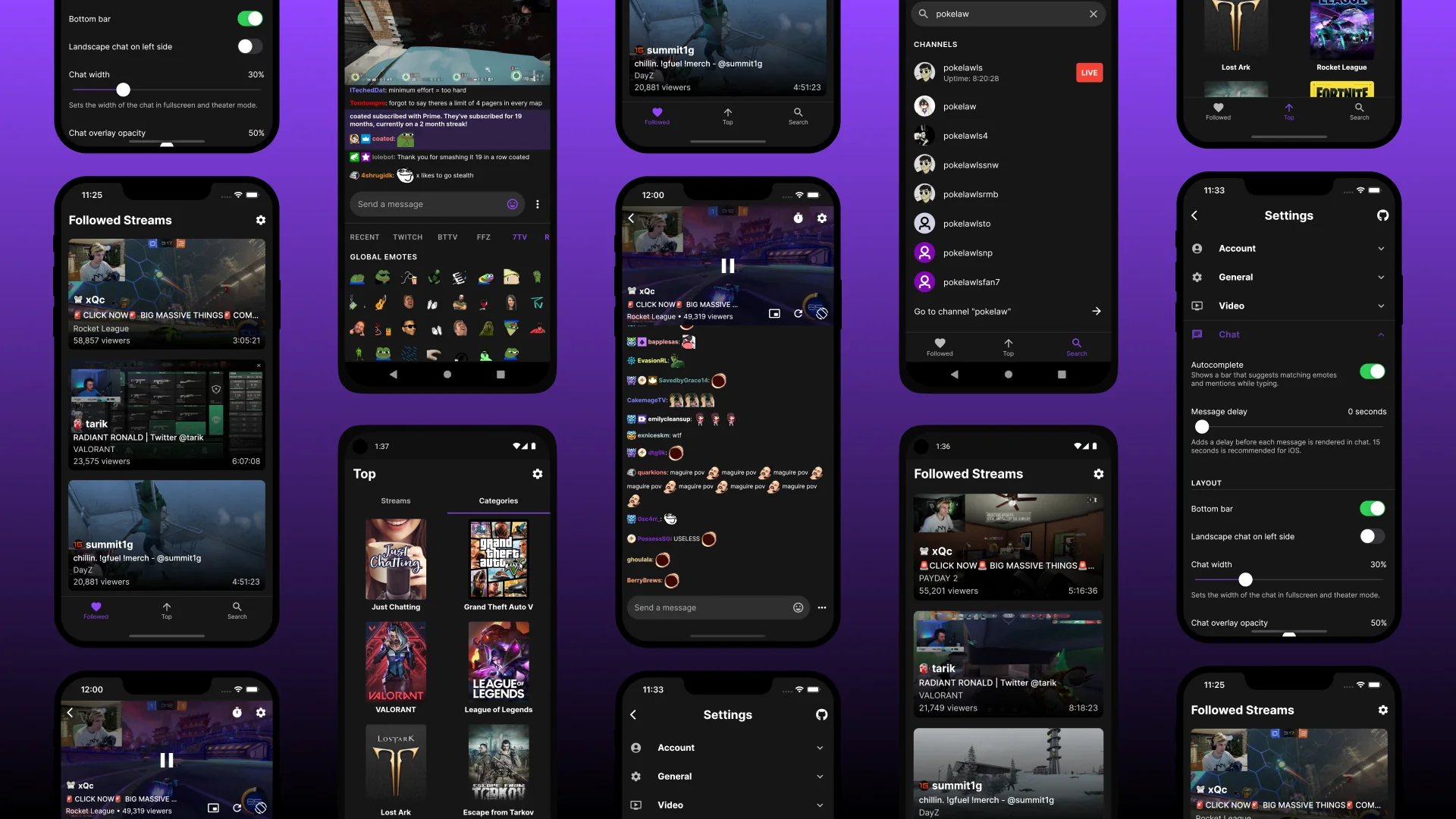
The articles here fall into two clear categories. One group tackles the practical side of managing chat visibility and controls: you can learn how to hide the Twitch chat on the mobile app when you want a cleaner screen, or how to delete a conversation on Roblox Mobile if you need to clear out clutter. Another set focuses on unlocking and understanding chat features, like how to see emotes on Twitch Mobile or how to view Twitch chat while immersed in VR on the Oculus Quest 2. There’s also a guide on how to know if someone blocked you on Reddit Mobile, which helps you interpret changes in your direct message experience.
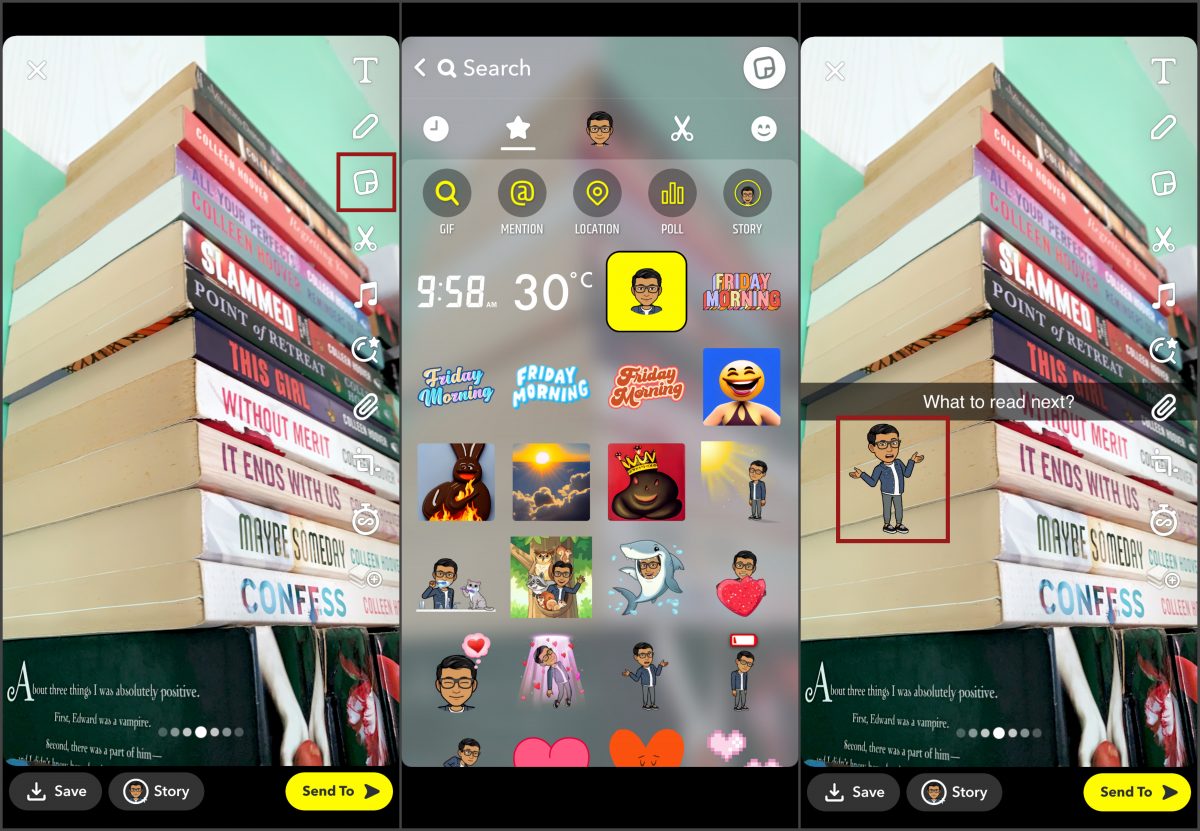
These articles help you do real things: customize your chat display, troubleshoot blocked contacts, and access hidden or platform-specific features like stickers and emotes. They are written for the person who wants clear, step-by-step instructions without extra fluff, just the fixes and settings you need for your phone.