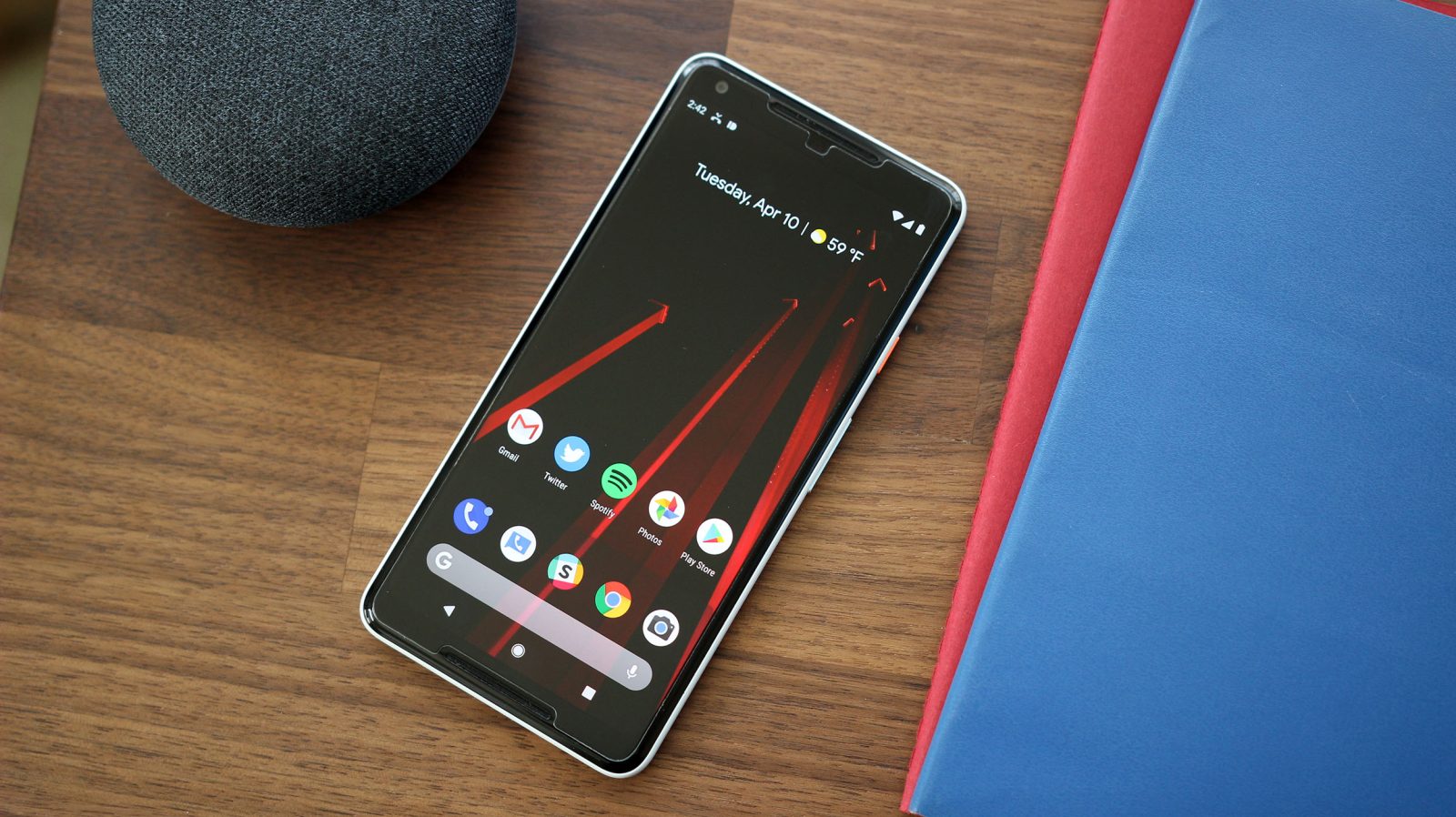
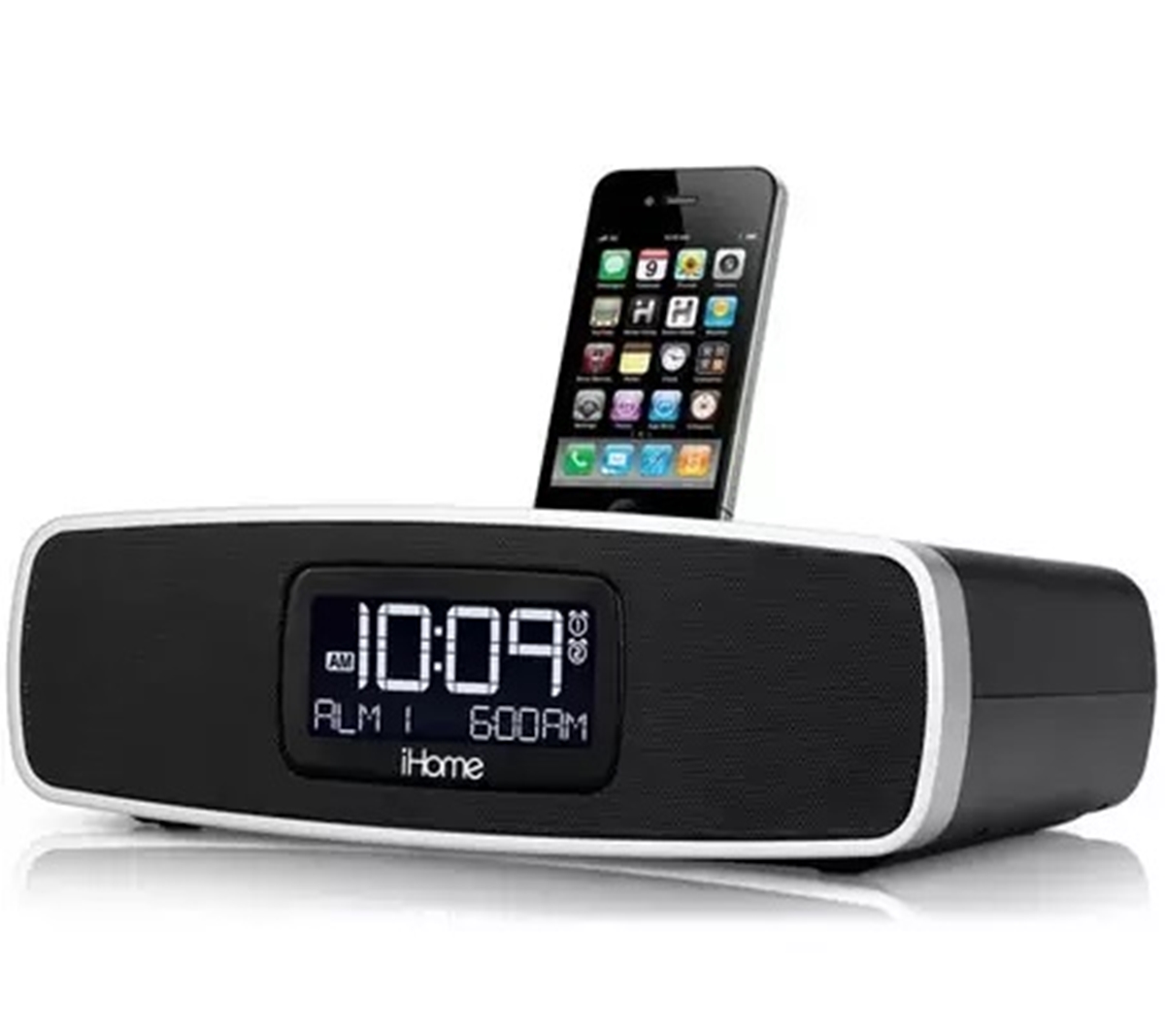
The Clock tag on CellularNews gathers articles that help you manage the time displays on your phones, smartwatches, and connected accessories. This collection is for anyone who needs to adjust how time appears on their devices, whether you are setting up a new bedside dock, personalizing your lock screen, or switching to a 24-hour format. The guides here focus on practical, step-by-step fixes for common clock-related frustrations.
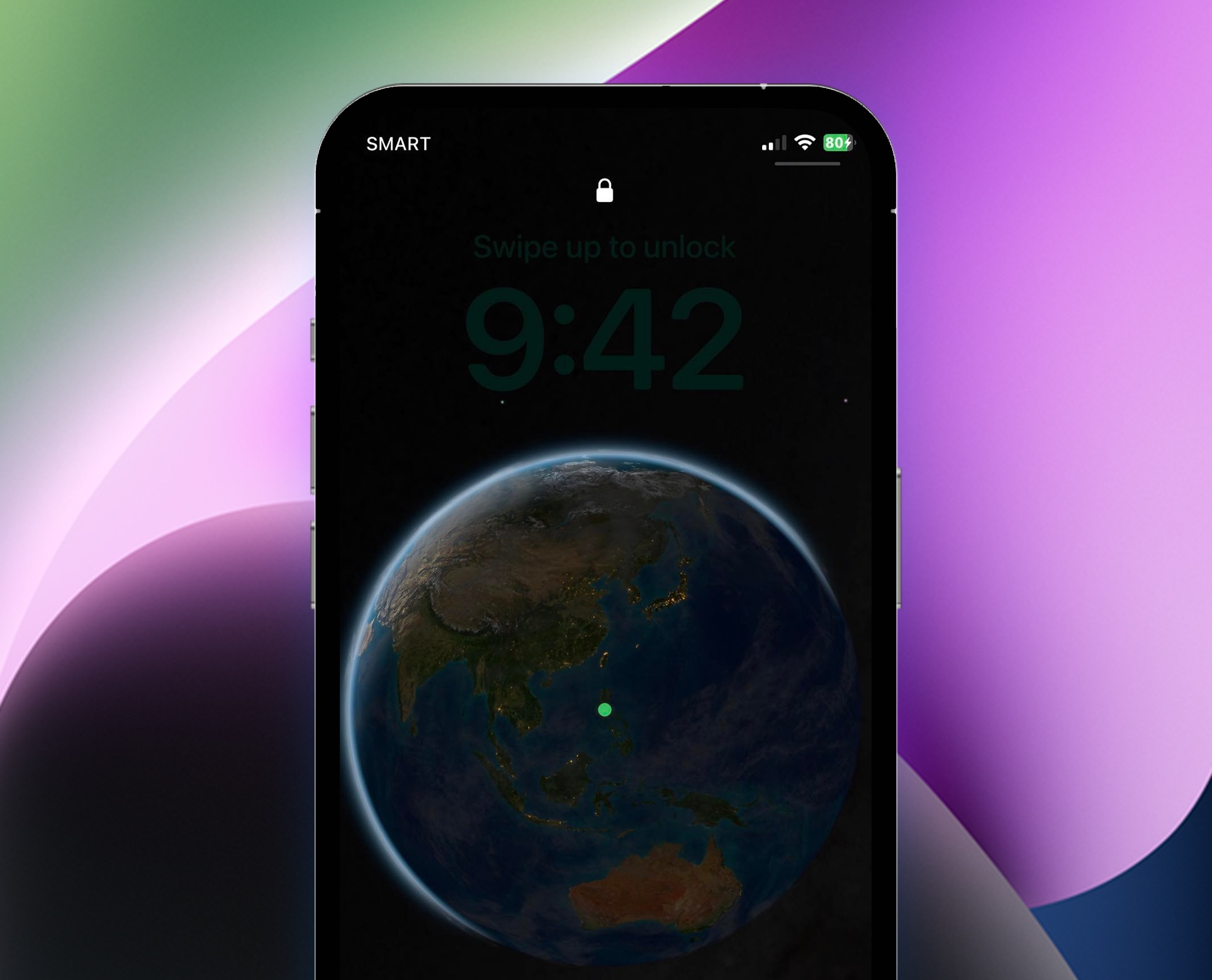
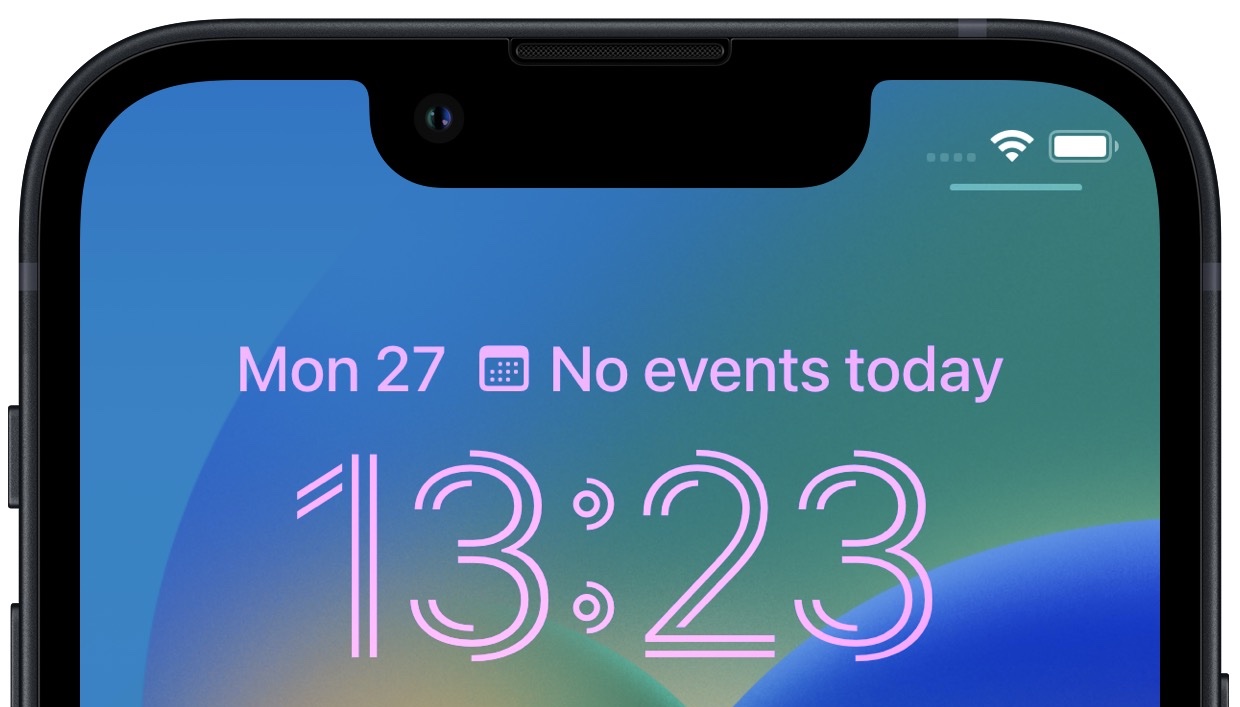
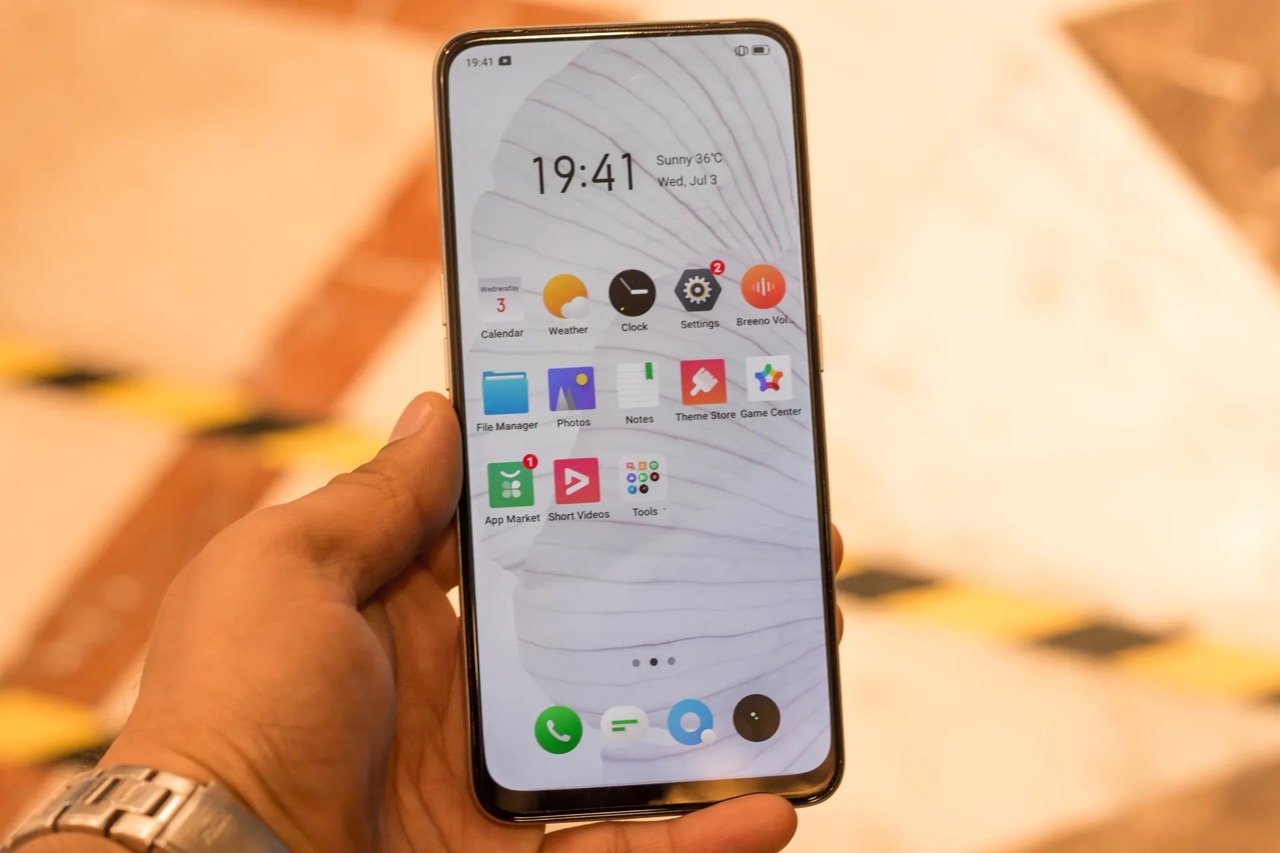
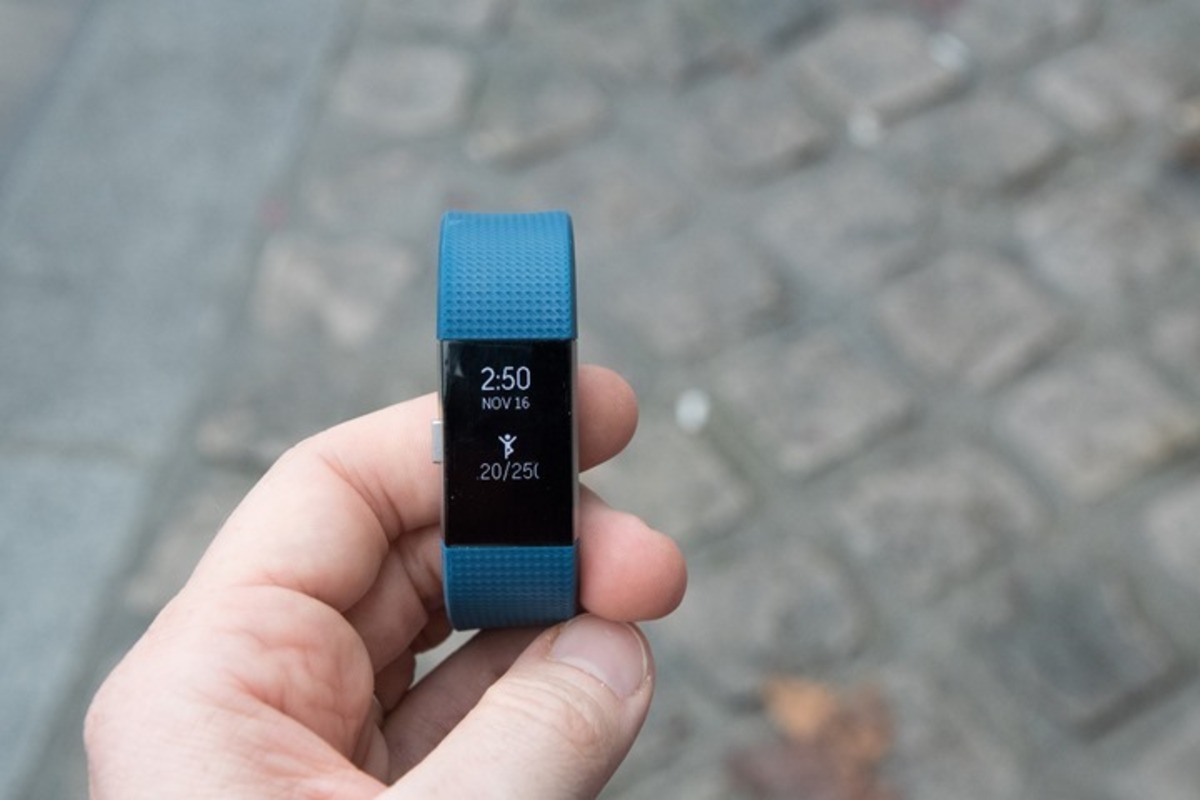
The articles solve problems around two main themes: syncing time on peripheral devices and customizing clock visibility on phone screens. For devices like the iHome docking station and the Fitbit Charge 2, you will find instructions to set the correct time when your gadget drifts or loses sync after a reset. For phone lock screens, the articles address both adding and removing the clock, with specific help for Realme and iPhone 11 users. You can learn how to change the clock style on a Realme lock screen or remove the clock entirely from an iPhone 11 lock screen.
Other articles help you adjust the clock’s position on the iPhone 11 lock screen and switch your phone’s time display to military time. Each guide walks you through the exact settings or buttons to press, so you can get the time looking and behaving exactly how you want it.