This tag collects articles about turning your phone into a powerful gaming hub, specifically focused on cloud gaming and cross-platform play. It’s for anyone who wants to play console-quality games on their mobile device, or who wants to use their phone as a controller or bridge between their Xbox and their pocket. The content is practical, aimed at helping you set up and troubleshoot these connections without needing expensive new hardware.
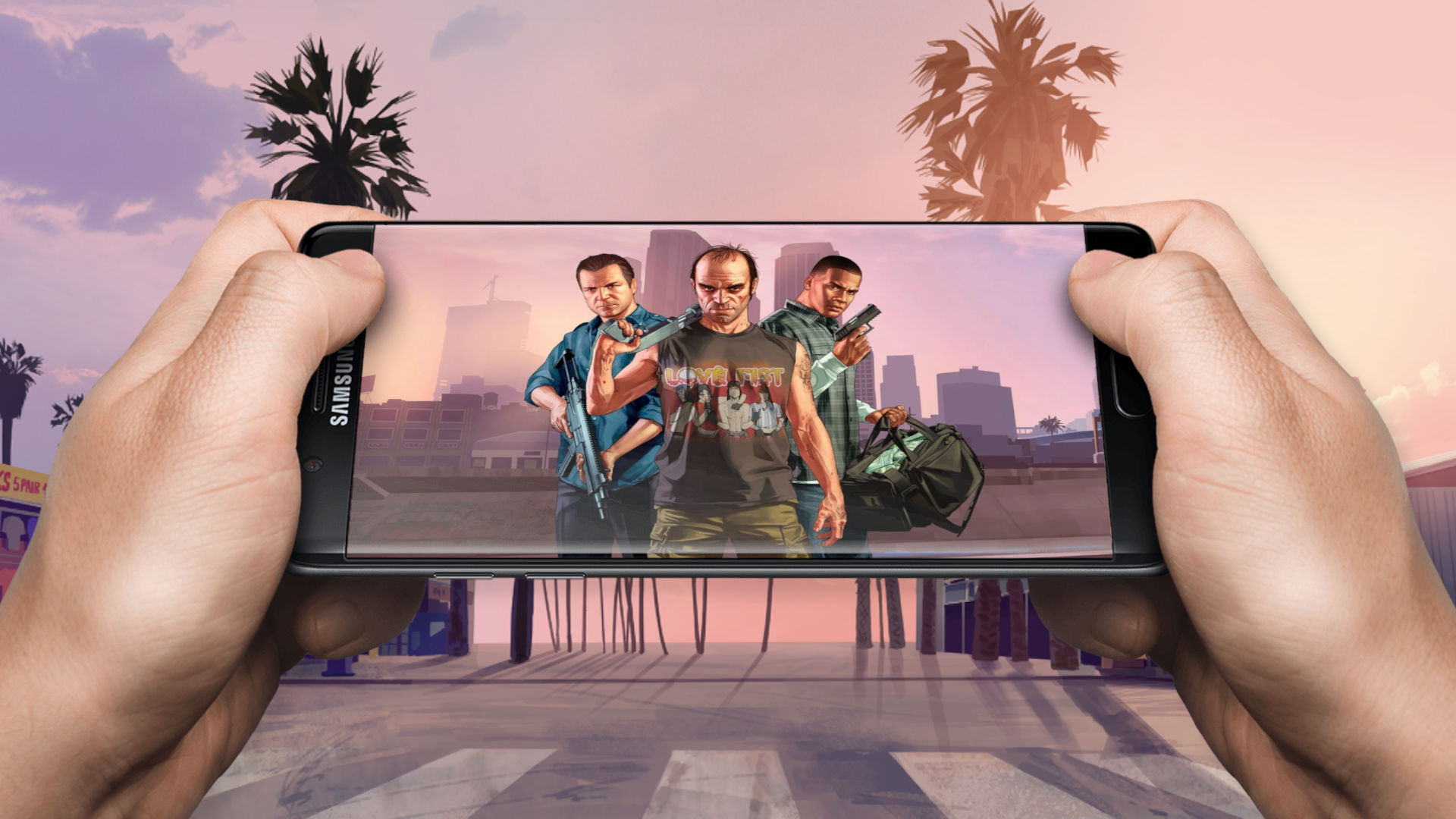
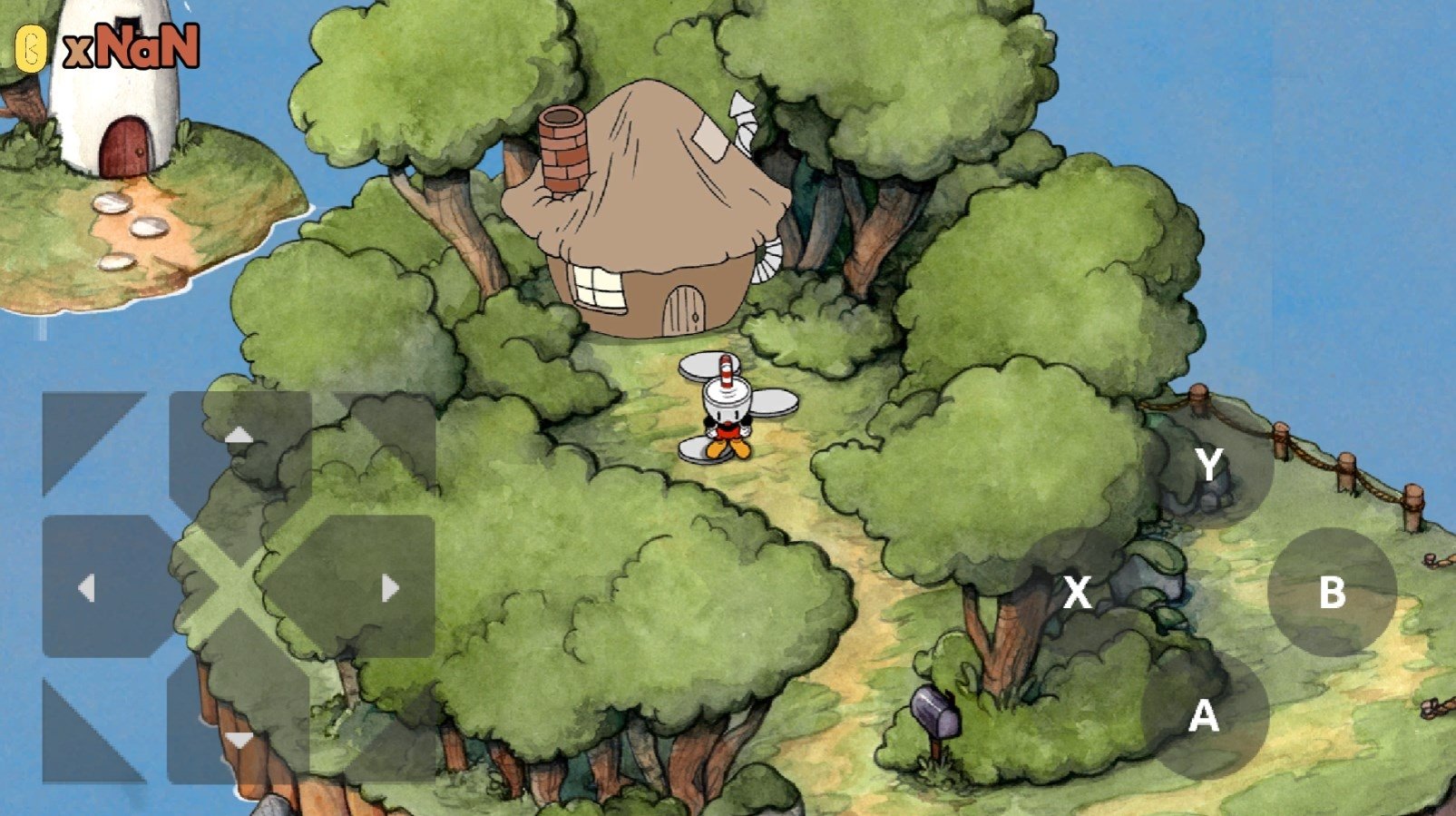
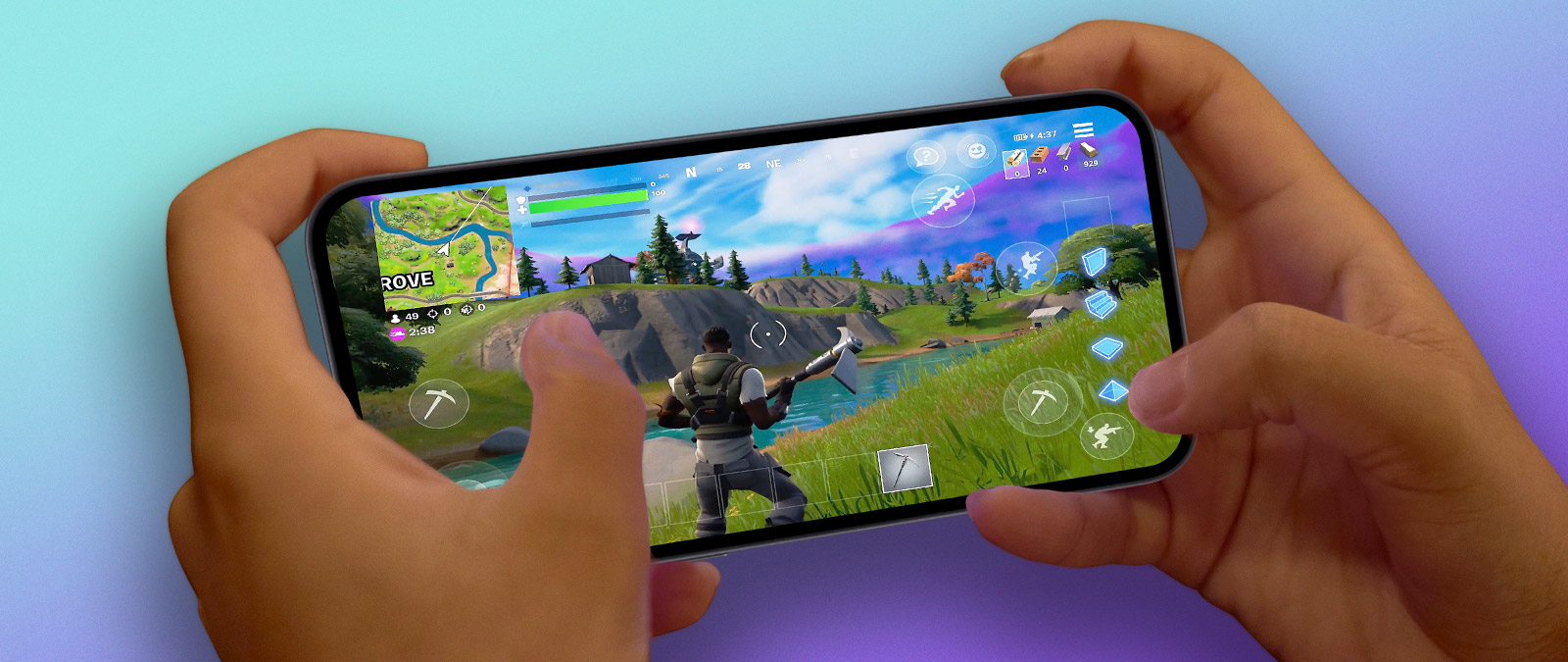
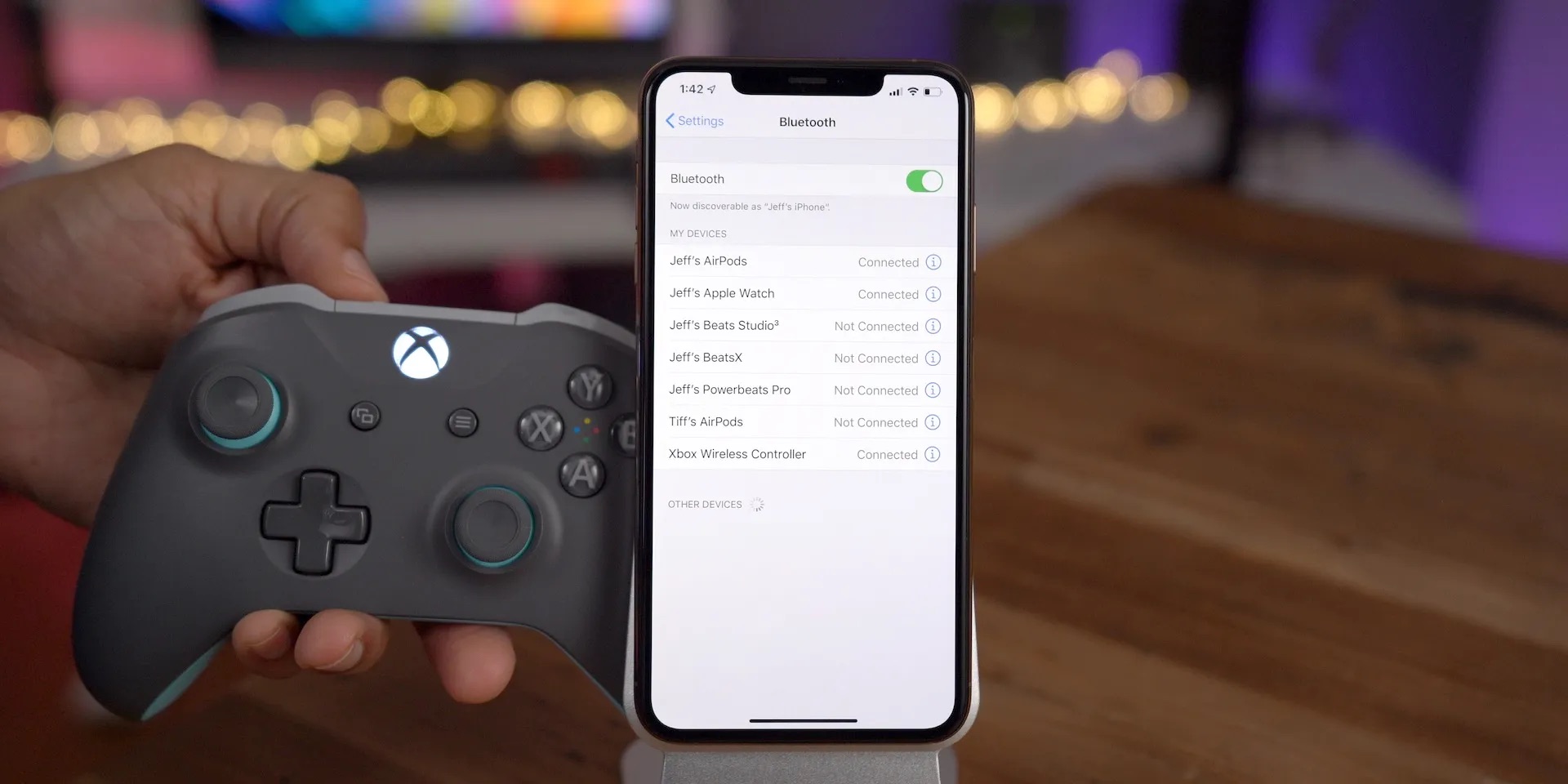
The articles solve two main kinds of problems. First, they show you how to stream games from your Xbox directly to your phone, covering topics like using Game Pass to play Xbox games on your phone and how to play Fortnite on mobile via Xbox. Second, they tackle the trickier task of getting popular console and PC titles onto your phone, with guides on how to get GTA 5 on mobile, how to get Warzone on mobile, and even how to get Cuphead on mobile. Along the way, you’ll also find help on the hardware side, such as what a gamepad for TV is and how to use your phone as an Xbox controller.
Ultimately, these articles help you do specific things: connect your phone to your Xbox, stream games you already own, and install mobile versions of big-name titles. They also cover the reverse setup, explaining how to get mobile builds on Xbox so you can play phone games on your console. Whether you’re trying to save a game from your phone to your TV or just want to keep playing on the go, this tag gives you the step-by-step fixes and settings you need.