Welcome to the Computer tag on CellularNews. This collection is for anyone who uses their phone alongside a computer, or who wants to understand the hardware and software that connects these devices. The articles here focus on practical, everyday tasks, from moving data between your phone and a PC to understanding the accessories that make them work together.
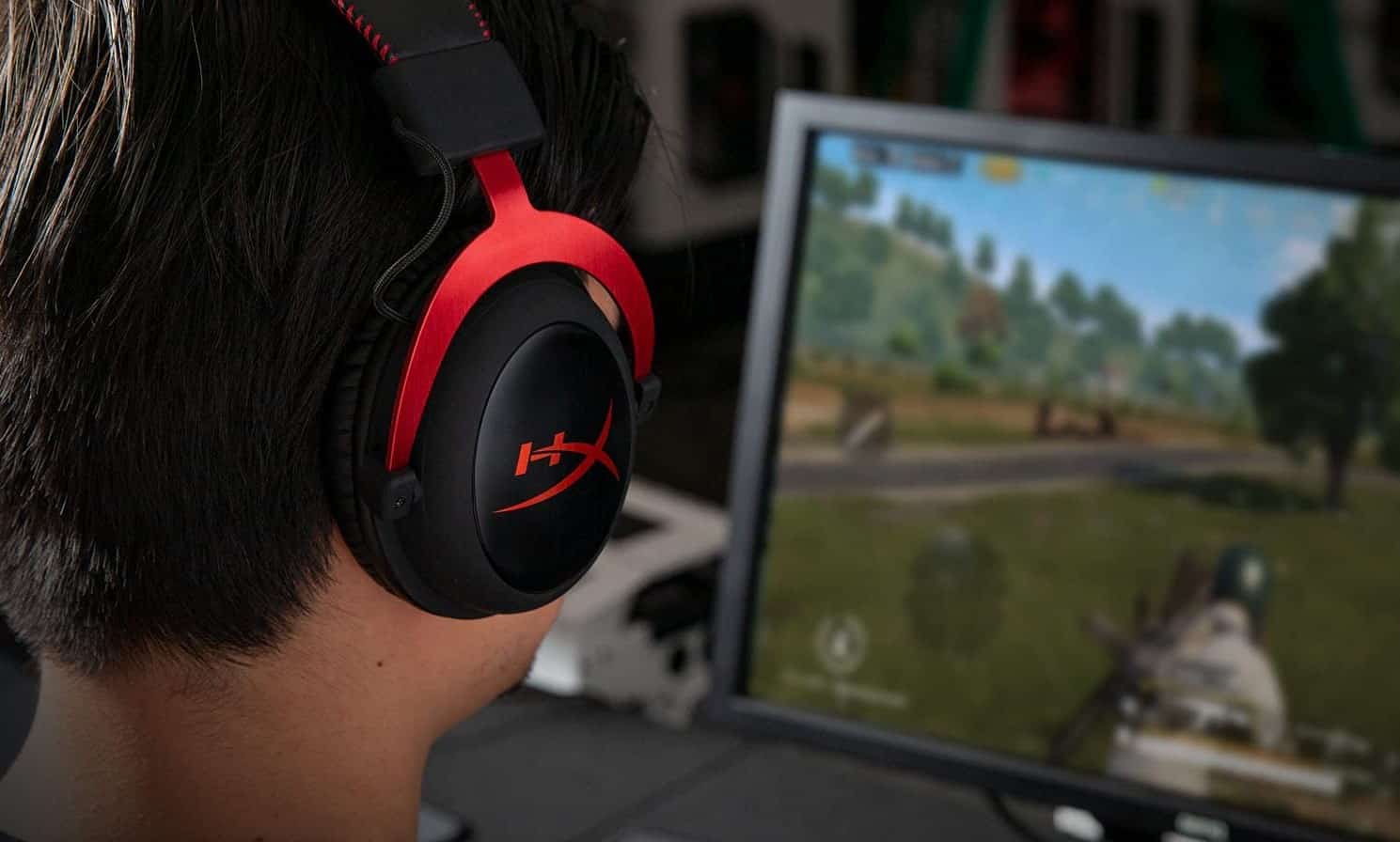
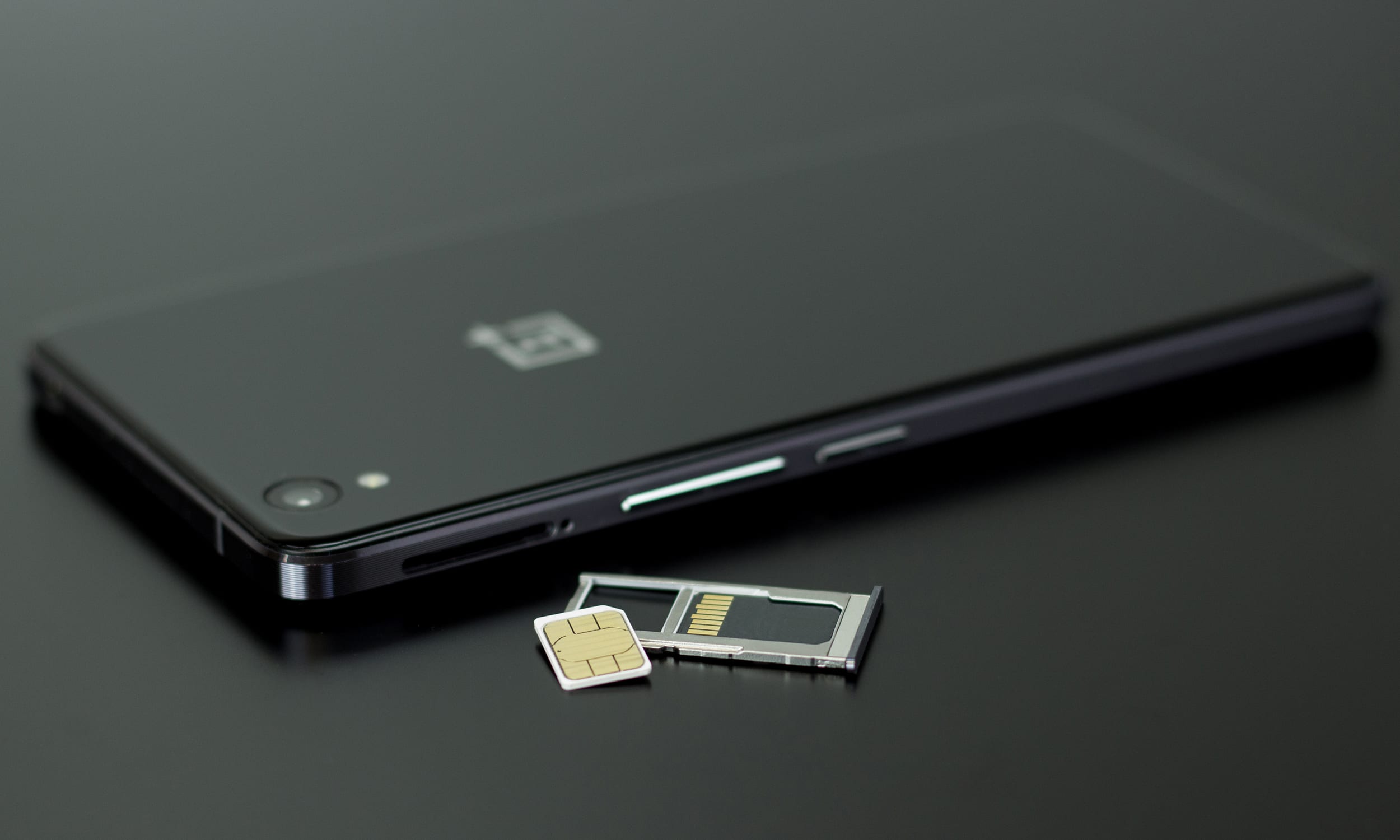
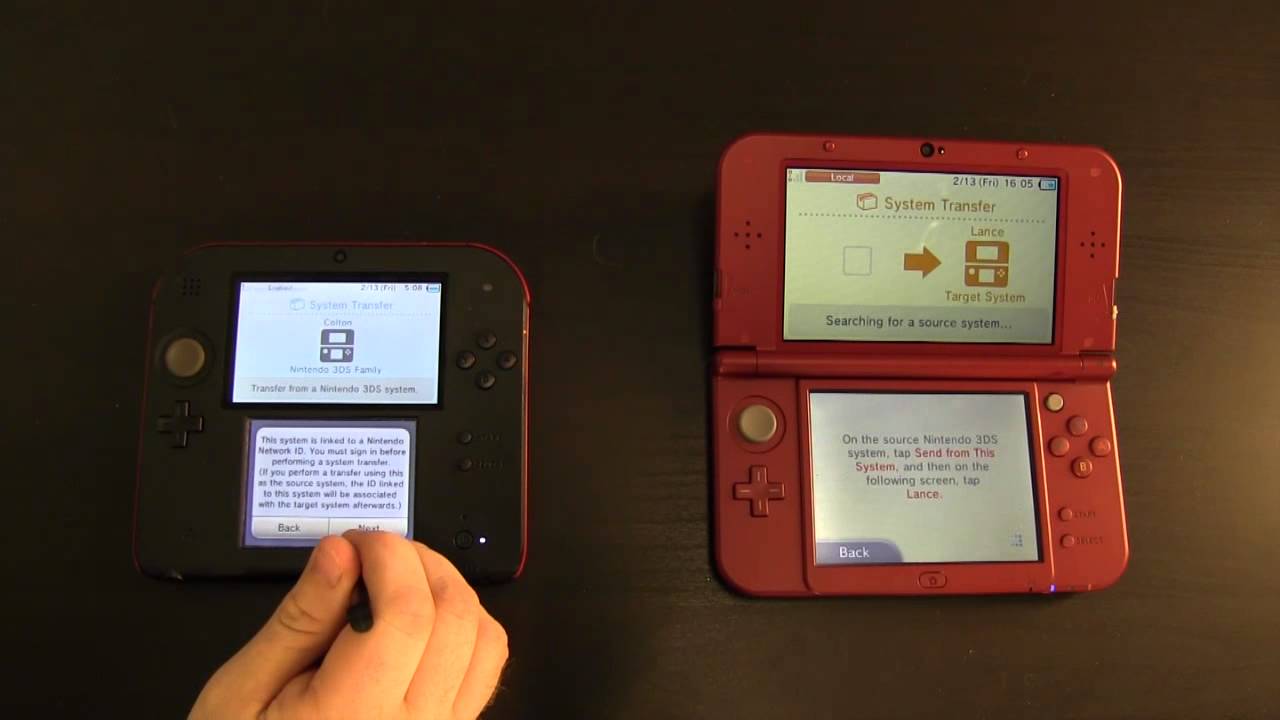
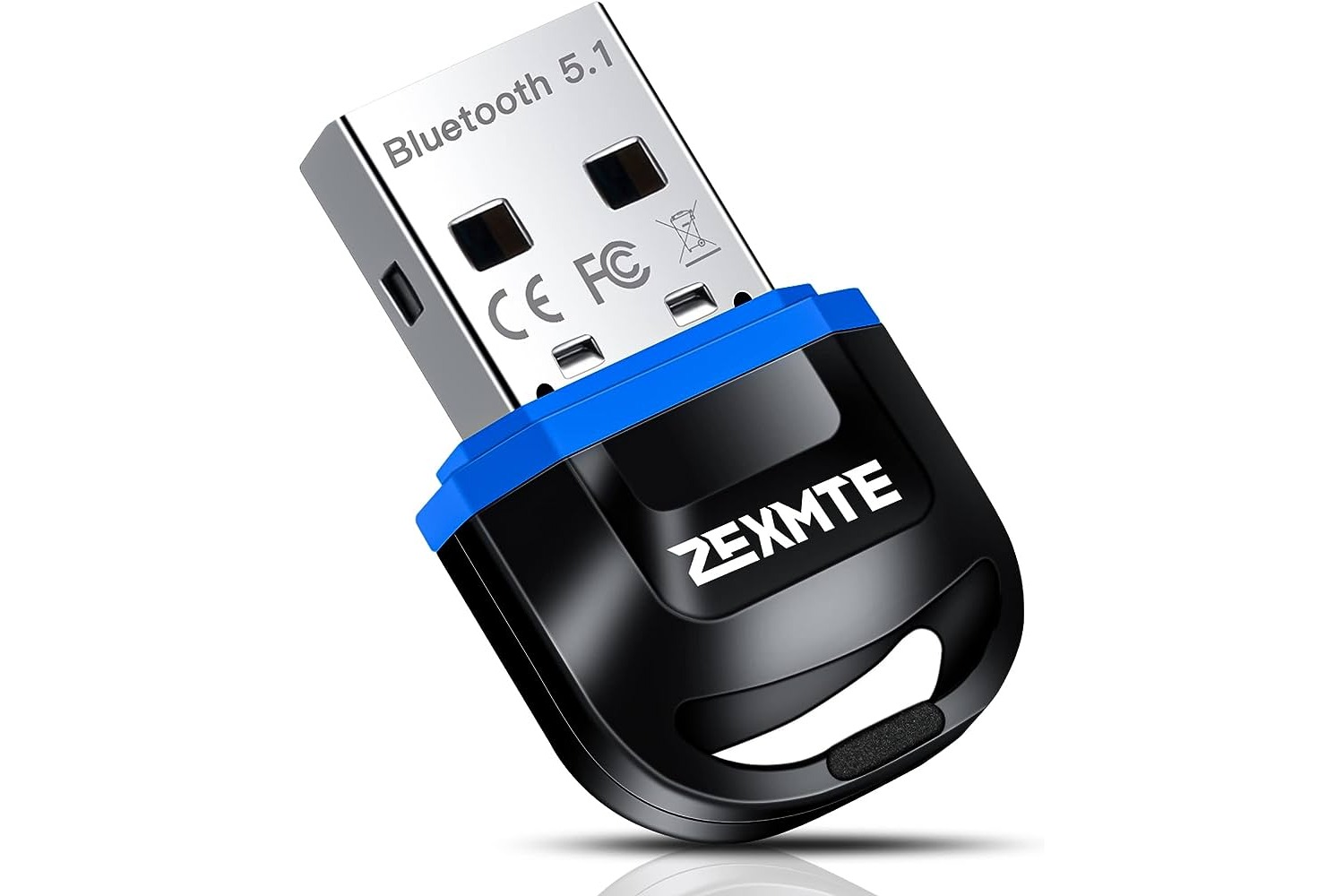
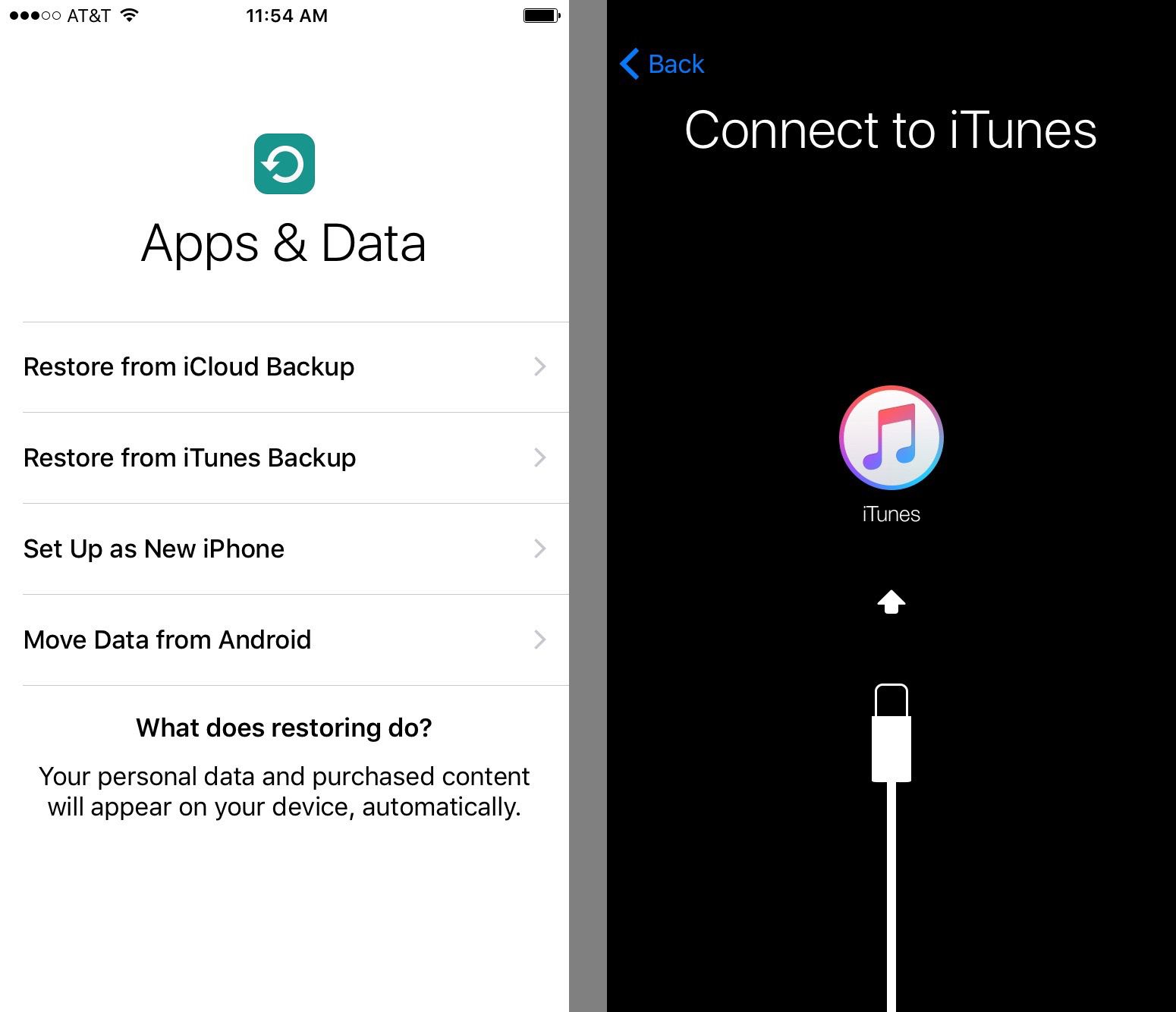
Several of these guides help you manage data transfer and connectivity. You can learn how to get pictures off an old phone without a SIM card, or how to transfer data from a Nintendo 3DS SD card to your computer. Other articles explain the tools that bridge your phone and computer, such as how a Bluetooth dongle works or where to plug in a headset on a computer. For those dealing with software setups, there is a clear walkthrough on how to connect an iPhone to iTunes.
Finally, the tag tackles foundational questions about device capabilities. It explores whether a mobile phone is a computer and explains what a QWERTY keyboard is, helping you better understand the technology you use every day. Whether you are troubleshooting a connection, moving your files, or just curious about how your gadgets function, these articles provide straightforward answers.