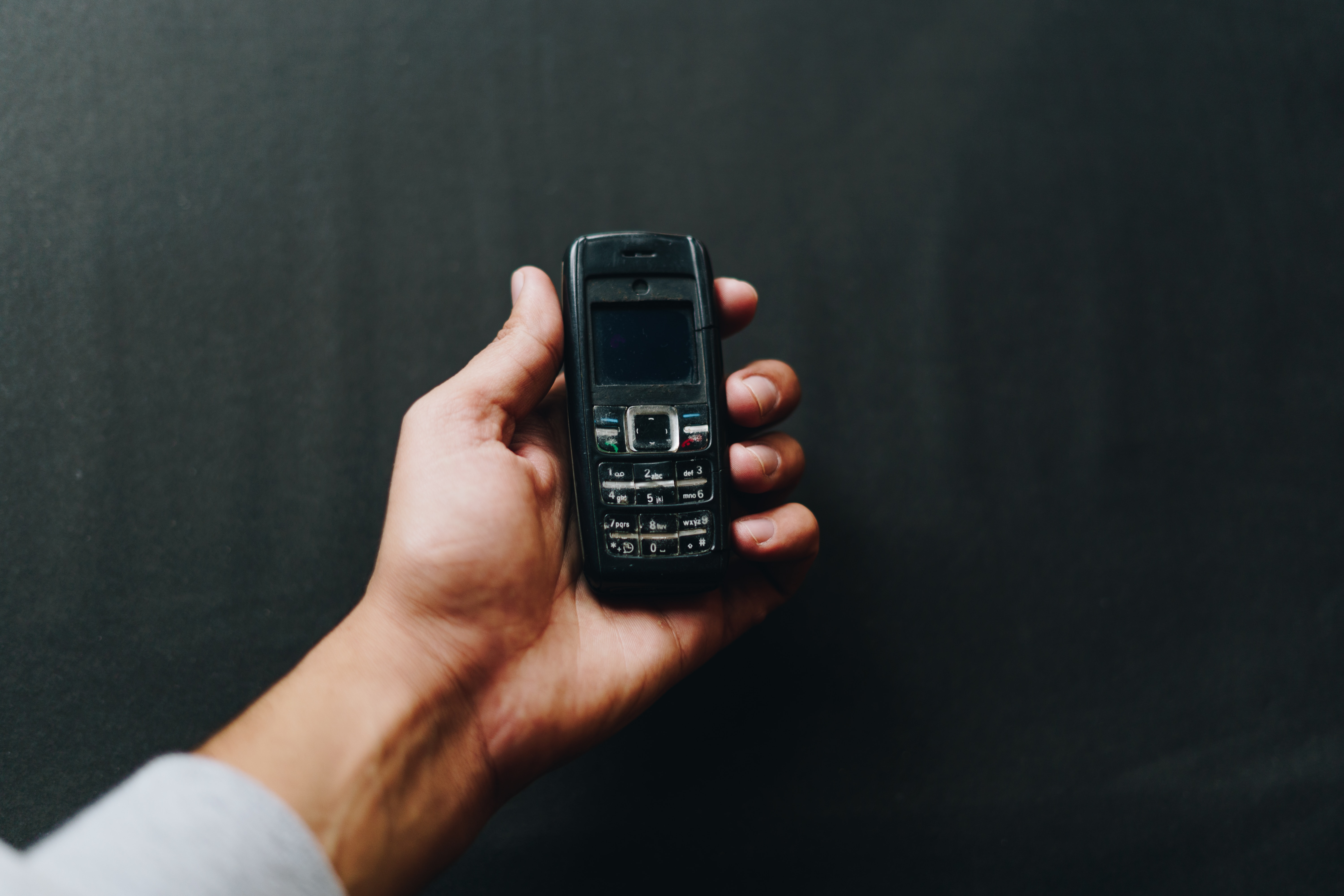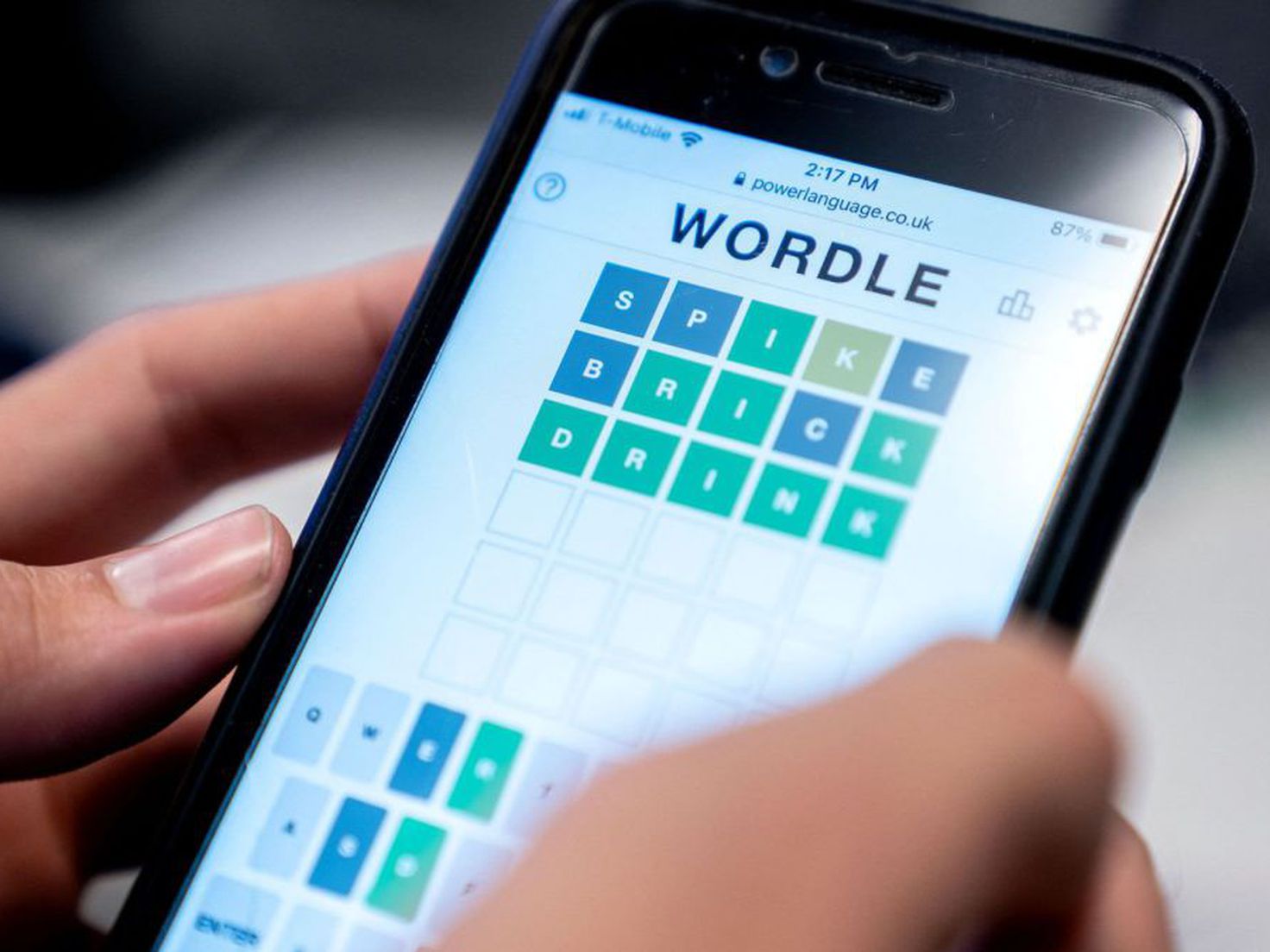
No, a mobile phone is not classified as a computer by official sources, but the functional overlap between the two is so significant that the line has blurred. The question "is a mobile phone a computer" gets a clear "no" from support pages at Apple, Google, and Samsung, yet those same pages show that modern phones can perform nearly every task a PC can, from file transfer to screen mirroring and app access.
How phones and computers overlap
Modern smartphones and computers share more in common than their different shapes suggest. Both have powerful processors that handle complex computations, operating systems that manage hardware and software resources, and internet connectivity that rivals traditional broadband. Both run apps and software, play videos and music, capture photos, and store data internally or in the cloud. Samsung documents that Galaxy phones can do tasks commonly associated with PCs, including viewing and editing content, syncing files, mirroring the screen, managing notifications, answering calls, and sending messages. Samsung says Galaxy phones and Windows PCs can work together with Link to Windows to transfer photos, manage notifications, answer calls, send messages, and mirror the phone screen. Google says Android devices can transfer files to and from a computer using a Google Account or USB cable. Apple says iPhone can connect by cable to a Mac running OS X 10.9 or later or a Windows device running Windows 7 or later, and the iPhone charges when connected to a powered computer. These capabilities make the functional case for phones as computer-like devices, even if the official classification remains separate.
What official sources say about phones and computers
Verified facts from Samsung, Google, and Apple support pages treat phones and computers as distinct device categories that connect and share tasks, not as the same thing. Samsung's support pages for Link to Windows distinguish a Galaxy phone from a Windows 10 or Windows 11 PC and require both devices for the feature. Google's Android help page on file transfer also treats the computer and Android device as separate devices for moving content between them. Google's Android file-transfer help does not describe phones as computers; it describes them as devices that can exchange files with a computer. Apple's iPhone cable support page treats the computer as the host device and the iPhone as the device connected to it. Instead, they direct users to manufacturer help for device-specific issues, reinforcing the separation between phones, tablets, watches, and computers.
Features that bridge the gap
Several features let phones and computers work together seamlessly, narrowing the practical gap between them. The setup path on the phone is straightforward: Samsung Galaxy phone: swipe down from the top of the screen to open the quick panel, then tap Link to Windows. If Link to Windows is not in the quick panel, open the Your Phone app. Tap the switch to turn on Link to Windows. Google's Android file transfer works via a Google Account or USB cable, letting users move files between devices without special software. These features treat the phone as a peripheral that extends the computer's capabilities rather than as a computer itself.
Where phones and computers differ
Despite the overlap, key differences remain. Phones are compact and portable, designed for on-the-go communication, while computers are larger and less portable, requiring a dedicated space. Computers have a wider range of input and output options, including physical keyboards, mice, monitors, and ports for peripherals, whereas phones rely mainly on touchscreens and limited physical buttons. Computers generally offer larger storage capacities and more powerful processors for resource-intensive tasks like video editing and gaming. Software compatibility also differs: computers run desktop applications designed for their operating systems, while phones run mobile-specific apps from their own stores. The host-peripheral relationship documented in official support pages reinforces this distinction, Apple treats the computer as the host and the iPhone as the connected device, Google describes the computer and Android device as separate for file transfer, and Samsung requires both a phone and a PC for Link to Windows to function. Additionally, Samsung says Link to Windows is only available on selected Android devices and requires Android 7.0 or later; the PC must run Windows 10 with the May 2019 update, or Windows 10/11 depending on the Samsung page.
So, which one do you need?
Your choice depends on what you do most. Phones excel at portability and communication, making calls, sending messages, browsing the web, and using apps on the go. They are ideal for quick tasks, social media, GPS navigation, and staying connected anywhere. Computers handle resource-intensive tasks better, such as video editing, programming, graphic design, and running multiple heavy applications simultaneously. They offer larger screens, physical keyboards, and more storage for complex projects. For most people, the best setup is both devices working together: use the phone for mobility and quick interactions, and the computer for deep work and multitasking. Features like Link to Windows and file transfer make this combination seamless, letting you switch between devices without losing productivity.
Frequently Asked Questions
Can a mobile phone replace a desktop computer for work?
For basic tasks like email, web browsing, and document editing, a phone can suffice, but it lacks the screen size, keyboard, and processing power needed for heavy multitasking, programming, or professional design work. Most official support pages treat phones as complementary devices, not replacements.
Do phones have the same operating system as computers?
No. Phones run mobile operating systems like Android and iOS, which are optimized for touchscreens and portability, while computers run desktop operating systems like Windows, macOS, and Linux, designed for keyboard-and-mouse use and more complex software.
Can I connect any phone to a computer?
Is a tablet considered a computer?
Official support pages from Apple, Google, and Samsung treat tablets as a separate category from phones and computers, though tablets share many features with both. Tablets often have larger screens and can run some desktop-class apps, but they are not classified as full computers in the retrieved support documentation.
Why do official sources not call phones computers?
The retrieved support pages do not provide a formal definition of a computer, but they consistently distinguish between phones, tablets, watches, and computers. This separation likely reflects differences in hardware design, software ecosystems, and intended use cases, even as the functional overlap grows.
For the wider topic, see mobile phone basics.
Related reading: What Is A Mobile and Best Mobile Phone: Ultimate Guide to Mobile Phones for Every Lifestyle.