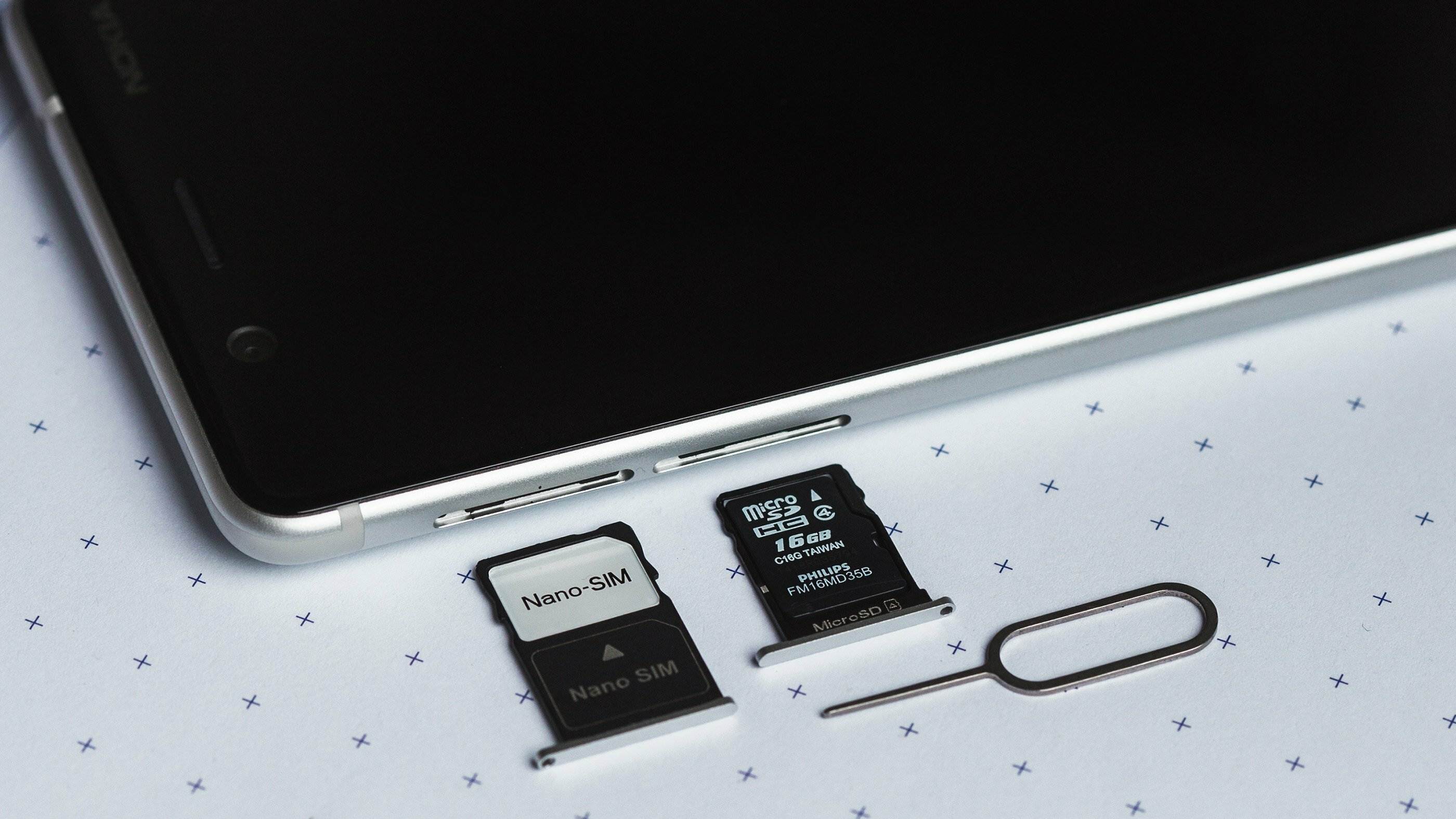
Articles that help you manage multiple phone numbers on a single device, a common need for users juggling work and personal lines or using services like WhatsApp with two accounts. This content is for anyone who owns a phone with dual SIM capabilities, or is considering buying one, and wants practical guidance on setup, troubleshooting, and understanding the features available to them.
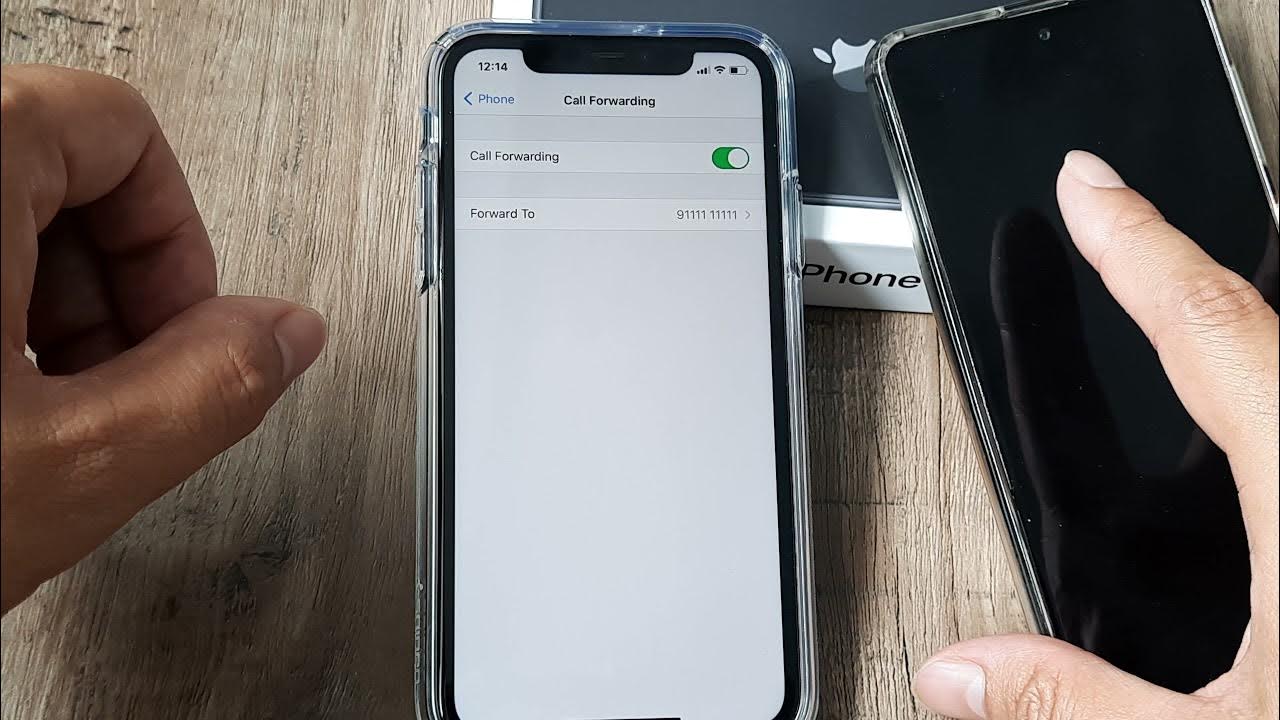
The articles here solve real-world problems grouped around two main themes. First, there are guides for basic dual SIM management and identification, such as learning how to check your phone number on each line and understanding what an alternative phone number actually means. Second, you will find troubleshooting and configuration help, including how to tell if someone is using two WhatsApp accounts on the same phone, why your iPhone 11 might only show two signal bars, and how to turn off call forwarding on that model. These pieces help you diagnose issues and adjust settings without guesswork.
Specific topics covered include getting two phone numbers on one phone, deciphering what "international version" means when buying unlocked phones, and even a look at which towers a carrier like Patriot Mobile uses. Whether you are setting up a second line or fixing a signal problem, these articles give you straightforward steps to follow.