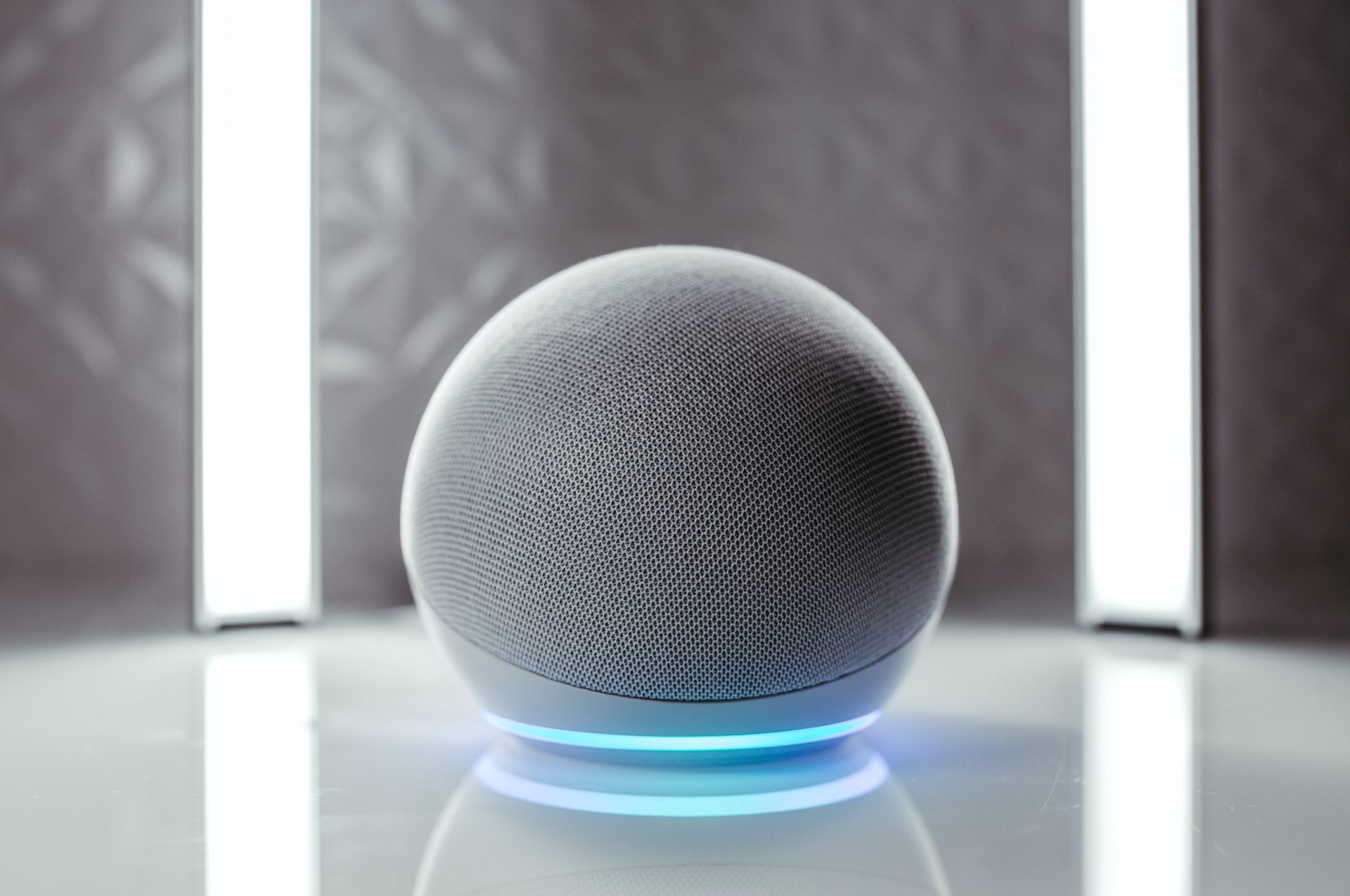
The common, often frustrating, audio problems that occur when using smart speakers, gaming headsets, and mobile phones. This page is for anyone who hears their own voice bouncing back at them during a call or a game, or for users trying to get their Alexa devices to work properly with their phone’s mobile data. Whether you are a casual smartphone user, a console gamer, or someone setting up a home speaker system, the content here targets the specific fixes and settings you need.
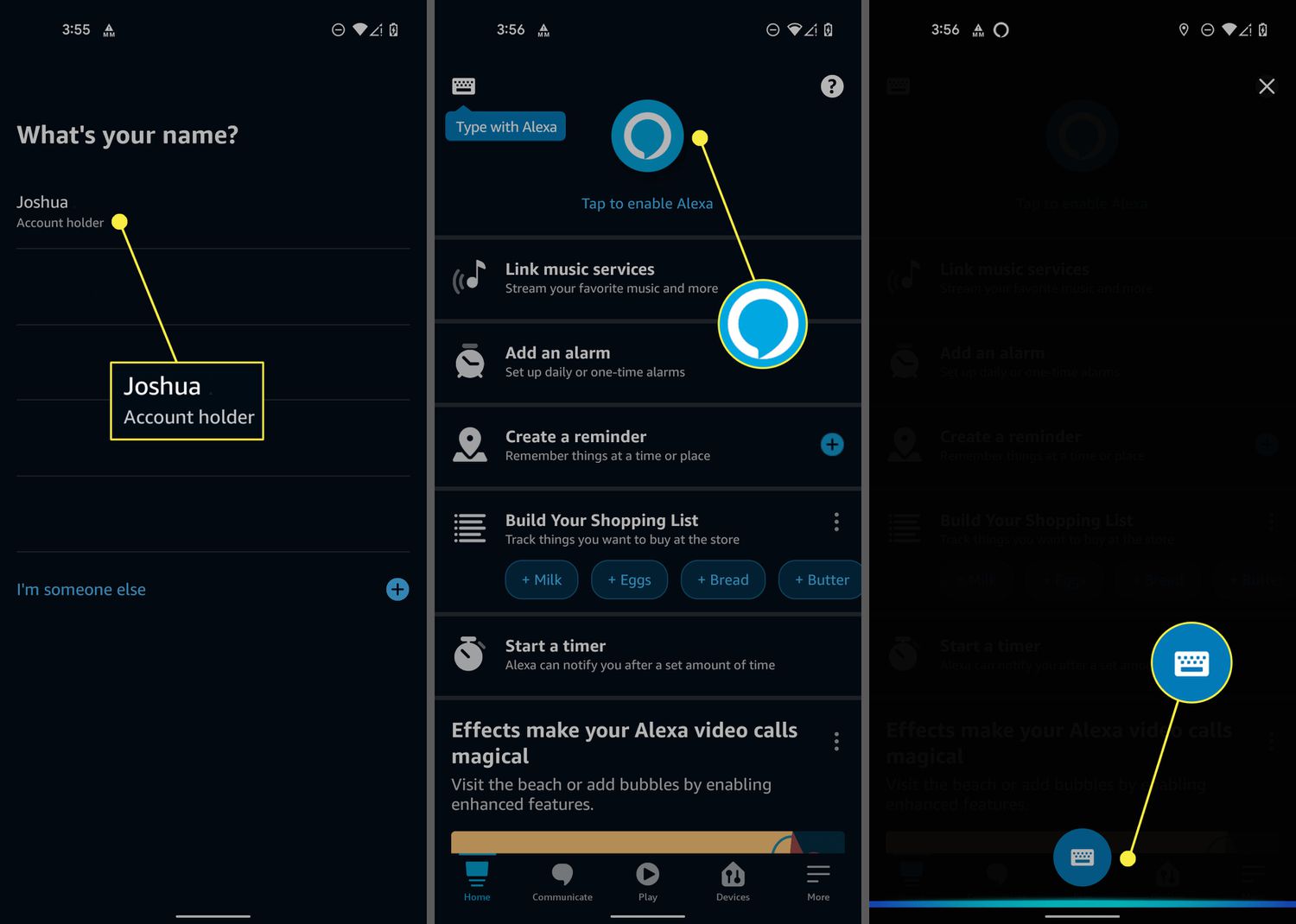
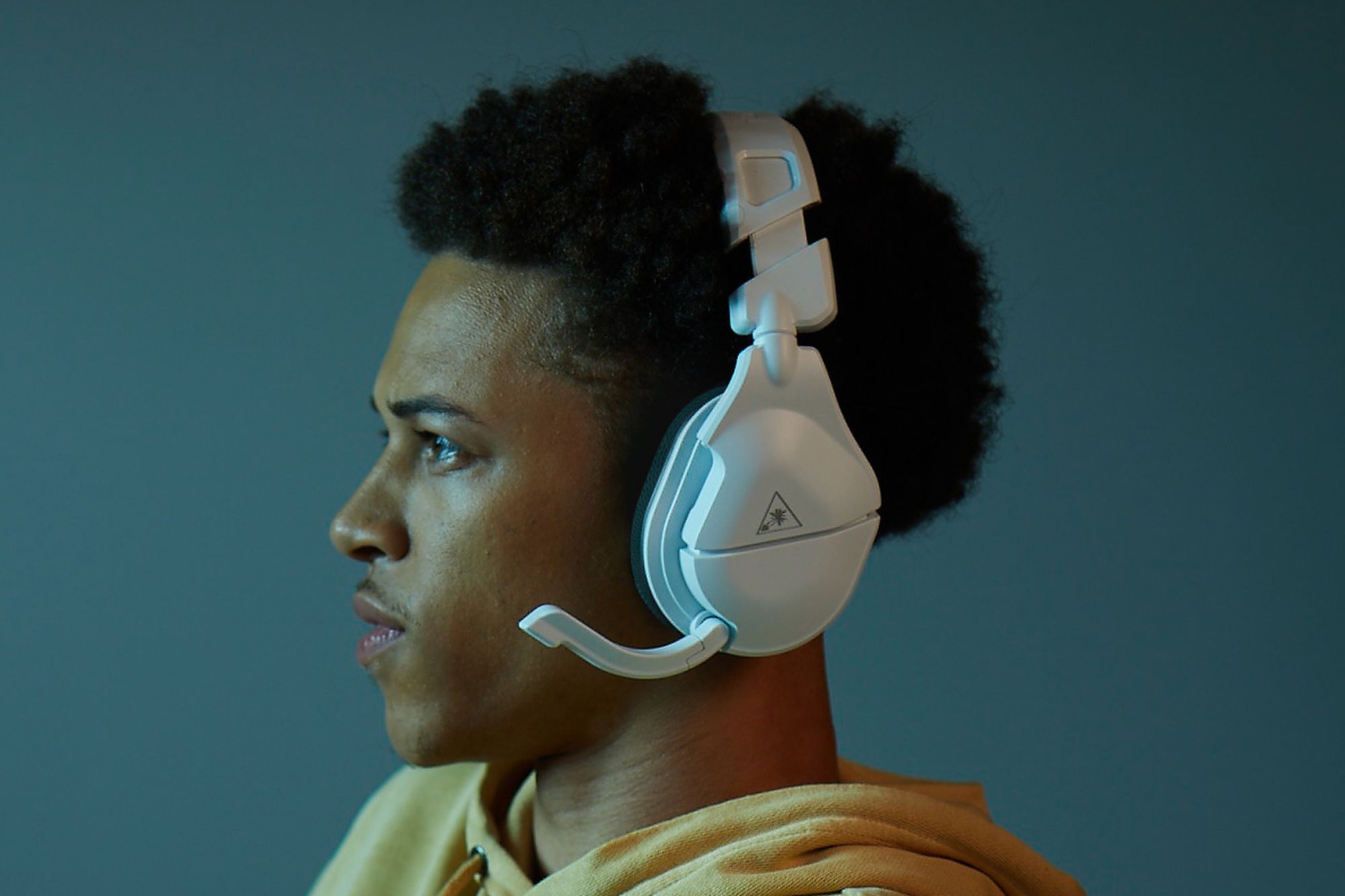
The articles are grouped around two main themes: connectivity and audio feedback. For connectivity, you will find straightforward guides on how to pair Bluetooth speakers to Alexa and how to connect Alexa to a hotspot, which solves the problem of using your smart speaker without Wi-Fi. For audio feedback, the articles tackle the "echo" effect directly, explaining how to stop echo on a Samsung phone and how to stop echo on a Turtle Beach headset. These pieces help you adjust microphone sensitivity and speaker volume to eliminate that annoying delay.
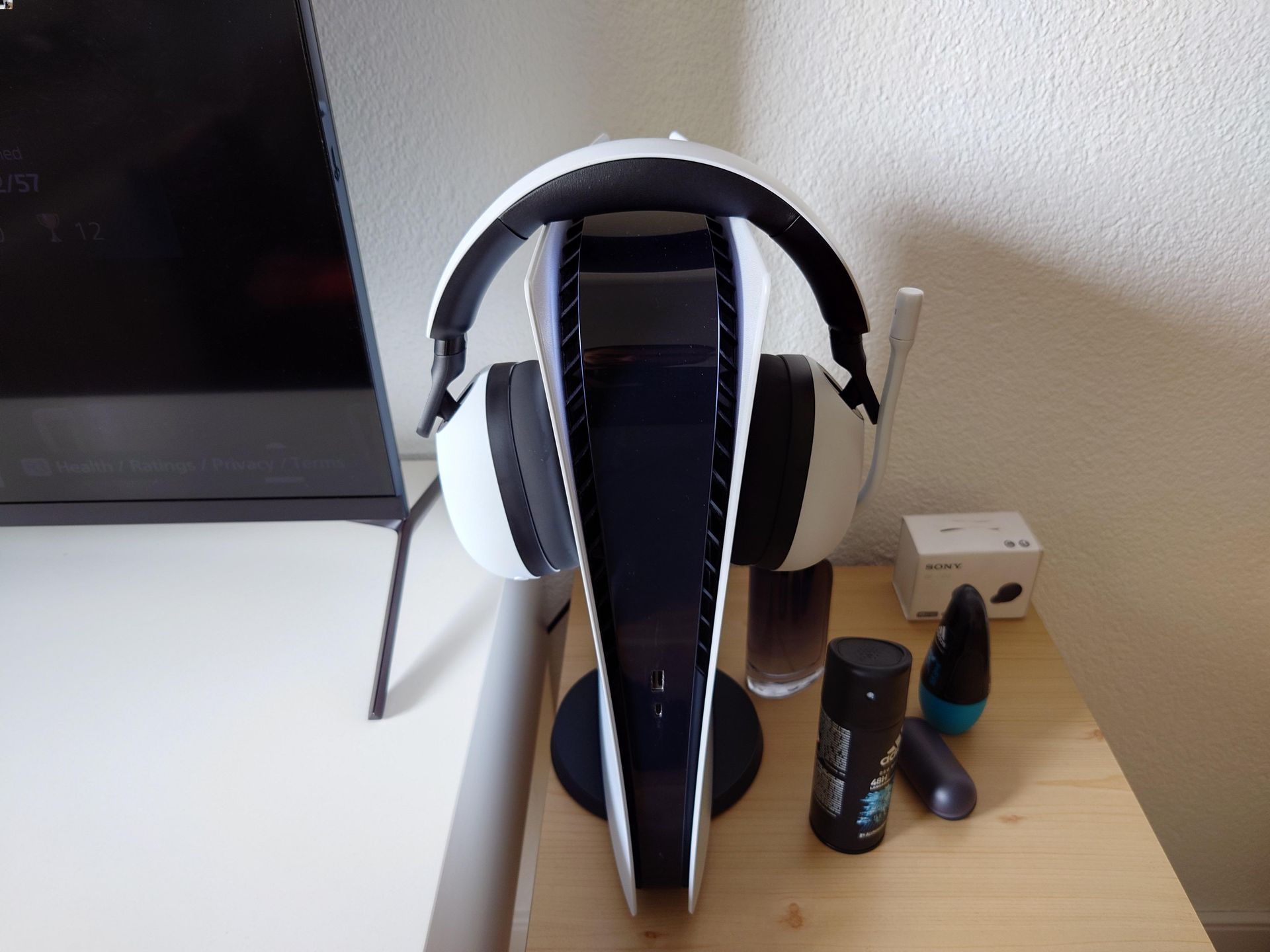
Other specific topics address console-specific issues, such as why you hear an echo in your headset on a PS5, and general troubleshooting for why you have echo in your headset. The collection also covers how to connect a phone to an Alexa speaker for music or calls, and how to change the telephone number Alexa uses for communication. Each article helps the reader diagnose the cause of the echo and then apply the correct setting or pairing procedure to resolve it.