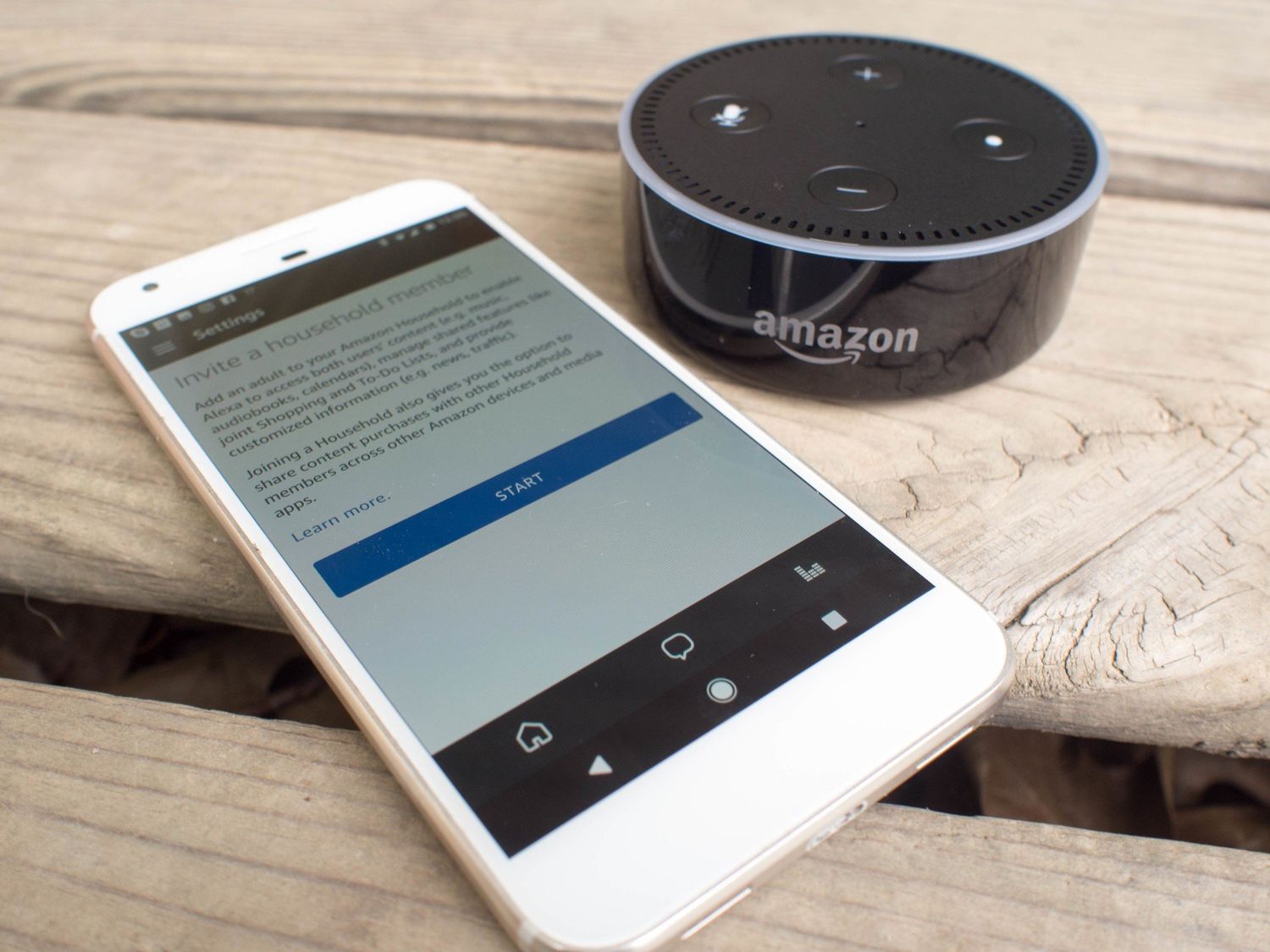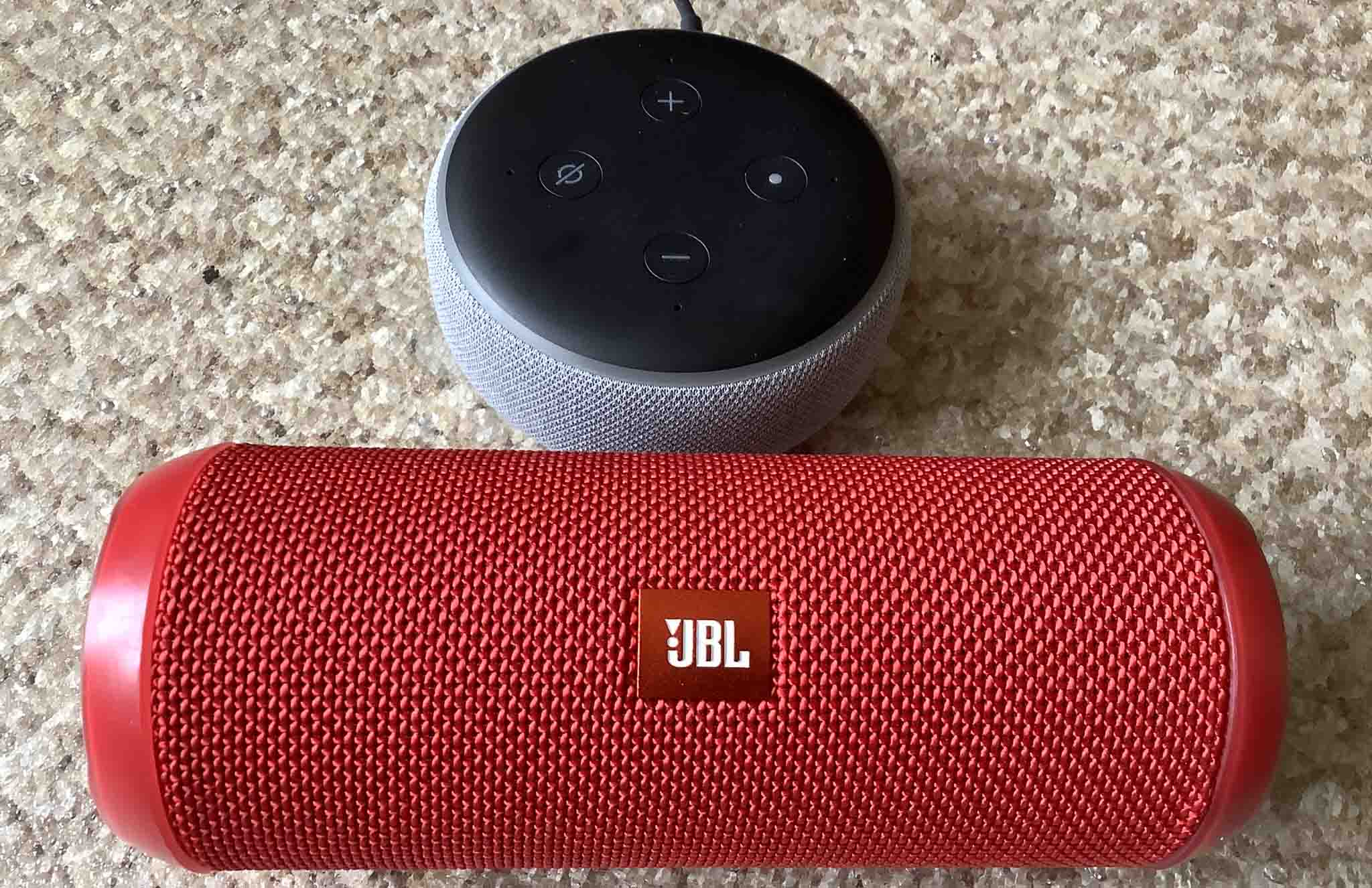
To pair Bluetooth speakers to Alexa, open the Alexa app and navigate to Devices, select your Echo device, then go to Device Settings, Bluetooth Devices, and tap Pair A New Device. Before that, ensure your Bluetooth speaker is in pairing mode so it appears in the list of available devices.
Before you pair Bluetooth speakers to Alexa: Prerequisites
Make sure the Alexa app is installed on your smartphone or tablet and that you are signed in to your Amazon account. Your Bluetooth speaker should be charged and turned on, ready to enter pairing mode. Keep the speaker within a few feet of your Echo device during the process for a stable connection.
Put your Bluetooth speaker in pairing mode
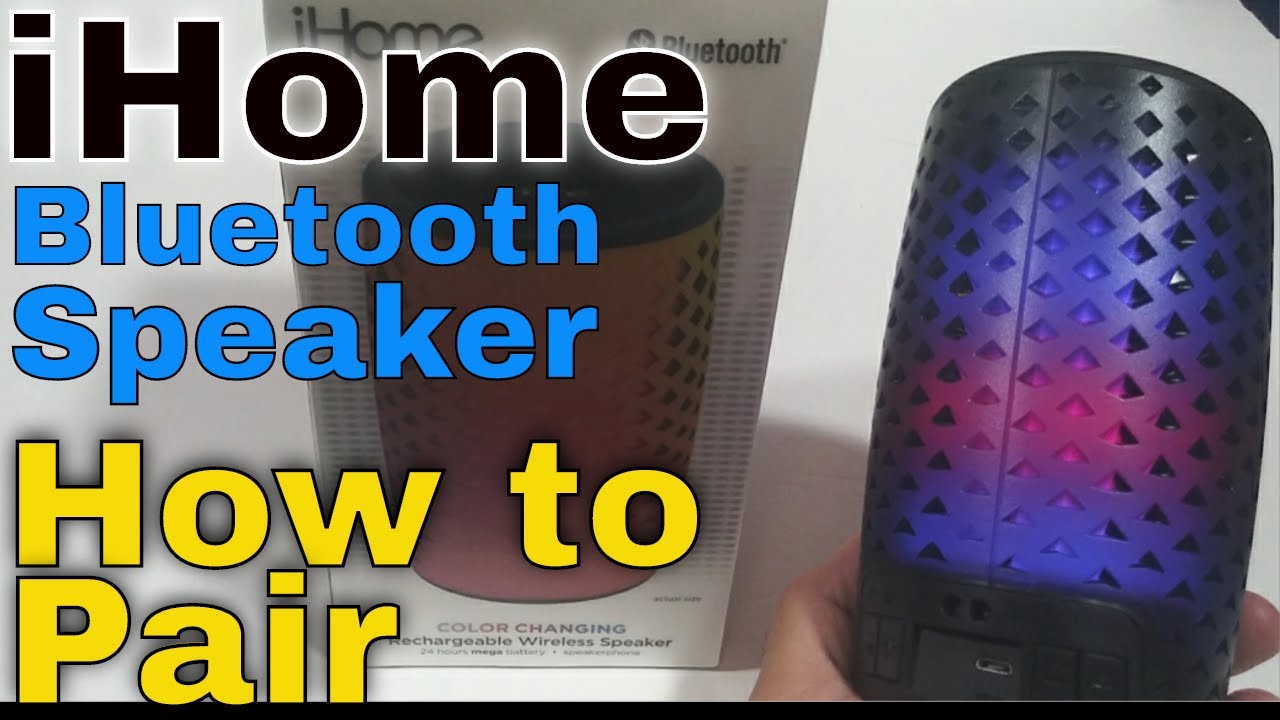
Consult your Bluetooth speaker’s user manual to activate pairing mode. The method varies by model, but most speakers require you to press and hold a specific button or combination of buttons until an LED light flashes or a voice prompt confirms the speaker is discoverable. The speaker must be in this mode before the Alexa app can find it.
Connect the speaker in the Alexa app
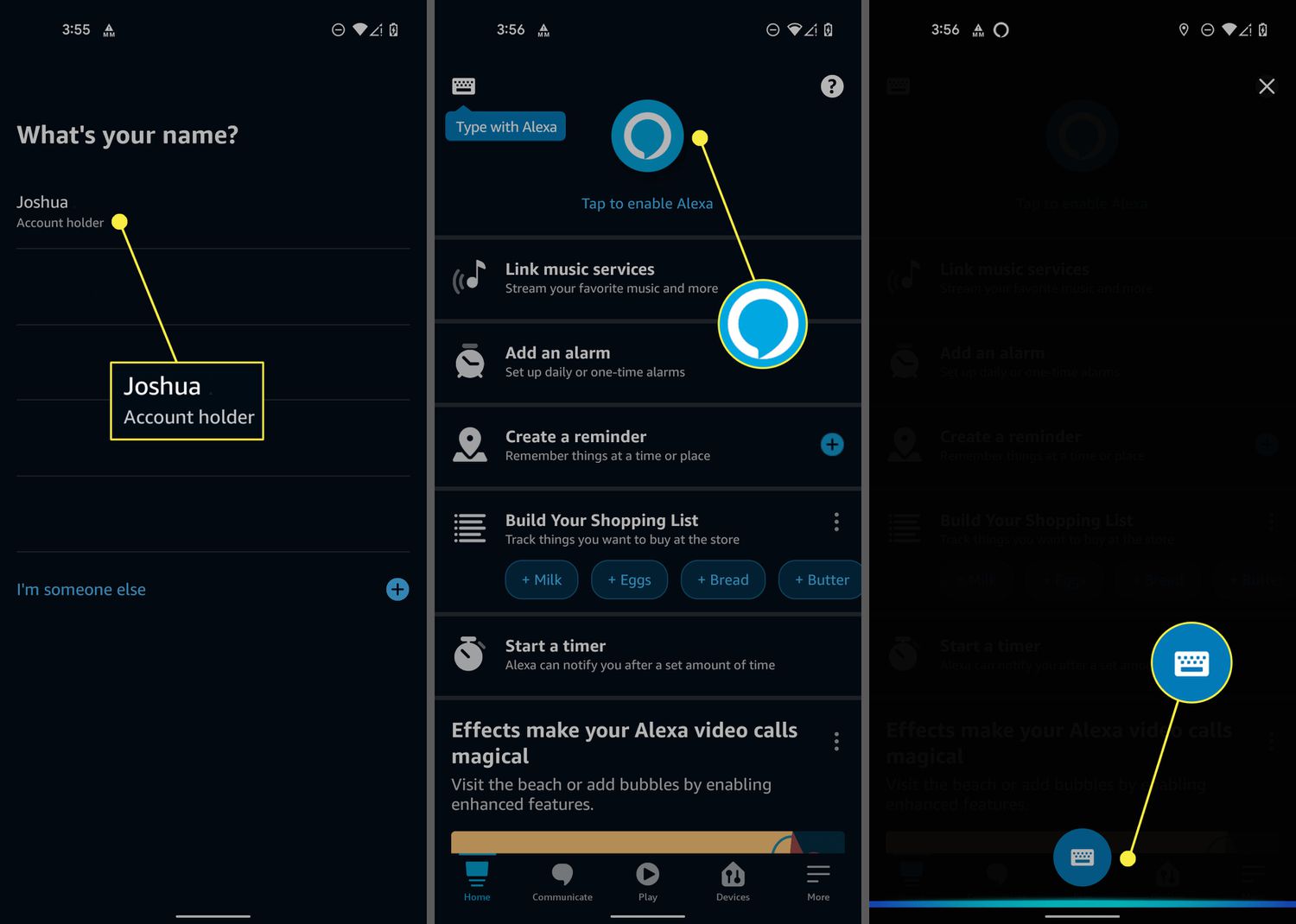
Follow these exact steps from the documented Amazon path:
- Open the Alexa app.
- Select Devices.
- Select your Echo device from the list.
- Select Device Settings.
- Select Bluetooth Devices, then Pair A New Device.
- Toggle the Bluetooth switch to the 'On' position in the Alexa app's Bluetooth Devices settings for the Echo device.
- Wait for your Bluetooth speaker to appear in the list of available devices, then select it to complete the pairing process.
Once the speaker is selected, the connection is established. No additional on-screen prompts are required beyond tapping the speaker’s name.
Confirm the connection is working
Play music or ask Alexa a question to verify that audio is coming through the Bluetooth speaker. This is not a formal step in the Alexa app, but it is the simplest way to confirm the pairing succeeded. If you hear audio from the speaker, the connection is active.
Frequently Asked Questions
Can I pair any Bluetooth speaker with Alexa?
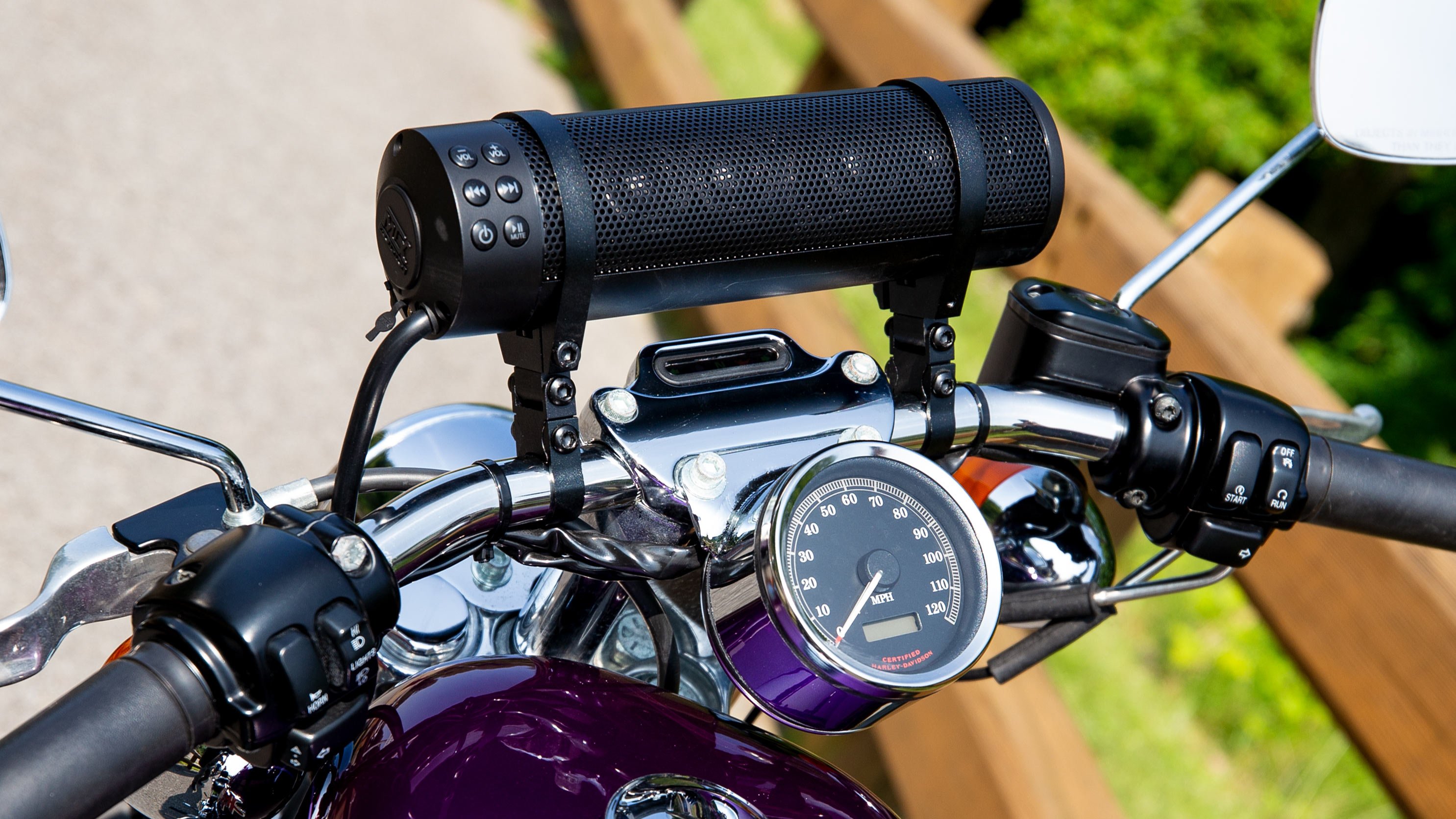
Most Bluetooth speakers are compatible as long as they support standard Bluetooth connectivity. Make sure to check the specifications of your Bluetooth speaker to ensure compatibility. Proprietary wireless technologies may not work.
Can I pair multiple Bluetooth speakers with Alexa?
Yes, you can pair multiple Bluetooth speakers with Alexa. This allows you to create a multi-speaker Bluetooth setup where you can play audio on all connected speakers simultaneously for a more immersive listening experience.
Can I control the volume of my Bluetooth speaker using Alexa?
Yes, you can ask Alexa to increase or decrease the volume, or set a specific volume level. Voice commands like “Alexa, increase the volume” or “Alexa, set volume to 50%” will adjust the output on the connected Bluetooth speaker, provided it supports volume control over Bluetooth.
Can I use Alexa to switch between different Bluetooth speakers?
Once you have paired multiple speakers, you can direct audio to a specific speaker by saying “Alexa, play music on [speaker name].” This lets you switch seamlessly between paired speakers based on your preference or location.
Related reading: How Do I Change The Telephone Number Alexa Uses and How To Connect Alexa To Hotspot.