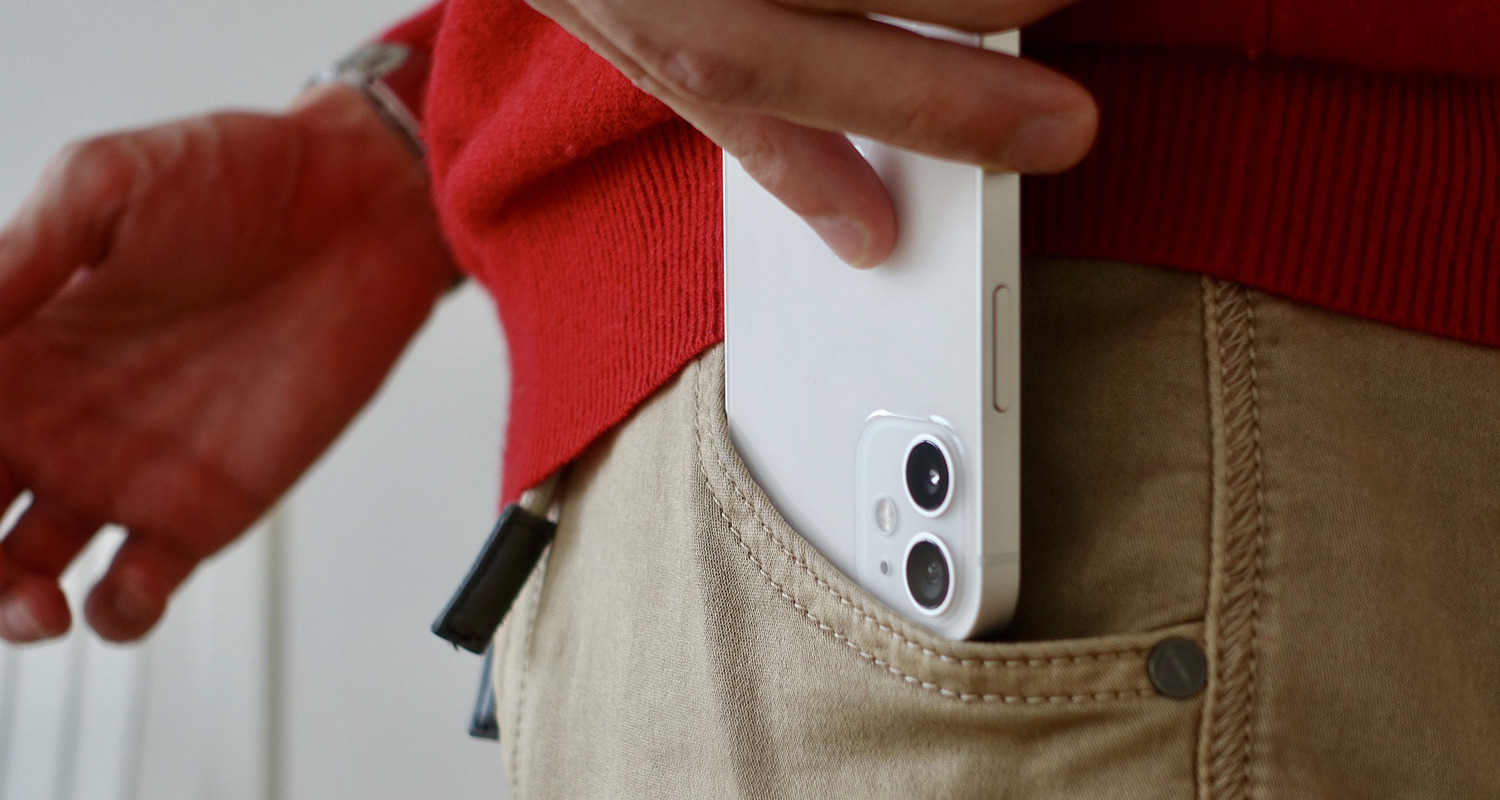
Preventing and managing accidental emergency calls and persistent SOS modes on modern smartphones. This section is for anyone who has triggered a countdown alarm, seen an "Emergency Call" screen they did not intend to start, or found their phone stuck in a mode that restricts normal use. These articles address real-world frustrations that happen when a phone is in a pocket, bag, or simply handled incorrectly.
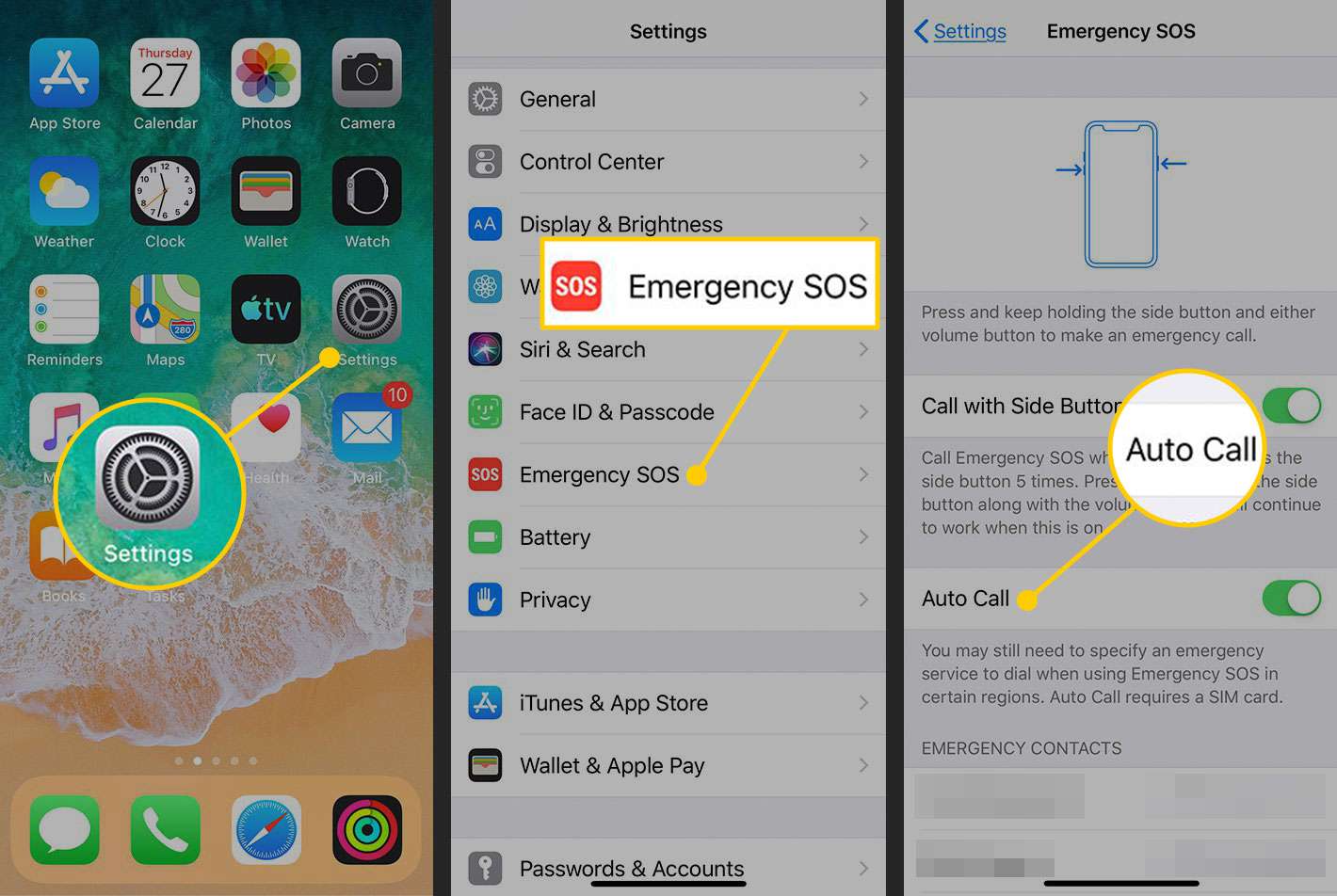
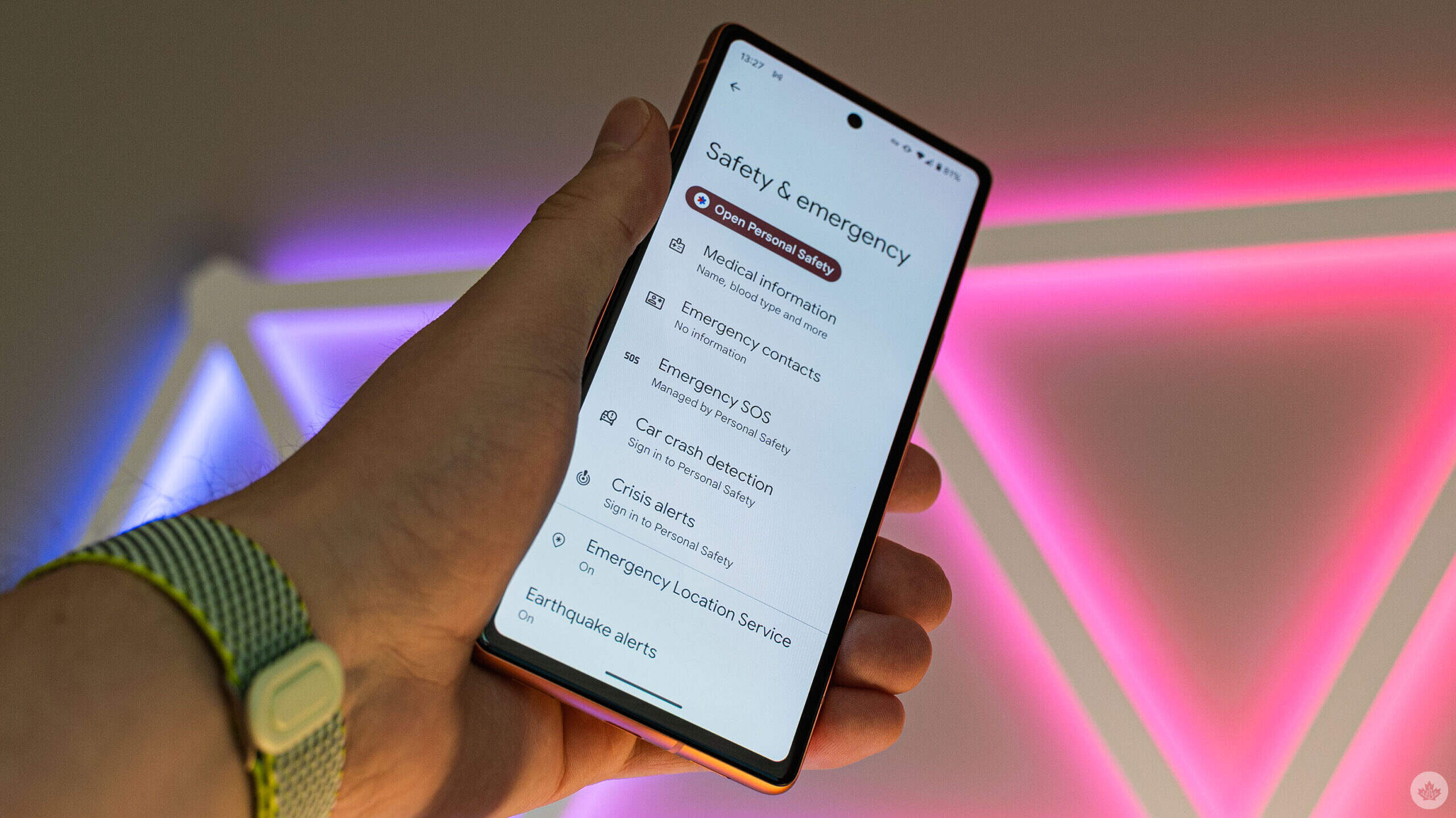
The problems covered here fall into two clear themes. One set of articles helps you stop unwanted emergency dialing, including guides on how to stop pocket dialing on iPhone 12 and how to disable emergency call on Android. Another group focuses on clearing a phone that is already stuck, such as how to remove SOS mode on iPhone and how to turn off emergency SOS on Android. A third, related theme covers general settings management, like how to turn off SOS on my phone across different models.
Each article walks you through the specific settings or button combinations needed to disable these safety features without losing access to them entirely. The goal is to help you regain normal phone operation and prevent future accidental activations, using the actual menus and controls on your device.