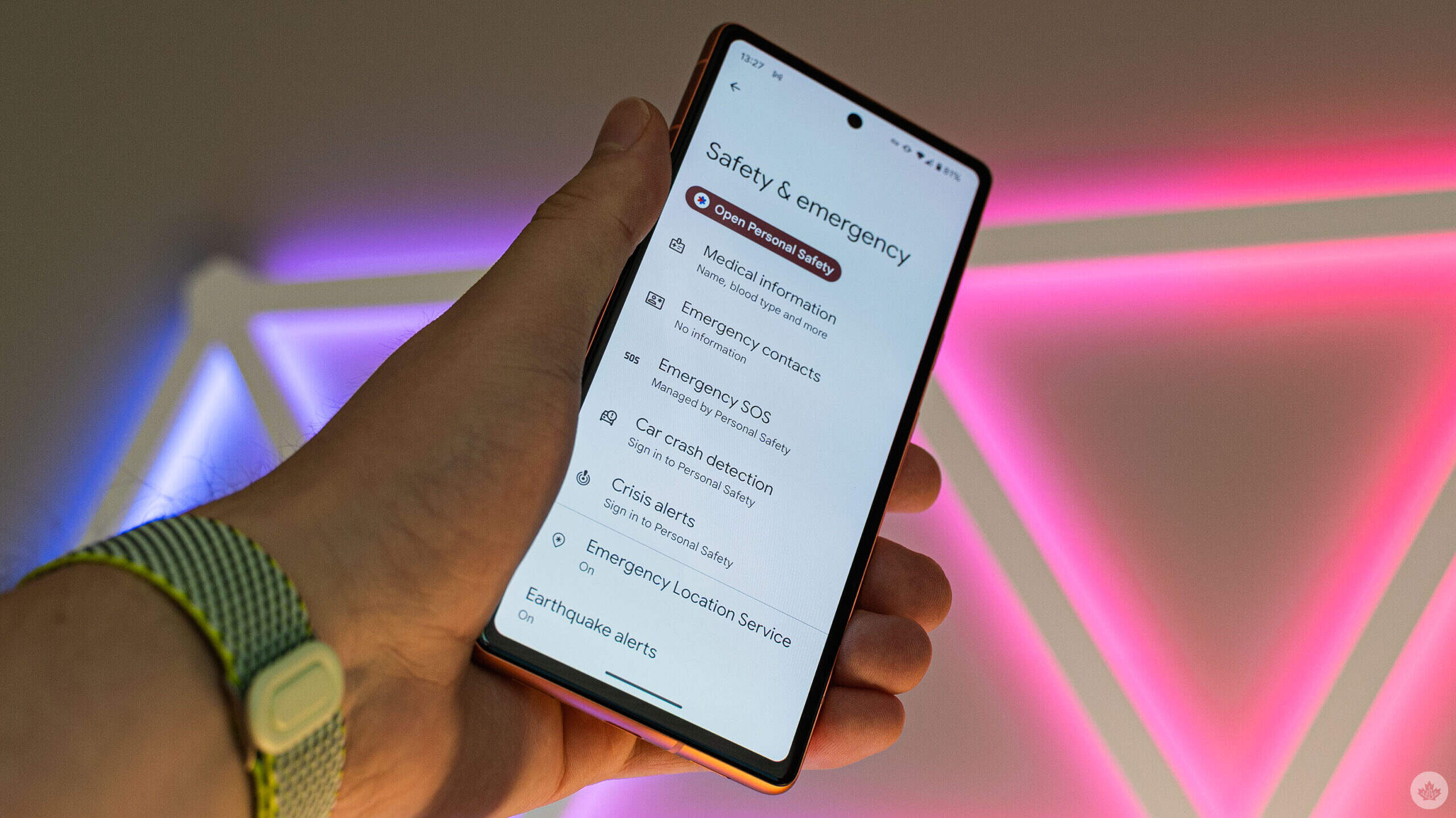
To turn off Emergency SOS on Android, open your device’s Settings, then go to Safety and emergency and tap Emergency SOS. Under How it works, tap the Settings icon and select Turn off Emergency SOS to disable the feature.
How to turn off Emergency SOS on Android: The standard Google-documented method
Google’s documented path applies to most Android devices running a stock or near-stock version of the operating system. Follow these steps:
- Open the Settings app on your Android device.
- Scroll to and tap Safety and emergency.
- Tap Emergency SOS.
- Under the section labeled How it works, tap the Settings icon (a gear or three-dot menu, depending on your version).
- Select Turn off Emergency SOS to disable the feature entirely.
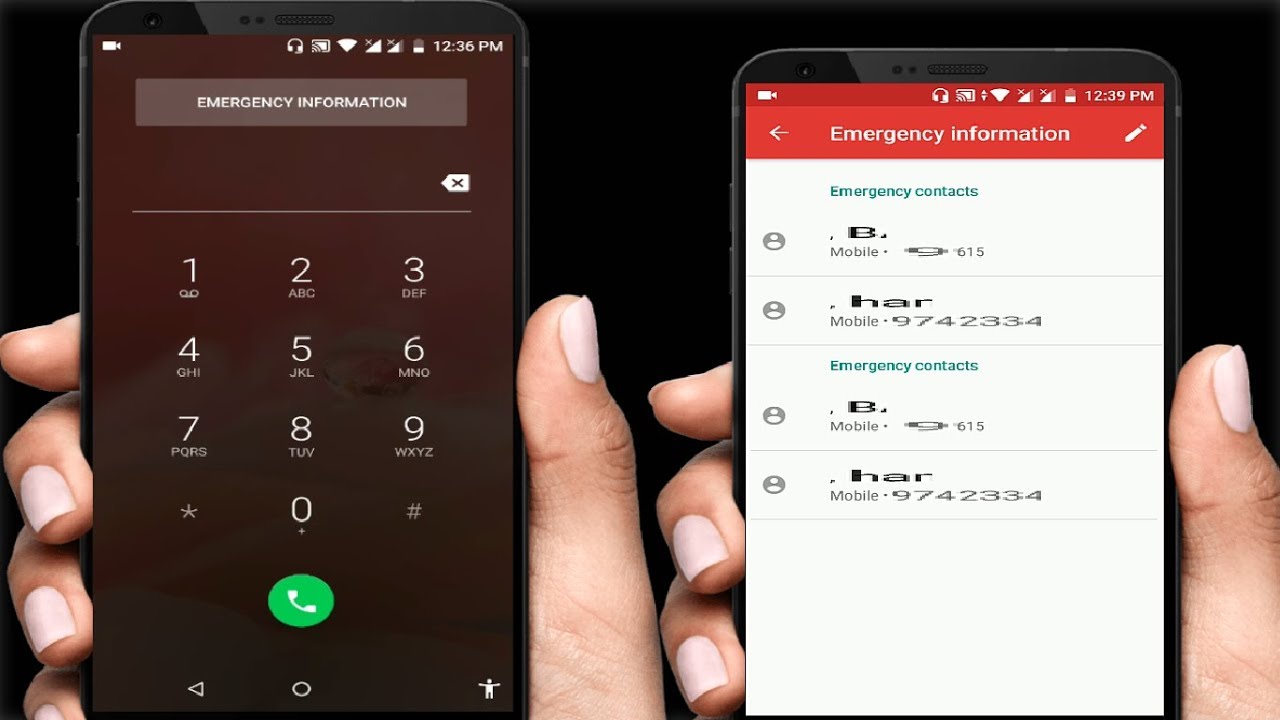
Once disabled, your phone will no longer automatically dial emergency services when you press the power button rapidly or perform other triggering actions. This method is confirmed by Google’s official support documentation and works on Pixel devices and many other Android models that follow Google’s default settings layout.
Samsung Galaxy: What to do when you cannot turn it off
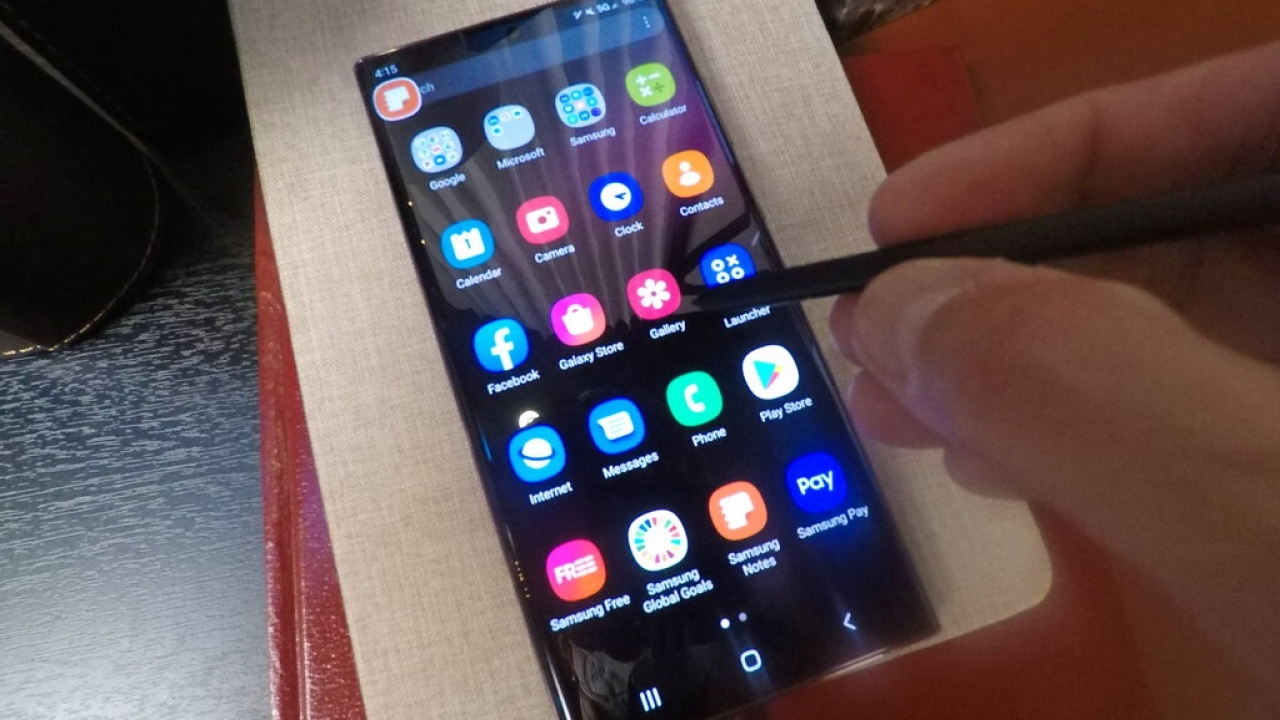
Samsung Galaxy phones have a documented limitation that depends on your software version. If your Galaxy device received the June 2023 software update, it is not possible to turn off Emergency SOS automatic dialling through the normal toggle switch. Instead, Samsung provides a workaround that effectively prevents accidental calls:
- Open Settings and go to Safety and emergency.
- Tap Emergency SOS.
- Under Emergency number to call, select Custom number.
- Enter a null number (for example, a single zero or a non-emergency digit sequence) to effectively disable automatic dialing.
On Galaxy phones without the June 2023 update, you can turn off Emergency SOS normally by going to Settings > Safety and emergency > Emergency SOS and toggling the switch button off. On Galaxy phones without the June 2023 update, the toggle is at Settings > Safety and emergency > Emergency SOS > switch button. Samsung states that the exact behavior depends on your software version, so check your device’s current update status before proceeding.
Adjust countdown and warning sound settings
Instead of fully disabling Emergency SOS, Samsung offers additional controls that let you customize how the feature behaves. These settings can reduce accidental activations while keeping the feature available for genuine emergencies. You may also want to modify these settings if you use Do Not Disturb and Silent Mode and want to avoid unexpected loud alerts.
- Go to Settings > Safety and emergency > Emergency SOS.
- Tap Countdown to adjust the timer before the emergency call is placed. A longer countdown gives you more time to cancel an accidental trigger.
- Toggle Play warning sound on or off. Turning off the warning sound prevents your phone from playing a loud siren before the call, which can be disruptive in quiet environments. Samsung documents Play warning sound as a separate on/off switch.
These controls are separate from the main Emergency SOS toggle and remain available even on devices with the June 2023 update where automatic dialing cannot be turned off.
Frequently Asked Questions
What does Emergency SOS do on Android?
Emergency SOS automatically calls your local emergency number (such as 911) and can send your location to emergency contacts when you press the power button rapidly or perform a specific gesture. It is designed to help you quickly summon help in a crisis.
Can I turn off Emergency SOS on all Android phones?
No. The ability to turn off Emergency SOS depends on your phone manufacturer and software version. Google’s documented method works on most stock Android devices, but Samsung Galaxy phones with the June 2023 update cannot fully disable automatic dialing, only the null-number workaround is available.
Will disabling Emergency SOS affect other emergency features?
Disabling Emergency SOS stops automatic dialing and alerts triggered by button presses or screen gestures. It does not remove the ability to manually dial emergency services or use other safety features like emergency contacts or medical info on the lock screen. Apple's crash-detection setting only turns off alerts and automatic emergency calls after a severe car crash.
Why does my phone show SOS in the status bar?
If your phone displays SOS in the status bar, that indicates you are in an area with no cellular service and your device is searching for a network to make emergency calls only. This is not a setting you can turn off, it is a network status indicator.
What if I accidentally trigger Emergency SOS?
If you trigger Emergency SOS accidentally, immediately cancel the call if a countdown is active. On most Android devices, you can swipe to dismiss or tap Cancel during the countdown. If the call connects, explain to the dispatcher that it was a mistake and no emergency exists. On iPhone, go to Settings > Emergency SOS and turn off Call with Side Button and Auto Call. Apple Watch has a Hold Side Button to Dial setting in the Watch app.
Related reading: How To Turn Off SOS On My Phone and How To Set Emergency Contact On Android.