Articles for anyone who wants to run mobile games or classic console titles on a different device, whether that is a PC or an Android phone. This content is specifically for gamers looking to bridge the gap between their phone and a larger screen, keyboard, or gamepad. The articles here are practical guides focused on setting up the right software and configuring your controls to get a playable experience.
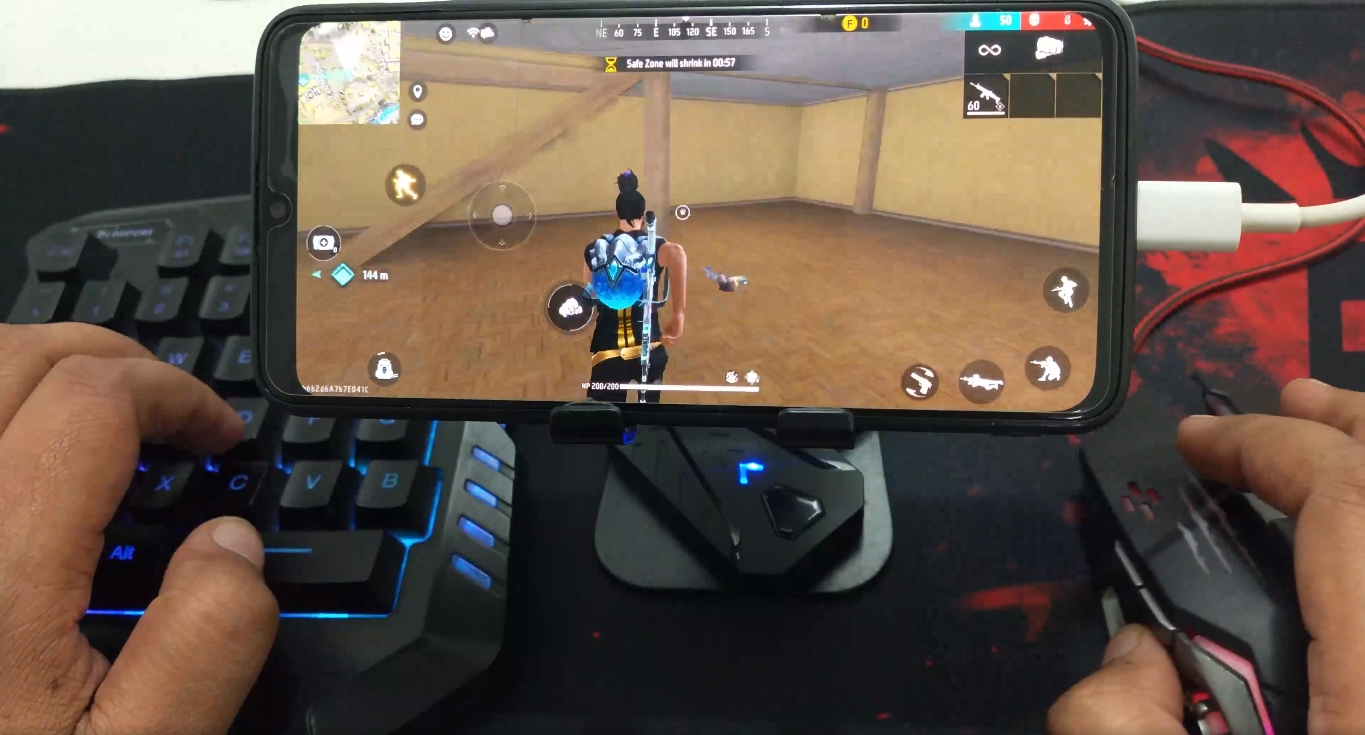
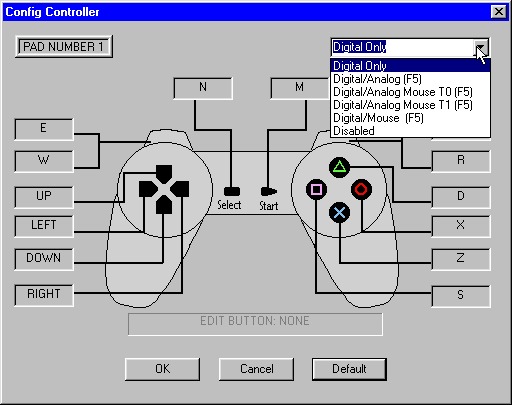
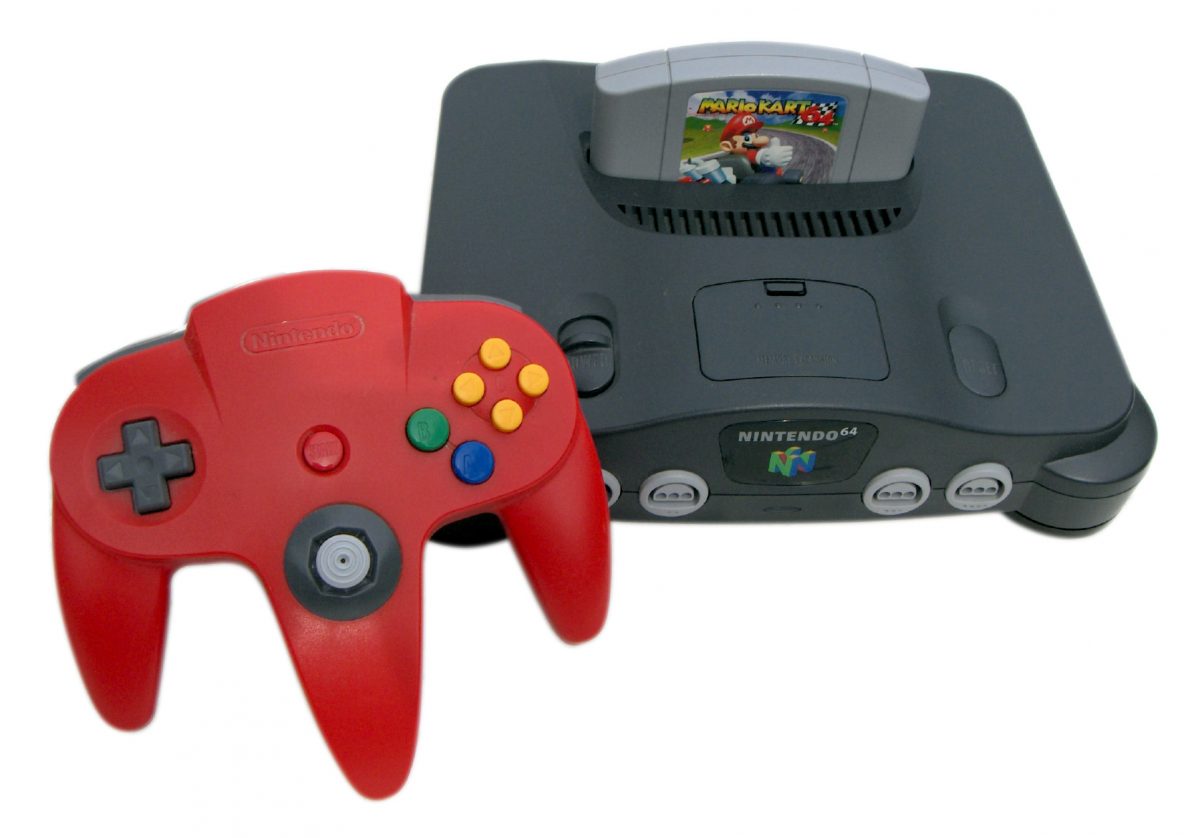
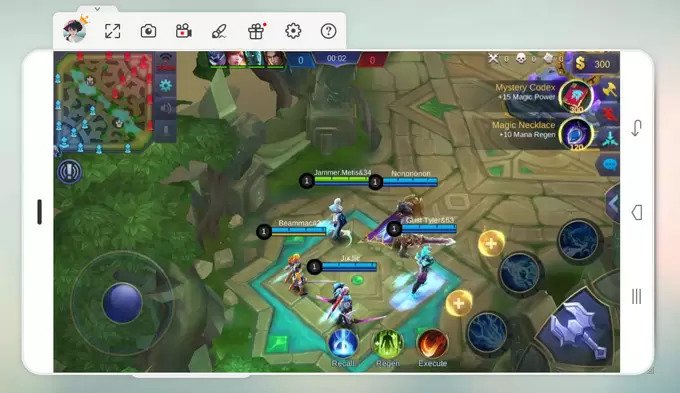
The problems these articles solve fall into two clear themes: playing mobile games on a PC and playing old console games on an Android device. For the first theme, you will find straightforward help on how to play mobile games on PC with a keyboard and mouse, including a dedicated guide for Call of Duty Mobile. Another article in this group explains how to use a mouse inside the Dolphin emulator so it behaves more like a joystick, which is a common frustration for PC players. The second theme covers the classic console side, with a roundup of the 12 best N64 emulators for Android and a separate guide on how to properly use a gamepad with ePSXe for PlayStation titles.
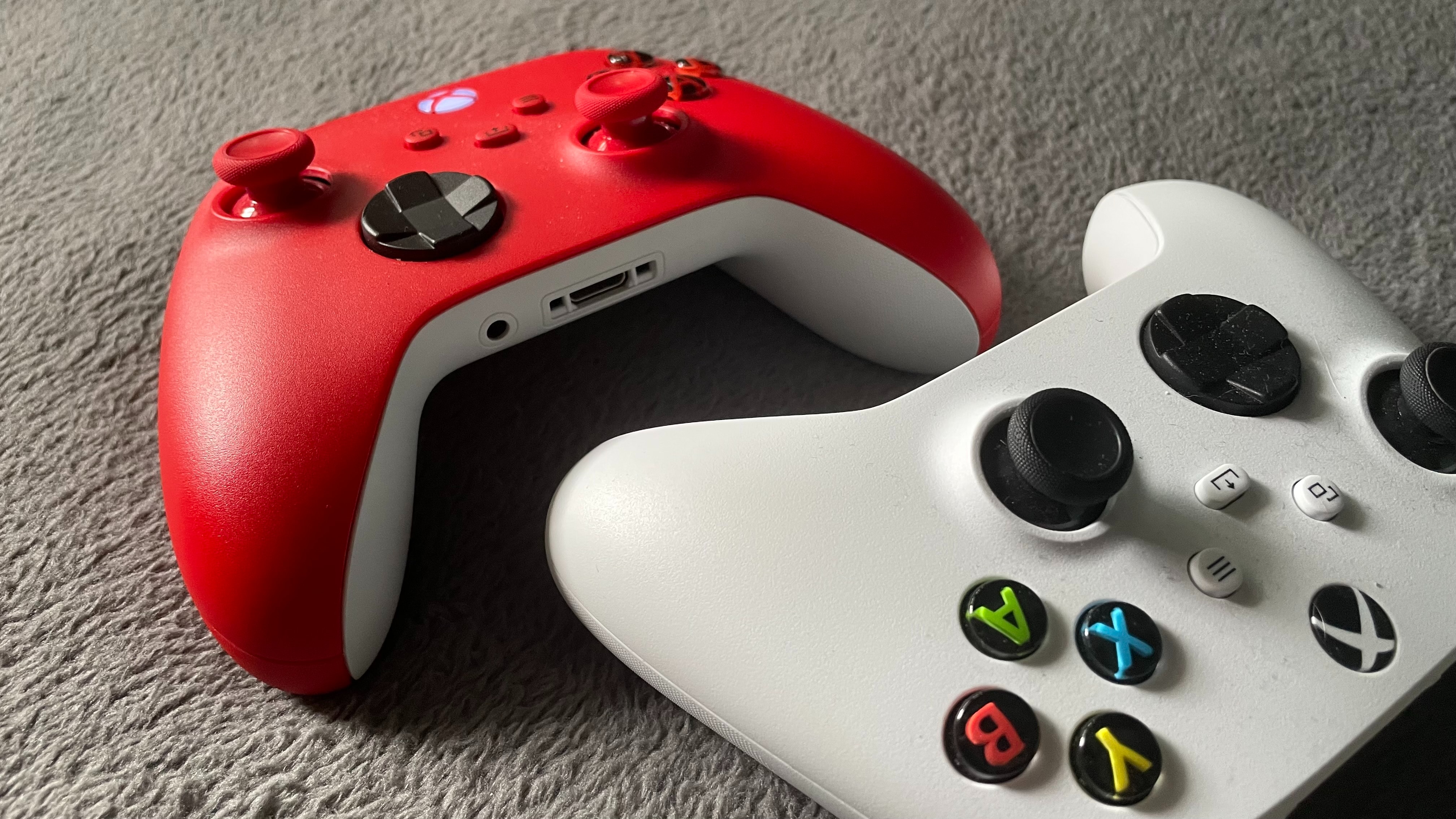
These articles help the reader do specific things: set up an emulator for the first time, connect a keyboard and mouse to a mobile game, and configure controller inputs for older systems. The focus is always on getting the controls to work correctly, whether that means mapping a gamepad for ePSXe or making a mouse function as a joystick in Dolphin. No article promises a perfect setup, but each one walks through the steps to make these cross-platform play sessions actually happen.