Welcome to the File Management tag on CellularNews. This page collects guides and solutions for anyone who uses a phone or tablet, whether you’re a casual user, a creative professional, or someone just trying to keep their device running smoothly. The articles here focus on the practical, everyday tasks of organizing, storing, and recovering your digital files.
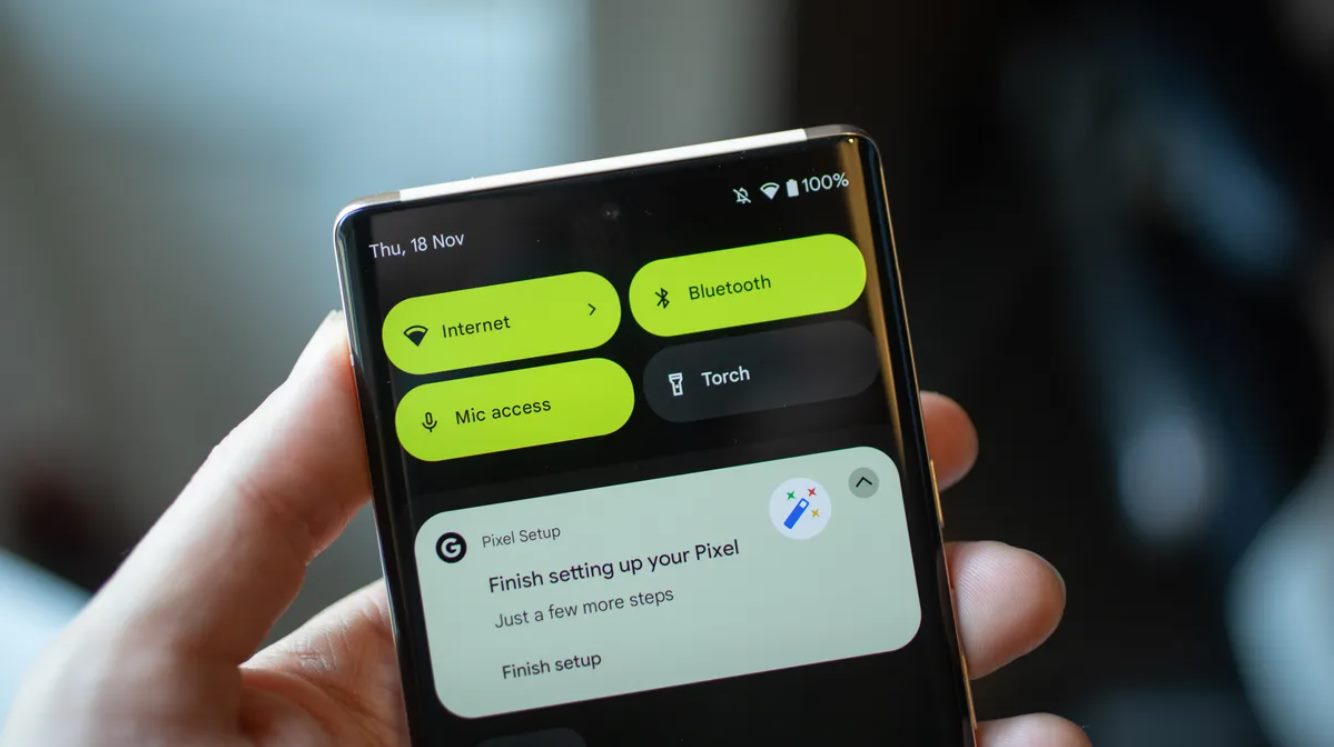
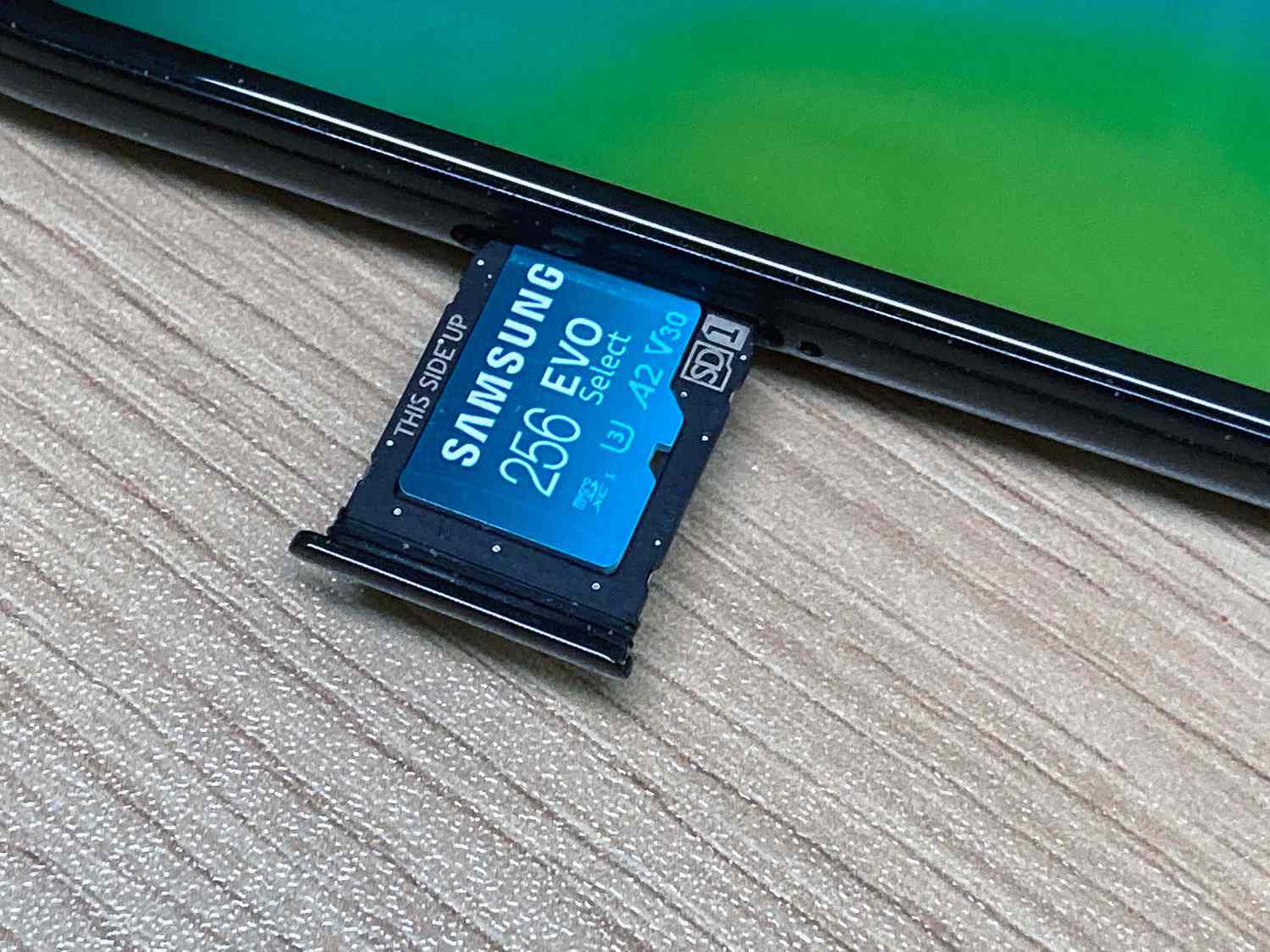
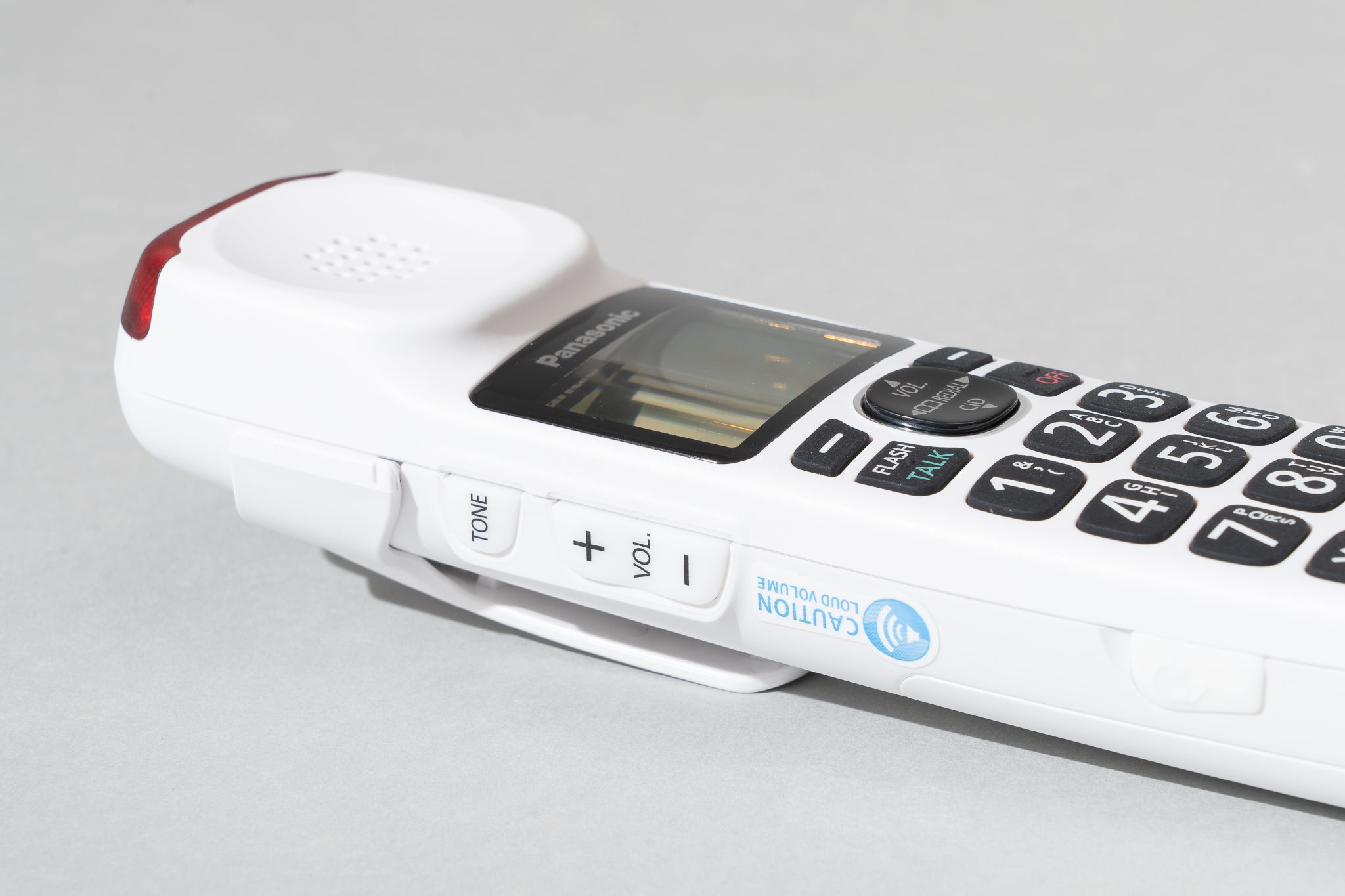
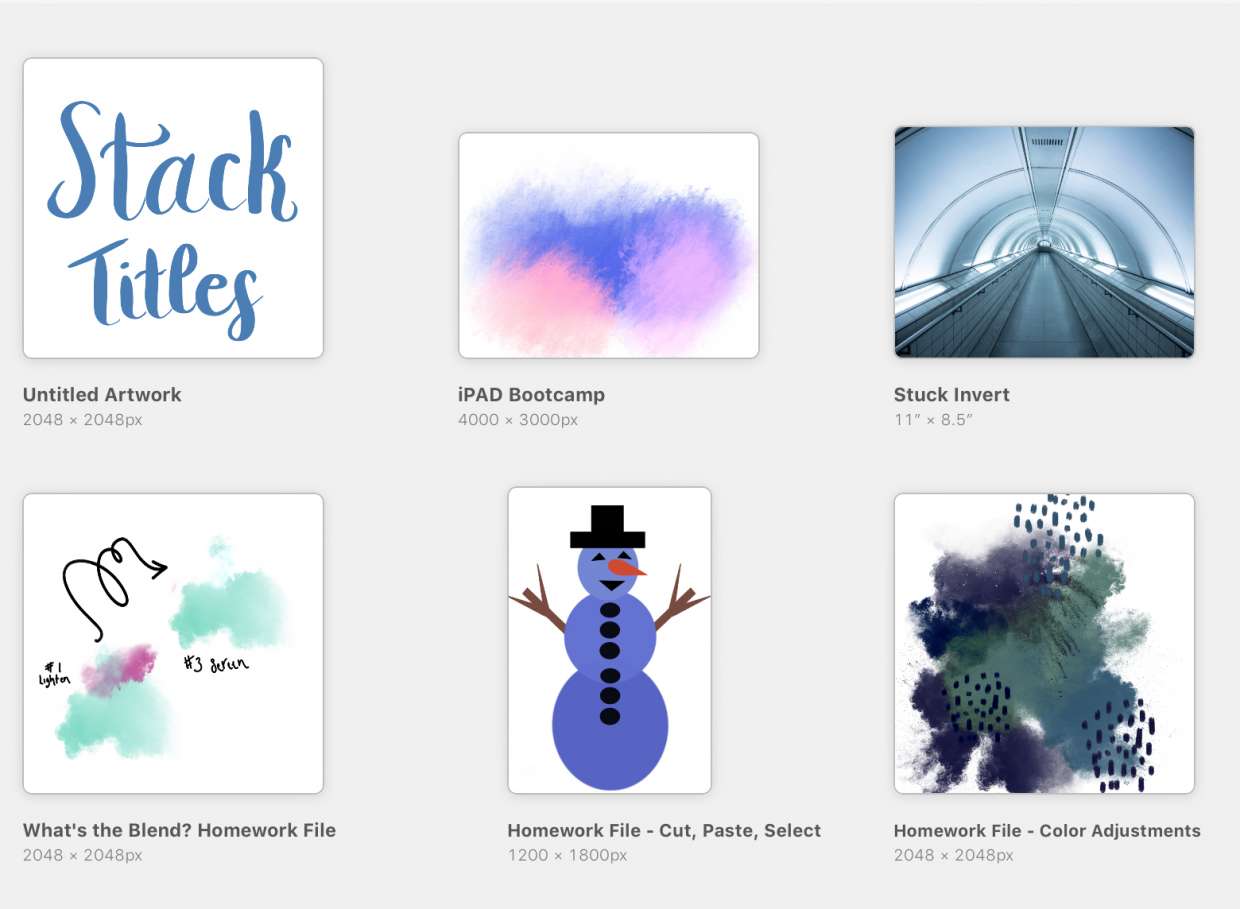
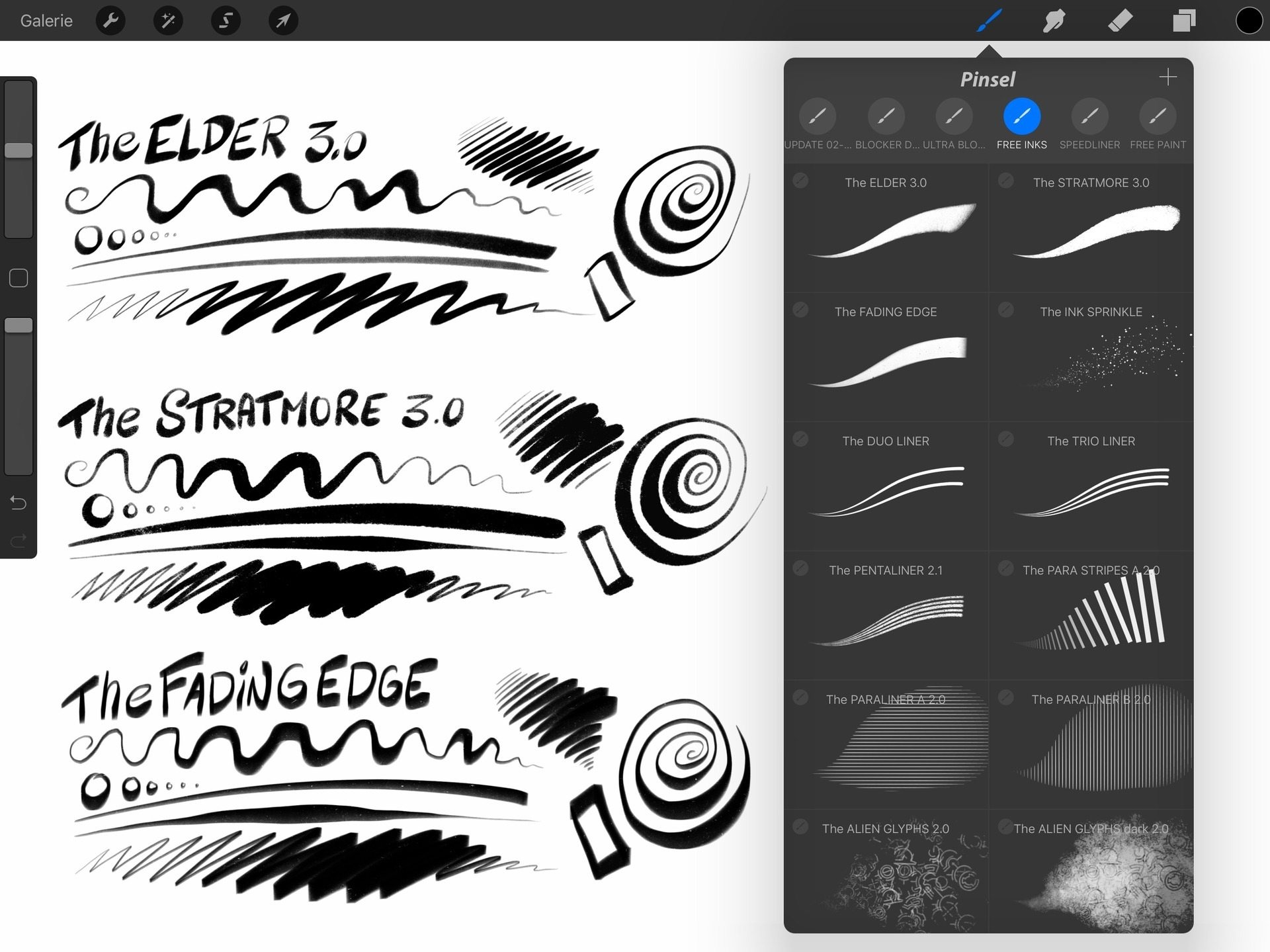
The topics fall into a few clear themes. One group helps you handle basic file operations: you can learn how to upload documents on an Android phone, recover files you’ve accidentally deleted by learning how to recover trash on Android, and clear up space when your device is full, such as the guide on how to clear memory full on Panasonic phone. Another set of articles tackles storage management and system access, including how to check SD card on phone and how to access the Android/data folder in Android 12, essential for users who need to move or inspect app data directly. Finally, there are creative-focused guides for digital artists using Procreate, showing how to back up Procreate files, rename a brush, and name art, so your work stays organized and safe.
Whether you’re troubleshooting a full memory warning, digging into hidden system folders, or simply trying to keep your Minecraft worlds or Procreate projects tidy, these articles give you clear, step-by-step help. No fluff, just the fixes and know-how you need to manage your files on any phone or tablet.