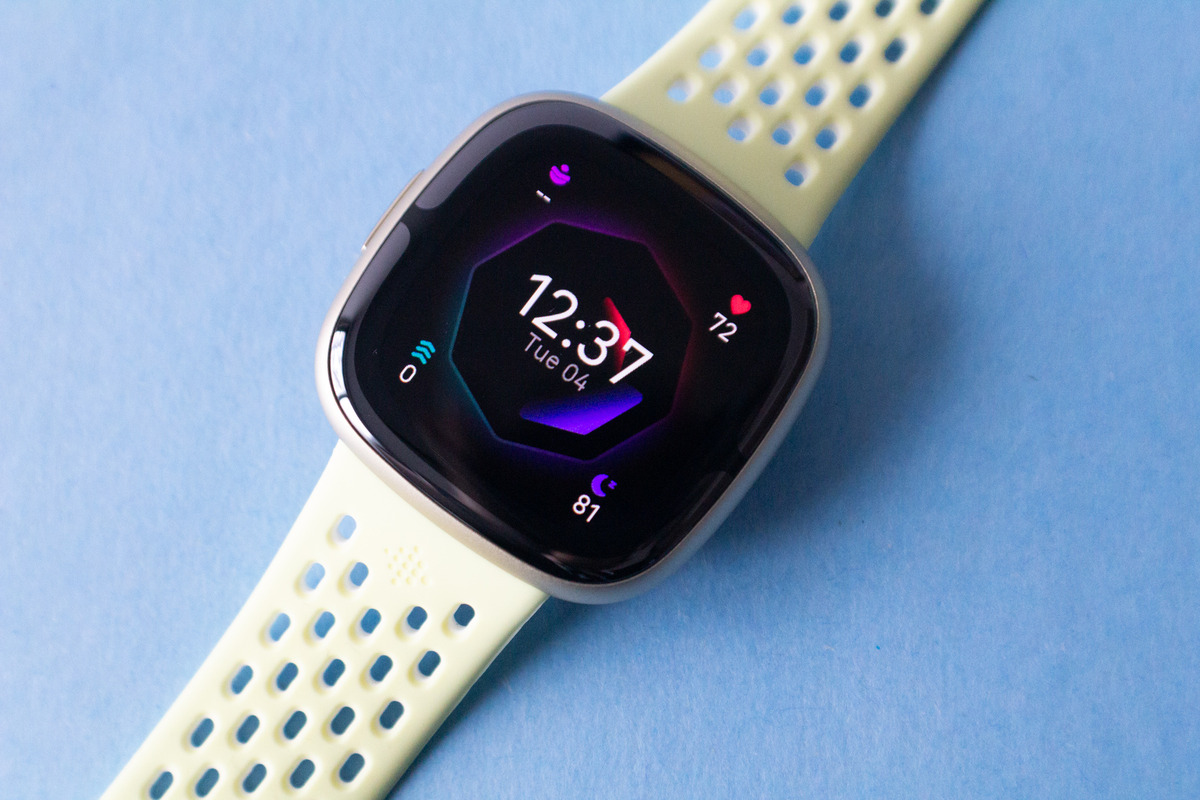
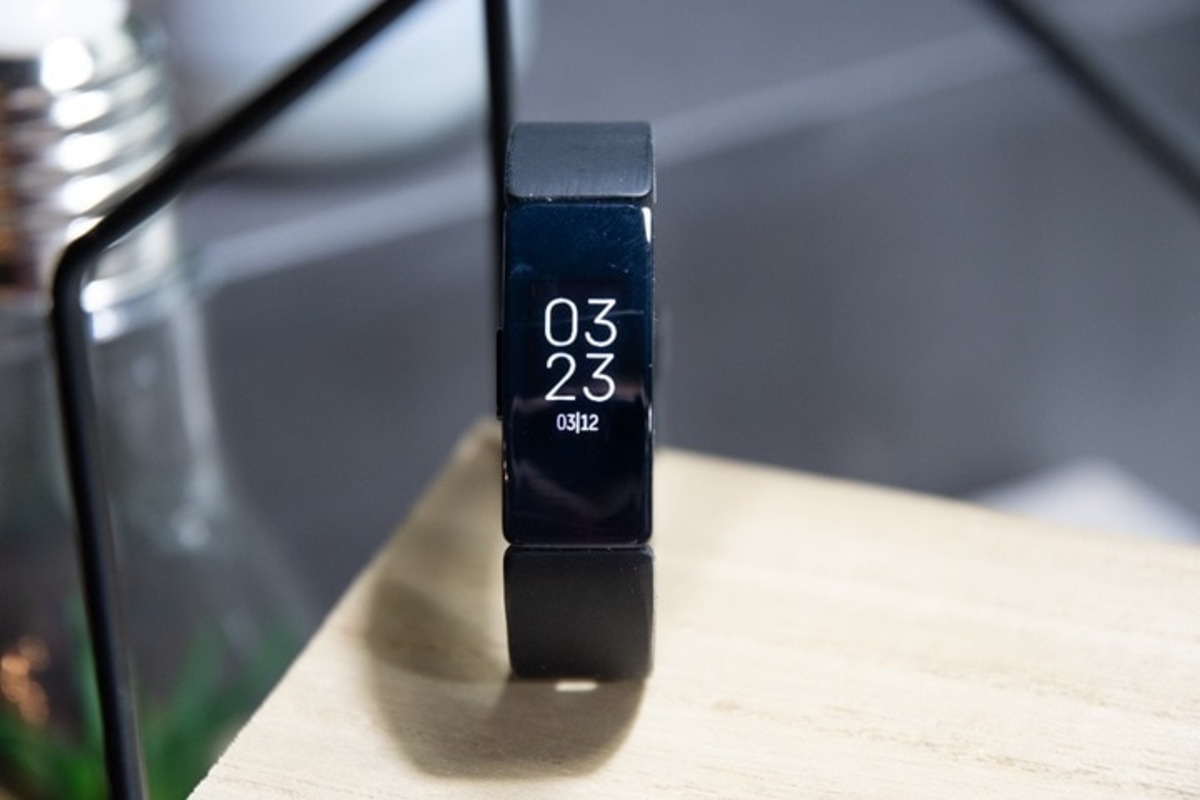
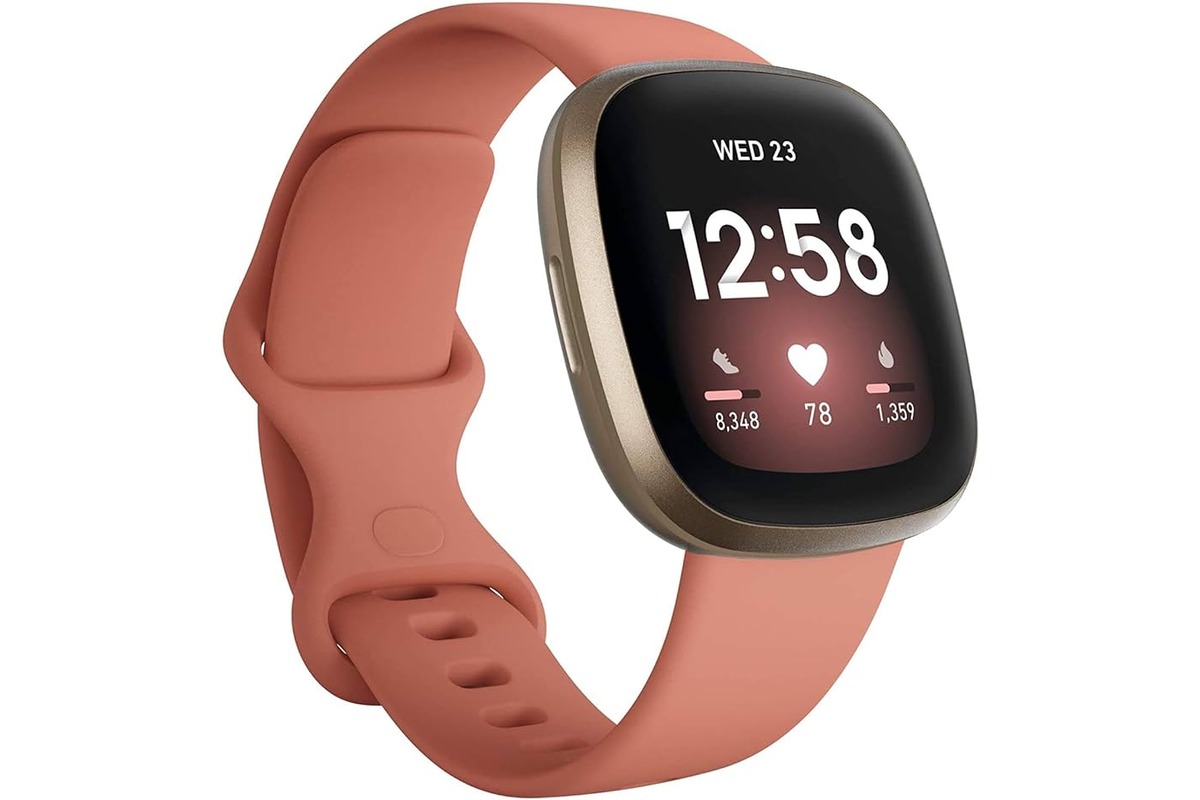
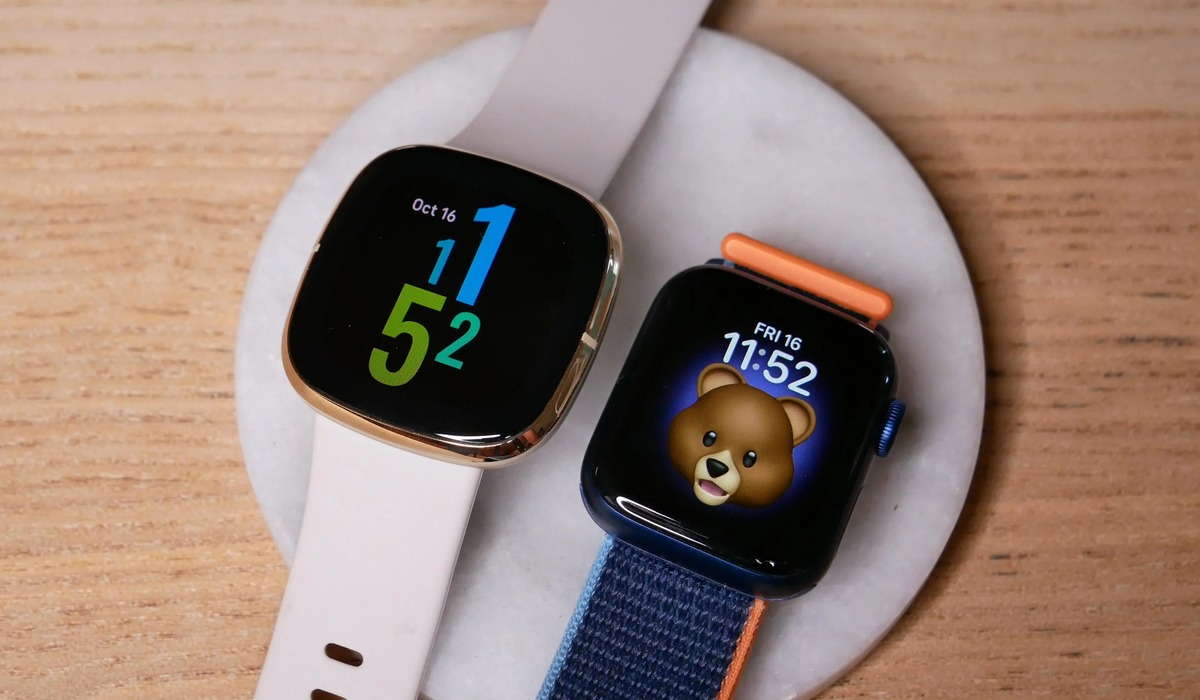
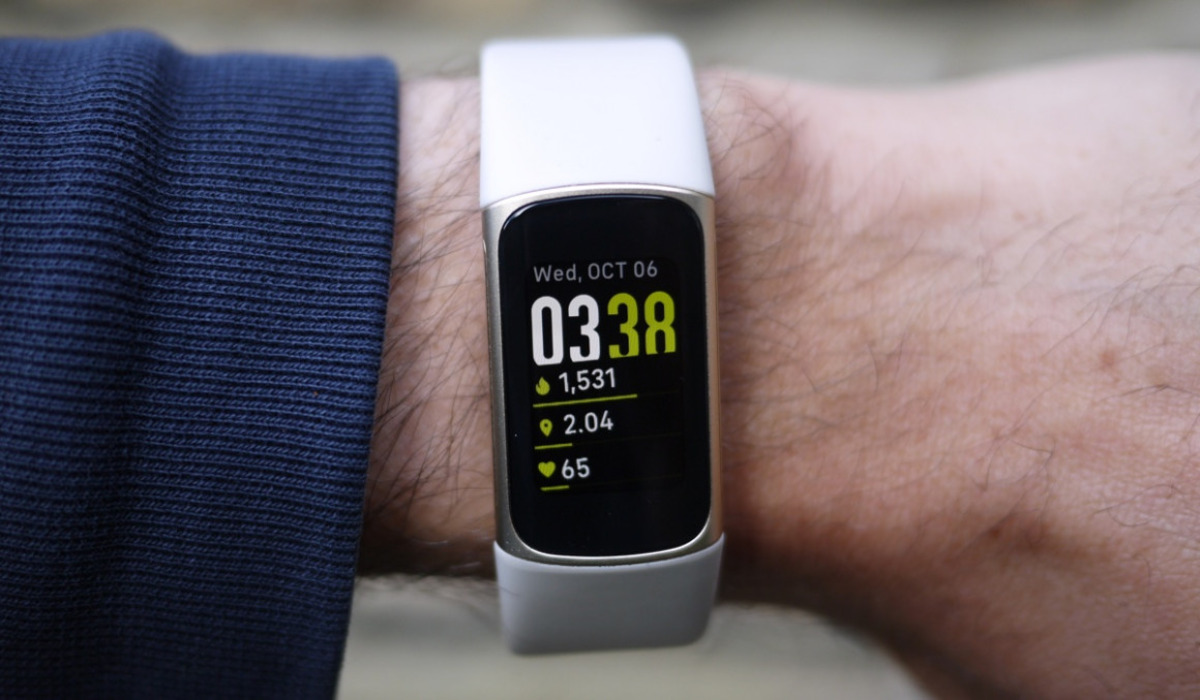
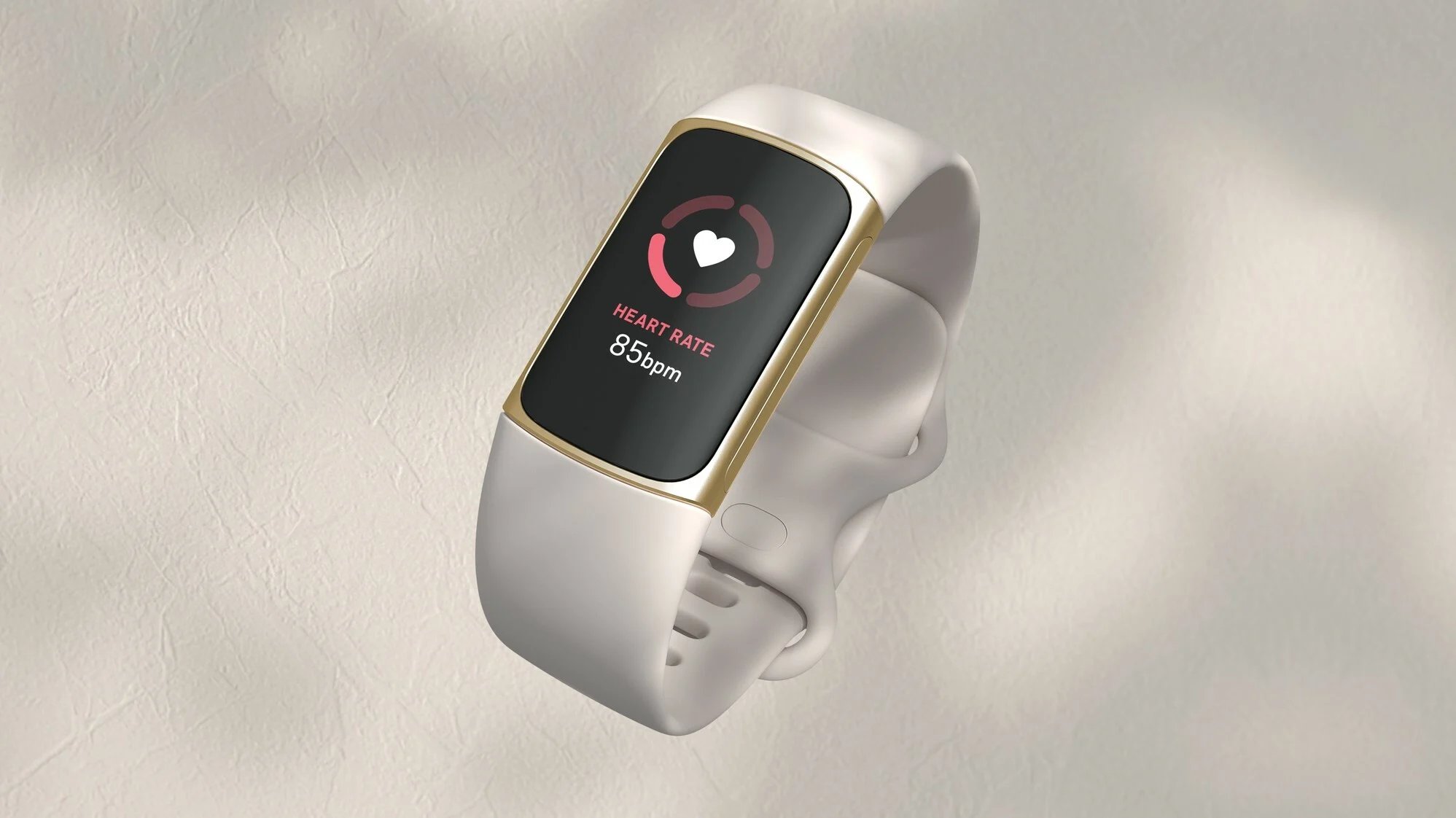
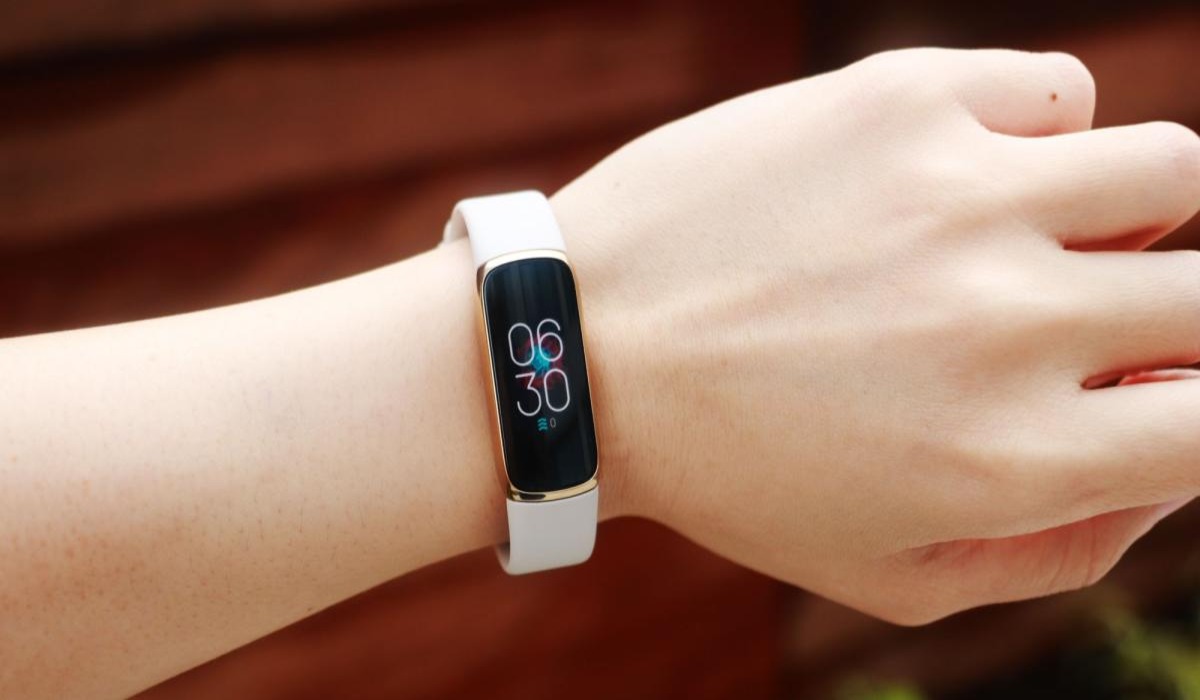
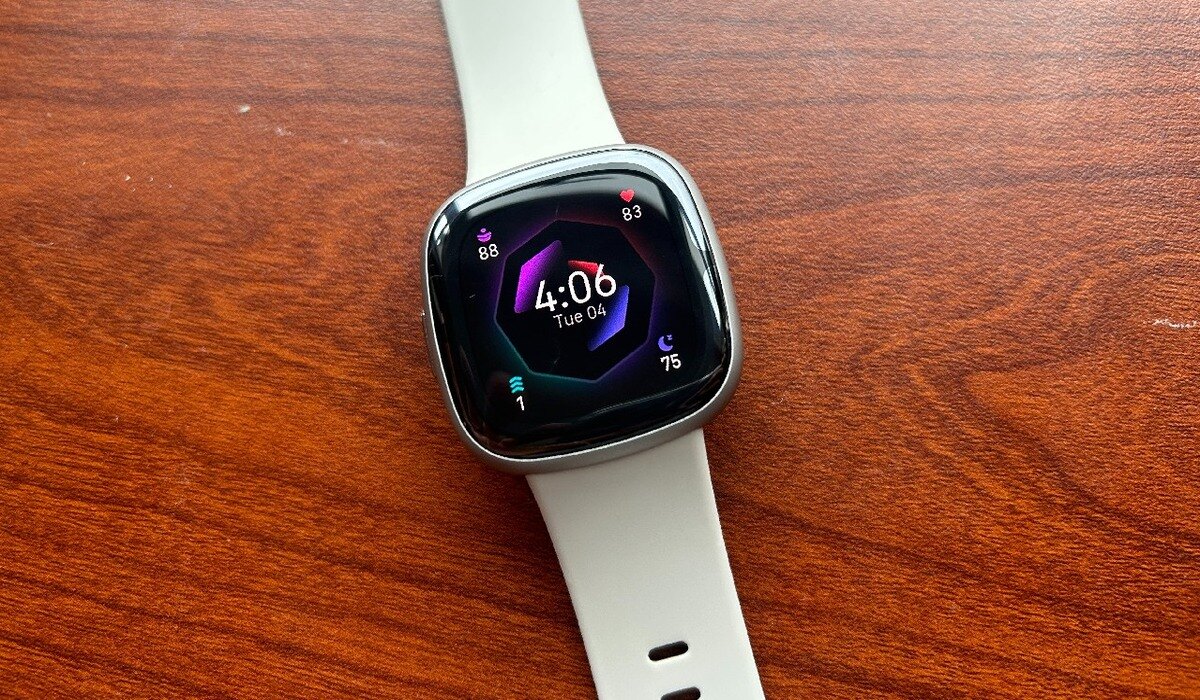
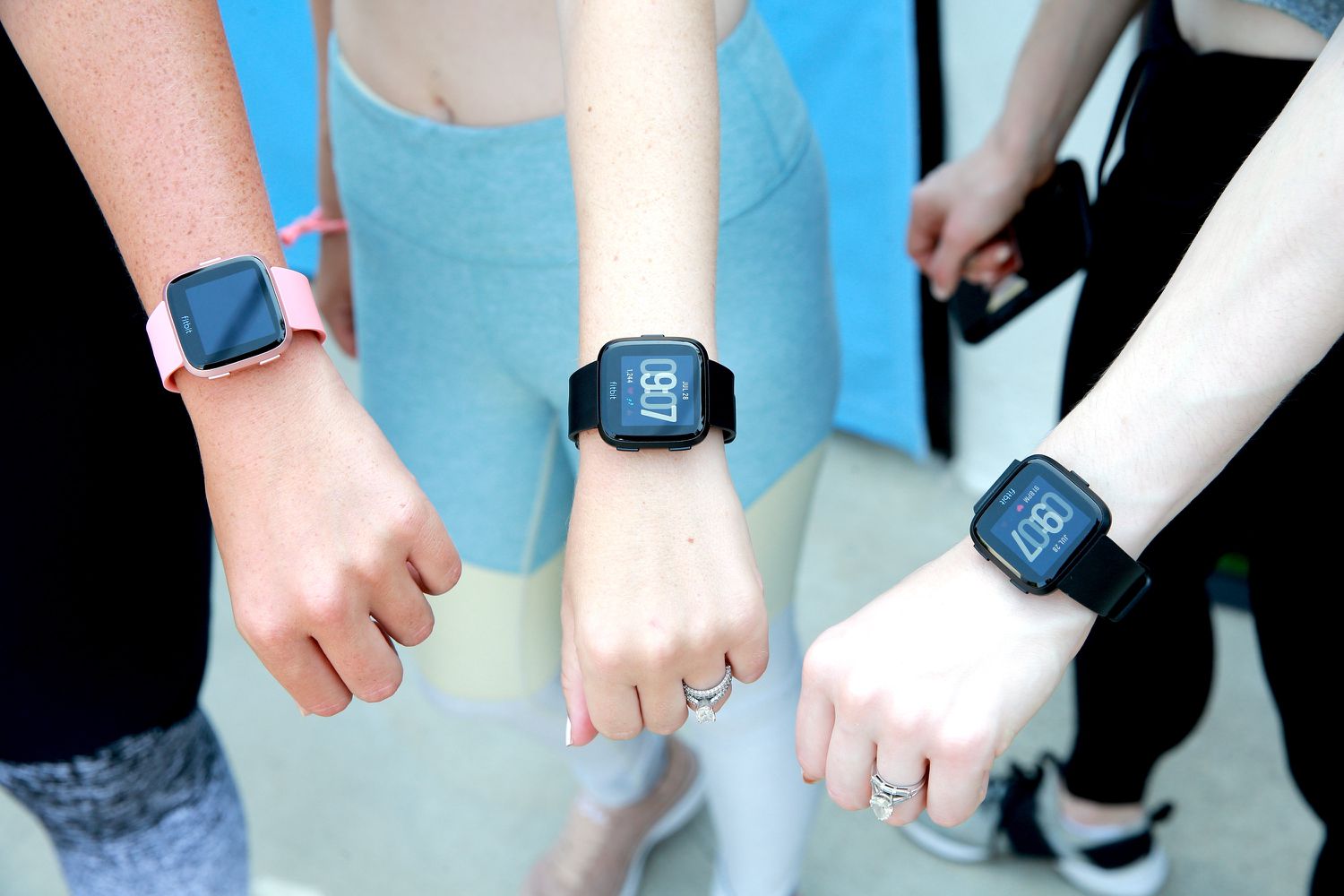
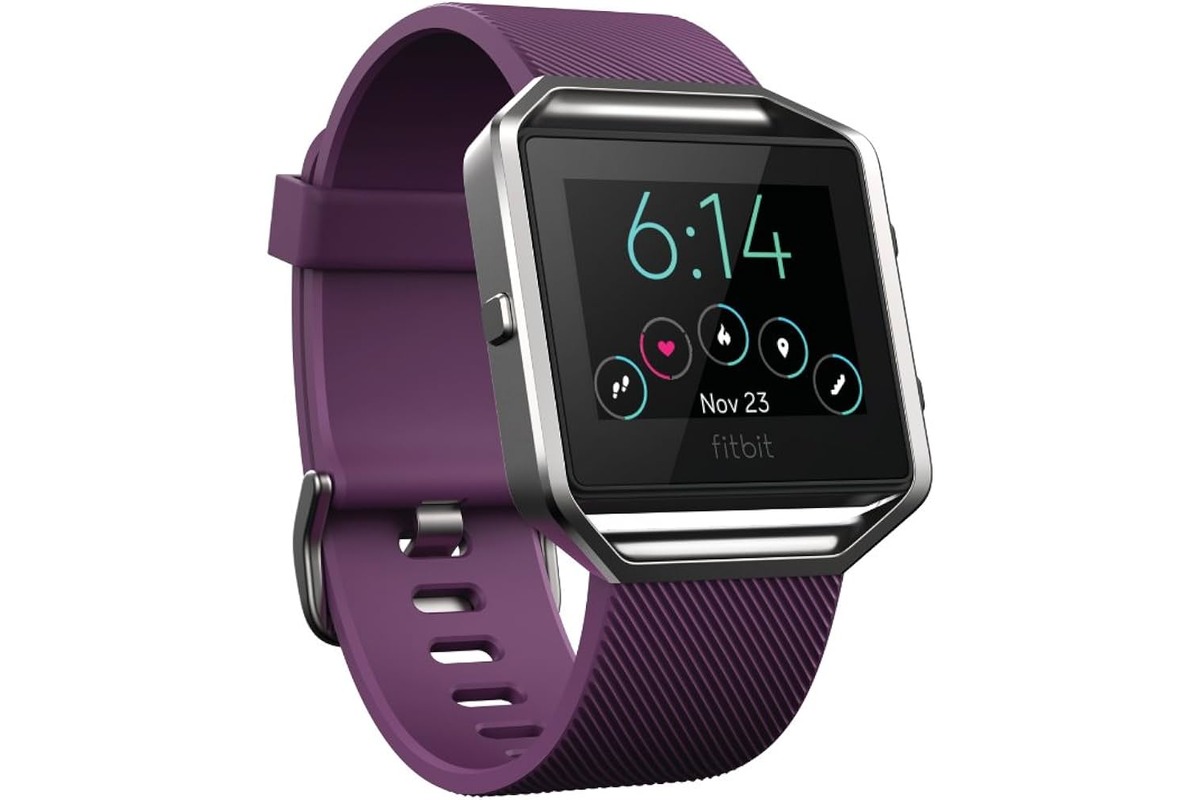
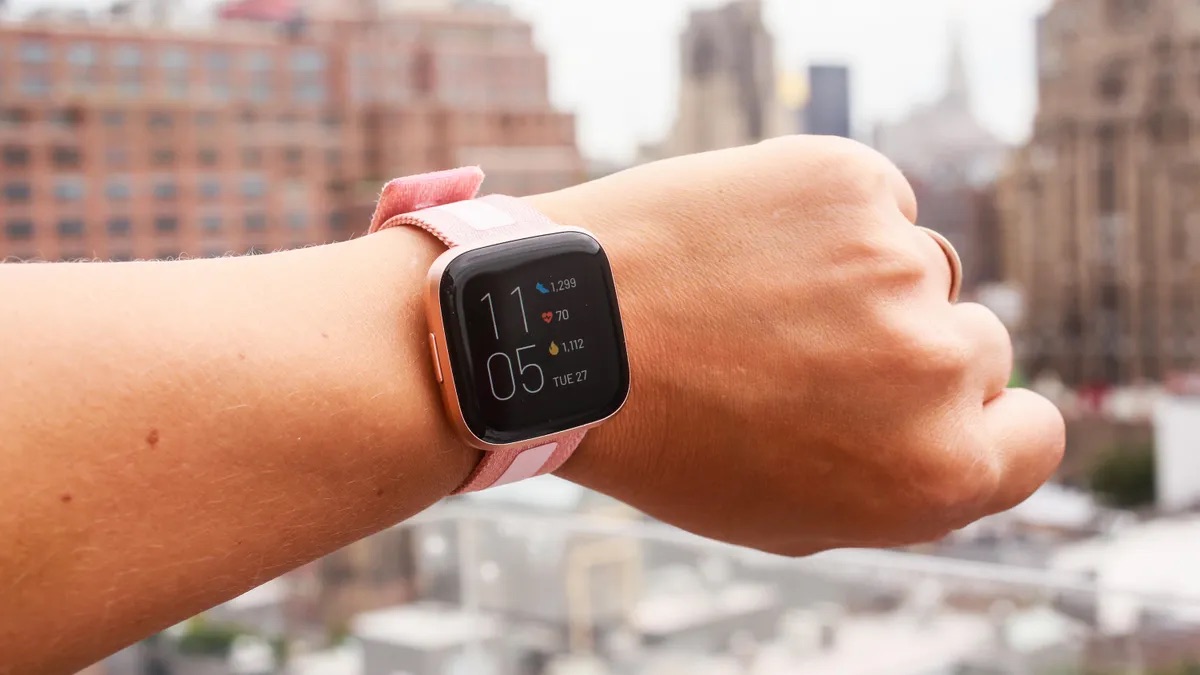
This tag page collects all of CellularNews's guides and how-tos for the Fitbit app and its compatible smartwatches and fitness trackers. It is designed for anyone who owns a Fitbit device, from the Versa and Sense series to the Charge and Inspire models, and needs practical help connecting it to their phone, customizing its features, or fixing common setup issues.
The articles here solve two main types of problems. First, they address connectivity and pairing: you will find clear steps for unlocking a Fitbit Versa 2 with your phone, reconnecting a Versa 2 after a disconnect, and pairing a Fitbit Sense to your phone for the first time. Second, the collection focuses heavily on personalization and settings. Many guides walk you through changing the clock face on devices like the Fitbit Charge 4, Charge 5, Versa 3, and Sense, while others help you adjust time settings on the Fitbit Inspire, Luxe, and Blaze. You can also learn how to switch the temperature display from Celsius to Fahrenheit on the Versa 3 and Sense.
Beyond the basics, these articles help you get more out of your device. They explain how to set up voice assistants like Google Assistant on the Versa 3 and Alexa on the Versa 2, how to enable text message notifications on the Fitbit Blaze and Luxe, and what features the new Fitbit Versa 4 offers. If you are troubleshooting, there are guides on checking if your Fitbit Sense is charging and setting up a replacement Fitbit after a swap or reset.