Straightforward guides for anyone who uses their phone to capture, save, and manage images and videos. Whether you are a new smartphone owner or someone looking to streamline everyday tasks, these articles are written for real people with real phones, covering Android devices, Samsung Galaxy models, and even creative apps like Procreate. The focus is on solving common, practical problems that come up when you want to do more with the photos and videos already on your device.
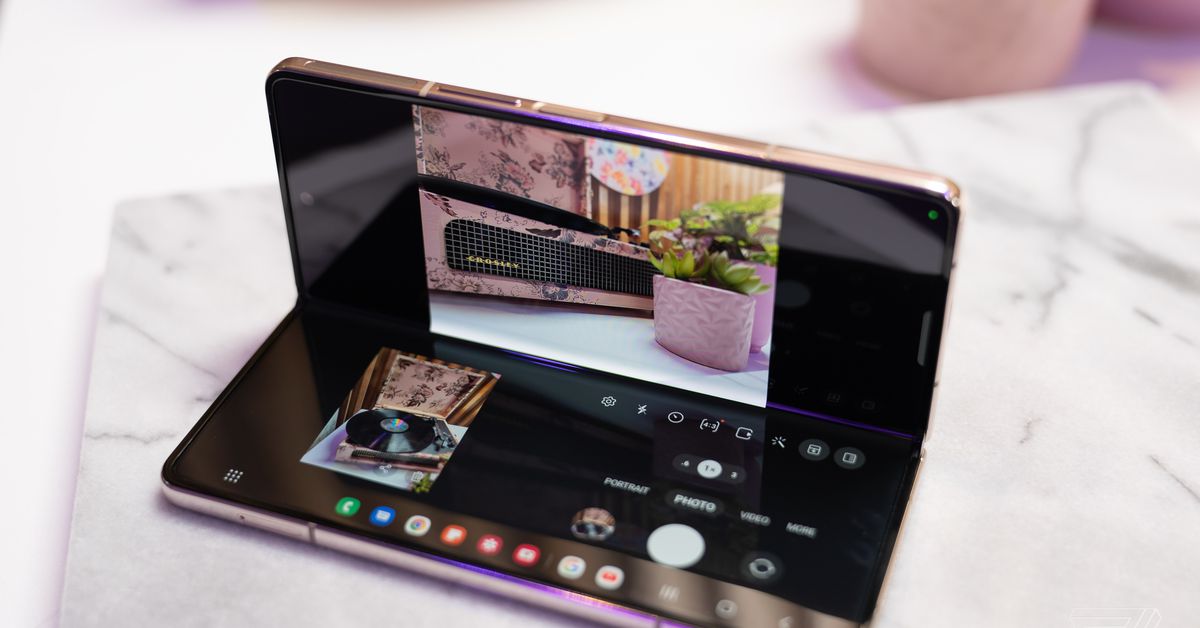
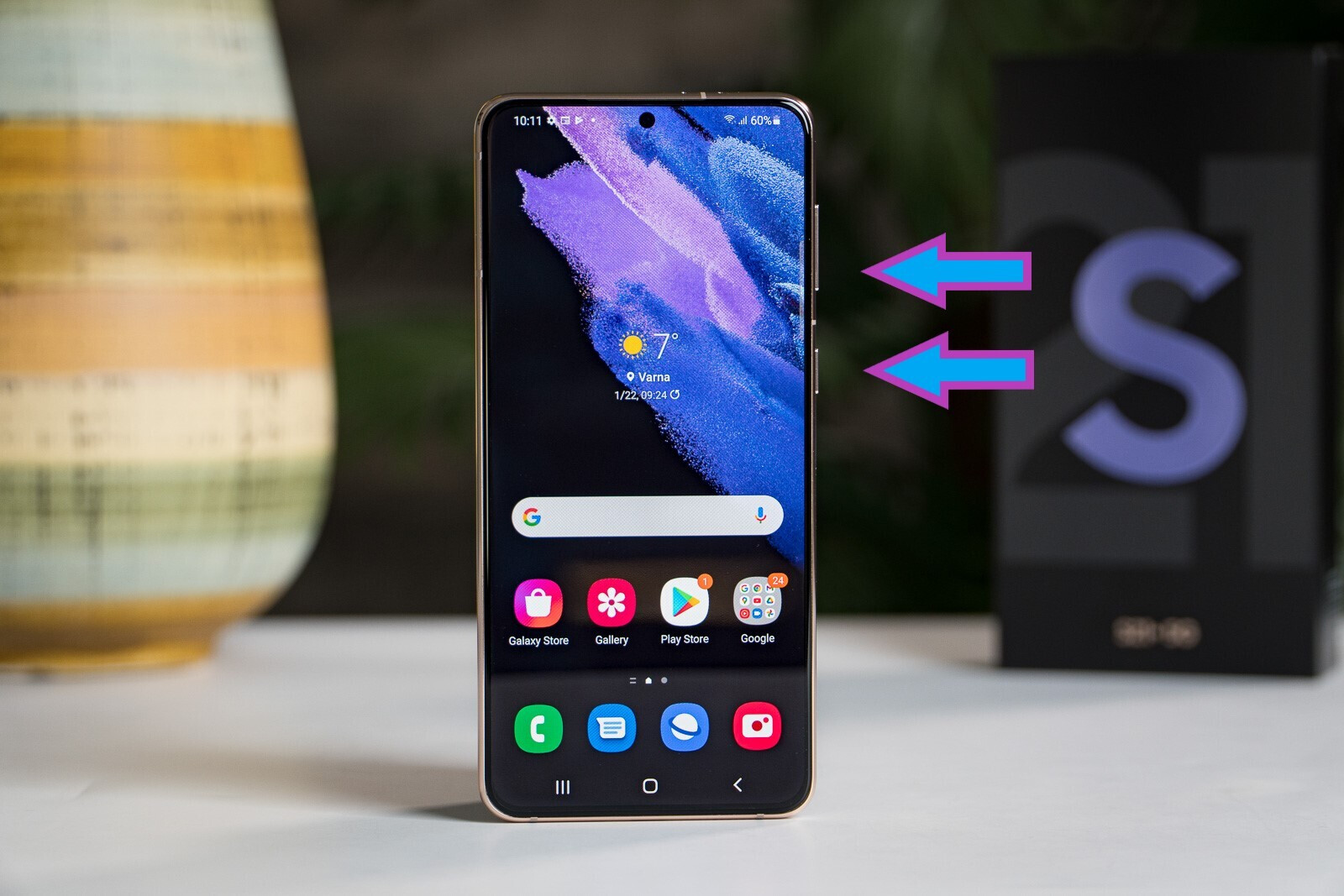
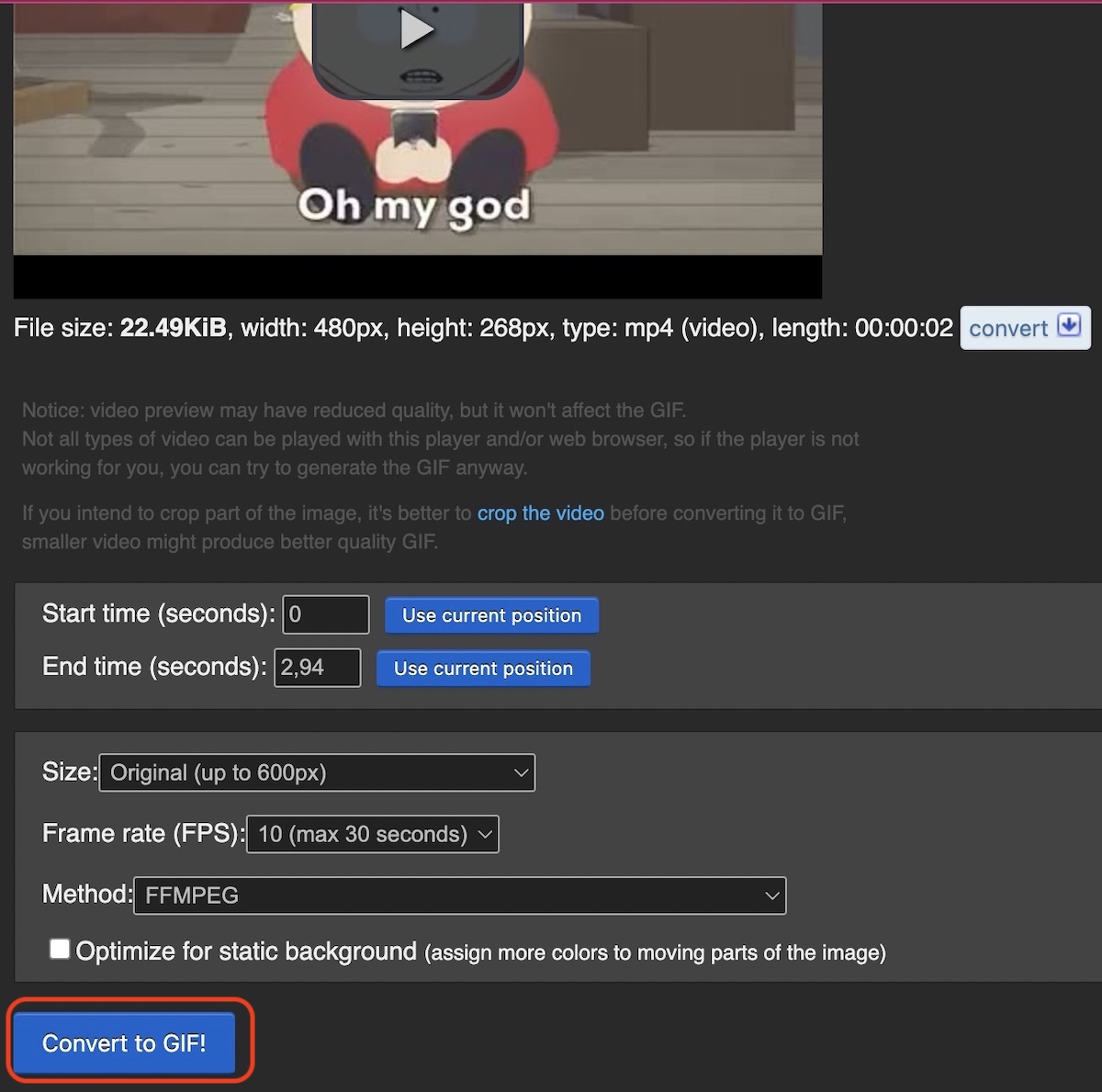
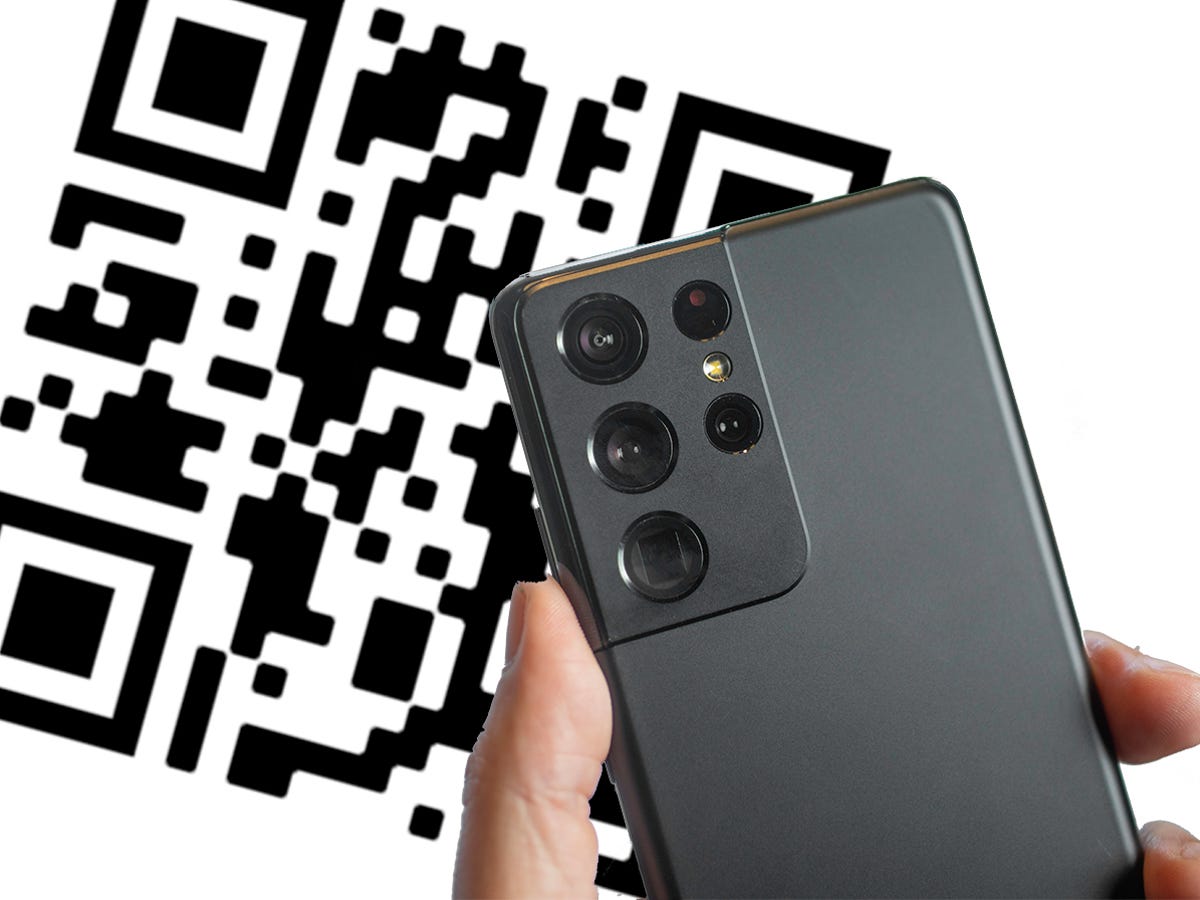
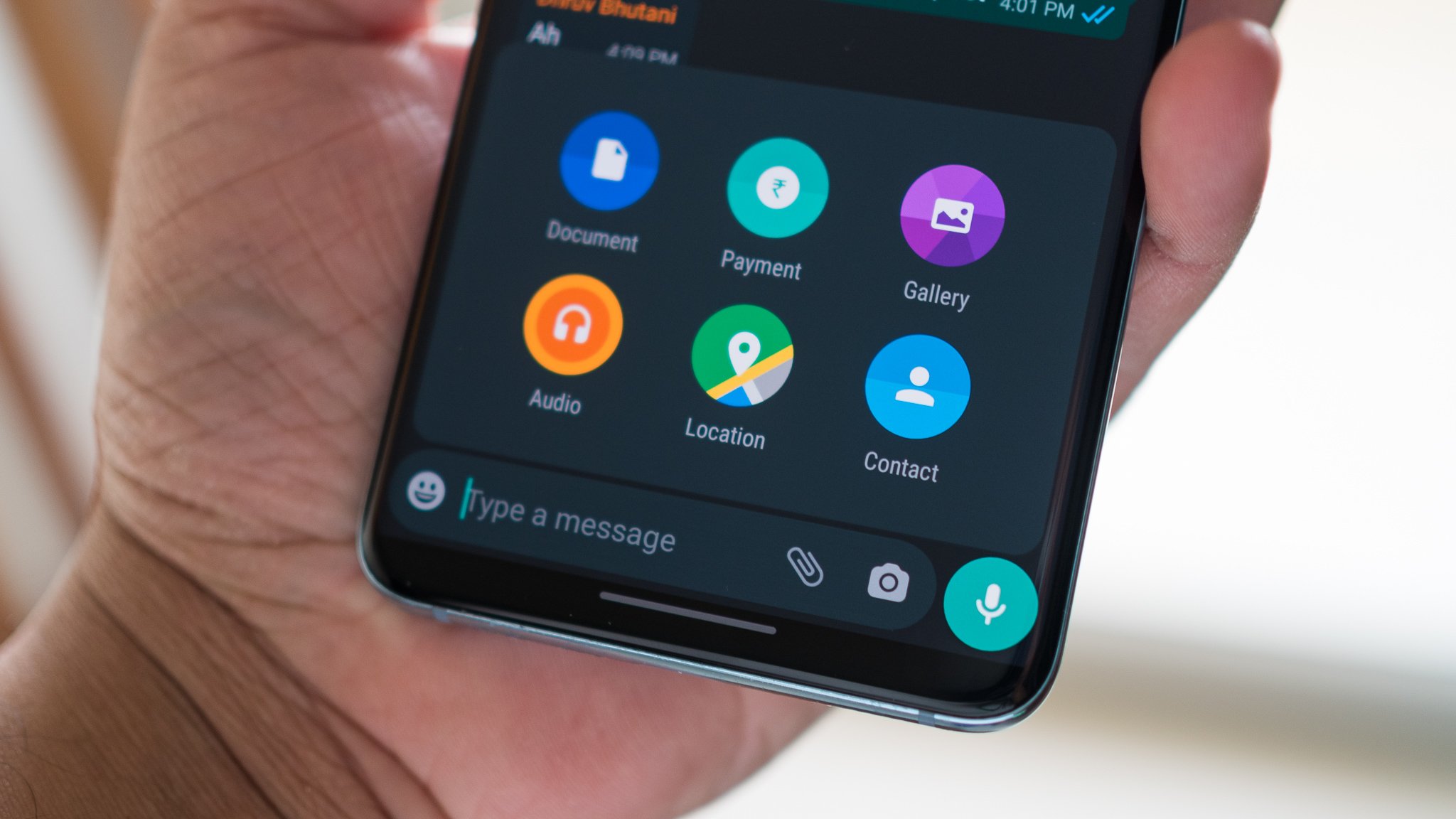
Several of these guides address the challenge of getting visual content out of your phone and into other apps or conversations. For instance, articles like "How To Save A Gif On Android" and "How To Send A Picture From An Android Phone" walk you through the exact steps to share media without confusion. Another clear theme is mastering your phone’s built-in capture tools, especially for Samsung users. You will find specific help for taking screenshots on a Galaxy S21, other Android phones, and the unique Samsung Galaxy Z Flip, along with a dedicated guide on how to scan documents directly on a Samsung phone.
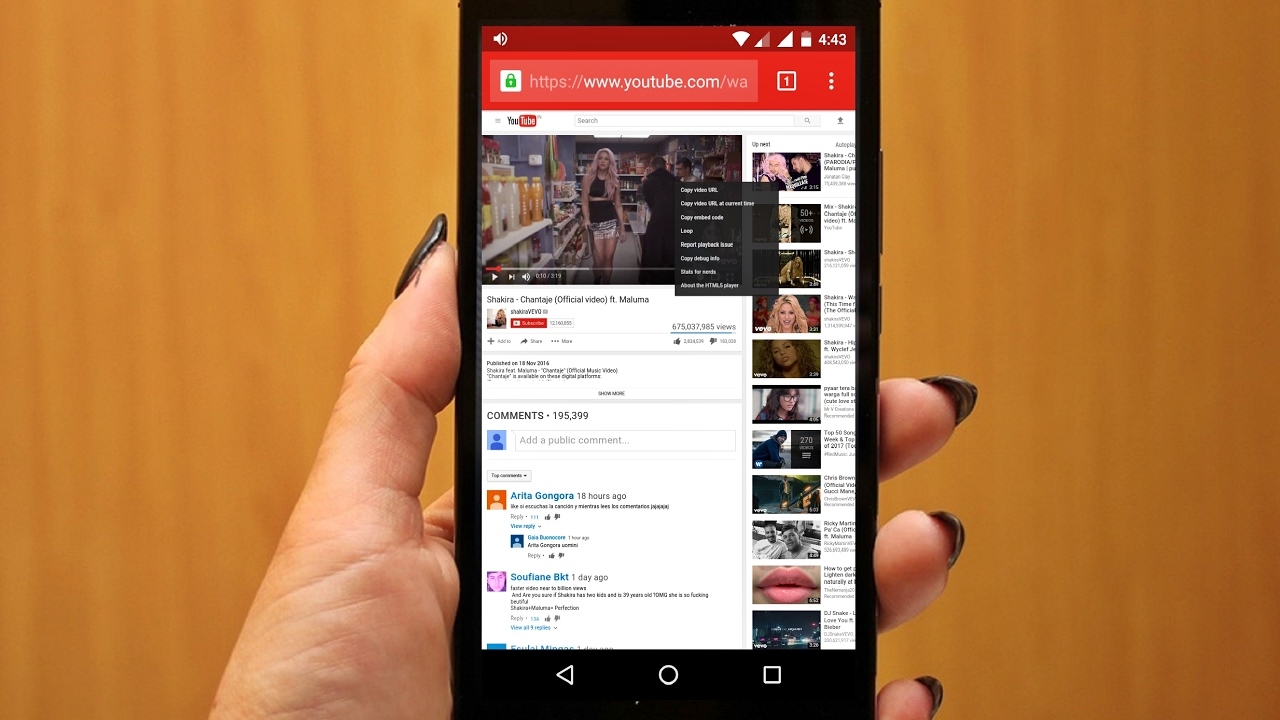
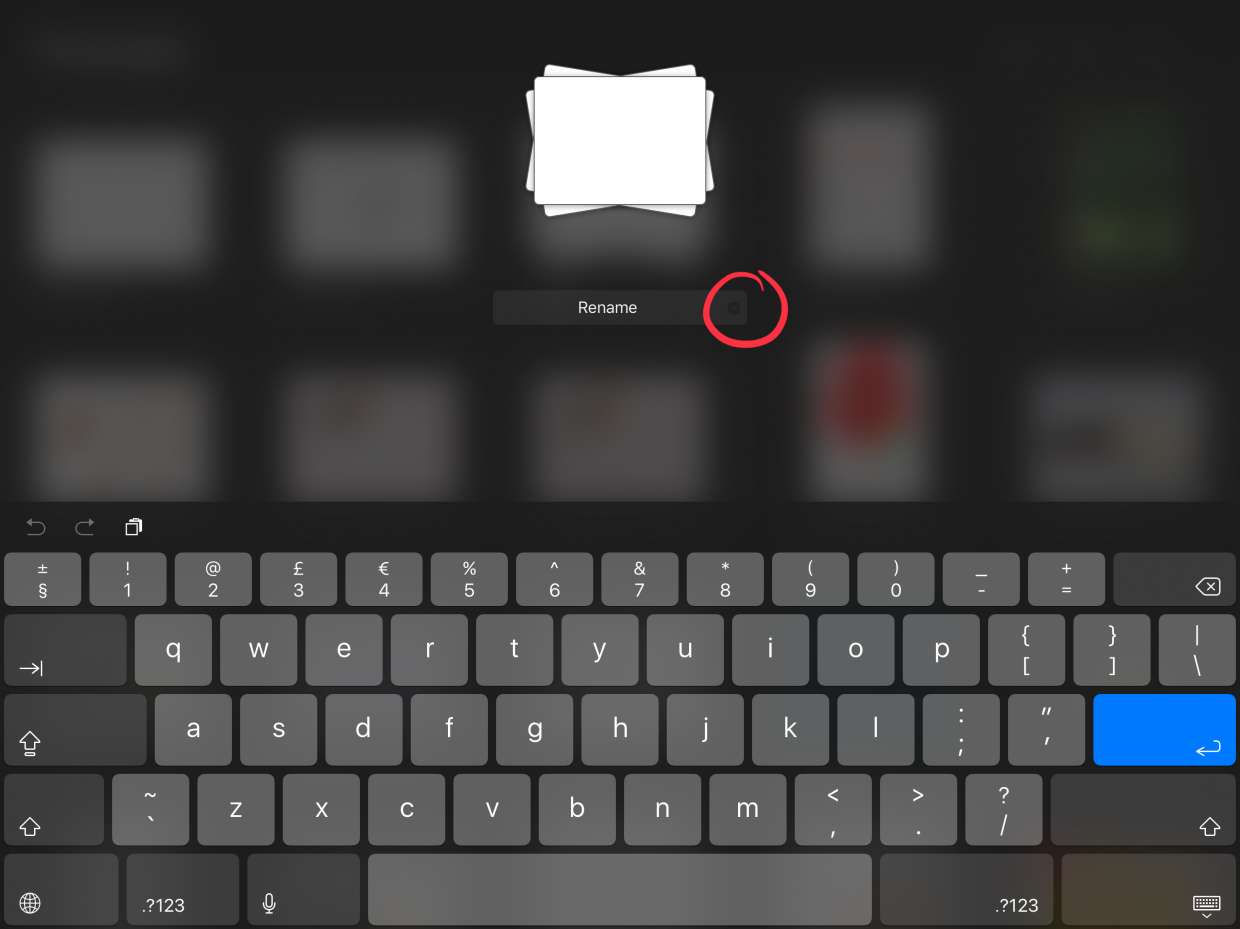
A third group of articles focuses on playback and organization. If you have ever struggled to get a video to play smoothly on your Android phone, or needed to rename a stack of layers in Procreate to keep your projects tidy, these posts provide the direct, no-nonsense instructions to get it done. Each article is built around a single, clear task, so you can find the answer you need and put it to use immediately.