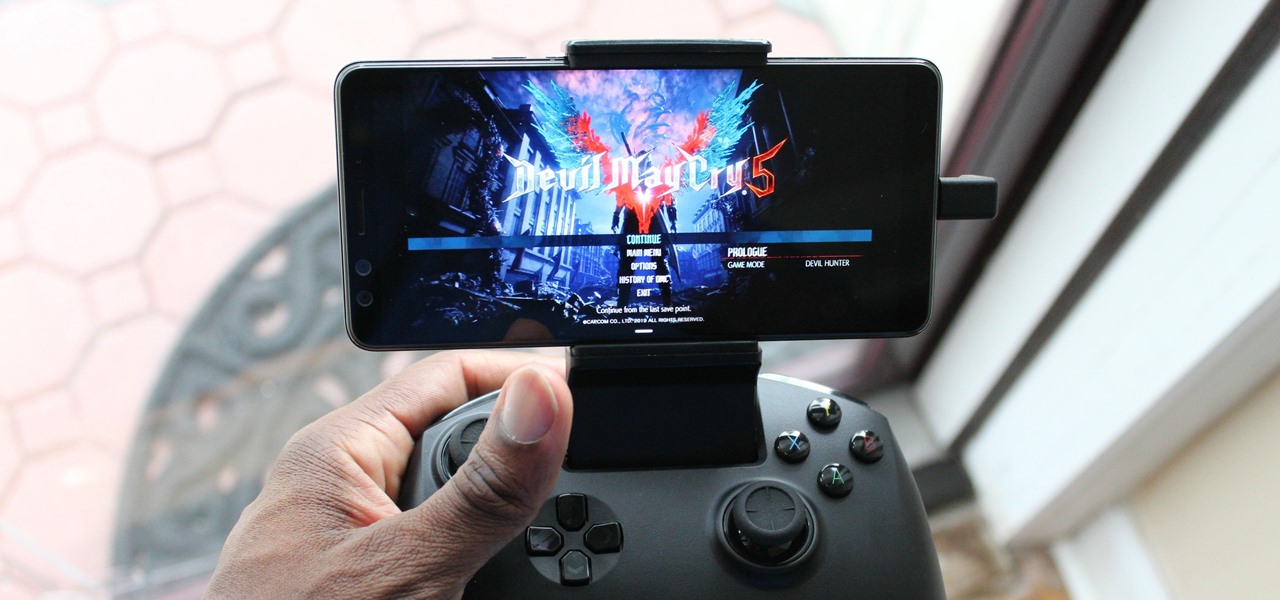
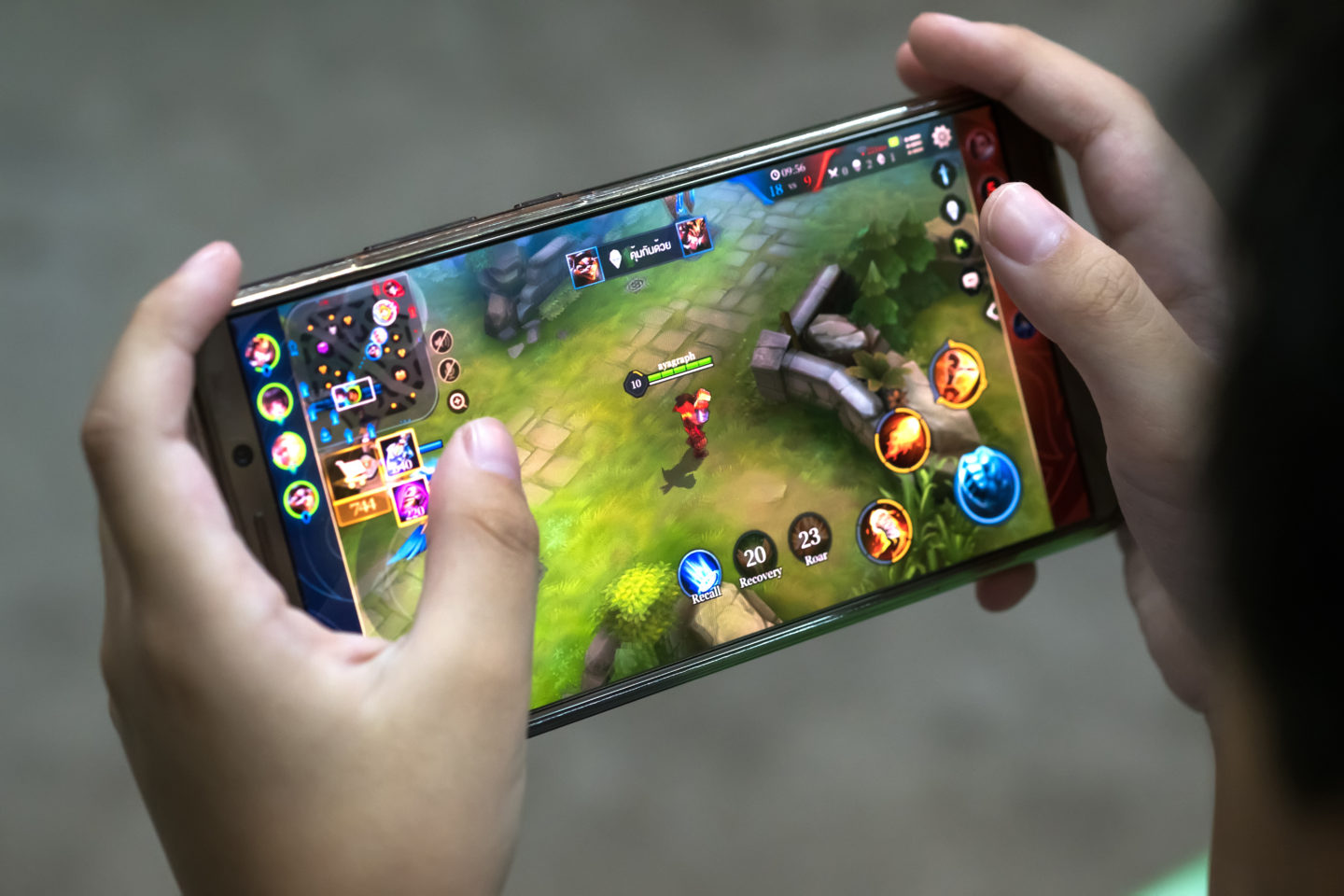
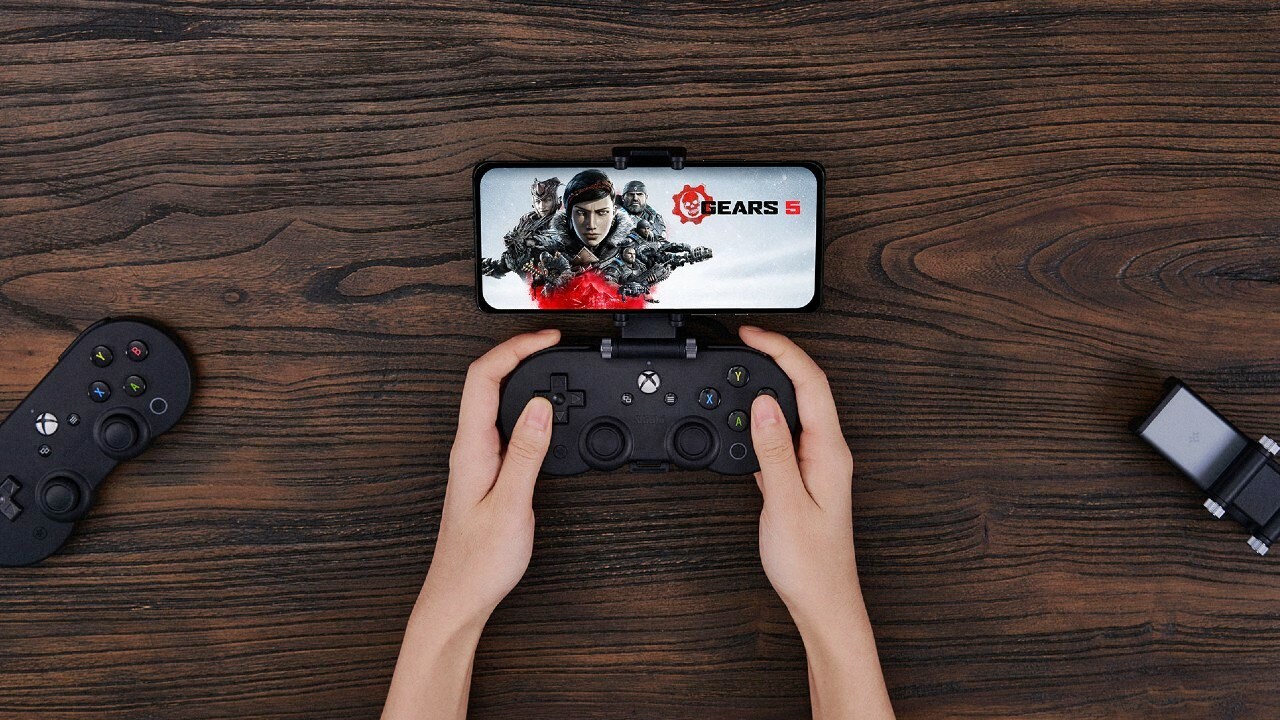
Guides and tutorials for anyone who wants to play their favorite games on a mobile screen, regardless of whether the game originally lives on a PC, console, or in the cloud. This section is built for readers who own a phone and want to turn it into a portable gaming display, covering the setup steps and app configurations needed to make that happen.
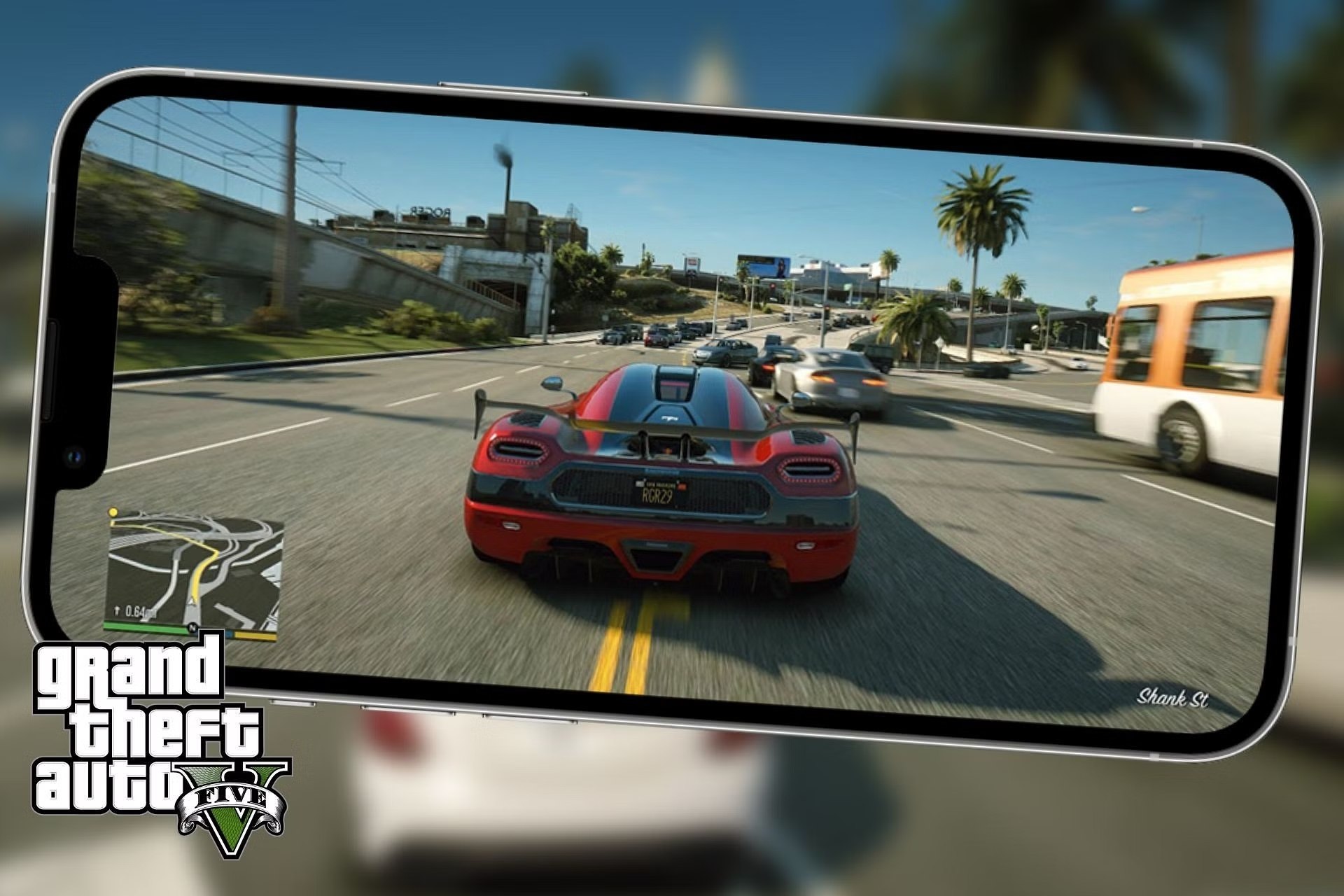
The articles here solve two main types of problems. The first is connecting your phone to a PC or console to play games remotely. Guides like “How to Use Steam Link App to Play Steam Games on Mobile” and “Xbox Remote Play Guide: Best Ways to Play Xbox on Mobile” walk you through pairing your phone with your home hardware. The second theme focuses on specific game or platform access, such as learning “How To Play Fortnite On VR” or figuring out “How To Play GTA V On Mobile” when those titles don’t have a native mobile version. Other articles, including “How To Play Xbox Games On Phone With Game Pass,” show how to stream directly from a subscription service without needing a console nearby.
Each article helps the reader do one clear thing: launch a game on their phone that normally requires different hardware. Whether you are trying to stream Steam games to Android or follow an Xbox Remote Play guide, the tag provides the step-by-step settings and app recommendations to get you playing.
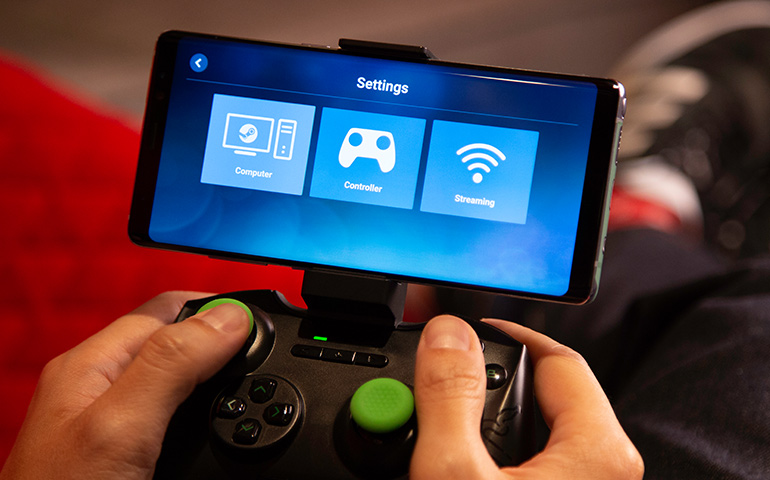
To stream Steam games to Android, install the free Steam Link app on your phone or tablet and ensure both the Android device and your computer running Steam are on...
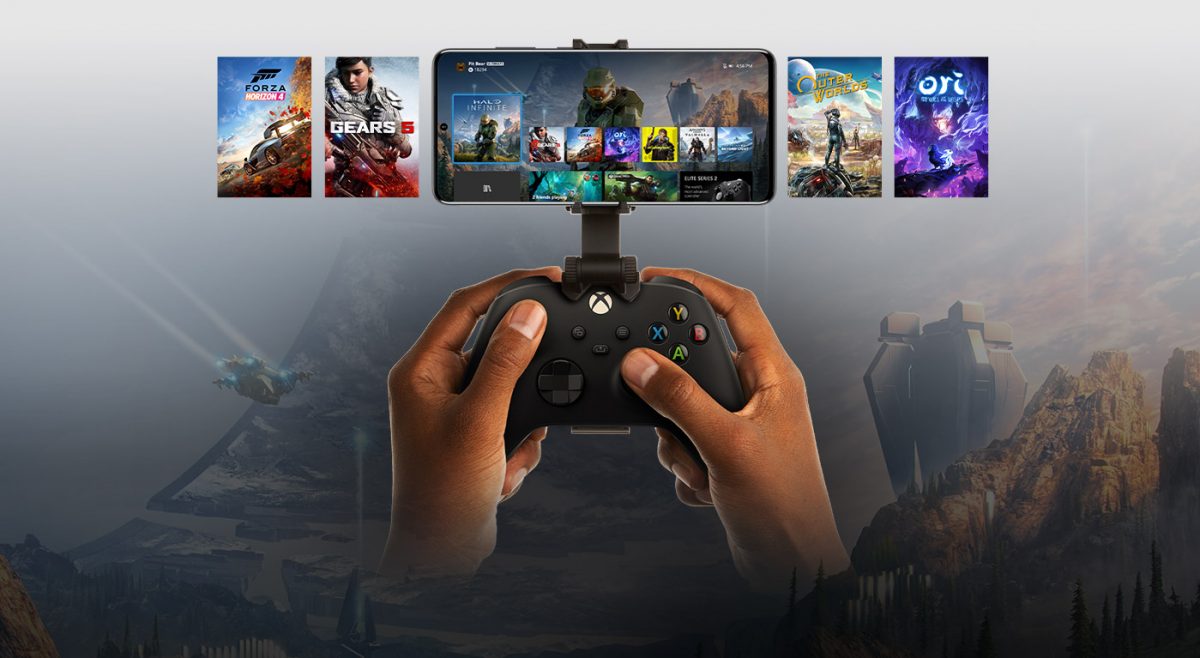
You can play Xbox games on your phone in two distinct ways: by streaming directly from your own Xbox console using Xbox Remote Play, or by playing games from Microsoft's...
You can play Xbox games on your phone by using an Xbox Game Pass Ultimate subscription to stream titles directly to your iPhone or Android device through a supported web...
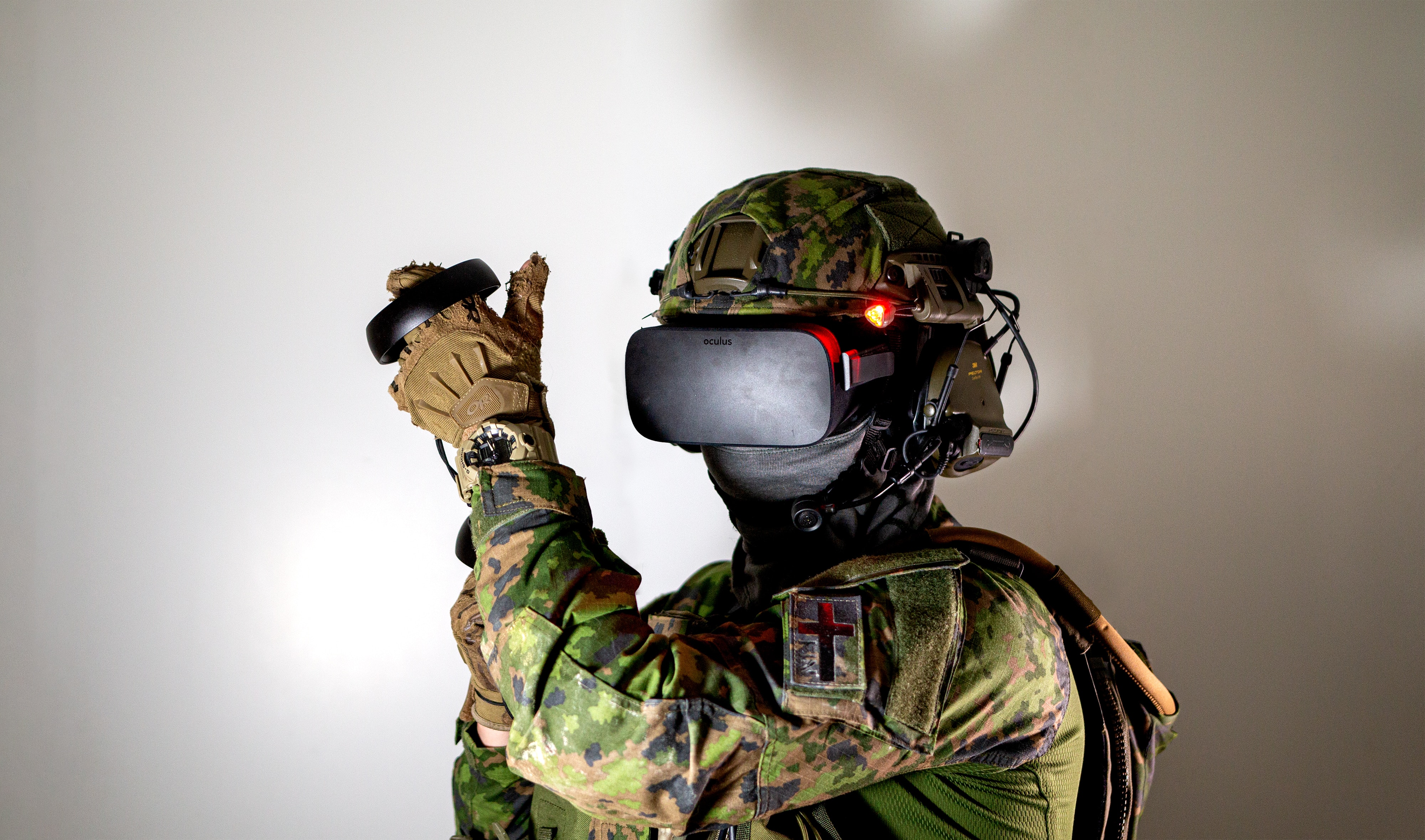
Can you actually play Fortnite on VR? No, you cannot play Fortnite in true virtual reality, because Epic Games has never released official VR support and has confirmed there are...
Xbox Remote Play lets you stream games directly from your personal Xbox console to a mobile device, free of charge. Unlike Xbox Cloud Gaming, which streams from Microsoft's servers and...
The Steam Link app is a free tool that streams your PC Steam games directly to your phone or tablet over your local network. It replaces the old Steam Link...
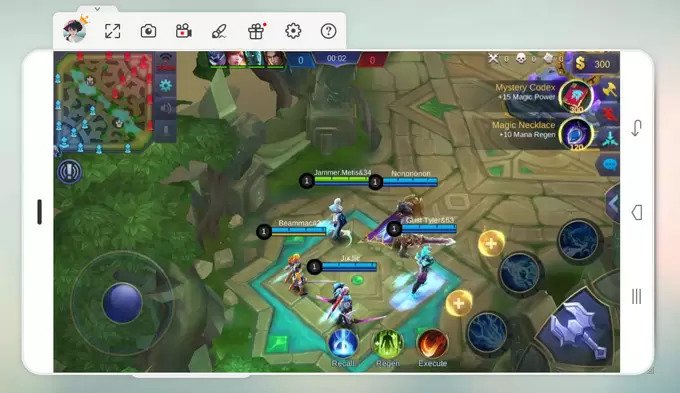
You can play mobile games on PC using three reliable methods: the official Google Play Games app, an Android emulator like BlueStacks or Nox, or by mirroring your phone's screen...