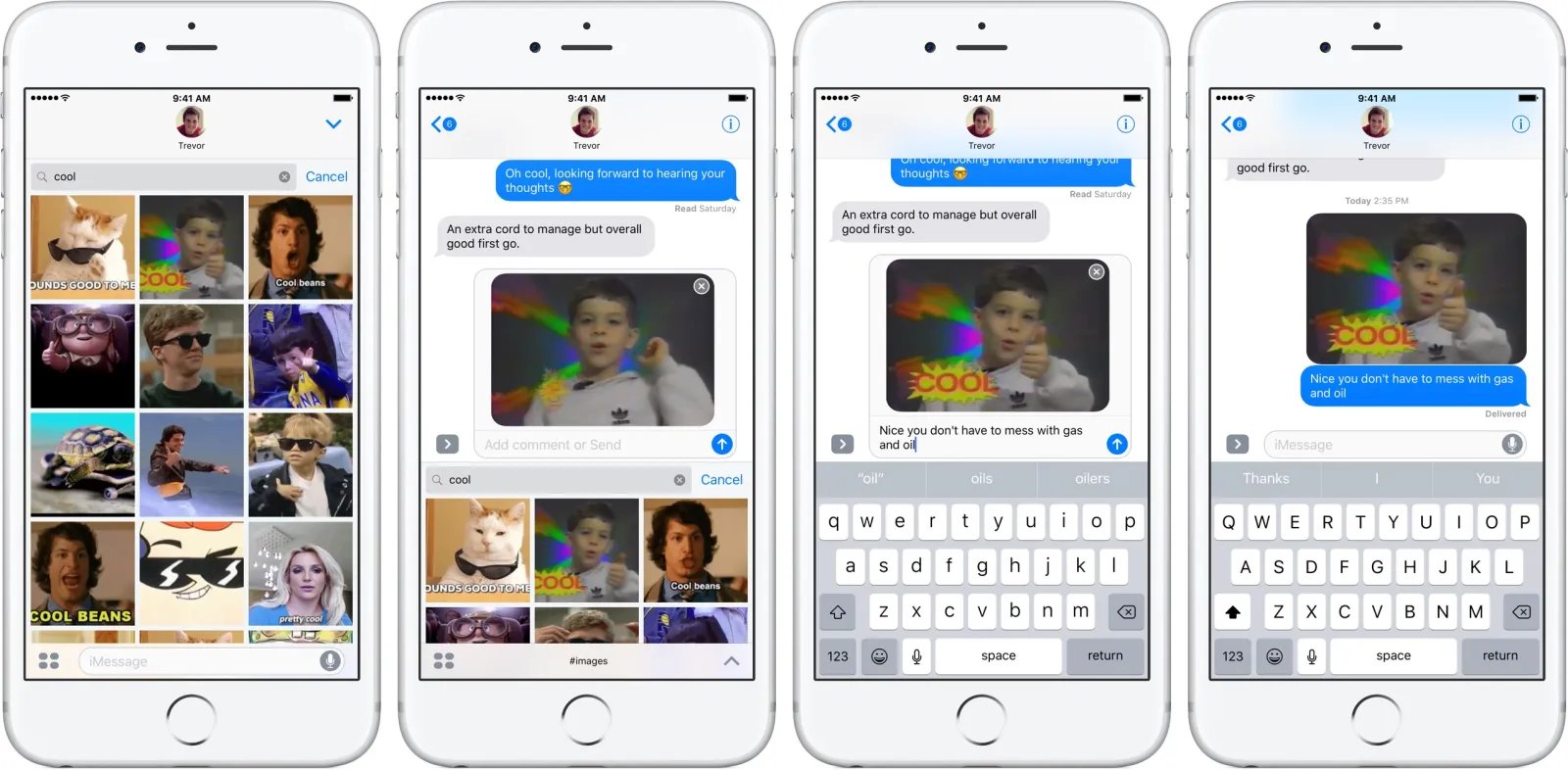
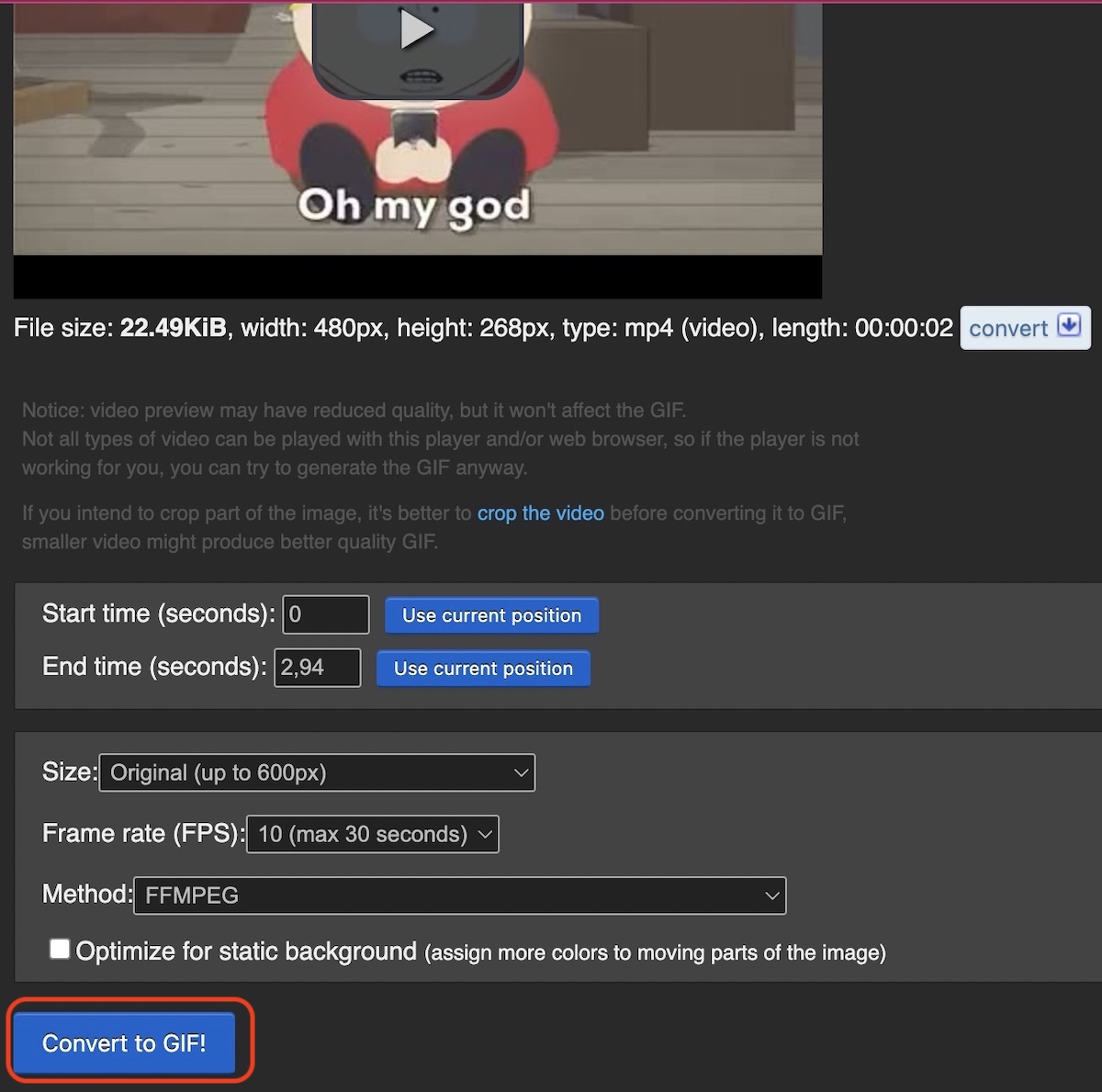
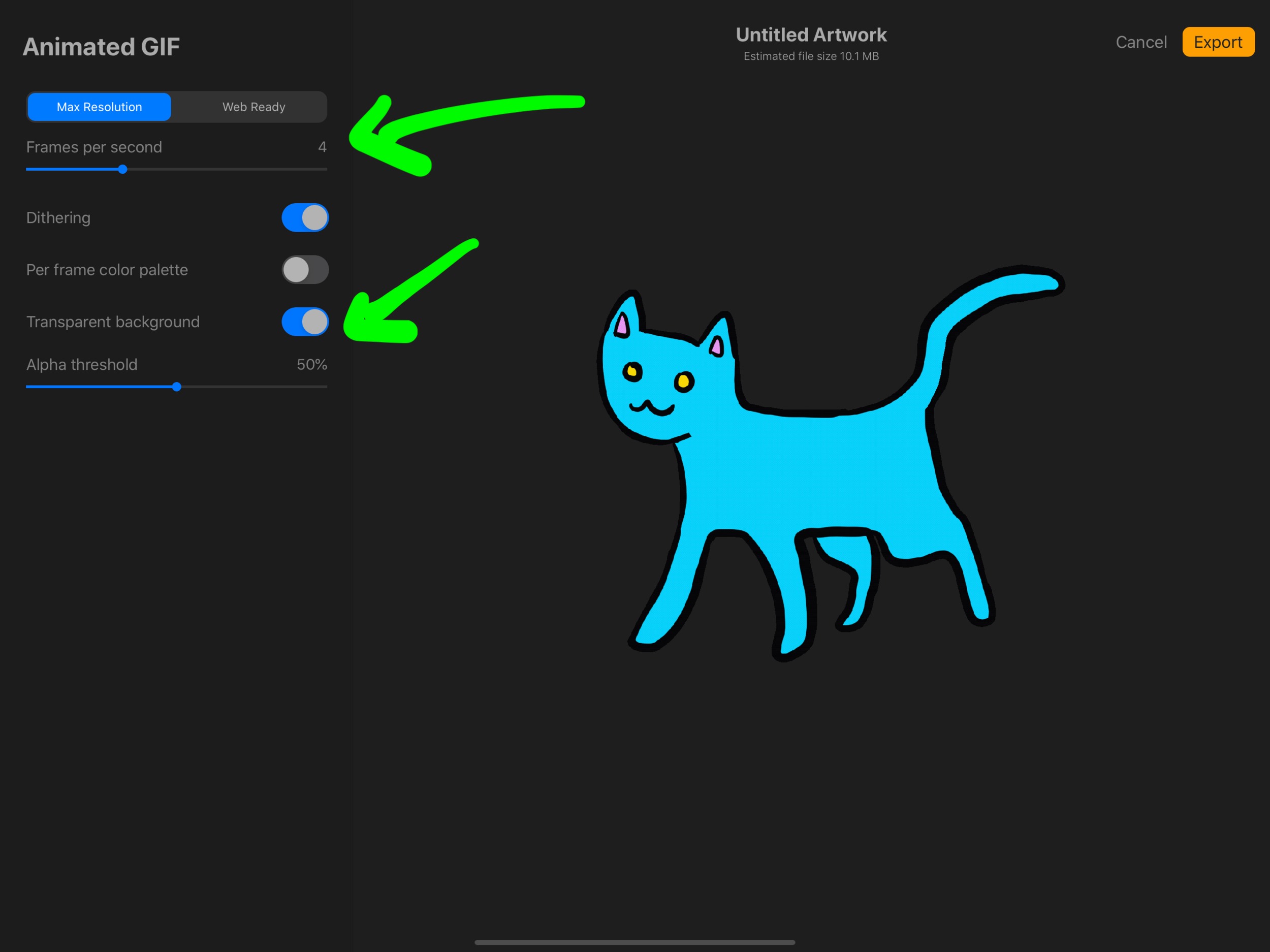
This tag collects all of CellularNews’s guides about using Graphics Interchange Format files, better known as GIFs, on your phone. It is written for anyone who wants to find, send, save, or create these short, looping animations directly from a mobile device, whether you are on an iPhone, an Android, or using a specific app like Discord or Procreate.
The articles here solve practical, everyday problems around GIFs. One theme is finding and sharing them: you can learn how to locate and send GIFs from the built-in Messages app on an iPhone, or how to save a GIF on an Android phone so you can use it later. Another theme is creating your own GIFs, with step-by-step instructions for making one on Procreate or on Discord Mobile. A third theme focuses on personalizing your online profile, such as the guide on how to get and use a GIF profile picture on Discord.
Whether you want to react with a perfect loop in a text, save a funny clip from the web, or design a custom avatar for your Discord account, these articles walk you through the exact steps to get it done on your phone.