This tag collects articles focused on GPS, location services, and positioning technology as they relate to your phone, smartwatch, and other connected devices. It is designed for anyone who needs practical, straightforward help with turning location features on or off, troubleshooting location errors, or understanding how GPS works across different platforms and apps.
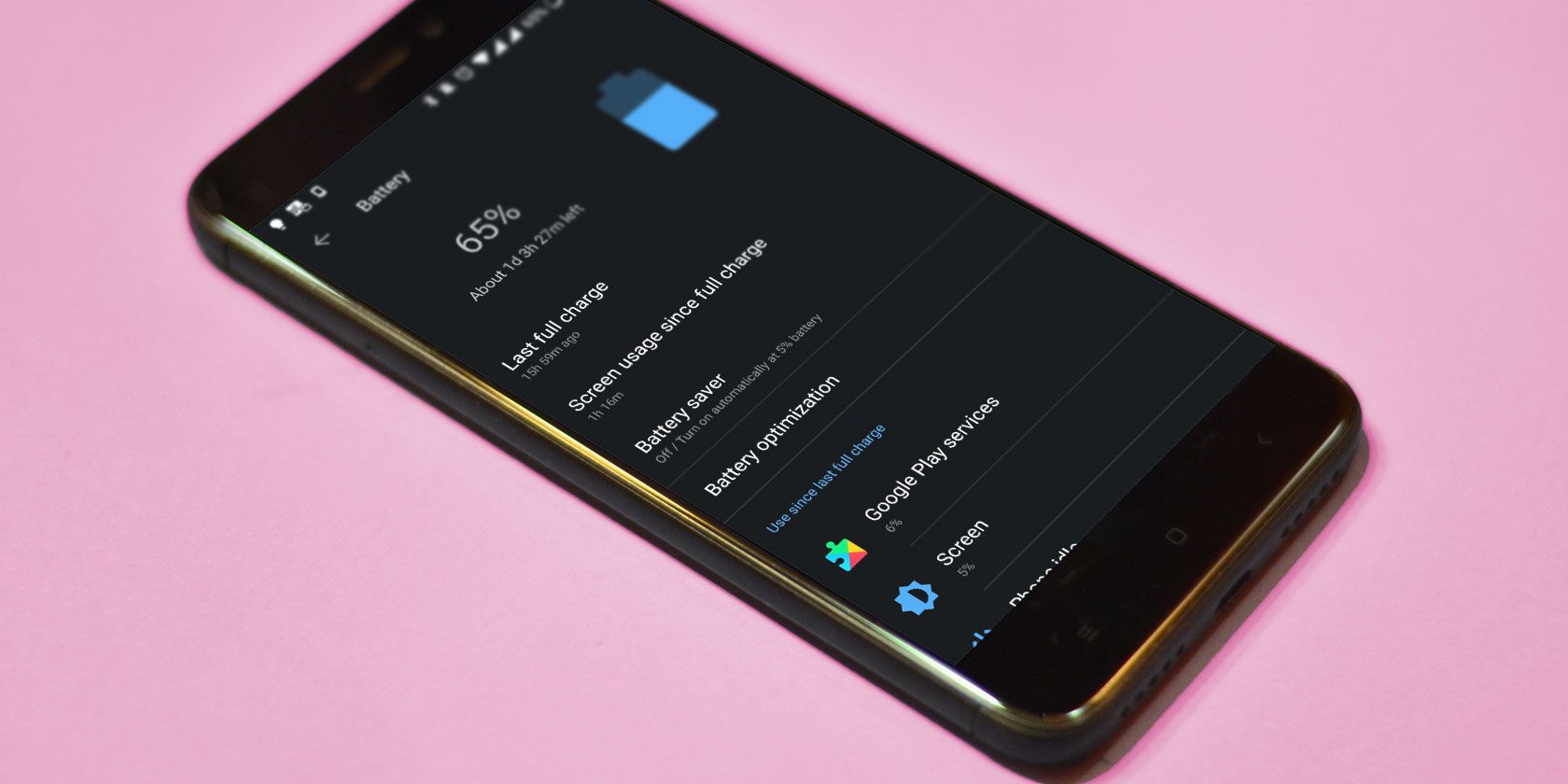
The articles here solve real-world problems grouped around a few clear themes. One major theme is finding and tracking locations, whether you are trying to locate someone by cell phone number, track a device on T-Mobile, or use Google Earth for cellphone number location. Another theme is fixing and managing location settings, including turning on GPS for Samsung phones, understanding what “No Location Found” means on an iPhone, and turning off battery optimization to keep GPS running. A third theme covers GPS in fitness and wearable devices, with guides on turning GPS on a Fitbit, comparing Fitbit models like the Versa 3 and 4, and troubleshooting battery drain on the Fitbit Sense.
Specific topics include how to measure a mile or 100 meters with your phone, how to change miles to kilometers on iPhone Maps, and how to reset a Petsafe wireless collar. Whether you need to sync T-Mobile phones on the same plan for GPS tracking, understand what a GNSS is, or figure out how long a GPS tracker battery lasts, these articles give you clear steps to follow.
![What Does No Location Found Mean on iPhone [Explained]](/wp-content/uploads/2020/12/How-To-Turn-Off-Find-My-iPhone-Feature-On-My-Device.jpg)