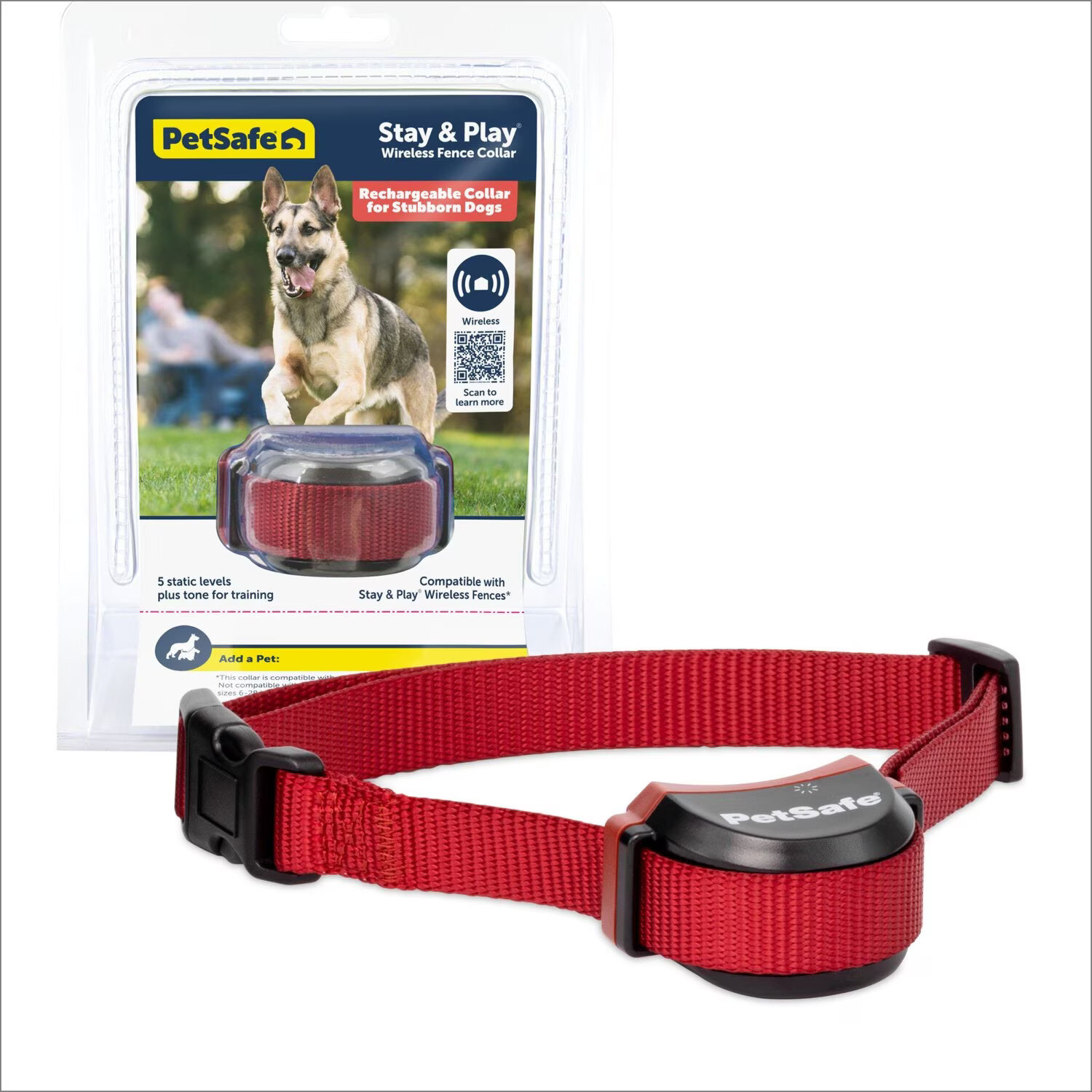
To reset a Petsafe wireless collar, you must perform a hardware button sequence directly on the collar itself, not through a phone app. The verified procedure documented for the Guardian GPS 2.0 Dog Fence + Tracking Collar involves holding the power button for up to 10 minutes until the LEDs confirm completion.
Before you reset a Petsafe wireless collar: which model?
This reset procedure is verified only for the Guardian GPS 2.0 Dog Fence + Tracking Collar. Other PetSafe collar models may use different button combinations or sequences. If you own a different model, consult that product’s specific support materials before attempting any reset. Using the wrong procedure on an unsupported collar could cause unexpected behavior or require additional troubleshooting.
Factory reset vs. Bluetooth pairing: what you actually need
Two distinct reset modes exist for this collar, and choosing the wrong one wastes time. A full factory reset erases all saved settings, boundaries, and pairing data, returning the collar to its out-of-box state. This is the correct choice when the collar is unresponsive, malfunctioning, or being transferred to a new pet. Bluetooth pairing mode does not erase settings; it only reconnects the collar to the PetSafe app after a temporary disconnection. If your collar is already working but lost its app connection, use Bluetooth pairing mode instead of a full reset. The reset is done on the collar hardware, not in a phone settings menu, there is no iPhone or Android menu path for resetting the collar itself.
How to factory reset a Petsafe wireless collar
Follow these steps exactly. Do not skip or rush any part of the sequence.
- Keep the collar off before starting the factory reset.
- Turn the collar off.
- Press and hold the power button continuously.
- Watch for the battery and signal LEDs to start slowly pulsing green.
- Continue holding the power button while the LEDs glow solid red during the reset process.
- Release the power button only after the LEDs blink green three times.
The factory reset can take up to 10 minutes. Do not release the button early, even if the collar appears unresponsive during the red LED phase.
Critical cautions during the reset
Two documented warnings prevent reset failure. First, do not press the power button again once you have started the hold sequence, pressing it again mid-reset can interrupt the process and leave the collar in an incomplete state. Second, do not place the collar on the charging base until the LEDs blink green three times. Do not connect the collar to the charging base until the LEDs blink green three times. Connecting the collar to power before the reset completes may corrupt the factory settings restoration.
How to reconnect the collar using Bluetooth pairing mode
If you only need to re-pair the collar to the PetSafe app (not erase all settings), use this separate procedure. With the collar turned on, press and hold the power button for 1 second to enter Bluetooth pairing mode. The battery and signal LEDs slowly pulsing blue indicates Bluetooth pairing mode. Once paired, the collar will resume normal operation with its existing settings intact. This is the documented re-pairing step for the collar and does not require a full factory reset.
What to do if the reset does not work
If the LED sequence does not occur, for example, the collar never shows slowly pulsing green LEDs, or the solid red phase never begins, the collar may have a hardware issue. Similarly, if the collar remains unresponsive after the three green blinks confirm a completed reset, the problem lies beyond a simple reset. In either case, contact PetSafe customer support for further assistance. They can verify whether the collar requires repair or replacement. Do not attempt to repeat the reset indefinitely, as this will not resolve underlying hardware faults.
If you are troubleshooting other devices in your home, you might need to know how to reset T-Mobile 5G home internet to restore your network connection, or you might be setting up wireless connections for a new smart home device. These are separate tasks from the collar reset process.
Frequently Asked Questions
Will a factory reset delete my pet's training history?
Yes, a factory reset erases all saved settings, including boundary configurations and correction levels. The collar returns to its default state, and you will need to reconfigure it as if it were new.
Can I reset the collar using the PetSafe app?
No. The documented reset procedure for the Guardian GPS 2.0 Dog Fence + Tracking Collar is performed entirely on the collar hardware using the power button. There is no iPhone or Android menu path to reset the collar itself.
How long does the factory reset actually take?
The documented timing limit is up to 10 minutes. Most resets complete sooner, but you must hold the power button continuously until the three green blinks appear, even if that takes the full 10 minutes.
What do the different LED colors mean during the reset?
Slowly pulsing green indicates the reset has started. Solid red means the collar is actively resetting. Three green blinks confirm the reset is complete. Any other LED pattern, such as rapid flashing or no light at all, indicates the reset did not occur.
Will resetting the collar fix a battery that won't charge?
No. A factory reset addresses software and configuration issues, not hardware problems like a failed battery or charging circuit. If the collar does not charge, contact PetSafe customer support.