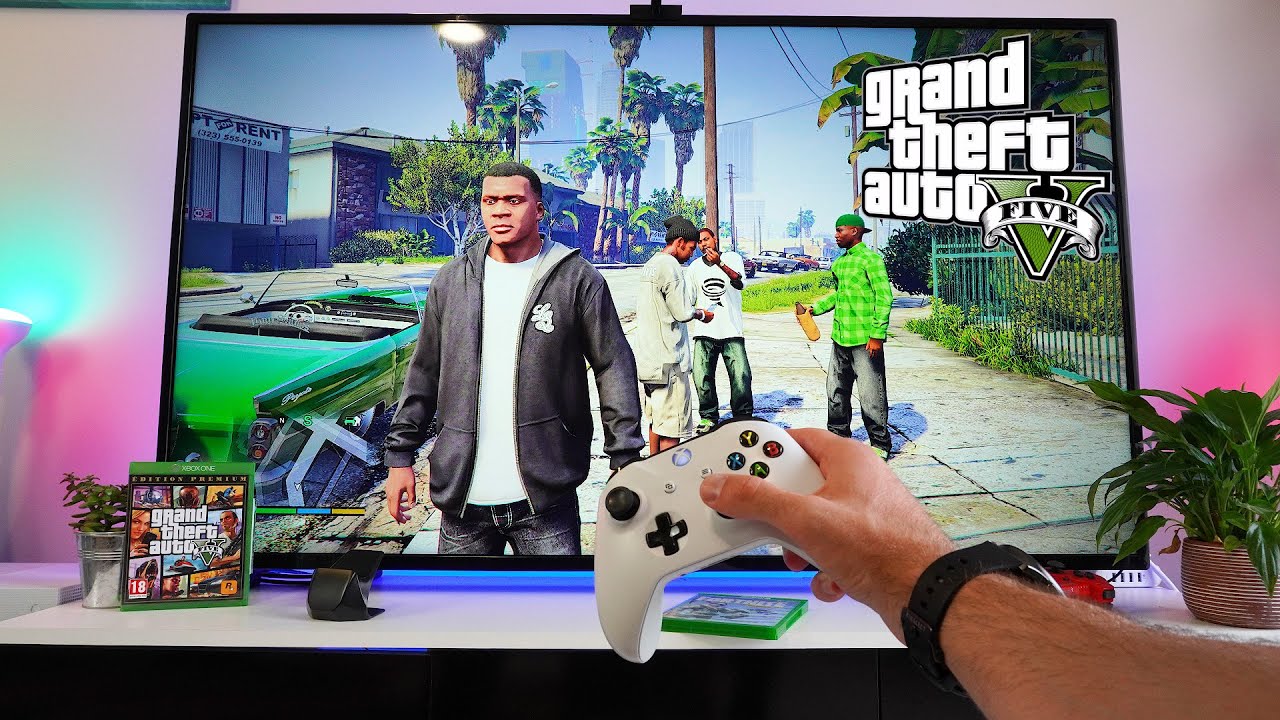
This tag collects articles specifically for gamers who play Grand Theft Auto V on PC or Xbox and need help managing the in-game phone and controller setup. Whether you are struggling with the basic controls or looking to improve your gameplay experience, these guides are designed to solve practical, hands-on problems you encounter while playing.
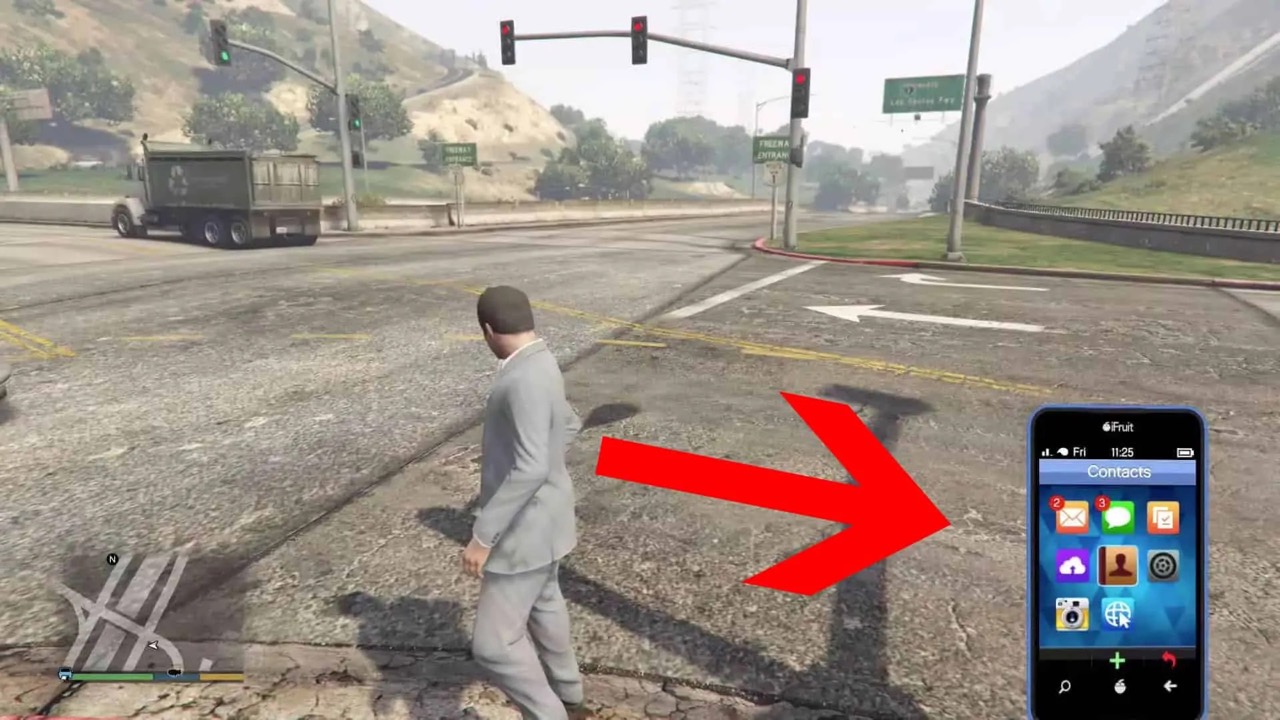
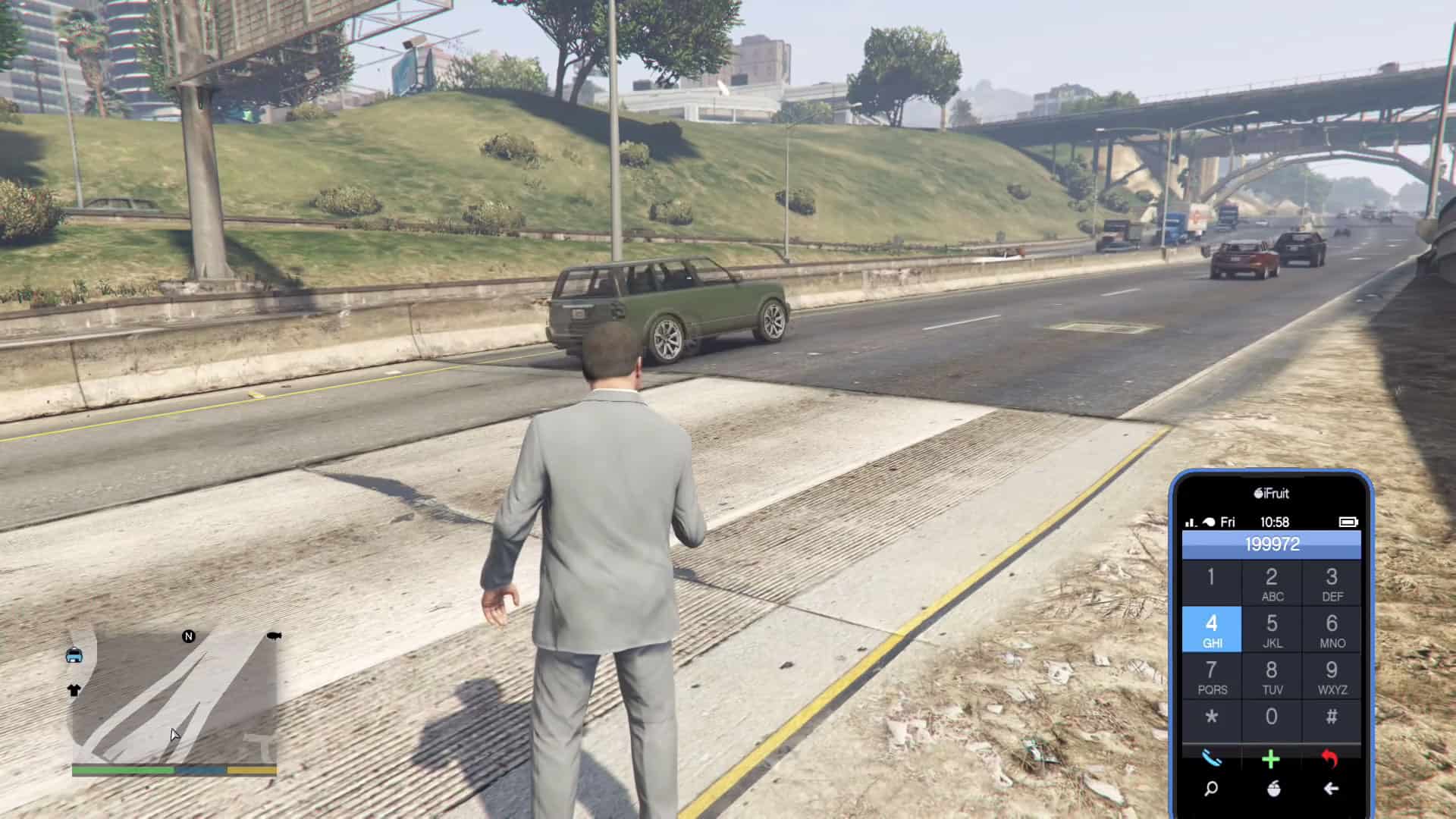
The articles address two main themes. The first is hardware integration, focusing on how to use a gamepad on PC, which helps players who prefer a console-style controller over a keyboard and mouse. The second, and larger, theme is mastering the in-game smartphone interface. Several guides walk you through the core actions of using the phone, such as how to open the phone on PC, how to pull it out on Xbox, and how to dial a number once it is active. These are the fundamental steps for accessing contacts, starting missions, and using in-game apps.
Specific topics covered include the step-by-step process for how to open the phone in GTA 5 on PC, how to dial on the phone in GTA 5, and how to pull out the phone on Xbox. For hardware, the collection explains how to use a gamepad for GTA 5 on PC. Each article helps the reader perform a specific action, from pressing the correct key to connecting a controller, so they can spend less time fumbling with controls and more time playing the game.