Practical, step-by-step guides for anyone who owns an HP laptop, printer, or accessory and needs to get it working with their phone or home network. Whether you're a student, a remote worker, or just someone trying to keep your devices running smoothly, these articles are built for real-world fixes, no fluff, just clear instructions for common setup and troubleshooting tasks.
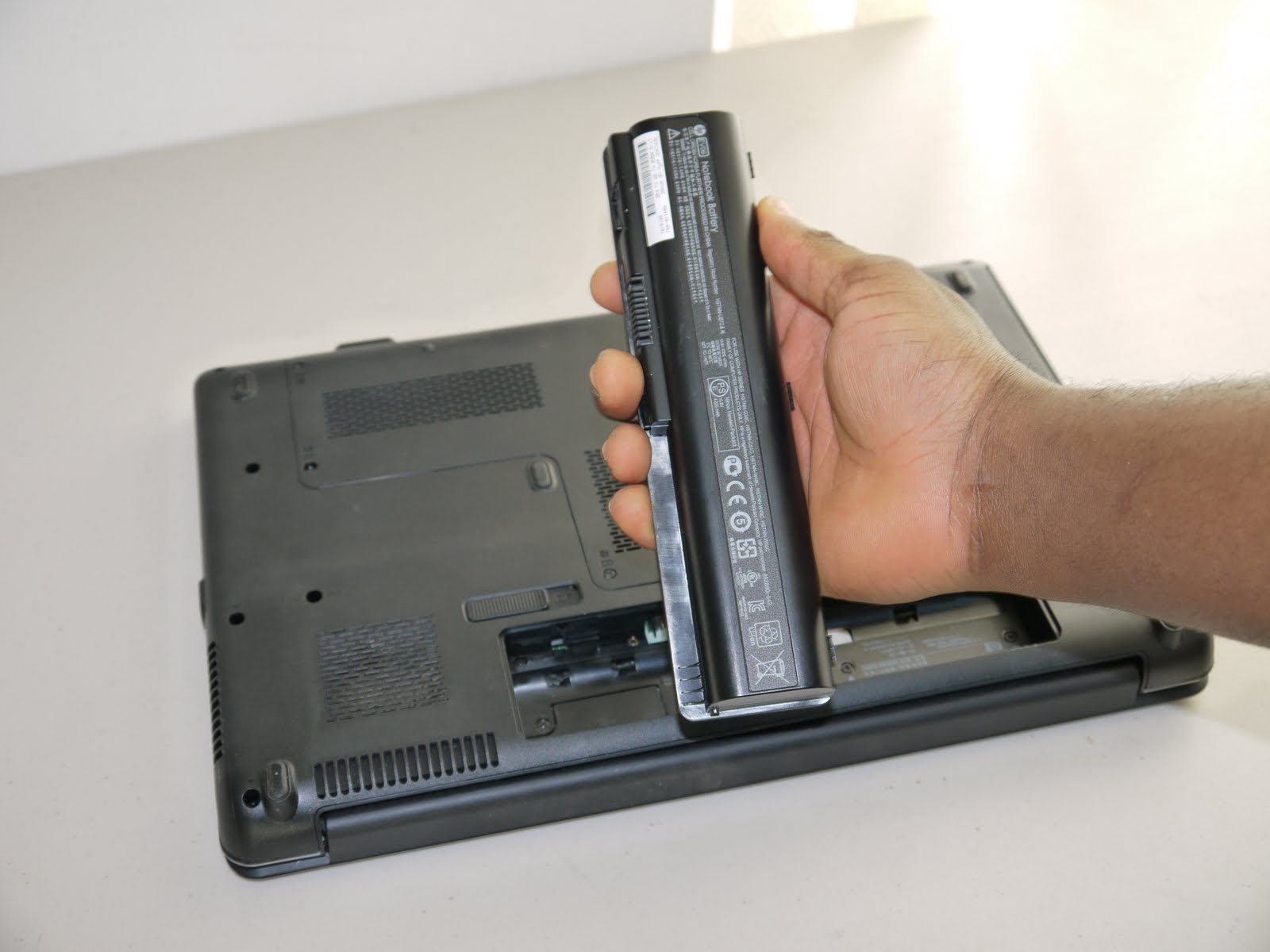
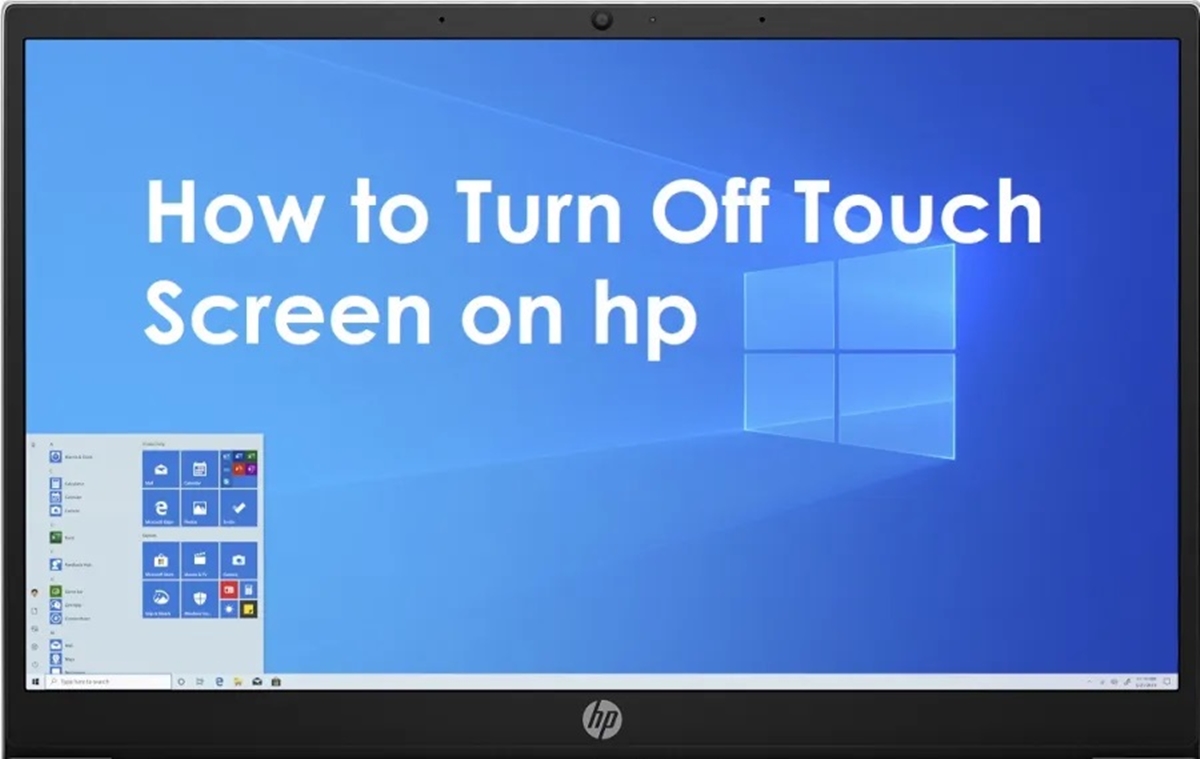
The articles here fall into two clear groups. First, you’ll find help for connecting and managing HP printers over Wi-Fi, including setting up models like the Officejet 4630, Deskjet 3050 series, and LaserJet P1102W. These guides walk you through wireless configuration, switching from USB, scanning, faxing, and even printing from a mobile phone using an OTG cable. The second group covers laptop and accessory setup: how to connect an HP wireless keyboard, use a docking station with a Dell laptop, turn on the privacy screen, remove the battery, or even disable the touchscreen when you need to.
Specific topics you can dive into include resetting the HP OfficeJet 100 Mobile Printer, troubleshooting common wireless printer connection problems, and turning on wireless capability for an HP laptop. Each article is written to help you take immediate action, connect a device, change a setting, or fix a glitch, without needing to search for extra information.