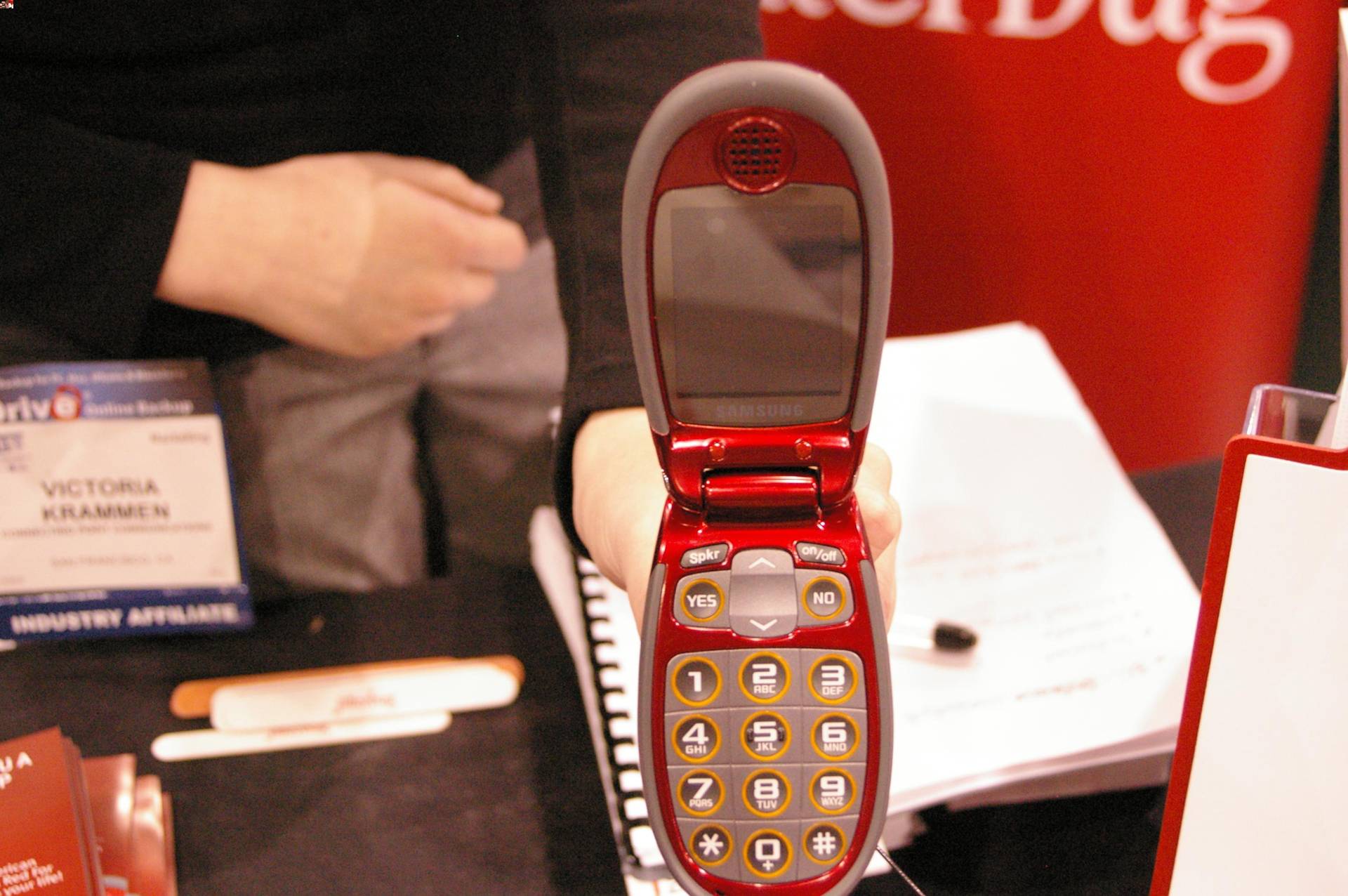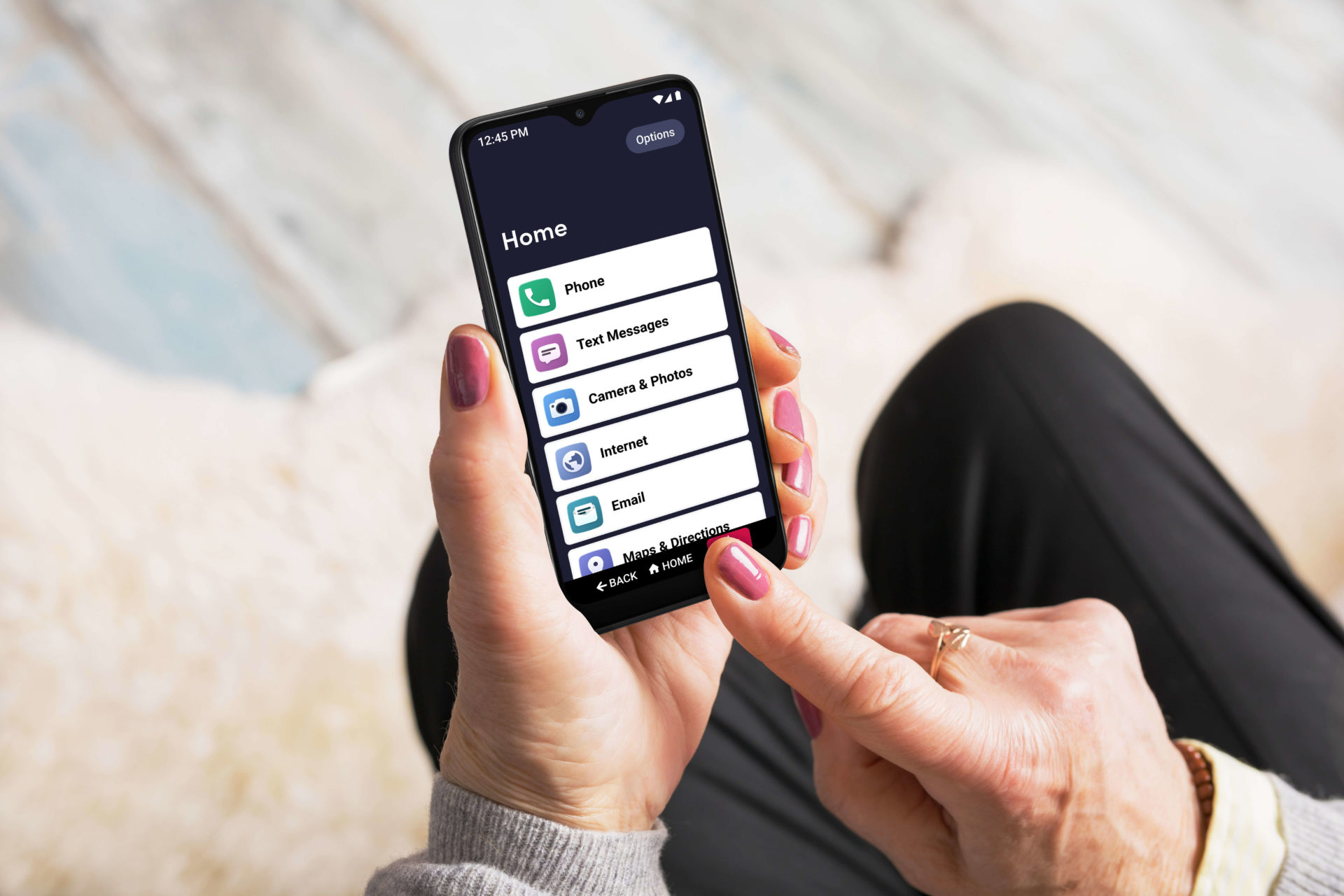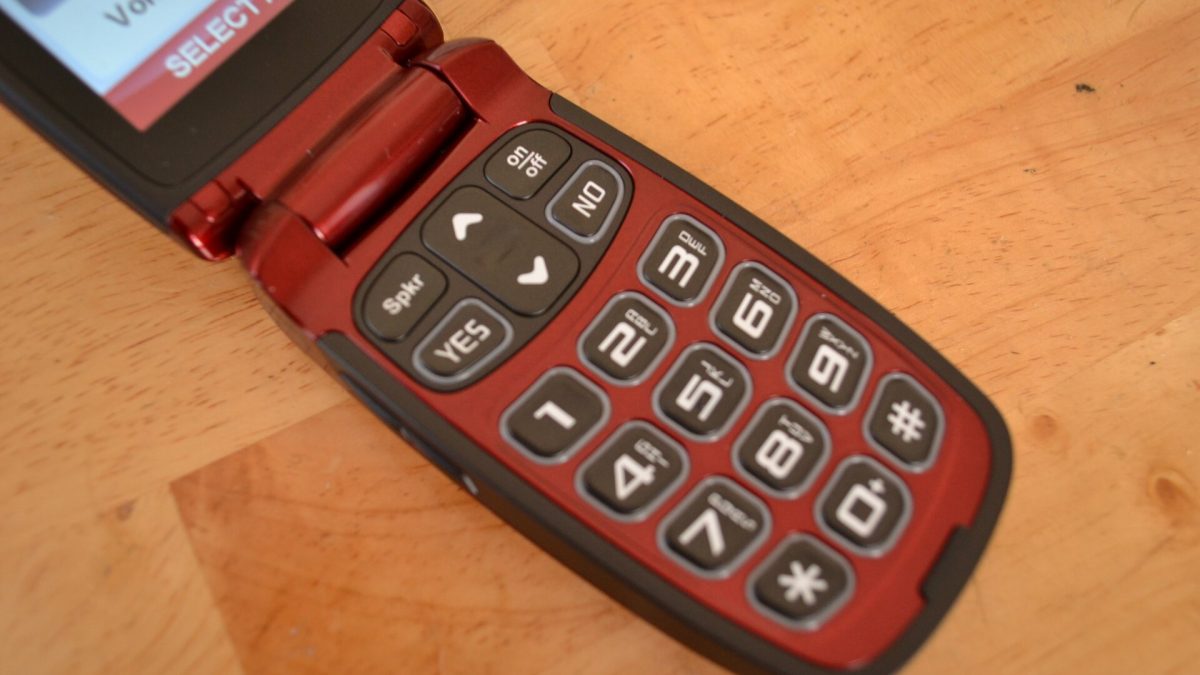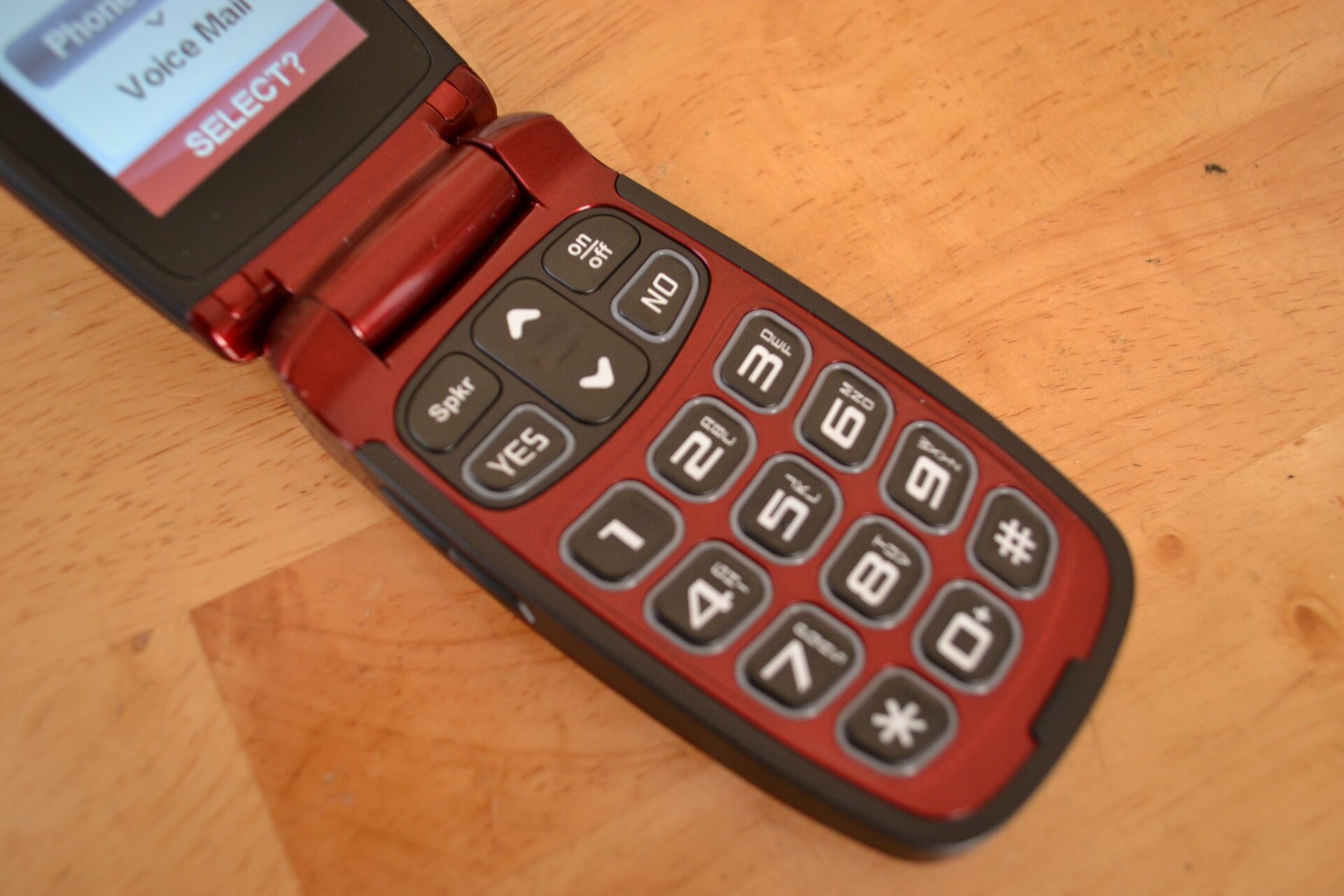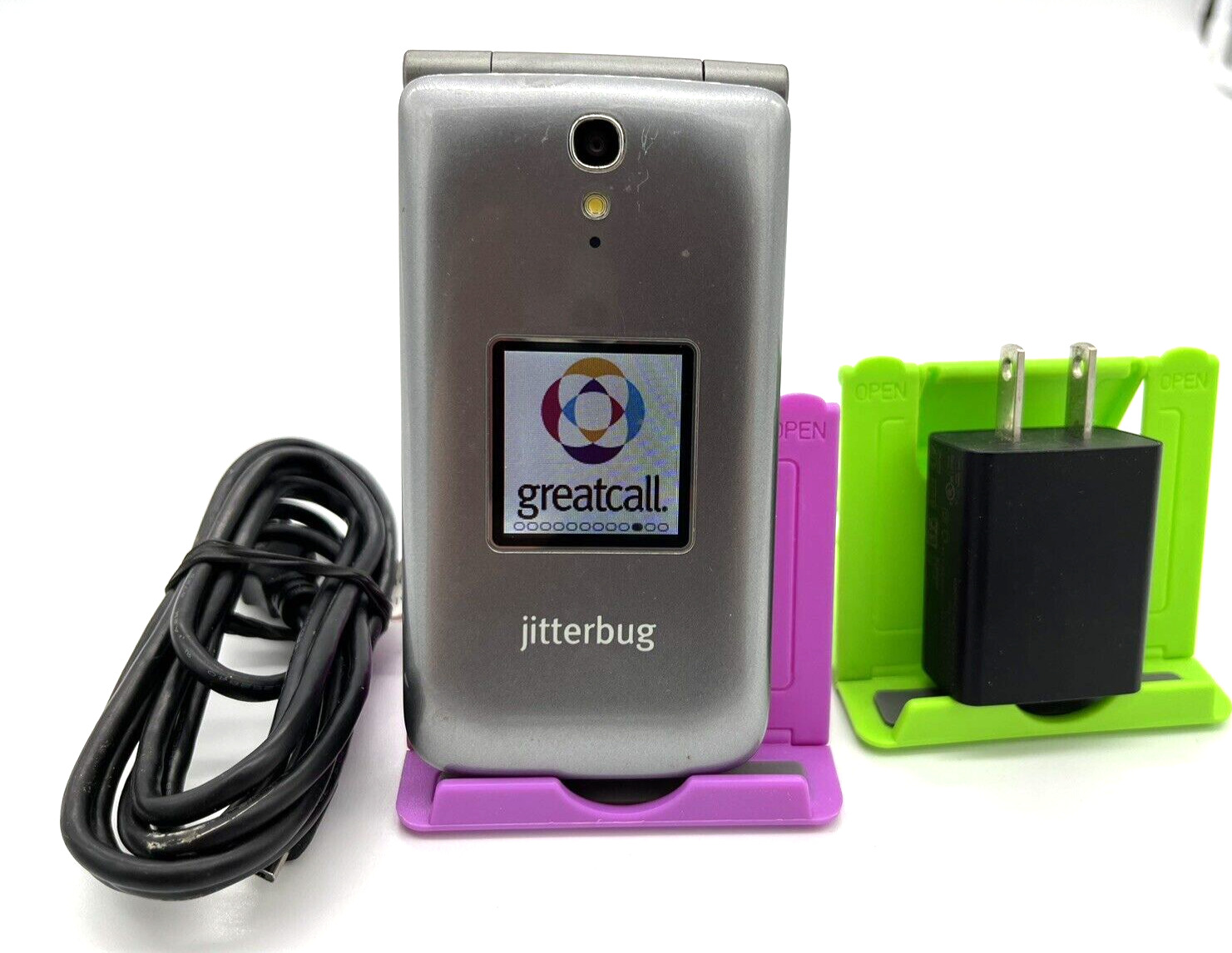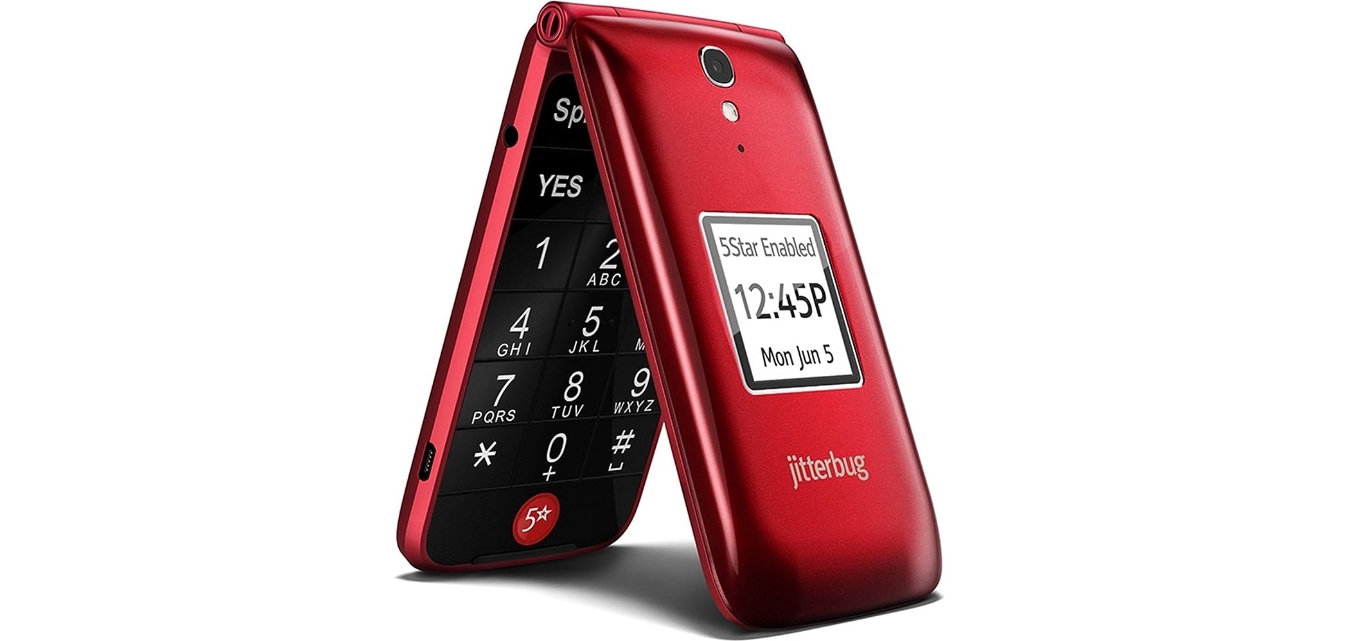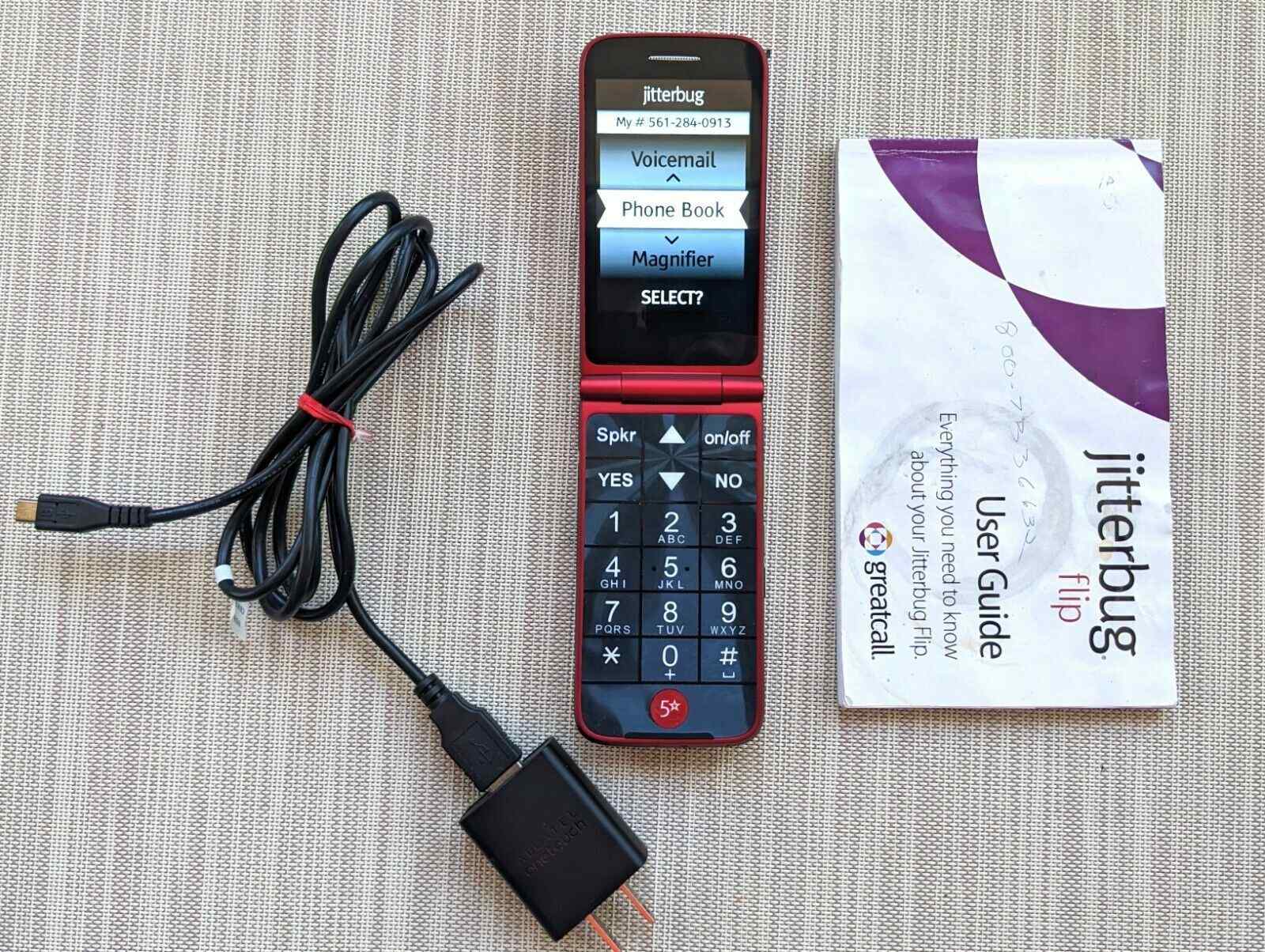
This tag collects all of our Jitterbug phone guides, designed for users of these simplified devices, often seniors or anyone seeking a straightforward mobile experience. The articles you’ll find here focus on the most common tasks and troubleshooting steps for both Jitterbug flip phones and smartphones, helping you get the most out of your device without unnecessary complexity.
The problems these articles solve fall into two main areas: basic setup and everyday operations, and resolving common glitches. For setup, you’ll find step-by-step help on how to activate a Jitterbug phone, how to set up a Jitterbug flip phone for the first time, and how to remove a SIM card when needed. For daily use, articles cover how to turn on your Jitterbug flip phone, how to block calls on a Jitterbug smartphone, and how to delete call history on a Jitterbug flip phone to keep your log tidy.
When things go wrong, we also address specific fixes, such as how to unfreeze a Jitterbug flip phone if the screen becomes unresponsive. For broader context, the tag includes a general guide on how to use basic flip phones, which is useful for anyone new to the format. Each article is written to help you perform a single, clear action, whether that’s activating your phone, blocking unwanted calls, or getting a frozen screen working again.