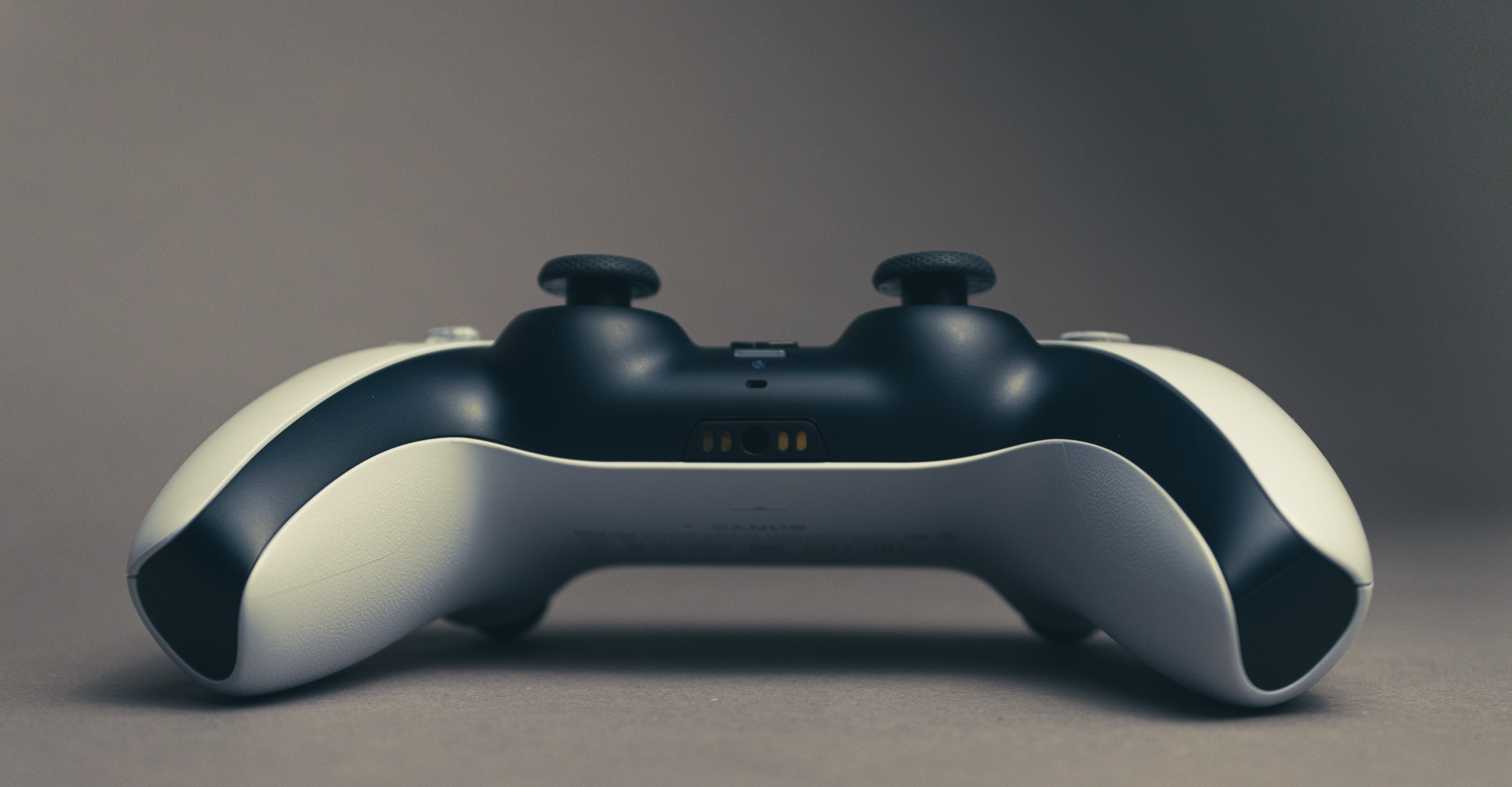
CellularNews guides focused on a single, frustrating problem: controller thumbsticks that register movement when you aren't touching them. This collection is specifically for gamers and anyone using a console or mobile controller who has noticed their character moving on its own, aim drifting, or menu selections scrolling without input. Whether you use an Xbox, PS4, or PS5 controller, these articles are written for the person who wants to fix the hardware themselves rather than buying a new controller.
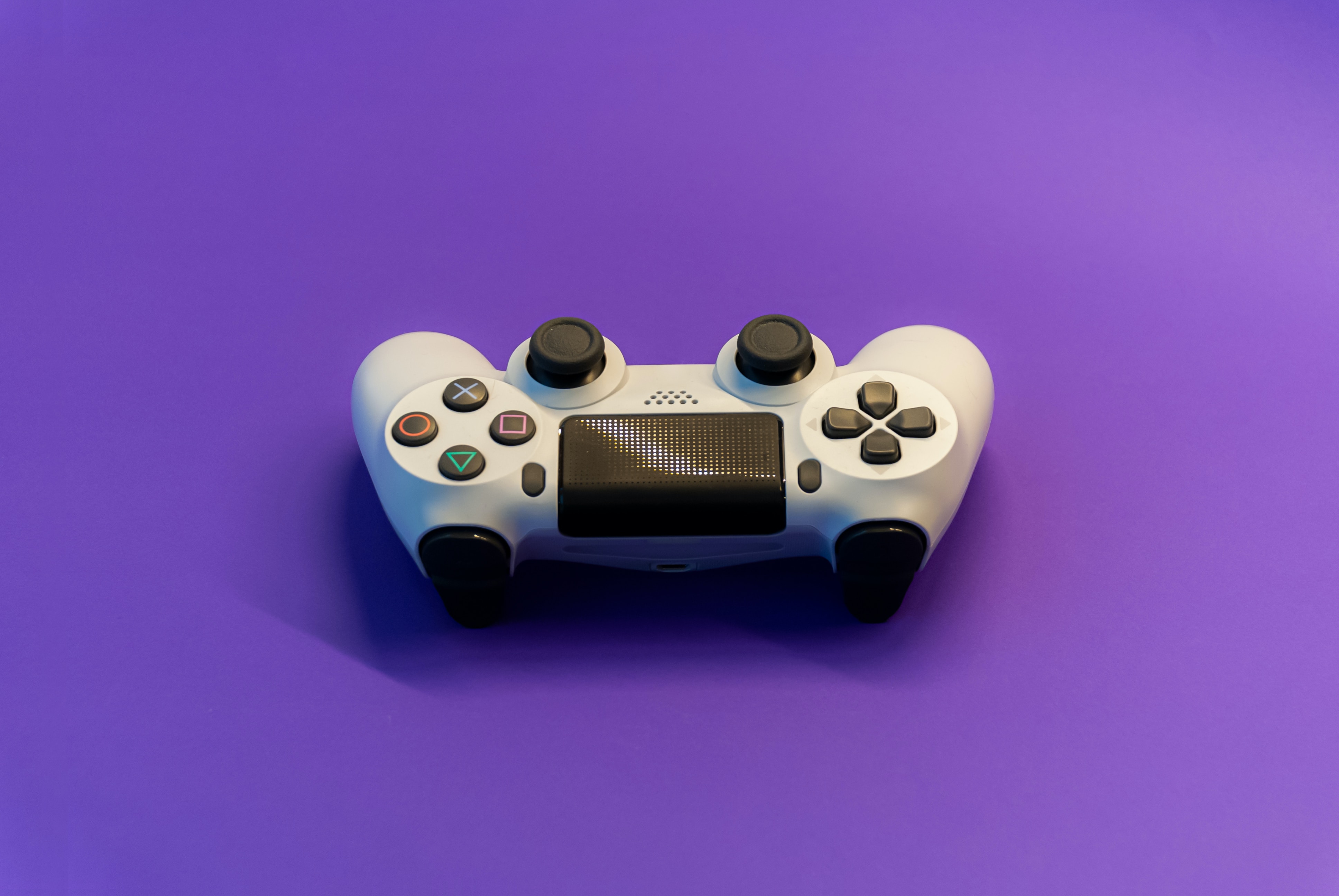
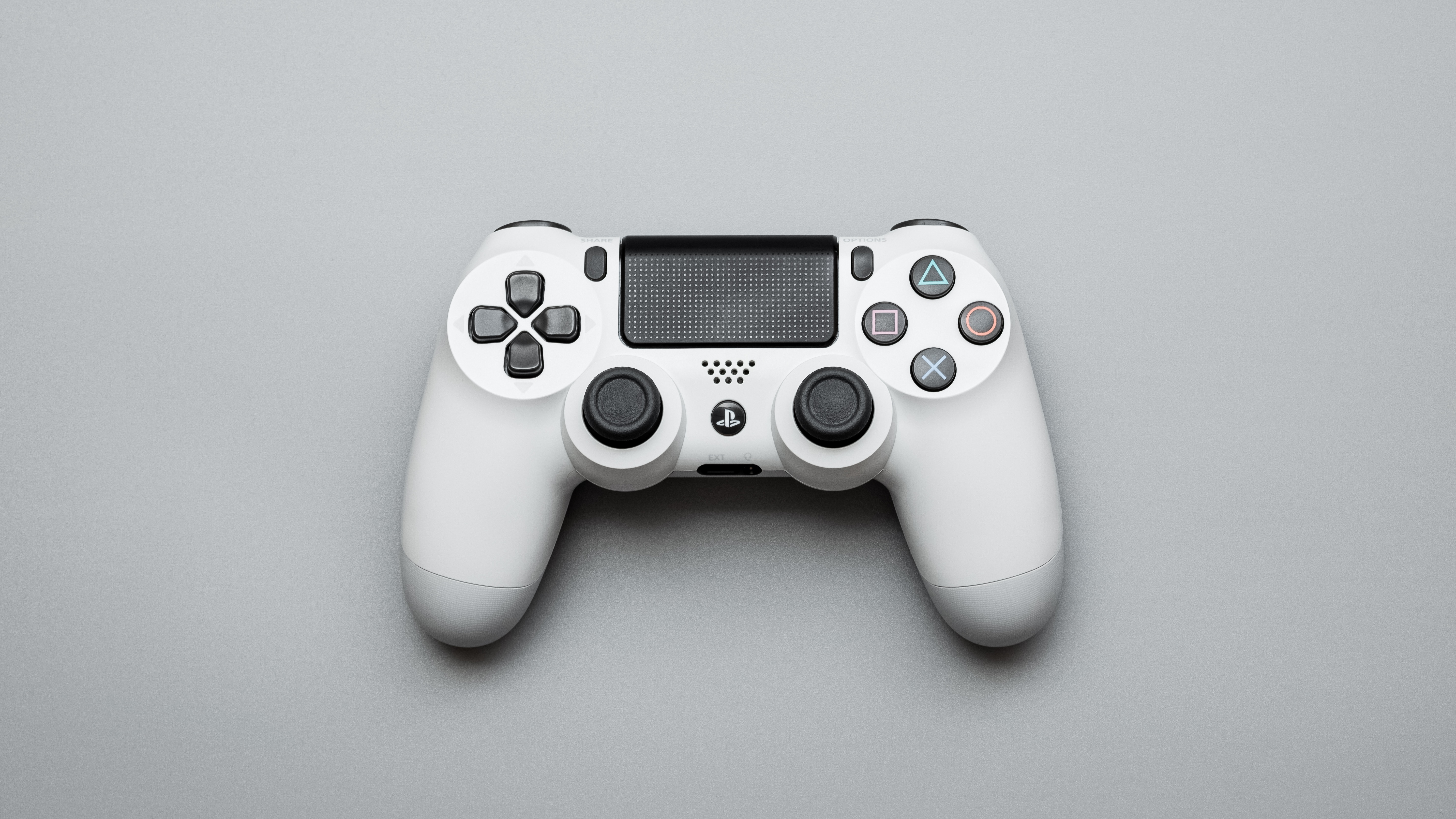
The articles here solve two main types of issues. The first is general drift troubleshooting, covered in the guide on how to fix a controller joystick that moves by itself. The second is platform-specific repair, with dedicated articles for the Xbox controller joystick, the PS4 controller joystick, and the PS5 controller joystick. These guides help you diagnose whether the problem is dirt, wear, or a calibration error, and then walk you through the cleaning or adjustment steps to restore normal function.
For more severe cases where cleaning does not work, the collection includes a guide on how to replace the joystick on a PS4 controller. This article helps you perform a physical component swap, covering the disassembly, soldering, and reassembly needed to install a new thumbstick module. Across all these articles, the focus is on giving you clear, actionable steps to stop the drift and get your controller working precisely again.