This tag collects CellularNews articles focused on the practical side of mobile banking. It is for anyone who uses their smartphone to manage money, pay bills, or deposit checks, and needs clear, step-by-step help with specific tasks or troubleshooting common app issues.
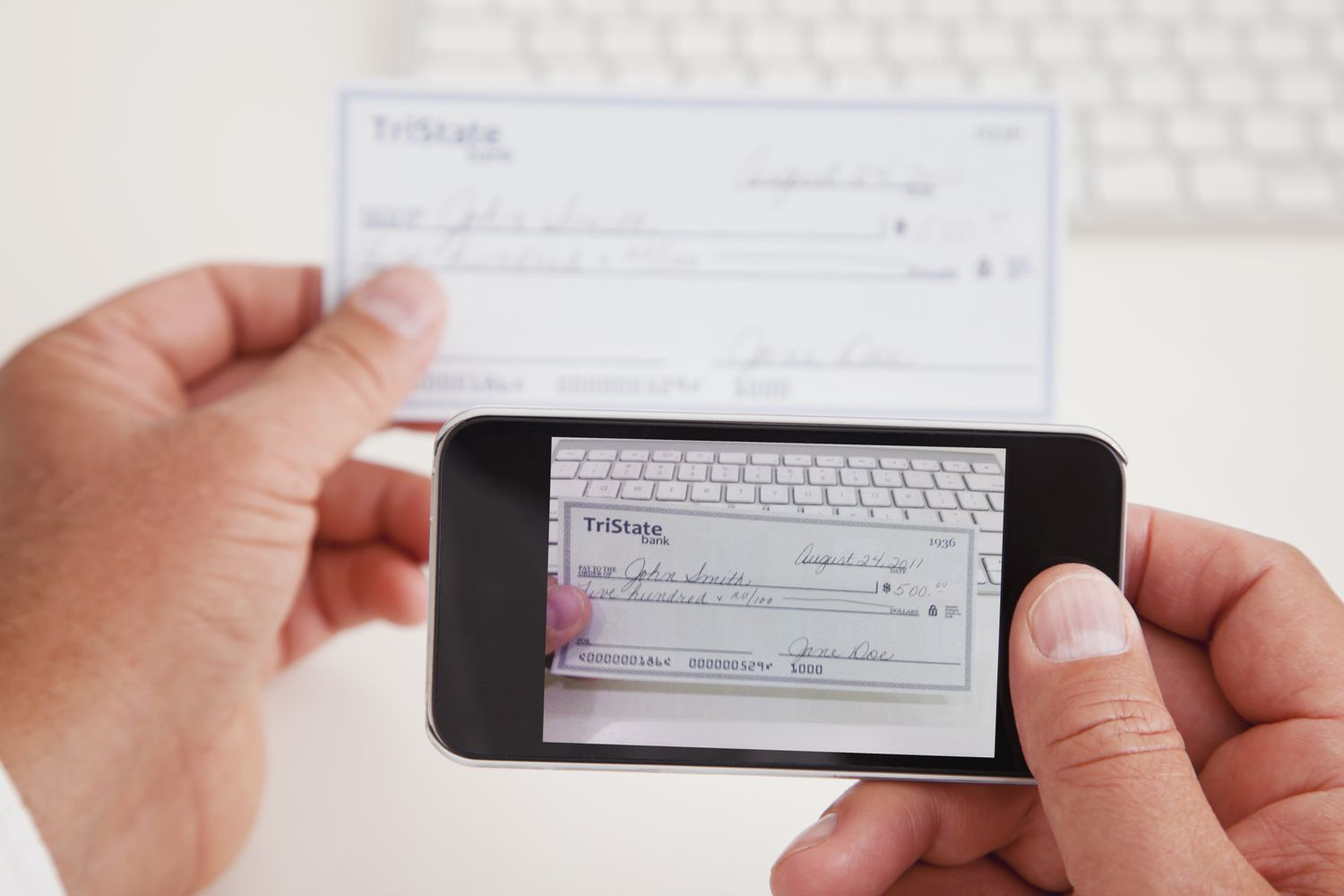
The articles here solve two main kinds of problems. First, they help you handle account changes and access, such as updating your phone number on the Bank of America app or in Zelle, and resetting a Chime password when you cannot use your phone number. Second, they guide you through the mechanics of mobile deposits, including how to make a deposit with Navy Federal on mobile, how to properly sign the back of a check for that deposit, and how to stop a mobile deposit if you make a mistake. The collection also explains the basics of what mobile payment (M-payment) is.
Whether you need to update your contact details, get back into your banking app, or complete a deposit correctly from your phone, these articles provide the direct instructions to get it done.