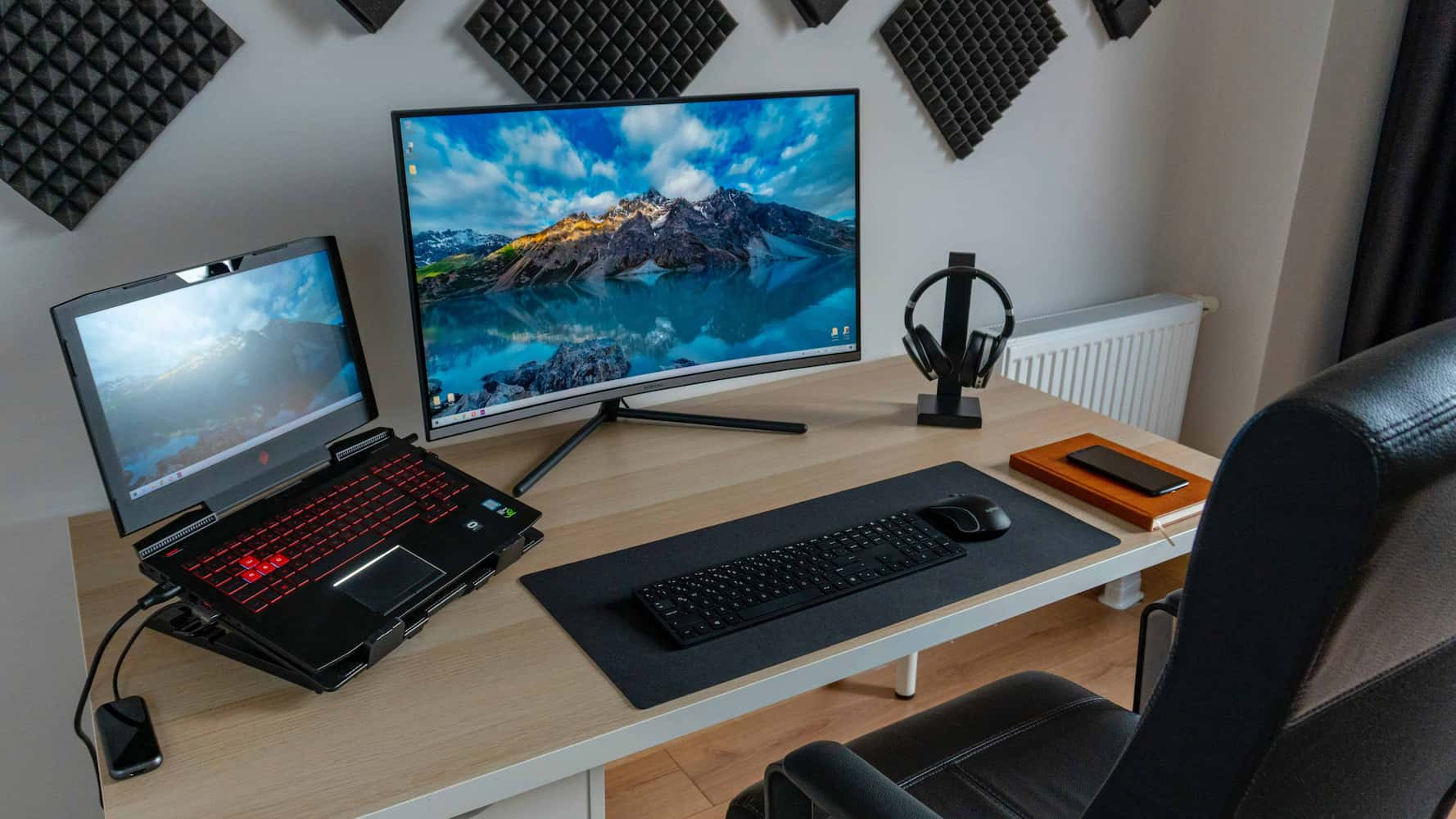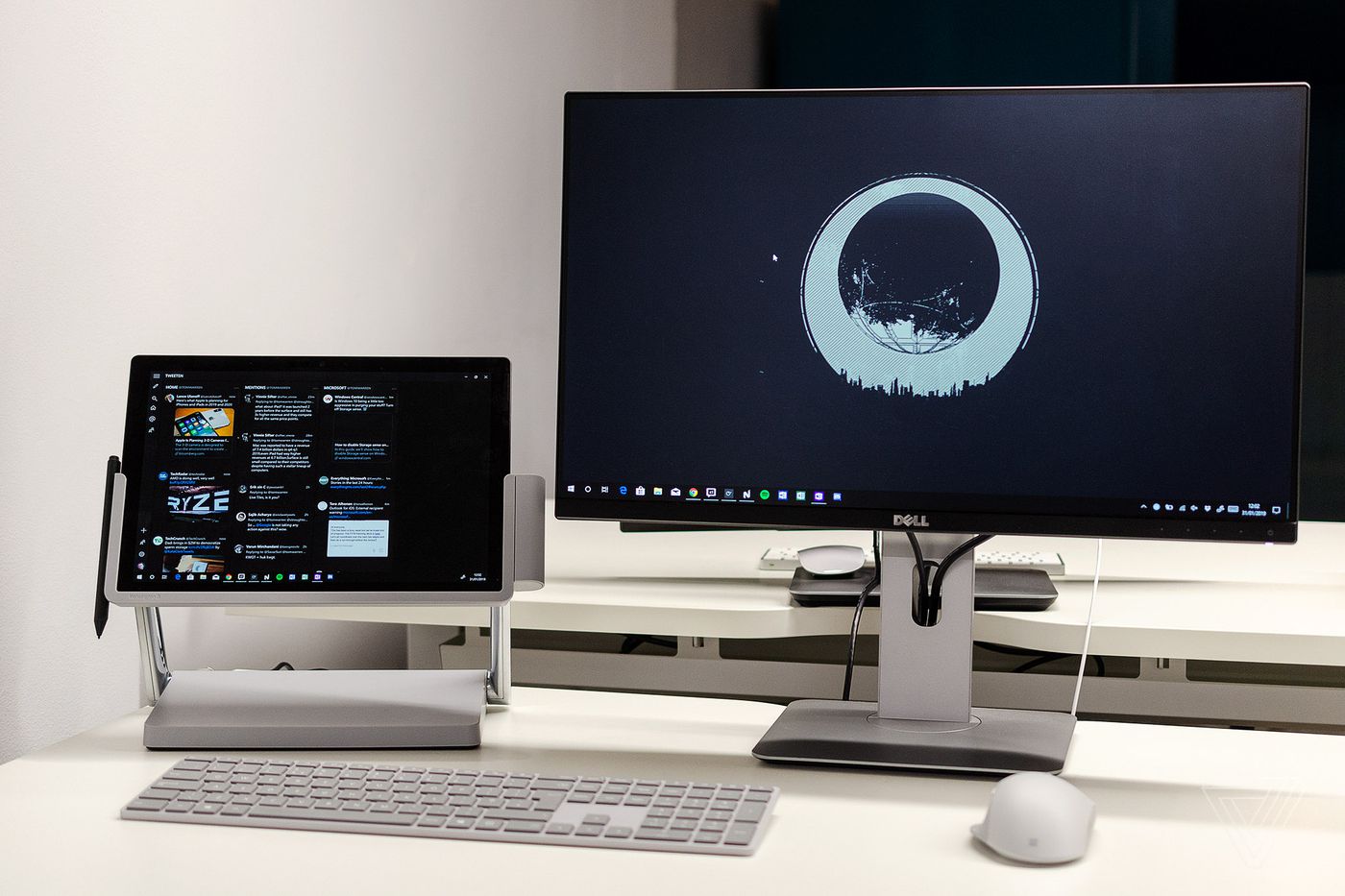
Extending and managing your phone’s visual workspace through external displays. This content is for anyone who uses a laptop with a phone, or who wants to understand the hardware that makes multi-screen setups possible. Whether you are troubleshooting a connection or planning a new desk arrangement, these guides cover the practical side of monitors, connectors, and docking stations.
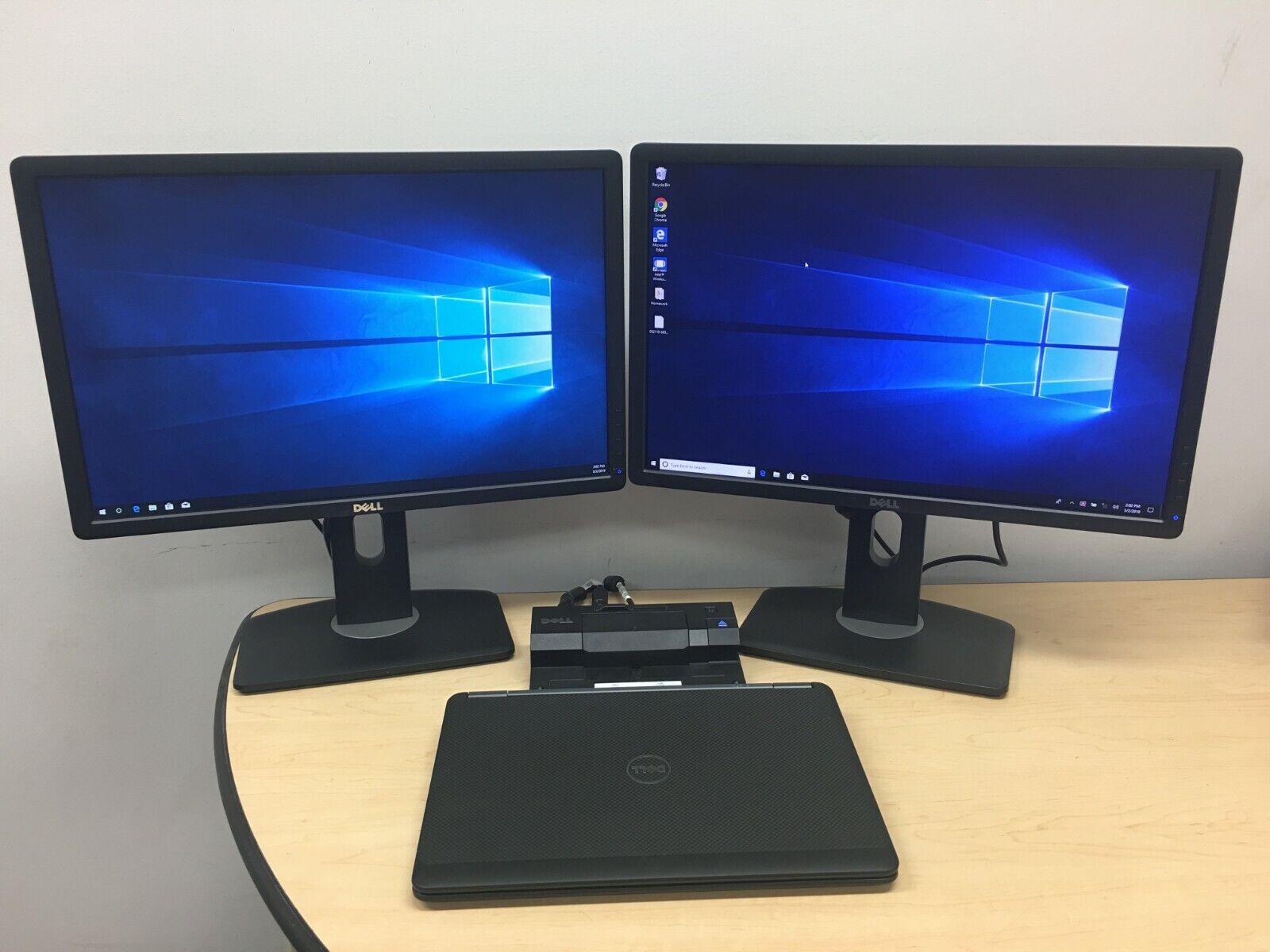
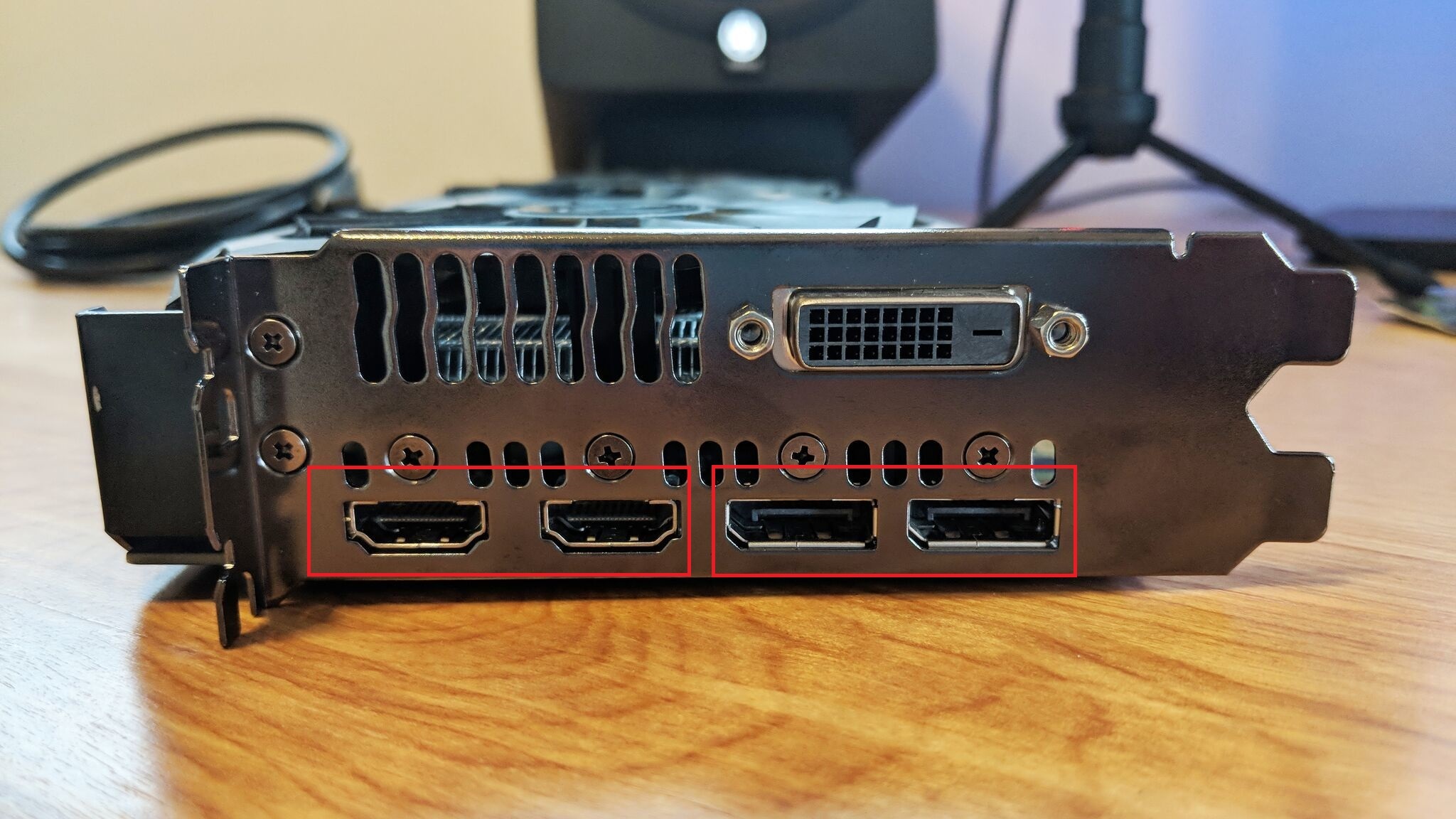
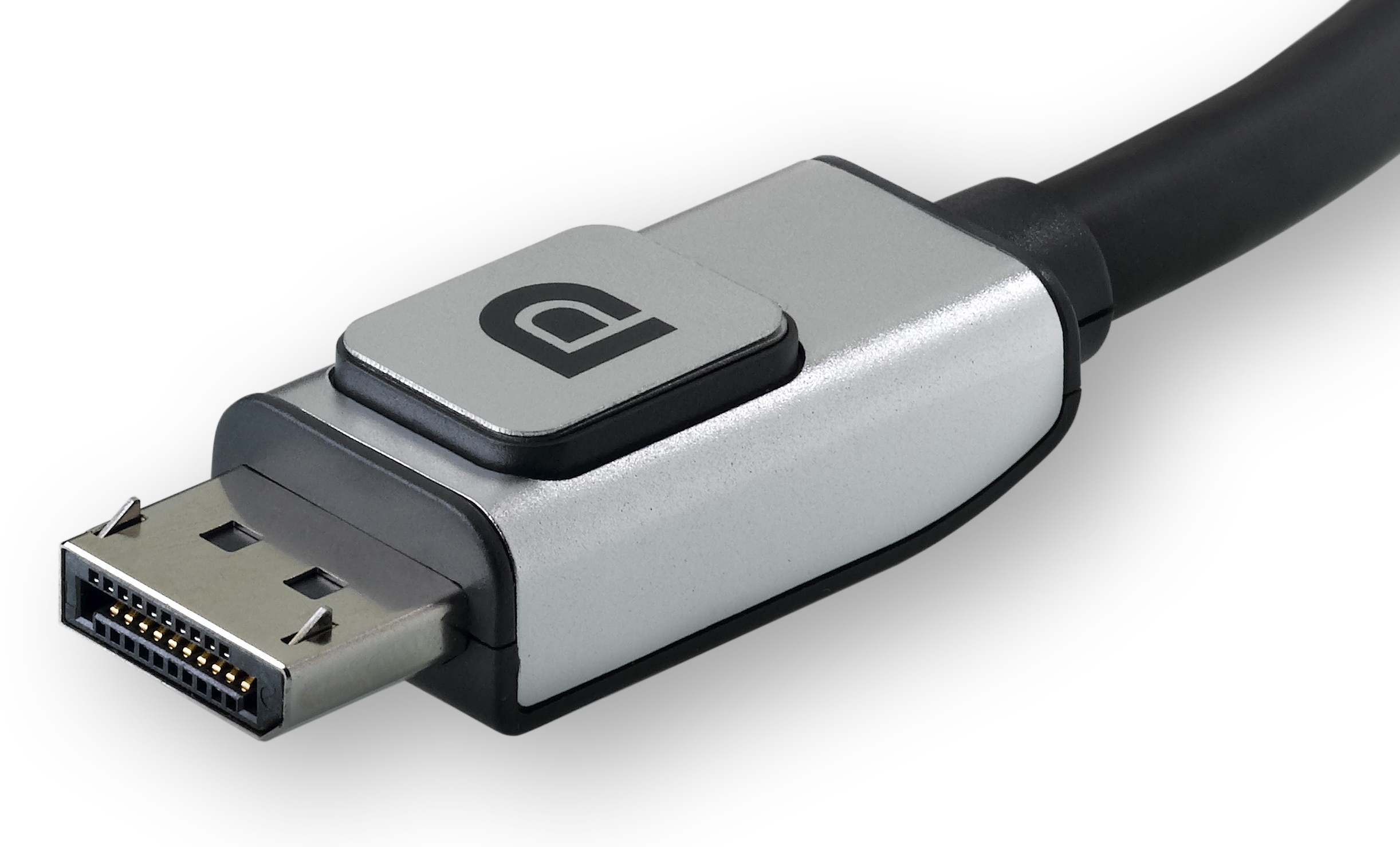
The articles solve problems that fall into two clear themes. First, there are connection and compatibility issues: you will find explanations of what a DP connector is and what a DP connector on a video card does, helping you identify the right ports for your gear. Second, the tag addresses physical setup challenges. For example, the guide on how to connect two monitors to a laptop docking station walks you through linking multiple screens, while the piece on how to make a monitor wireless shows you how to cut the cable. A separate article on laptop docking stations explains the hub that makes all these connections possible.
These articles help you do specific things: identify a DisplayPort cable, attach a second screen to your laptop dock, or go cord-free with your monitor. They are straightforward, task-oriented reads for anyone dealing with a multi-display workflow or a tangled desk.