This tag collects CellularNews articles focused on getting the most out of Netflix on your phone and other devices. It is designed for anyone who wants to troubleshoot streaming issues, manage their account settings, or take advantage of carrier deals, all from a mobile-first perspective.
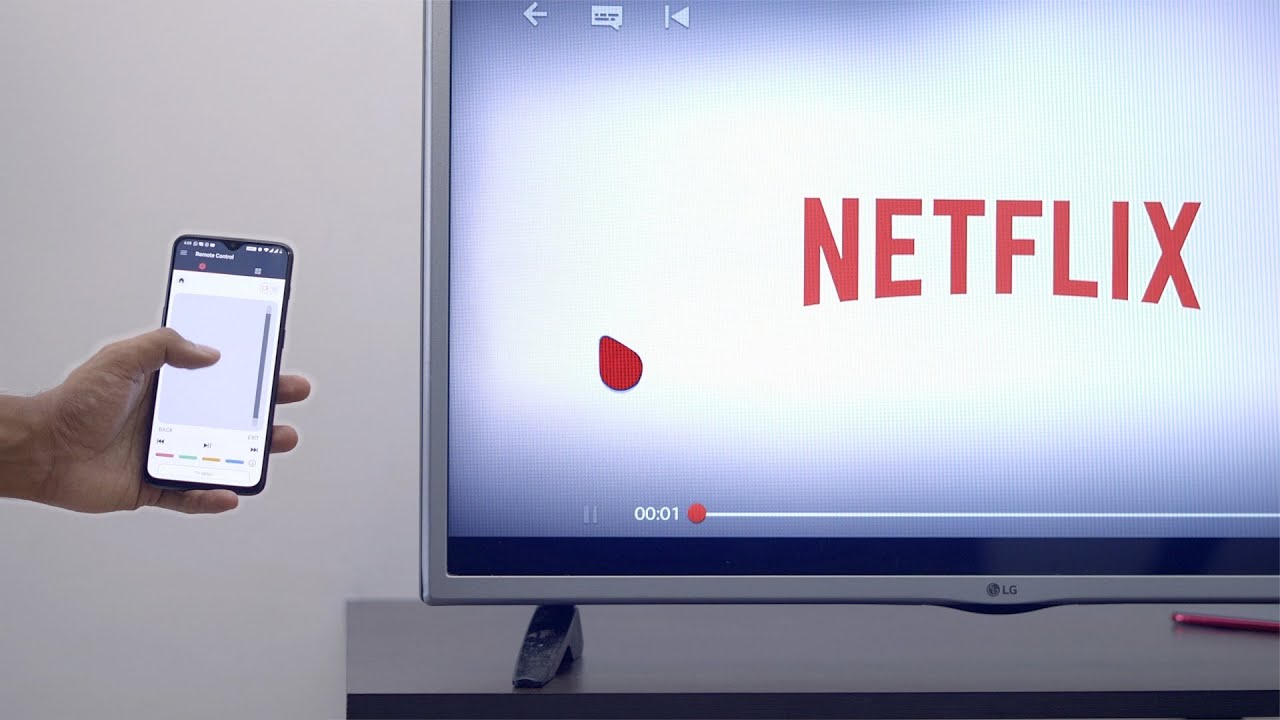
The articles here solve practical problems grouped around two main themes: account management and streaming setup. You can learn how to change your Netflix icon, delete a profile, or manage your watch history. For streaming, the guides cover connecting your phone to a TV wirelessly, turning off subtitles, and even how to stream without using your mobile data. Several articles also address the specific steps for logging in or activating T-Mobile’s “Netflix on Us” offer.
Whether you need to adjust permission settings on an iPhone for Netflix, find out how much hotspot data the app uses, or simply log out of your account on your phone, these articles provide clear, direct instructions. They help you control your profile, connect to a TV, and understand the free streaming benefits tied to your mobile carrier.