Which T-Mobile streaming benefits come with your plan
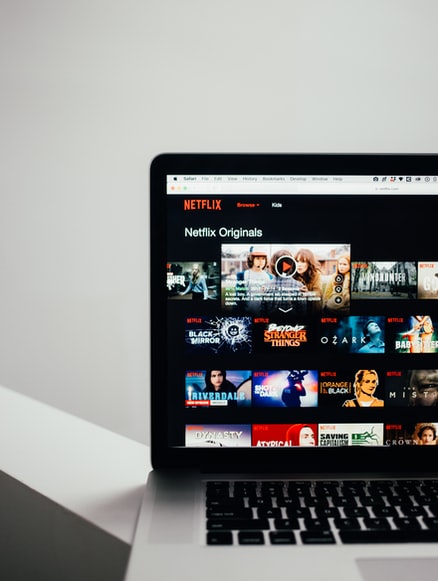
The most widely available T-Mobile streaming benefits include Netflix Standard with ads, a perk included on plans like Go5G Next and Go5G Plus. Before you activate anything, it helps to know that this free streaming with T-Mobile lives in your account permissions, and if the option is missing, the Primary Account Holder usually needs to adjust settings under Set online permissions. When you manage T-Mobile Netflix on us through your dashboard, remember that the plan is tied directly to your qualifying rate plan, so if you switch to an ineligible plan such as T-Mobile Essentials or a single-line tax-excluded option, access stops immediately.
If you see T-Mobile TV service mentioned in your profile. Separately, if you want to get AAA with T-Mobile, head to the redemption page to enroll a new AAA membership with auto-renewal and a valid credit card, or provide your existing member number to apply the credit toward a Classic, Plus, or Premier tier.
Activate and link your accounts
Before you start, open the T‑Life app and be ready to sign in with your T‑Mobile ID. The linking process happens there. When you activate T‑Mobile Netflix, the system asks whether you want to link an existing membership or create a brand new one directly from the add‑ons screen. If you already pay the streaming service separately, you can add T‑Mobile to Netflix by choosing the existing membership option. That choice shifts billing to T‑Mobile while keeping your current profile, list, and viewing history intact. Later, whenever you open the platform on a TV or phone, you simply login Netflix with T‑Mobile by selecting the same linked membership credentials you set during activation.
For the other major perk, you activate Paramount Plus with T‑Mobile by going to Account > My plans > Manage add-ons, choosing your All-In Home Internet line, and selecting the Paramount+ offer under account‑level services in the app. Then you agree to the terms and submit the order. After that order processes, you will receive a text or email prompting you to sign in to Paramount Plus with T‑Mobile. You do that by entering your Paramount+ email address on the activation page. This final step ties the plan to your service permissions, ensuring you can enjoy the content without interruption. Remember that if you ever change your qualifying plan, the billing link breaks and you risk losing your saved preferences.
- sign in to Paramount Plus with T-Mobile
- activate Paramount Plus with T-Mobile
- login Netflix with T-Mobile
- activate T-Mobile Netflix
- add T-Mobile to Netflix
Manage playback and device settings
When you want to adjust how a show looks or sounds, each service handles playback controls a little differently. On Disney+, you can tap the screen during playback and open the Audio and Subtitles menu. From there, you can pick a language or remove captions entirely. If you ever need the full walkthrough, here's how to turn off subtitles on Disney Plus on every device.
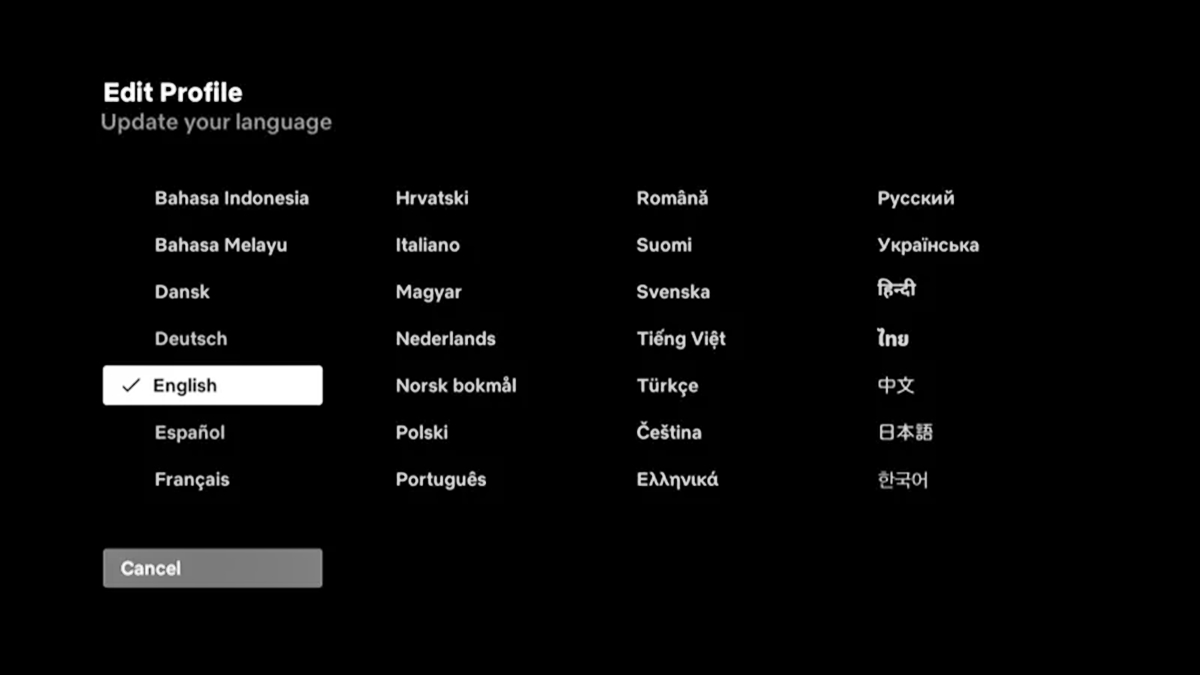
Netflix places its options inside the Audio & Subtitles panel too. You can turn off Netflix subtitles & closed captions from that same menu by deselecting the active language. If the narration or dialogue is in the wrong language, you can change language on Netflix by selecting a different audio track. That track is listed under the same panel while the title is playing.
On an iPhone, you can change permission settings on iPhone for Netflix by opening the iOS Settings app. Just tap the service name and toggle the switches there.
Streaming video counts against your plan’s high-speed data if you disable video optimization, though T-Mobile optimizes video to DVD quality by default to conserve data. To stream Netflix without using data, download episodes over Wi-Fi ahead of time.
Handle your account and watch history
When you need to see and manage your Netflix watch history, open a web browser, go to your Account page, select Profiles, pick your profile, and choose Viewing activity to hide individual titles or download a full copy. Your streaming plan is tied to your T-Mobile billing.
If you ever hand your phone to a friend or leave your membership open on a hotel TV, you can log out of Netflix on phone and every other device at once by visiting Manage Access and Devices from your settings. This area shows recently active devices and lets you sign them out individually or all together, which is especially important if you share an extra member slot. The service recommends using the same email address tied to that slot to preserve your viewing history and settings.
For any account-level changes to the benefit itself, log into T-Mobile.com or the T-Life app and navigate to Manage add-ons to manage the Netflix benefit.
Cancel streaming subscriptions the right way
Before you pull the plug on a perk, understand how your streaming service is billed, because that single detail determines every step that follows. When you cancel your HBO max subscription, start by visiting the streaming service's subscription page, signing in, choosing the cancel option, confirming, and noting the expiration date. If no cancel option appears, check who the base subscription is billed through and use the third-party billing section, as you must handle the cancellation through that billing partner to avoid being charged again.
The same split applies to Paramount+. To cancel Paramount Plus on every device, the path depends on where you originally signed up. On iPhone or iPad, open Settings, tap your Apple ID name, then Subscriptions, select Paramount+, and tap Cancel Subscription. On Android, open the Google Play Store, tap your profile icon, then Payments & subscriptions, then Subscriptions, select Paramount+, and tap Cancel subscription. If you subscribed through the Paramount+ website, go to your account page, select Account, then Subscription or Cancel Subscription, and follow the prompts. But if your perk came with your wireless plan, none of those device paths will work, and you must cancel Paramount Plus on T-Mobile through your billing provider rather than through the streaming service itself.
Hulu follows the same logic. When you cancel Hulu subscription [ultimate guide] steps, verify who bills you directly or whether another provider manages your plan, because acting on the wrong set of instructions can leave the plan active while you assume it is closed. Third-party billed arrangements may show no cancel option inside the app, and tapping around the settings will only lead you back to the provider that controls the billing relationship.
Frequently Asked Questions
How do I turn off subtitles on Disney Plus on my TV?
Start playing a title and open the settings menu during playback. Select the subtitle language you want, or deselect subtitles entirely to turn them off. The menu works the same way across supported TV devices.
Can I change the Netflix language back to English on my phone?
Tap the screen while a title is playing and select Audio & Subtitles. Choose English from the audio track options listed there, or select Other to see all available languages for that title.
How do I activate Paramount Plus on T-Mobile home internet?
Open the T-Life app, go to Account, then My plans, then Manage add-ons. Choose your All-In Home Internet line, select Paramount+ ON US INT under account-level services, tap Continue, agree to the terms, and submit the order to receive an activation text or email.
Where do I cancel my Hulu subscription if T-Mobile does not bill me for it?
Go directly to Hulu's website, sign in, and use the cancel option on your account page. If no cancel option appears inside the Hulu app, check whether a third party bills you and handle the cancellation through that billing partner instead.