A mobile carrier is the company that provides your phone’s cellular service and network access for calls, texts, and data. Understanding what is mobile carrier helps you choose the right provider, troubleshoot connection issues, and make sense of the settings on your device.
What is a mobile carrier?
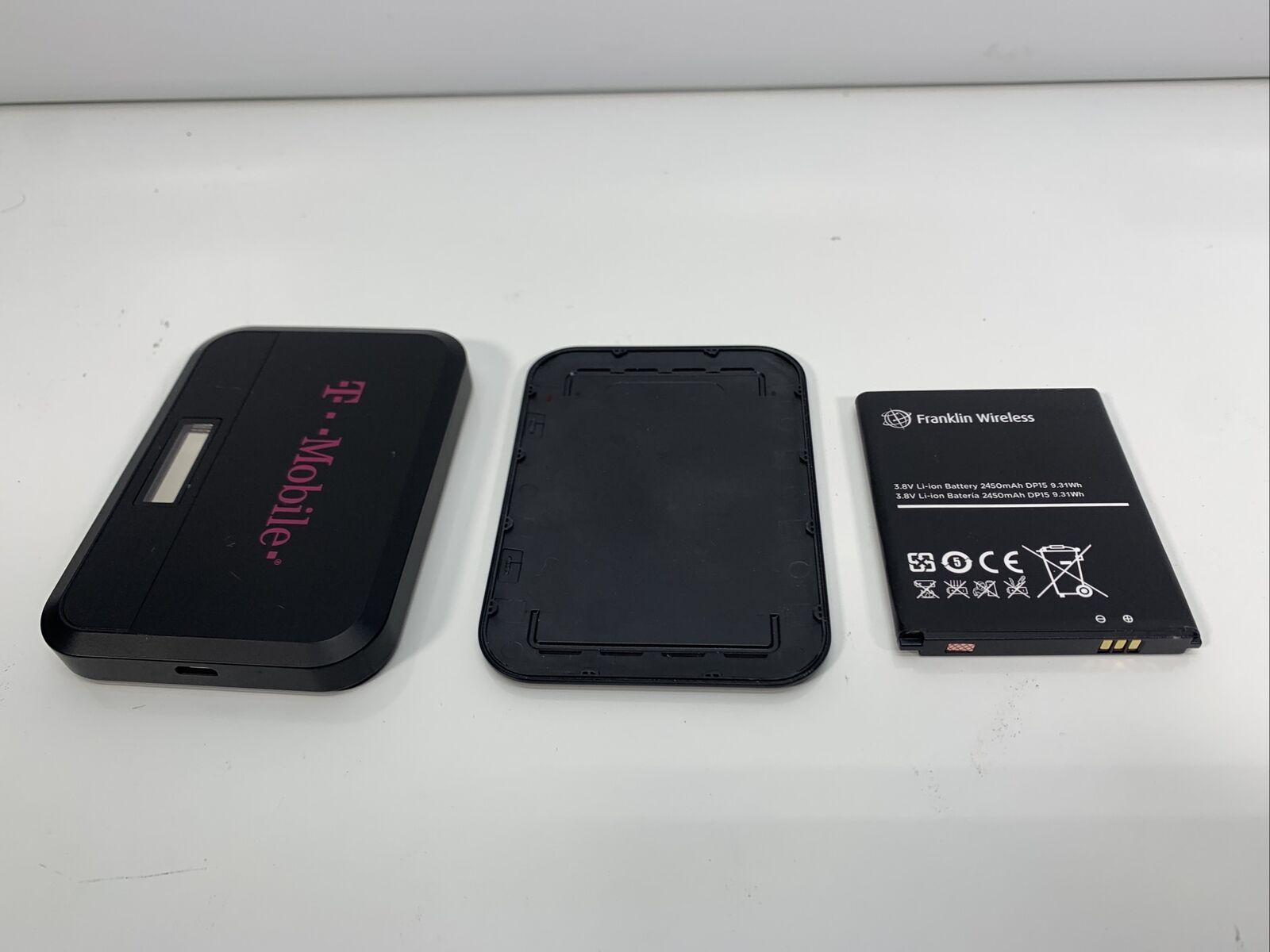
A mobile carrier (also called a wireless carrier or mobile network operator) is the company that owns and operates the cellular infrastructure, cell towers, base stations, and spectrum licenses, that your phone uses to connect to the network. Major national carriers like Verizon, AT&T, and T-Mobile operate nationwide networks. Regional carriers serve a smaller geographic area. Mobile virtual network operators (MVNOs) lease network capacity from major carriers and offer their own plans, often at lower prices. All of these are considered carriers, and your phone’s settings and features depend on which one you use.
How to find your carrier on iPhone
- Open Settings > General > About.
- Look next to Carrier for the carrier name and version number.
- Tap the version number to see additional carrier information.
If you have Dual SIM, open Settings > Cellular, tap the cellular line you want to check, and verify it is turned on. If you see SOS, No Service, or Searching, check Settings > General > About for a carrier settings update. Apple says to update iPhone to the latest iOS version if troubleshooting service issues. For roaming, Apple says to open Settings > Cellular or Cellular Data, then: single SIM or eSIM: turn on Cellular Data > Cellular Data Options > Data Roaming; Dual SIM or Dual eSIM: turn on Cellular Data, tap the number you want to modify, then Cellular Data Options > Data Roaming.
How to find your carrier on Android
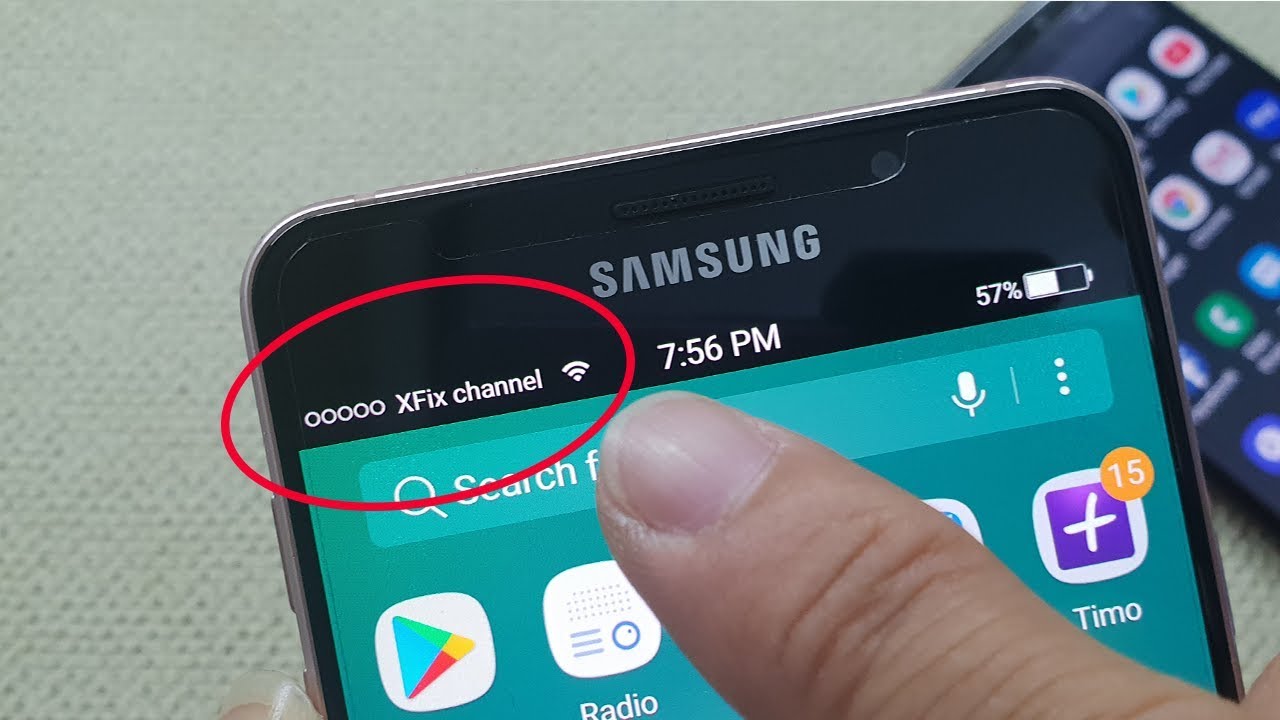
- Open Settings > About phone > SIM status > Network.
- The carrier name appears next to Network.
Exact menu names can vary by device manufacturer. Google says carrier information paths are on 'most phones,' so exact menus can vary by device manufacturer. Google says to find manufacturer info in Settings > About phone > Model & hardware. On Google Pixel phones, you can also find mobile network settings at Settings > Network & internet > SIMs. To see your plan status, check Settings > Google > Device plans.
What are carrier settings updates?
Carrier settings updates are small configuration files that your carrier pushes to your phone. They can improve cellular network connectivity and performance, and enable features such as 5G and Wi‑Fi Calling. The contents of each update depend on the carrier. On iPhone, you can manually check for an update: connect to Wi‑Fi or a cellular network, then open Settings > General > About. If an update is available, follow the onscreen instructions. If you insert a new SIM card, you need to download the carrier settings for that new carrier. On Android, carriers can provide subscription-level configuration for network settings such as roaming/nonroaming networks, visual voicemail, SMS/MMS settings, and VoLTE/IMS support. Supported features vary by carrier and device. Android carrier configuration is carrier- and device-dependent through privileged configuration and subscription-level settings, so supported features vary by carrier and device.
Frequently Asked Questions
What services does a mobile carrier provide?
A mobile carrier provides voice calling, text messaging, and mobile data connectivity. They also manage roaming, visual voicemail, and features like 5G and Wi‑Fi Calling through carrier settings updates.
What is an MVNO?
An MVNO (mobile virtual network operator) is a carrier that does not own its own cellular network. It leases network capacity from a major national carrier and sells its own plans. MVNOs may have different network and plan settings, and their supported features depend on the host network and your device.
How do I switch carriers without changing my phone number?
You can keep your phone number when switching carriers through a process called number porting. Contact your new carrier to start the transfer; they will coordinate with your old carrier to move your number.
Why does my phone say SOS or No Service?
This usually means your phone cannot connect to your carrier’s network. On iPhone, check Settings > General > About for a carrier settings update. On Android, verify your SIM status in Settings > About phone > SIM status > Network. If the issue persists, update your device to the latest operating system.
What should I consider when choosing a mobile carrier?
Consider network coverage in the areas you live and travel, data speed, plan pricing, customer service, and whether you need features like international roaming. Also check if the carrier supports the device you want to use.
For the wider topic, see mobile phone basics.
Related reading: What Towers Does US Mobile Use and What Towers Does Patriot Mobile Use.