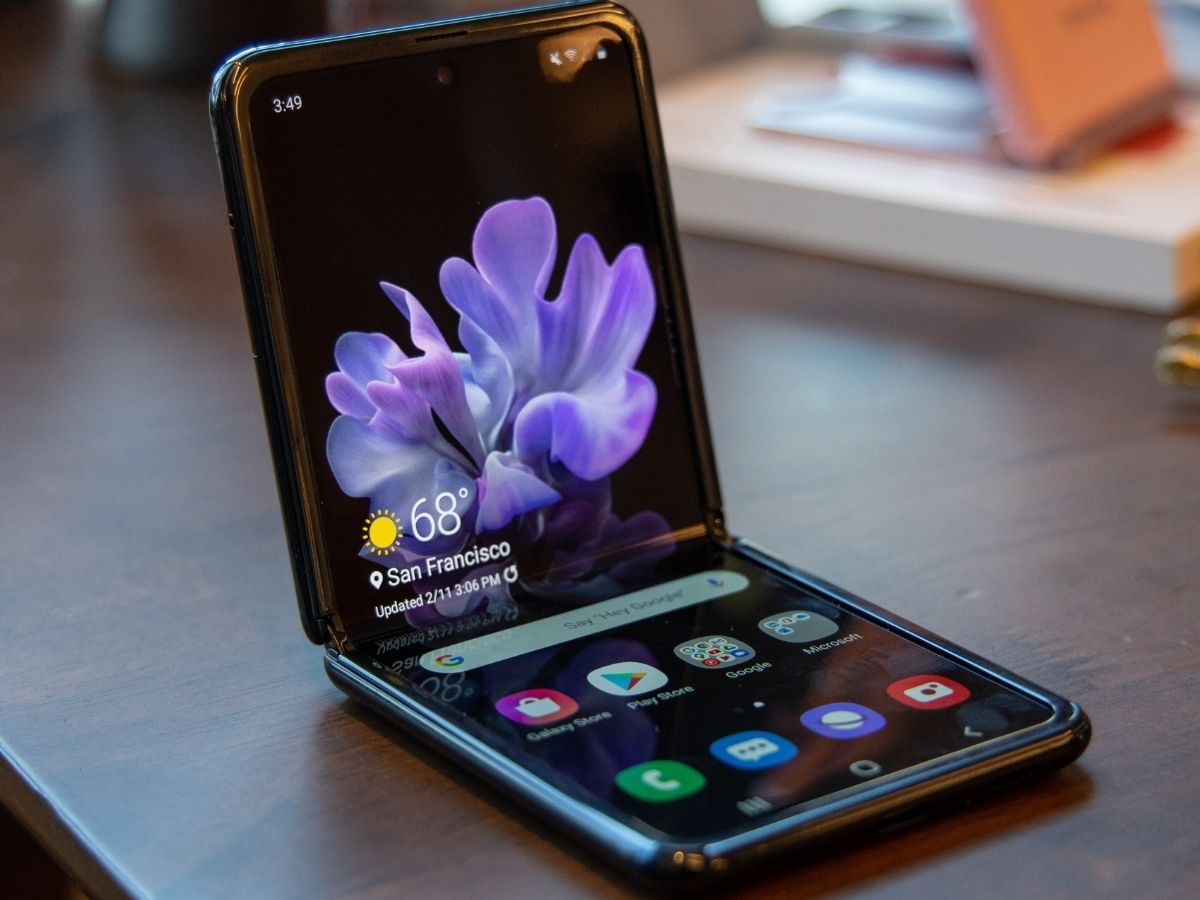
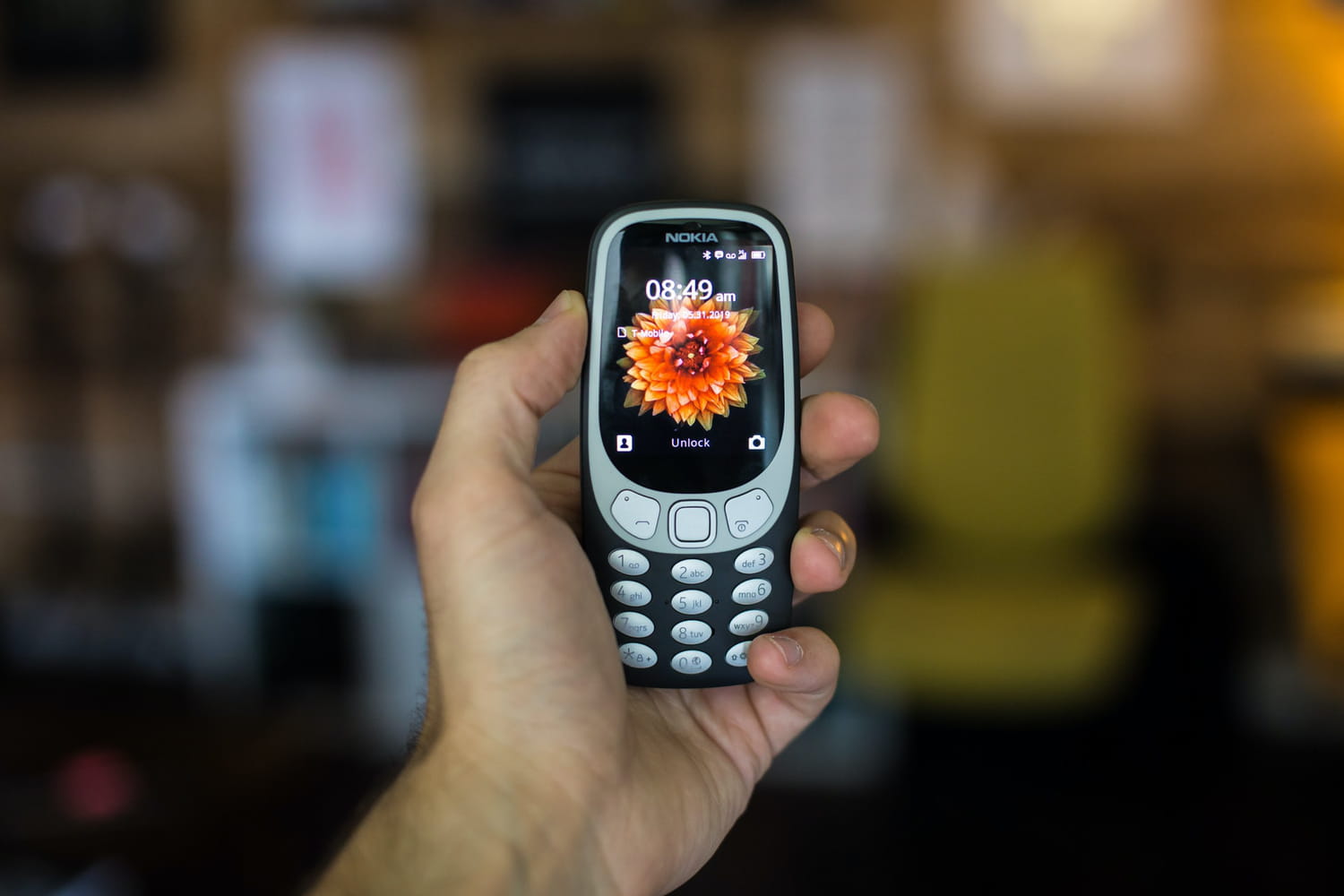
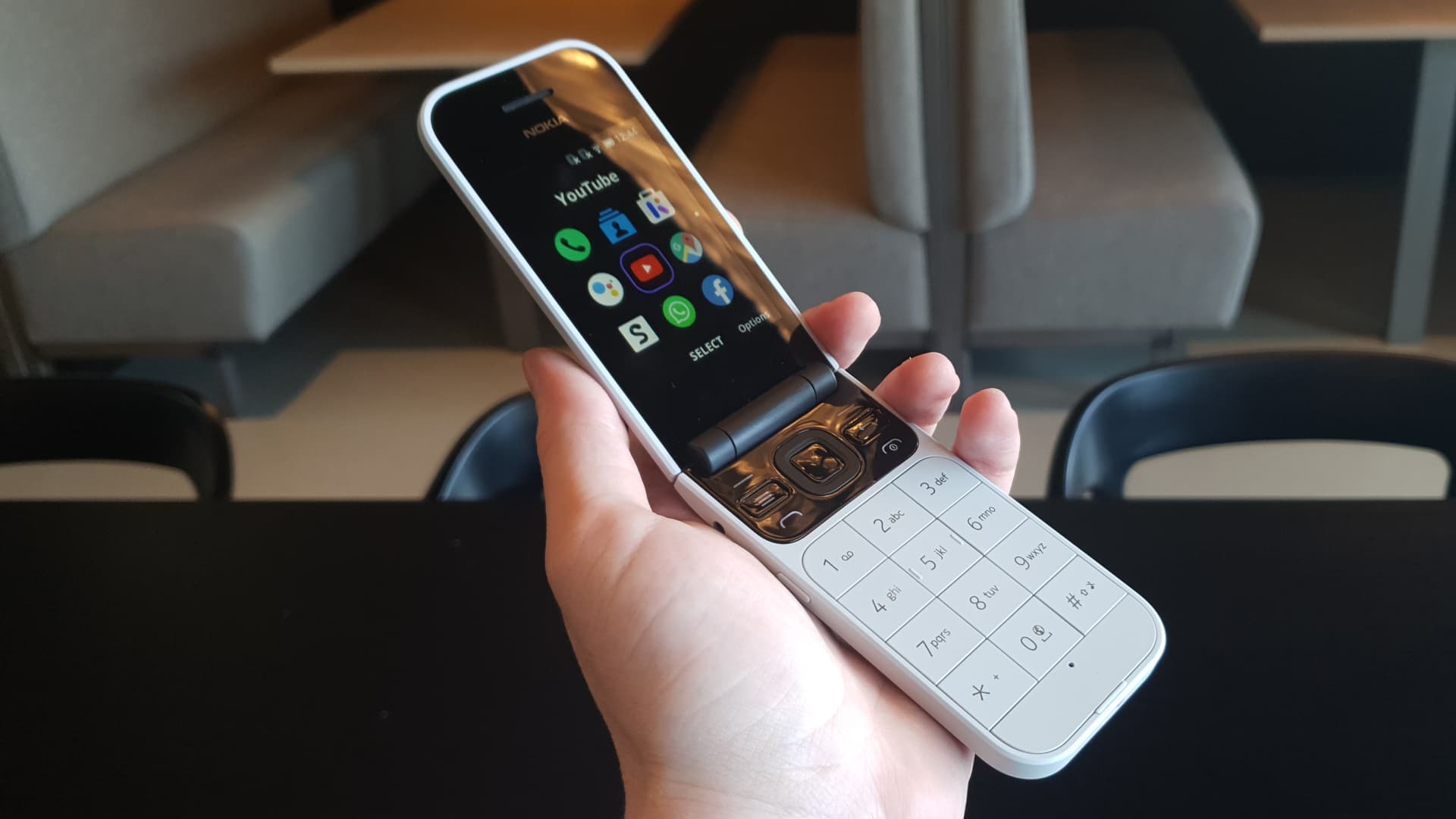
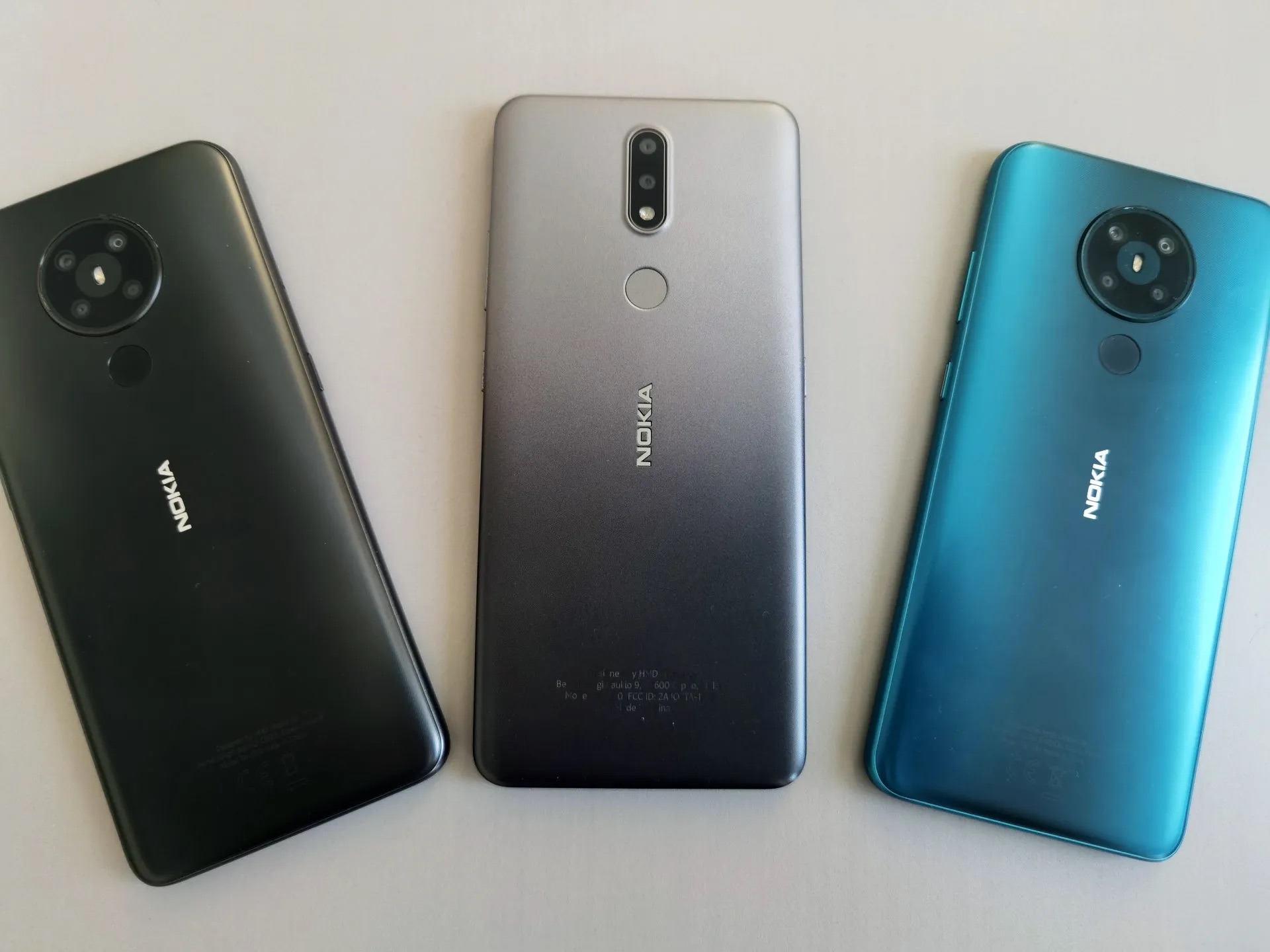
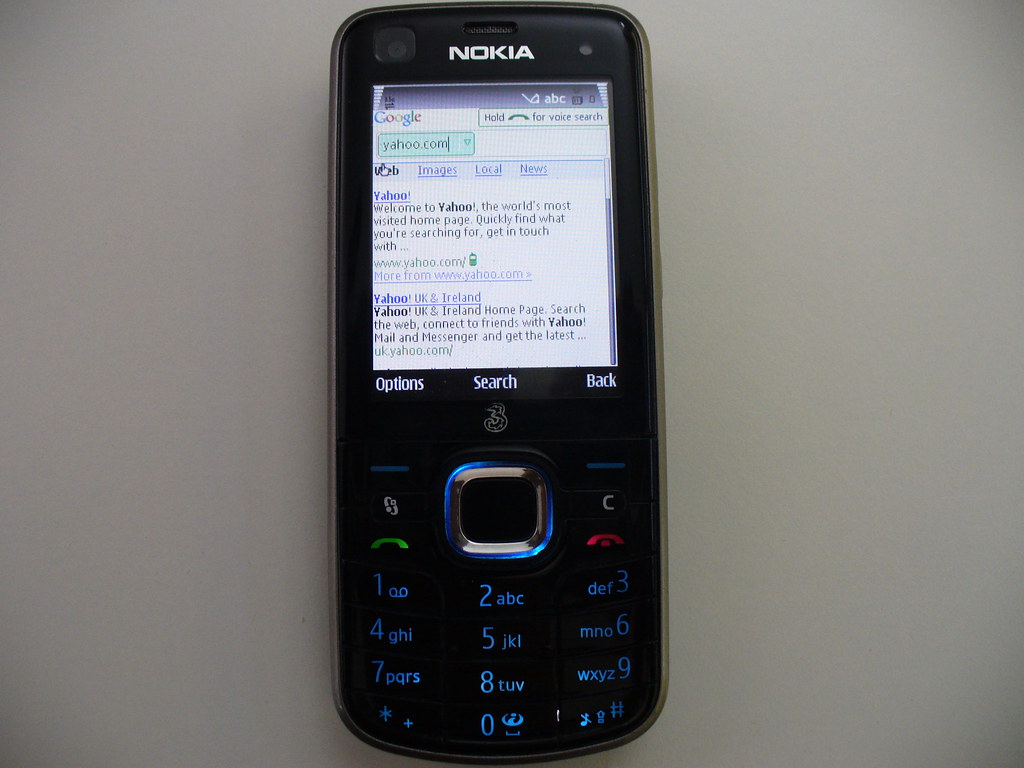
This tag collects articles about Nokia phones, from classic feature phones and flip phones to the Symbian-powered smartphones that once dominated the market. It is for anyone who owns, repairs, or collects older Nokia models and needs practical, no-frills guidance on everyday tasks and common problems.
The articles here solve real, hands-on issues grouped into two main themes. First, there is access and control: guides like "How To Unlock Nokia Phone" and "How To Remove A SIM Card From A Flip Phone" help you physically and digitally manage the device. Second, there is system management and troubleshooting: "How To Reset A Nokia Phone" and "How To Turn Off Nokia Flip Phone" cover basic operations when the phone is unresponsive or needs a fresh start. A more unusual entry, "How To Break Nokia Phone," addresses the legendary durability of these devices and the specific steps needed to actually disable one.
These articles help the reader perform specific actions: unlock a carrier-locked handset, safely eject a SIM from a flip phone, perform a factory reset, or power down a stubborn flip phone. They also provide a dedicated introduction to Symbian, explaining the operating system that powered millions of Nokia devices. Whether you are troubleshooting an old favorite or just trying to get it working again, these guides focus on the step-by-step process.