This tag collects all of CellularNews's articles about using Microsoft OneDrive on your phone. It is for anyone who wants to manage their cloud storage directly from their mobile device, whether to free up space, move files, or connect their phone to other devices like an Xbox. The articles here focus on practical, everyday tasks that help you get the most out of your OneDrive account without needing a computer.
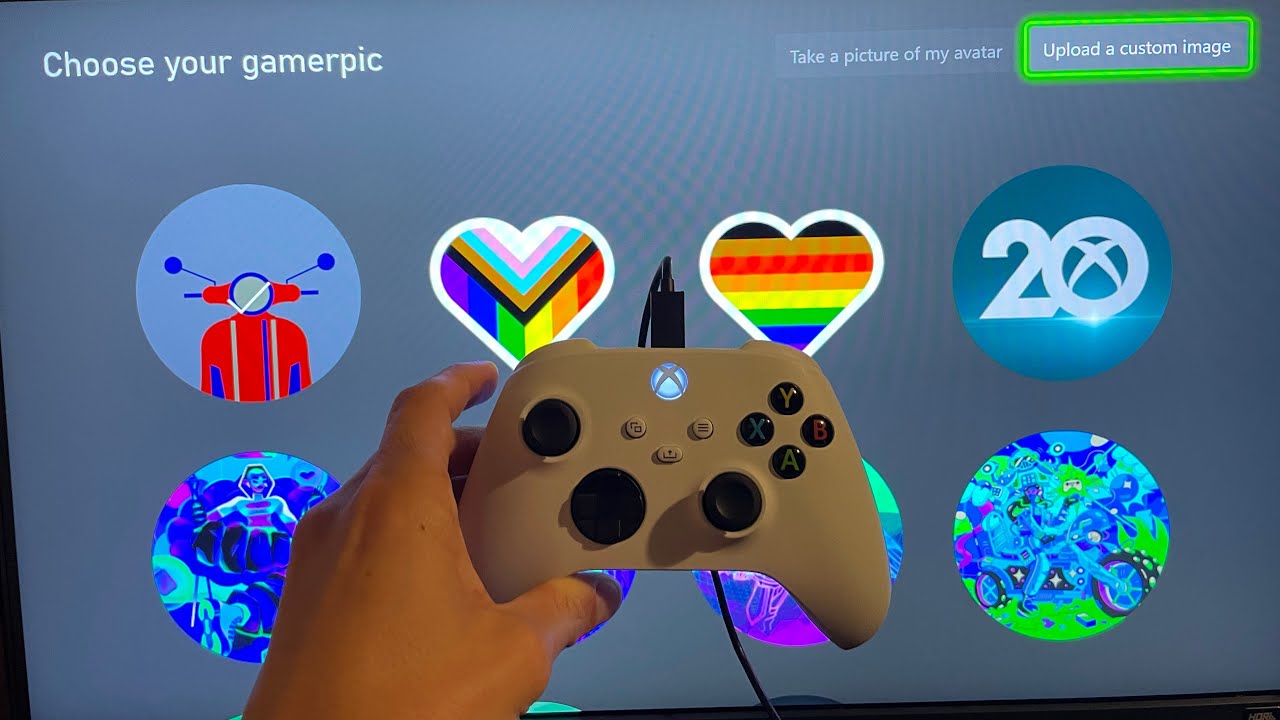
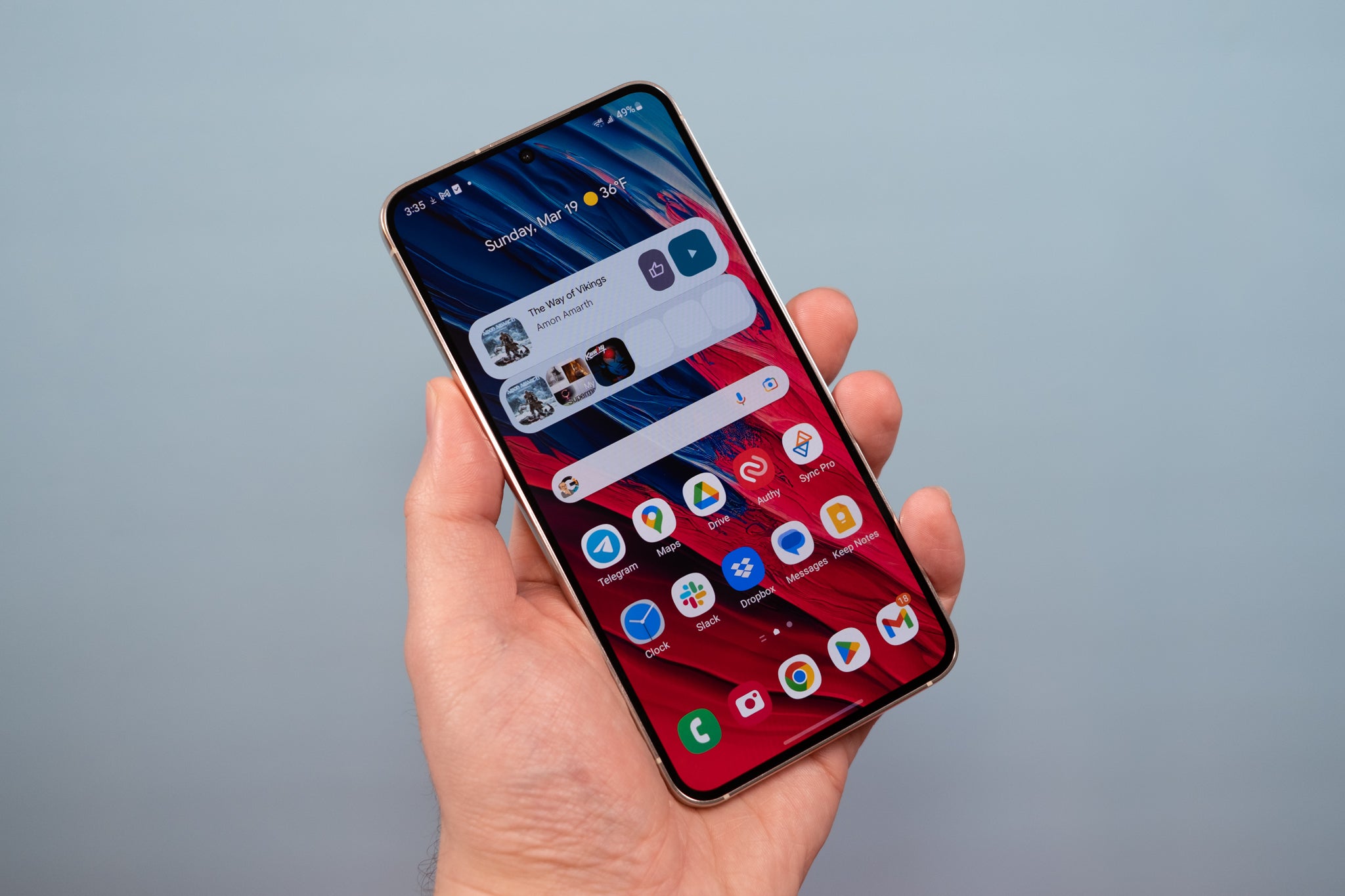
The guides solve two main kinds of problems. First, they help you expand and manage your storage, like the article on getting more free OneDrive storage in 2024. Second, they cover how to move your files between devices. For example, you can learn how to upload pictures from your phone to your Xbox One, or how to upload documents on an Android phone. These articles show you the exact steps to transfer your photos and files so they are available where you need them.
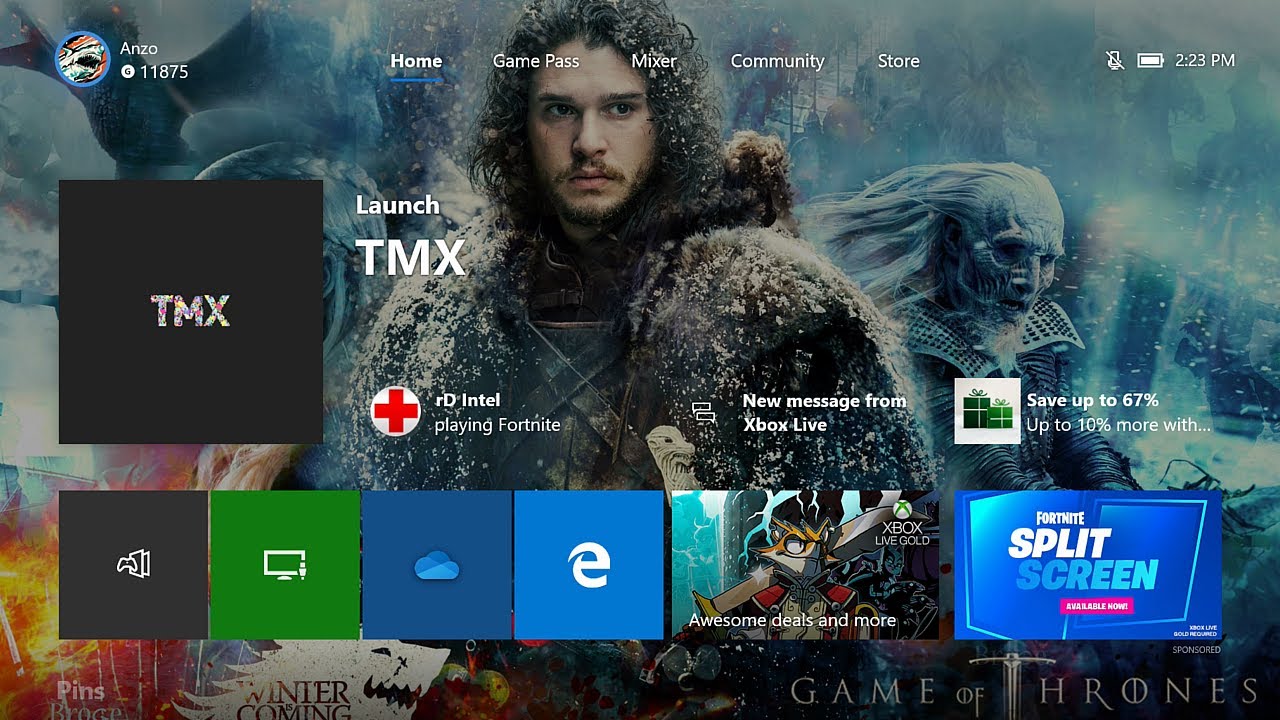
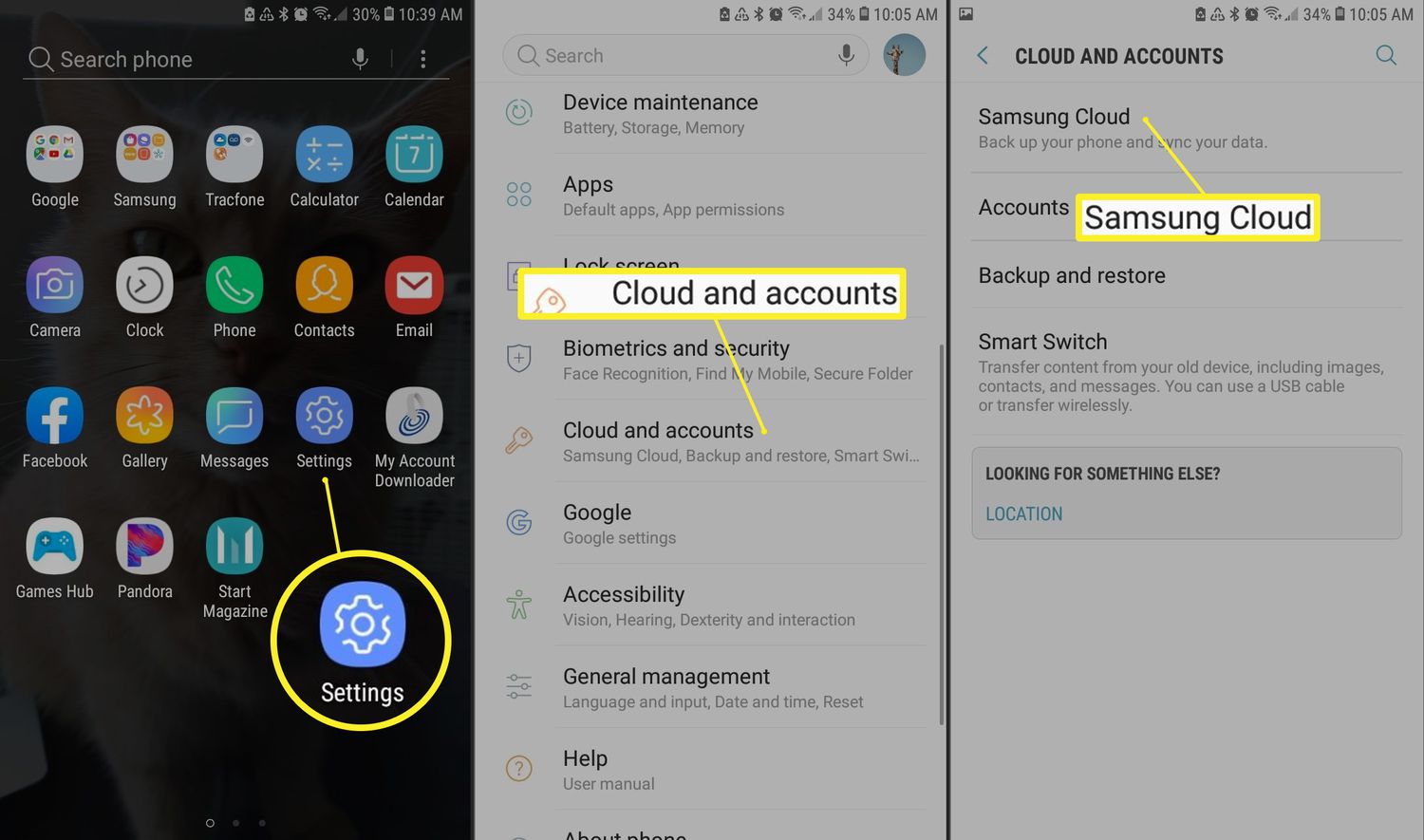
Other articles in this tag focus on accessing your cloud data and using it for personalization. You can find out how to access the cloud on Android, which is essential for viewing files on the go. There is also a specific guide on how to put a picture on your Xbox One background from your phone, turning a OneDrive photo into a custom console theme. Each piece of content is a straightforward fix or setting adjustment for your phone and its connected services.