Here are the only two verified methods to get more free OneDrive storage beyond the default 5 GB limit.
Increase your storage with the OneDrive referral bonus
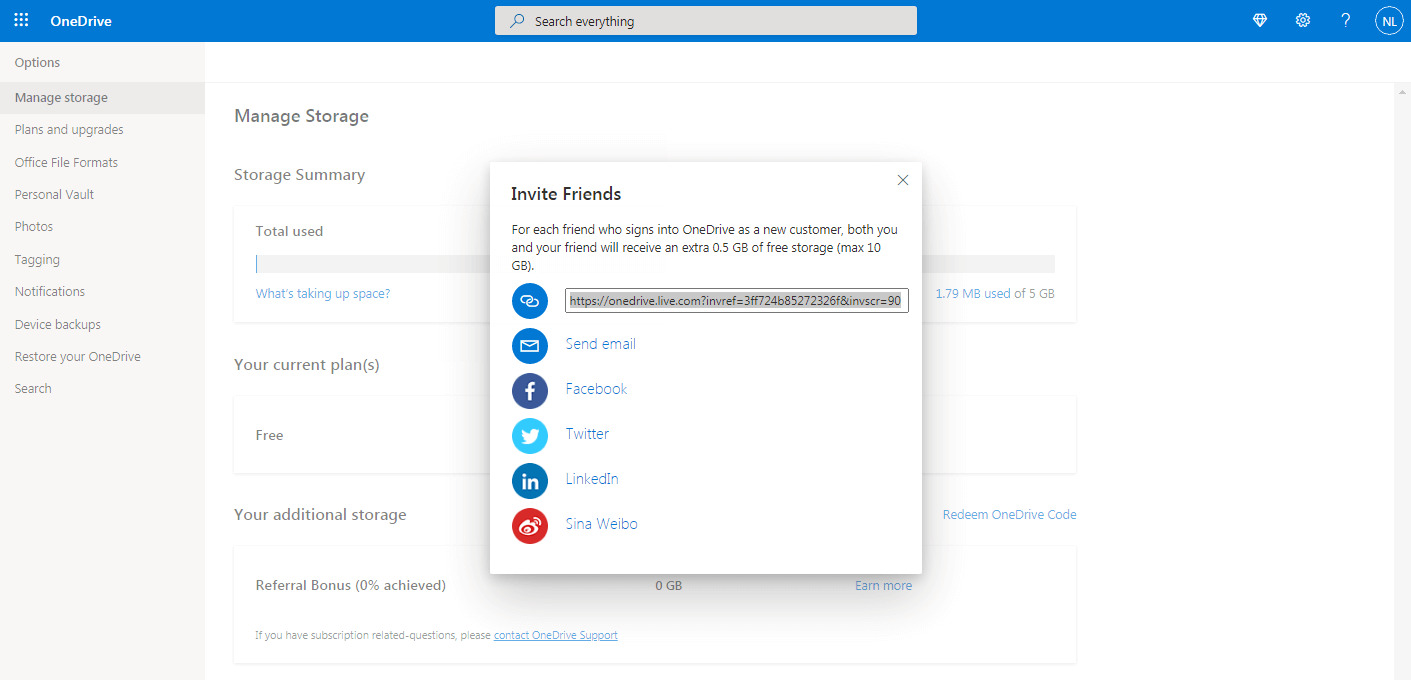
Microsoft's referral program gives you 500 MB per new customer you refer, up to a total of 10 GB extra. This is a straightforward way to get more free OneDrive storage by inviting people who have never used OneDrive before.
- Open OneDrive and go to the storage management page at OneDrive | Manage Storage.
- The referral bonus can be accessed via a direct storage page by choosing 'Earn more' next to 'Referral bonus'.
- Share your referral link with someone who is a new customer. The bonus is awarded only when the referred person signs in to OneDrive as a new customer. If they sign in with an existing account, they do not qualify.
- Each successful referral adds 0.5 GB to both your account and the new customer's account.
- The cap is 20 people, giving you a maximum of 10 GB extra storage.
Note that the referral program may vary by region, so check your account's storage management page to see if the offer is available where you live.
Claim the Samsung OneDrive bonus
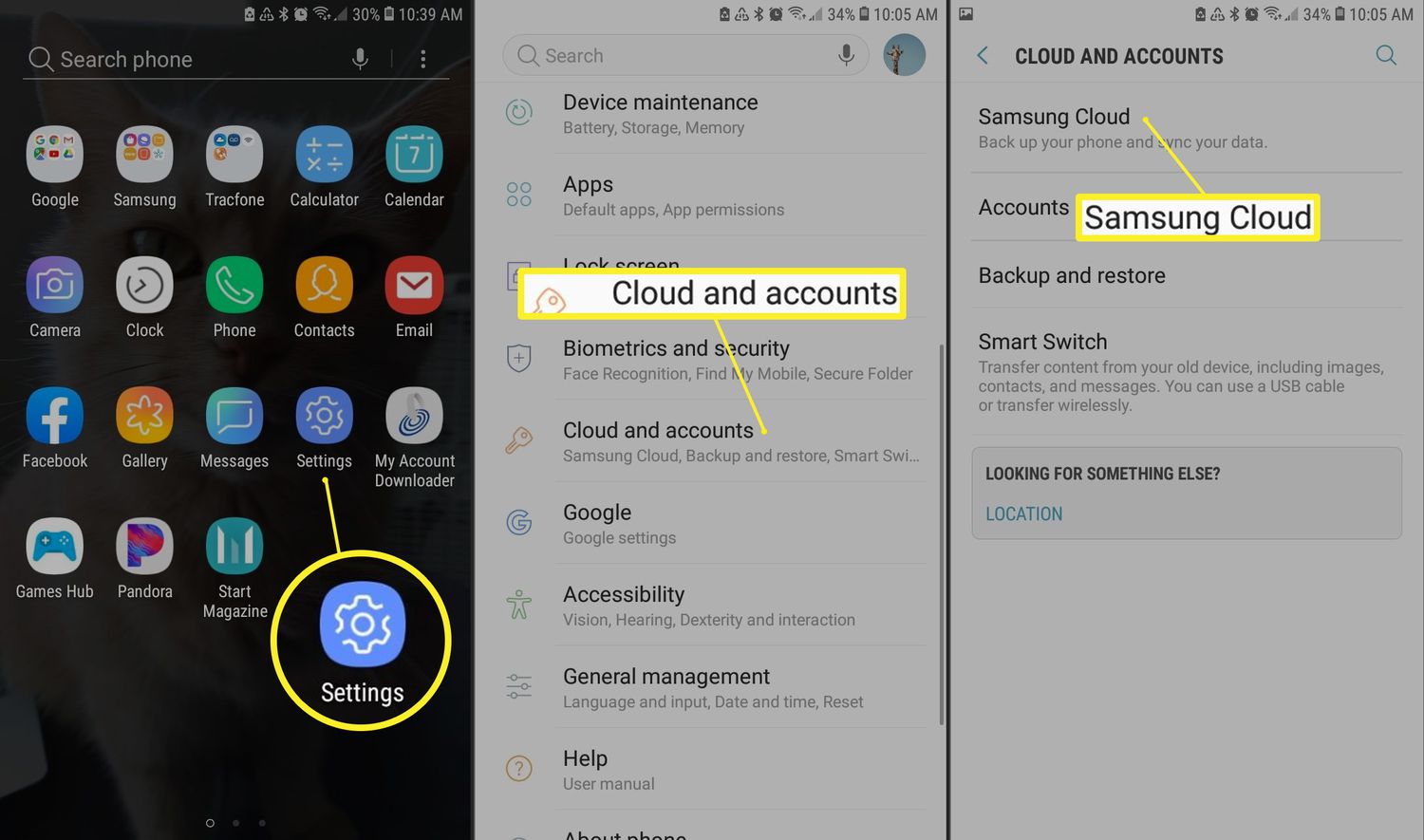
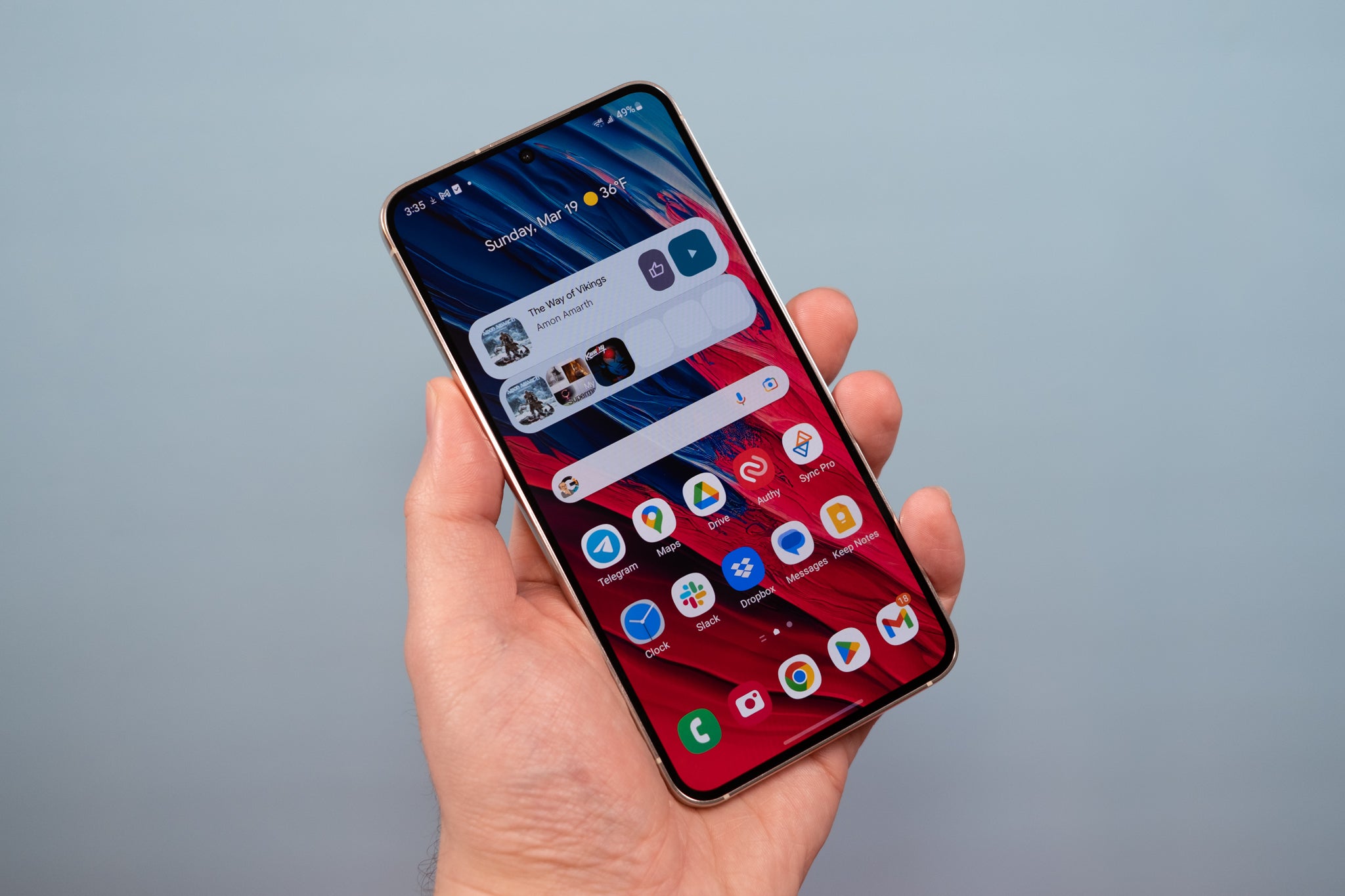
If you own a Samsung Galaxy device, you may be eligible for the Samsung OneDrive bonus. The Samsung OneDrive bonus typically offers 100GB to 200GB of additional storage depending on the specific Samsung device. This partnership bonus can be claimed only once per Microsoft account owner. To claim the Samsung bonus, sign in to your Microsoft account on your Samsung device and you will be prompted to activate it. If the bonus expires, you can buy extra storage if your OneDrive account exceeds the 5 GB free storage that all users get.
What about Bing Rewards and other promotions?
You may have heard about earning OneDrive storage through Bing Rewards or other Microsoft promotions. However, no current official Microsoft documentation supports these methods as valid ways to earn OneDrive storage. The only documented free-storage paths are the referral bonus and the Samsung OneDrive bonus. This prevents frustration from trying methods that are not currently active or documented.
Frequently Asked Questions
Is the OneDrive referral program available in all regions?
No, Microsoft states that the referral program may vary by region. Check your OneDrive storage management page to confirm availability in your location.
What is the base free storage that all OneDrive users get?
Every OneDrive user starts with 5 GB of free storage. The referral bonus and Samsung bonus add to this base amount.
Can I buy more storage if I need additional space?
Yes, if the free storage methods are not enough, you can purchase a paid OneDrive plan. This is especially useful if your Samsung bonus expires and you exceed the 5 GB limit.
Does the referral bonus help with freeing up phone storage space?
Yes, by earning extra cloud storage through referrals, you can move photos and files off your device, freeing up phone storage space for apps and other data.
How do I check if I have the Samsung OneDrive bonus on my device?
Look in your Galaxy device's settings or notifications for an offer related to OneDrive storage.
What happens if my OneDrive exceeds 5 GB after the Samsung bonus expires?
If your account exceeds the 5 GB free limit and the bonus has expired, you will need to purchase additional storage or remove files to stay within the free limit.
Related reading: How To Access The Cloud On Android and How To Upload Pictures From Your Phone To Your Xbox One.