Welcome to the Phone Repair tag on CellularNews. This page collects our straightforward, practical guides for anyone who wants to fix a phone issue themselves, whether you're a cautious owner trying a DIY fix or just looking to understand your options before visiting a shop. The articles here are written for real-world problems that happen to any phone, from water damage to broken ports, and they focus on clear steps you can follow at home.
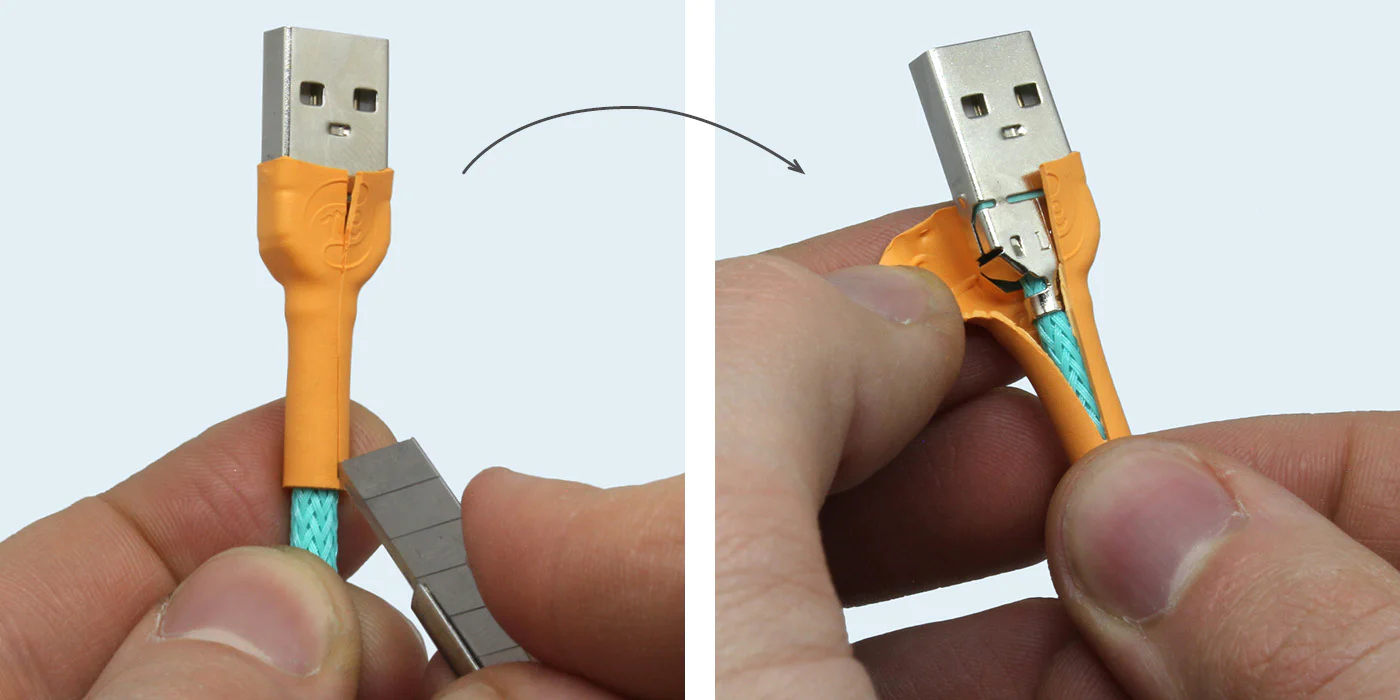
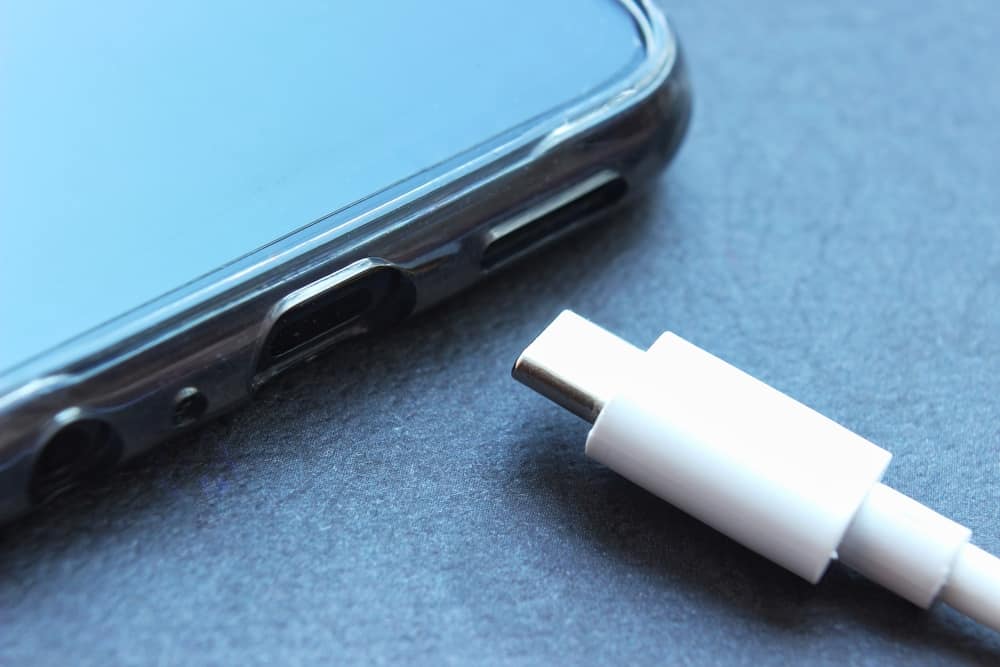
The problems these articles solve fall into a few clear categories. First, there are physical repairs and disassembly tasks: you’ll find guides on how to open the back of an Android phone, how to remove a battery from an Android phone, and even how to cut a tempered glass screen protector to fit a tricky device. Second, we cover water and moisture issues, with specific help for getting water out of a camera lens on a phone, drying a charging connector, and removing liquid from a phone speaker. Finally, several articles address broken or stuck connectors and accessories, including how to fix a broken USB connector, how to get a stuck SIM card out, and how to fix a broken headset jack.
These articles help you take action: safely disassemble your device, dry out moisture, or repair a damaged cord or port. Whether you need to remove a Moto G Stylus battery or find out how much it costs to get a phone screen fixed on an Android, the goal is to give you the information to either complete the fix or make an informed decision about professional repair.