Articles that help users navigate the many situations where a phone number is required, or where they want to avoid giving one. This page is for anyone who needs to set up an account, verify a service, or check a device’s authenticity, but who either lacks access to a phone number or prefers not to share it. The articles here offer practical, step-by-step guidance for common roadblocks.
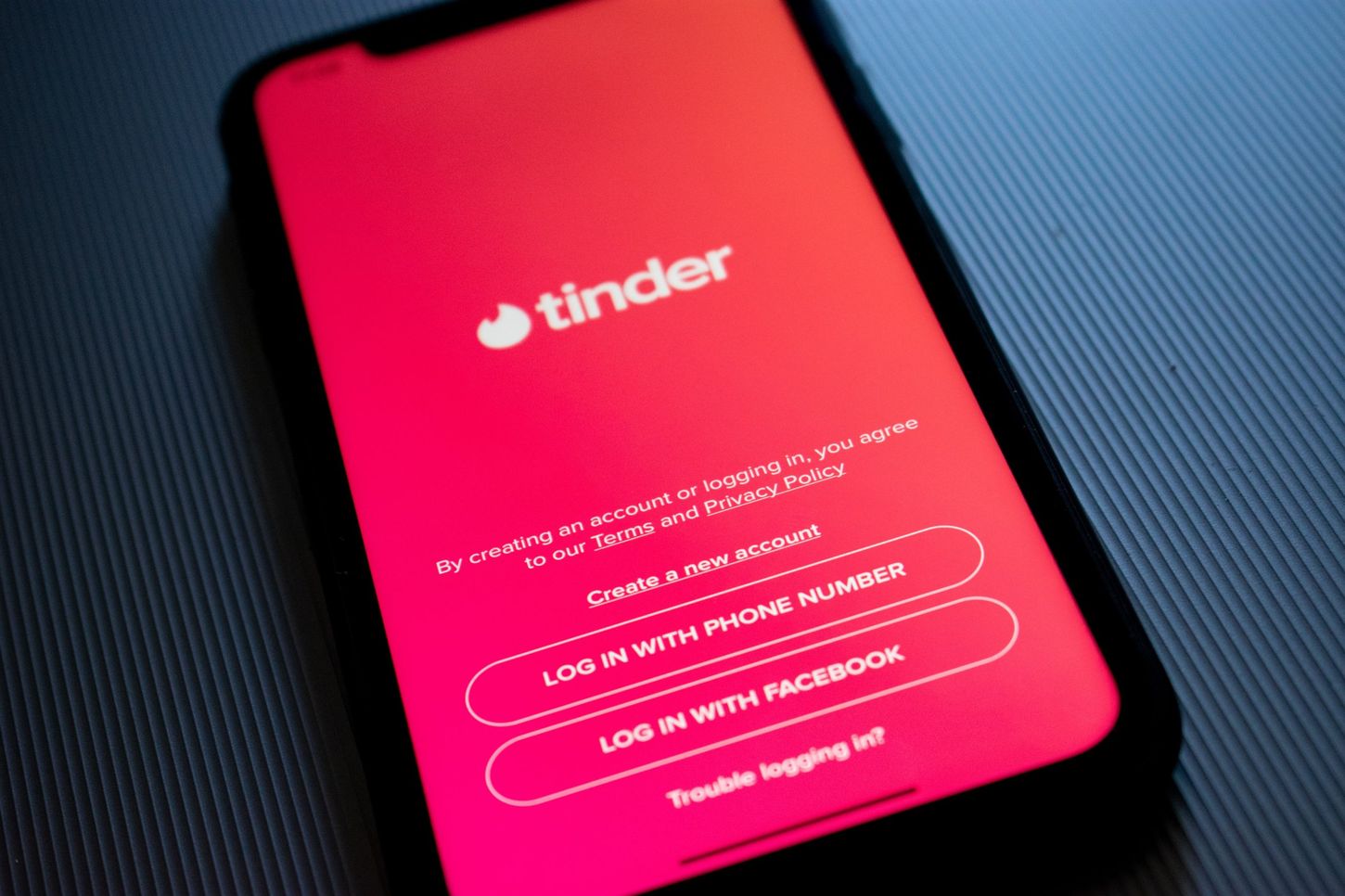
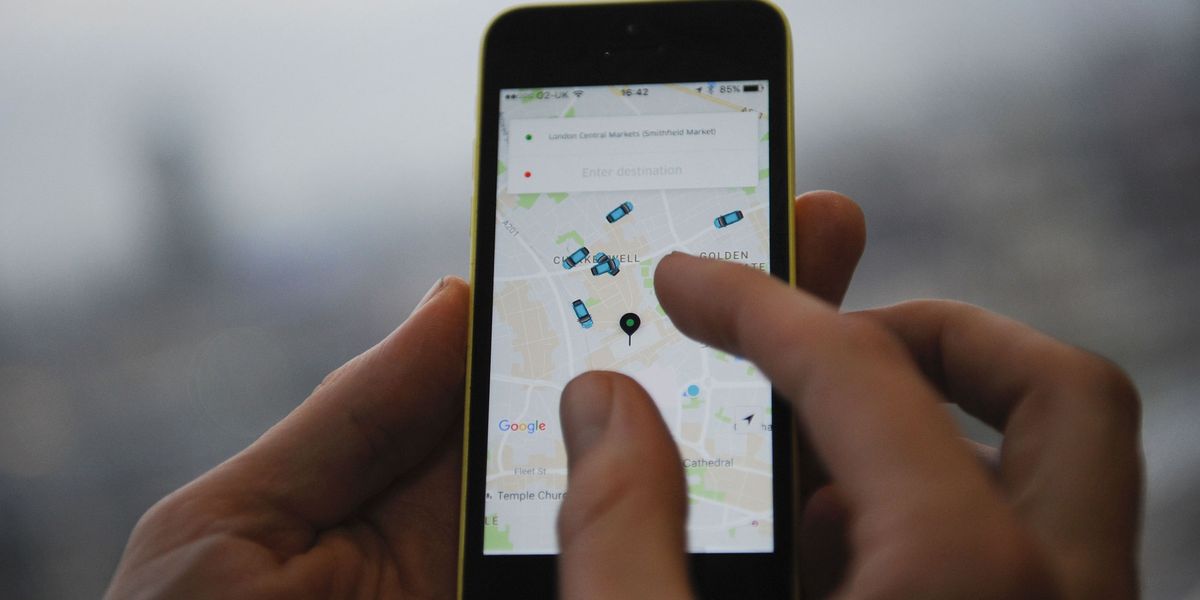
Several of the listed articles focus on bypassing phone number requirements for popular apps and platforms. For example, you can learn how to use Discord without a phone number, how to get around Discord phone verification, and how to verify a phone number on Discord when you do have one. Other pieces tackle account creation: they show you how to create a Google account without a phone number in 2024, how to make a Depop account without a phone number, and how to make a Tinder account without a phone number. A separate article explains how to sign into Uber without a phone.
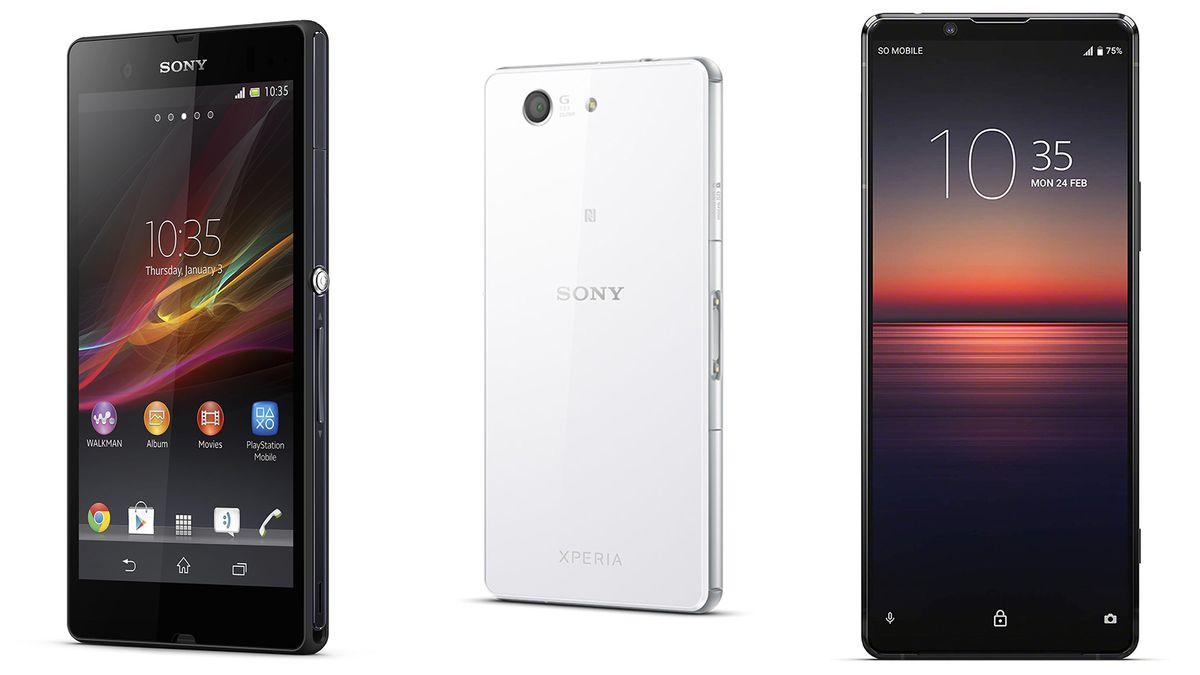
A different kind of problem is addressed by the article on how to know if your Sony Xperia is original, here, verification isn’t about an account, but about confirming the authenticity of a device itself. Finally, the guide on how to verify a YouTube account without a phone number completes the collection, helping users access YouTube’s features without needing to provide a phone number. Together, these articles help readers set up, access, and verify accounts and devices without being forced to share their phone number.