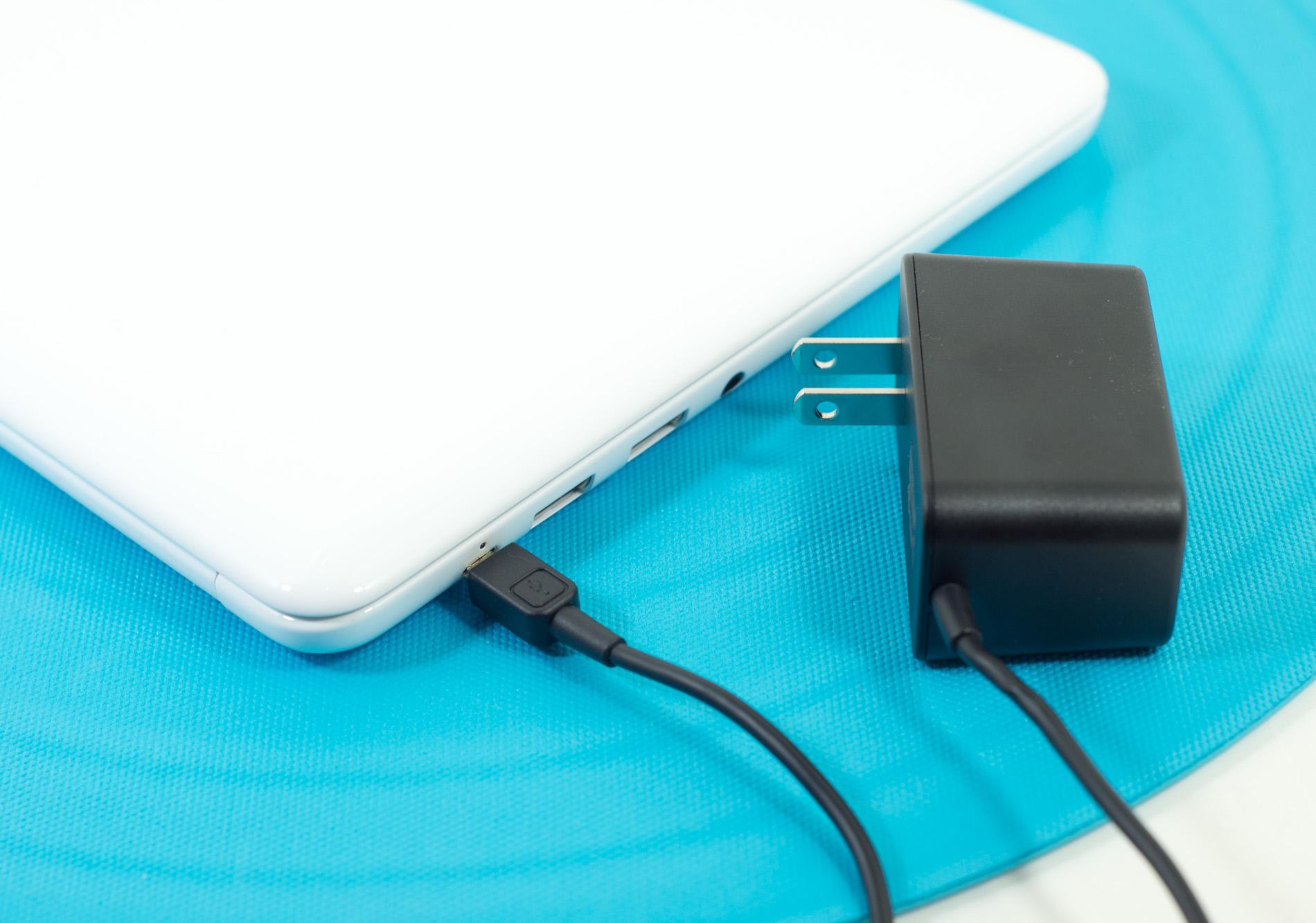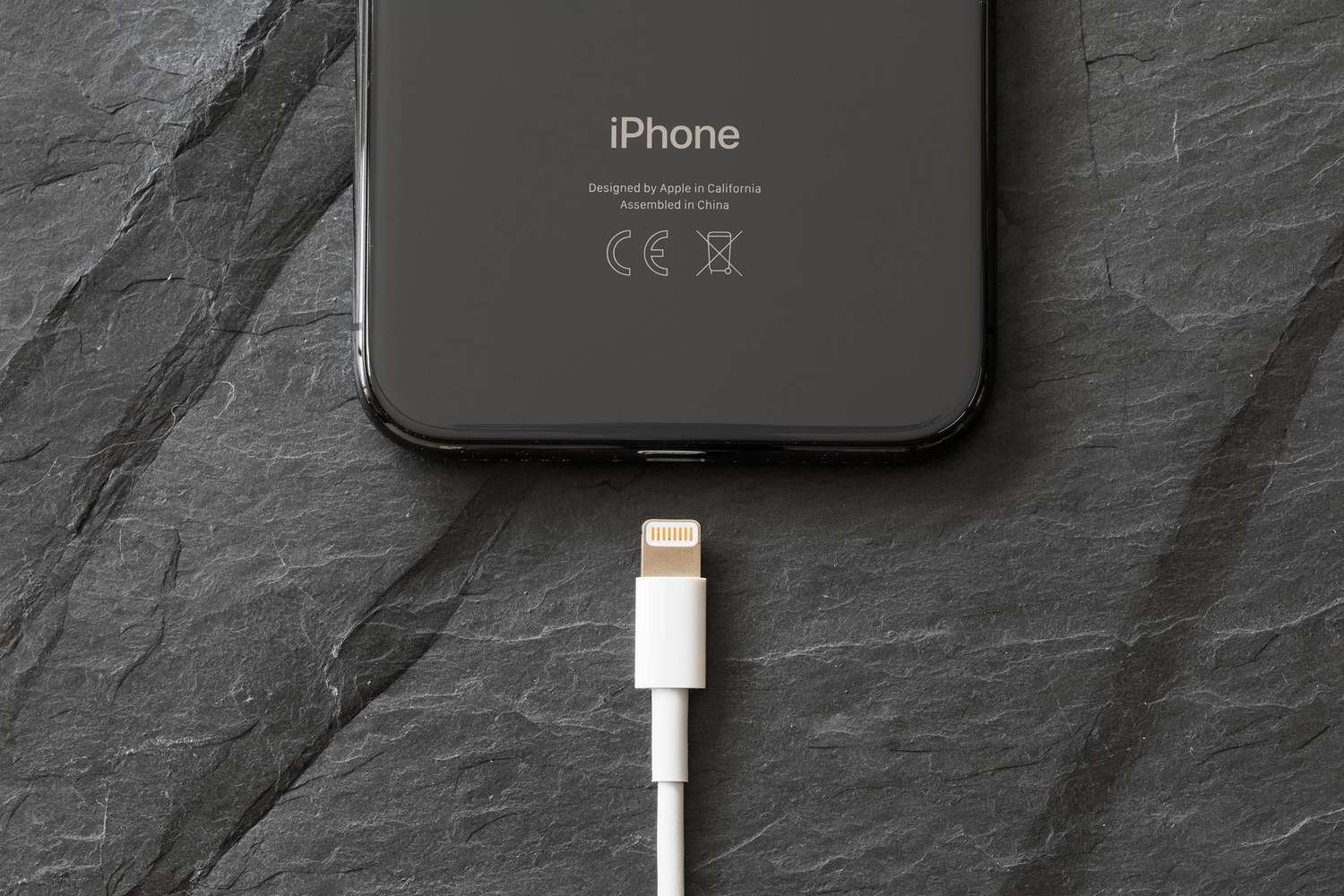
Welcome to the Power Delivery tag on CellularNews. This page collects our articles focused on the practical side of charging and connecting your devices, specifically for readers who want to understand the cables, connectors, and power standards that keep their phones, laptops, and accessories running. Whether you are troubleshooting a low battery, trying to use a single charger for multiple gadgets, or setting up a new docking station, you will find straightforward, problem-solving guides here.
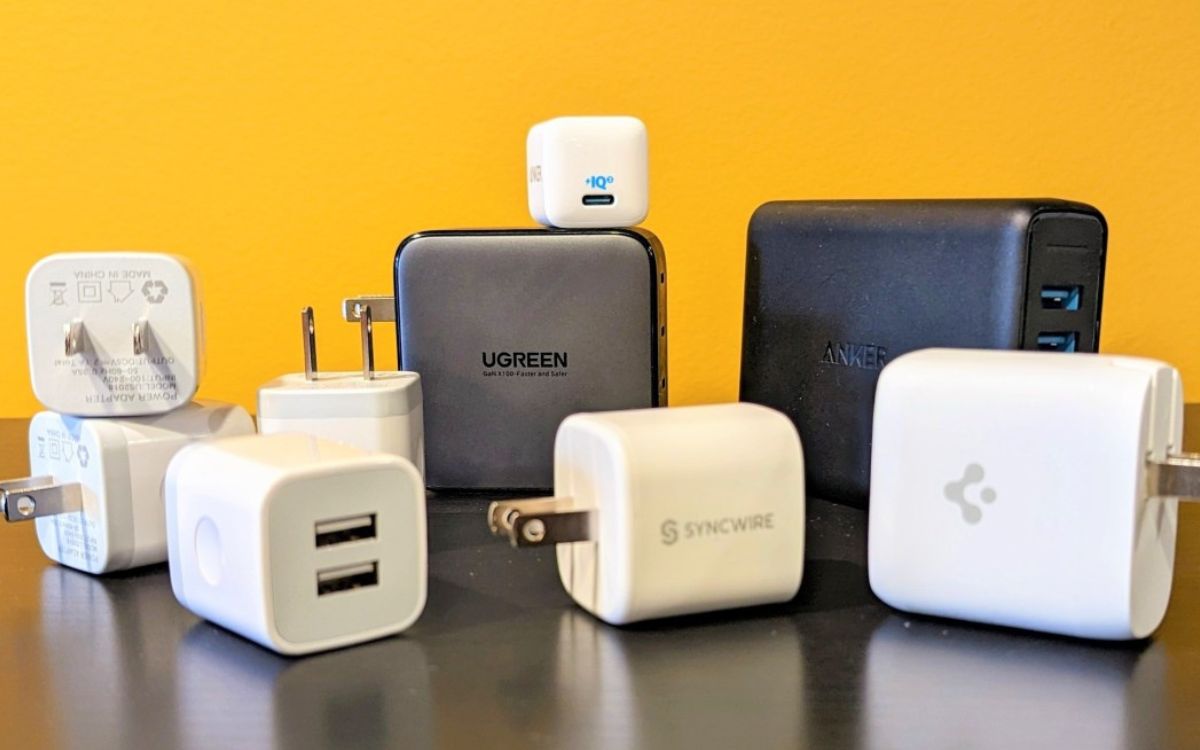
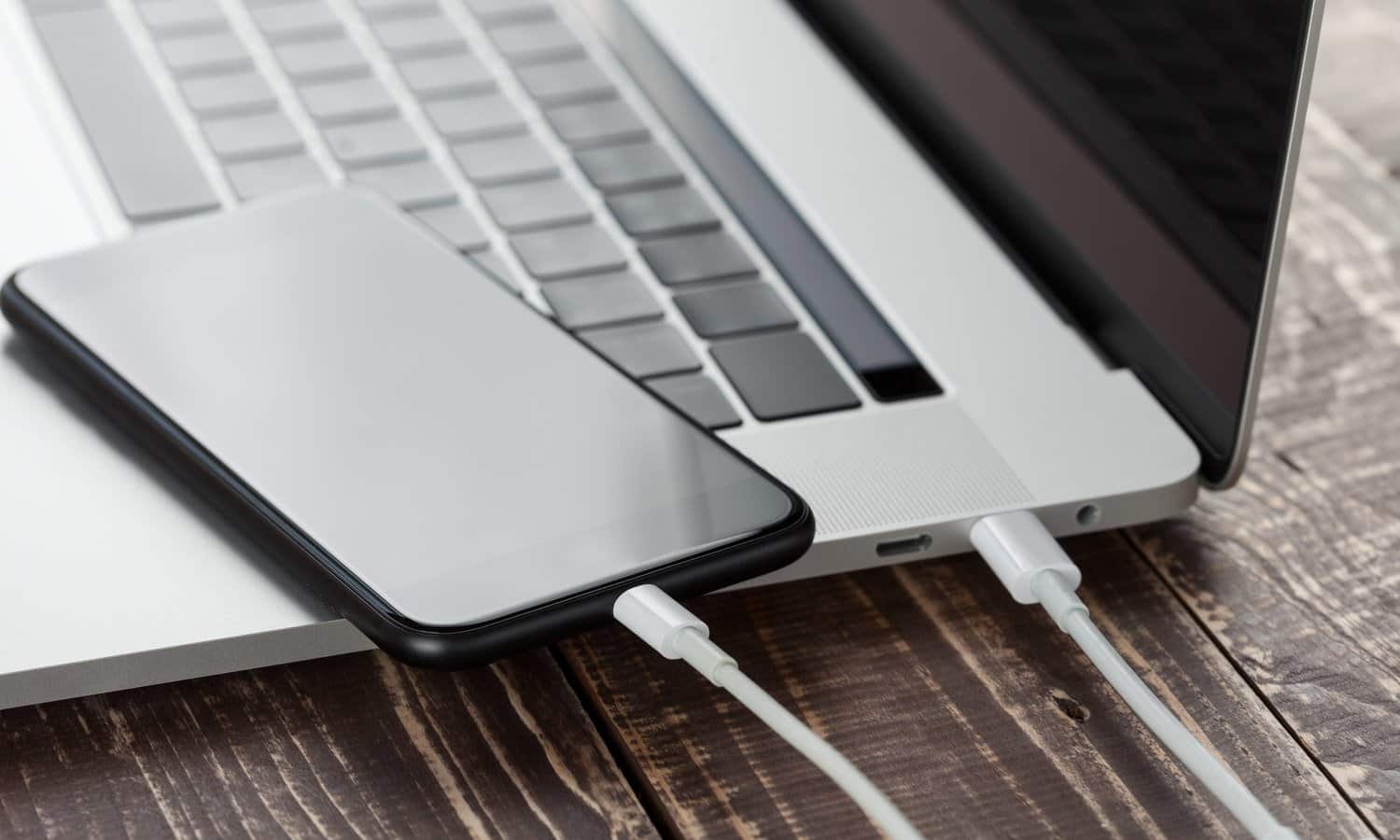
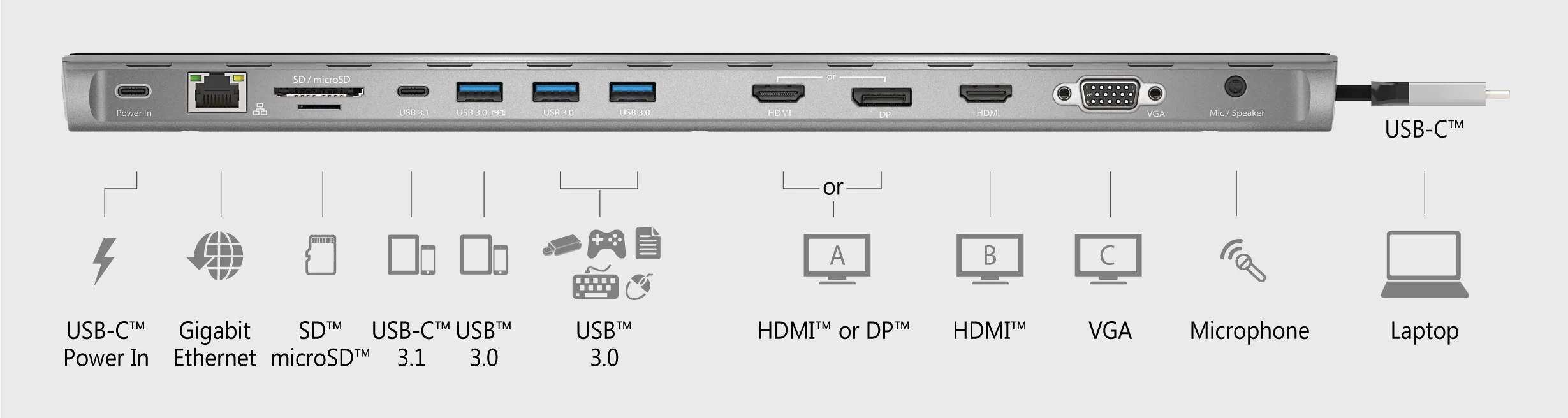
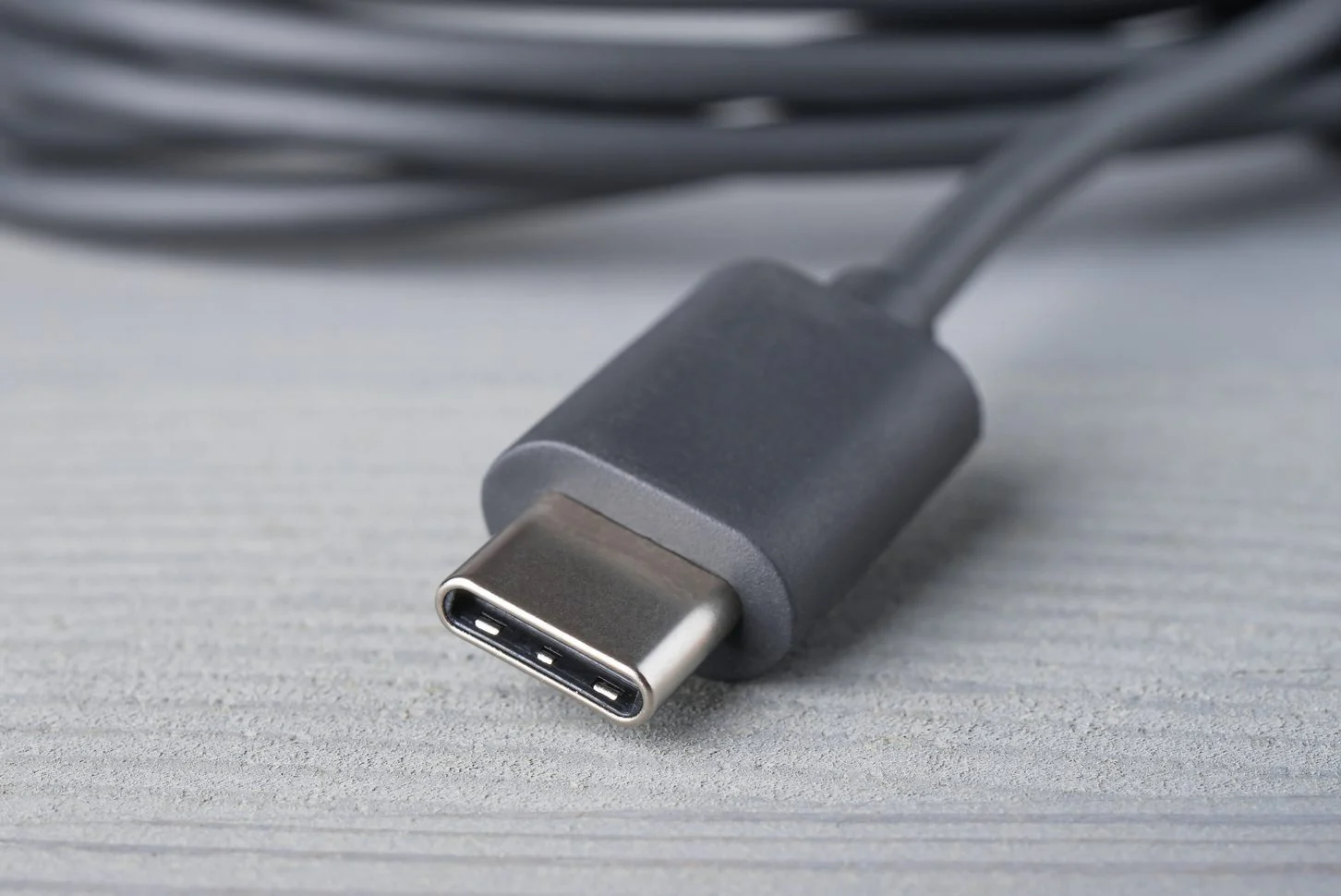
The articles in this tag address two main kinds of real-world situations. First, they help you make your existing chargers and cables work harder for you. For example, you can learn exactly how to charge a Chromebook with a phone charger, or how to charge your Chromebook with your phone in a pinch. Second, they clarify the technical basics that often cause confusion, like what a PD connector actually does and how many volts a typical USB charger provides. A detailed phone charger types and cable guide helps you match the right cord to your device, while a setup guide for the j5create docking station walks you through connecting a full desktop workspace from a single port.