What phone charger types do i actually need
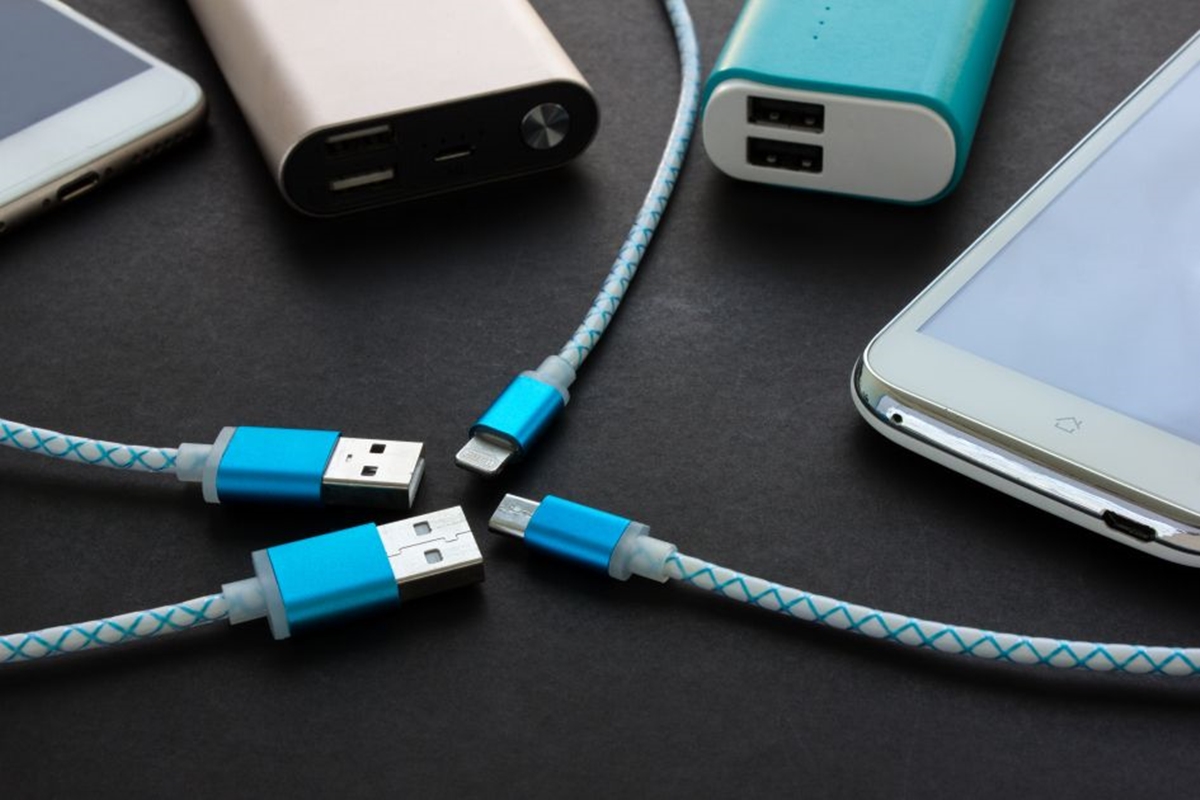
Understanding phone charger types and compatibility across the two main connector ecosystems is essential before you buy a new power brick, which is why you should read our guide on what type of phone charger you need. For iPhones, the split is simple: iPhone 15 and later use a USB-C cable, while earlier models need a USB-C to Lightning cable. For Android, most modern Galaxy devices rely on the same physical port, but the power delivery logic can be stricter. When choosing a phone charger, matching the shape of the plug is only the first step, because you also need to confirm your phone’s specific fast-charging protocol, and our article on what to look for in a phone charger will help you get that right. A Samsung that requires USB Power Delivery 3.0 with Direct Charging will replenish slowly on a generic power brick that lacks that handshake, even if the brick physically fits.
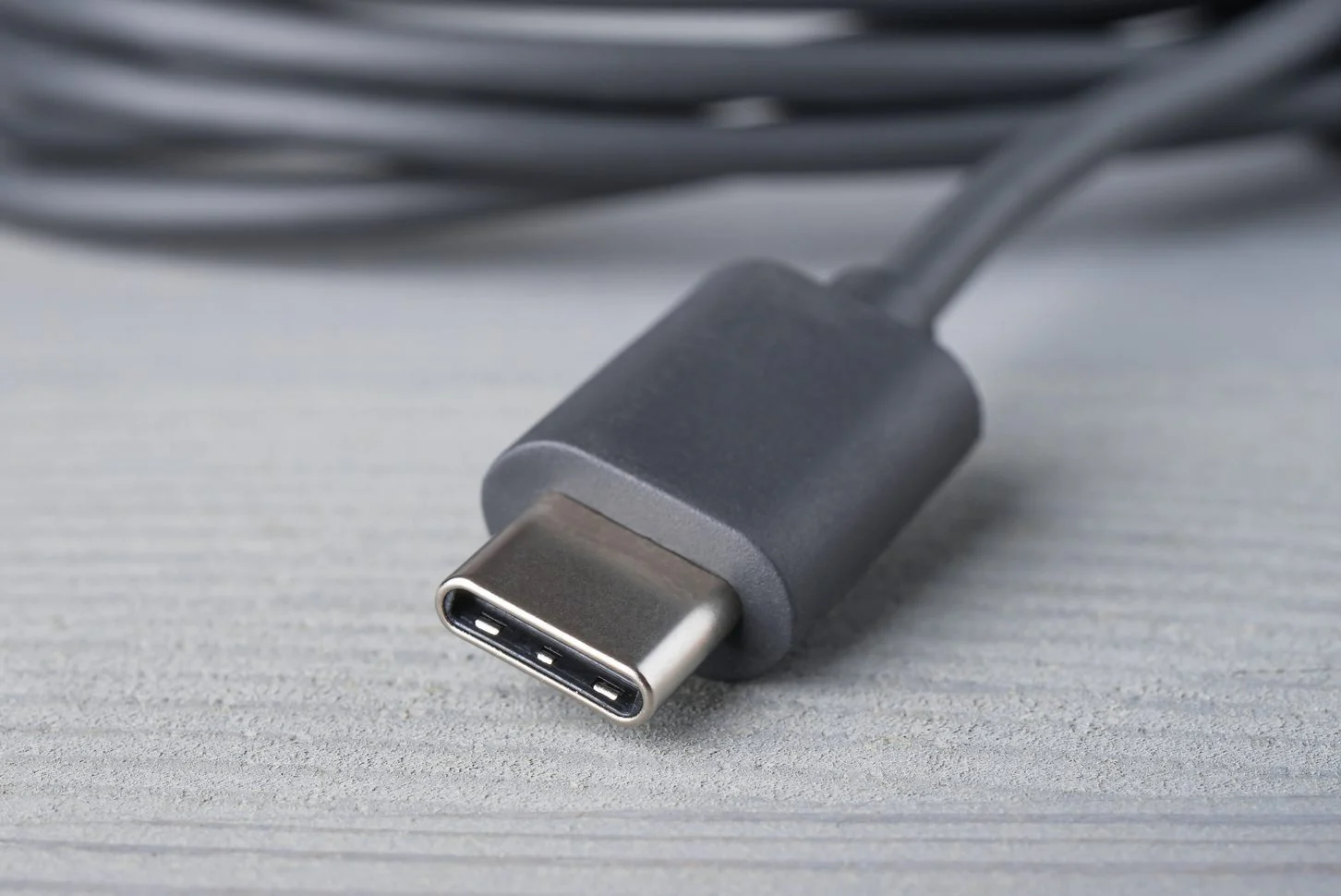
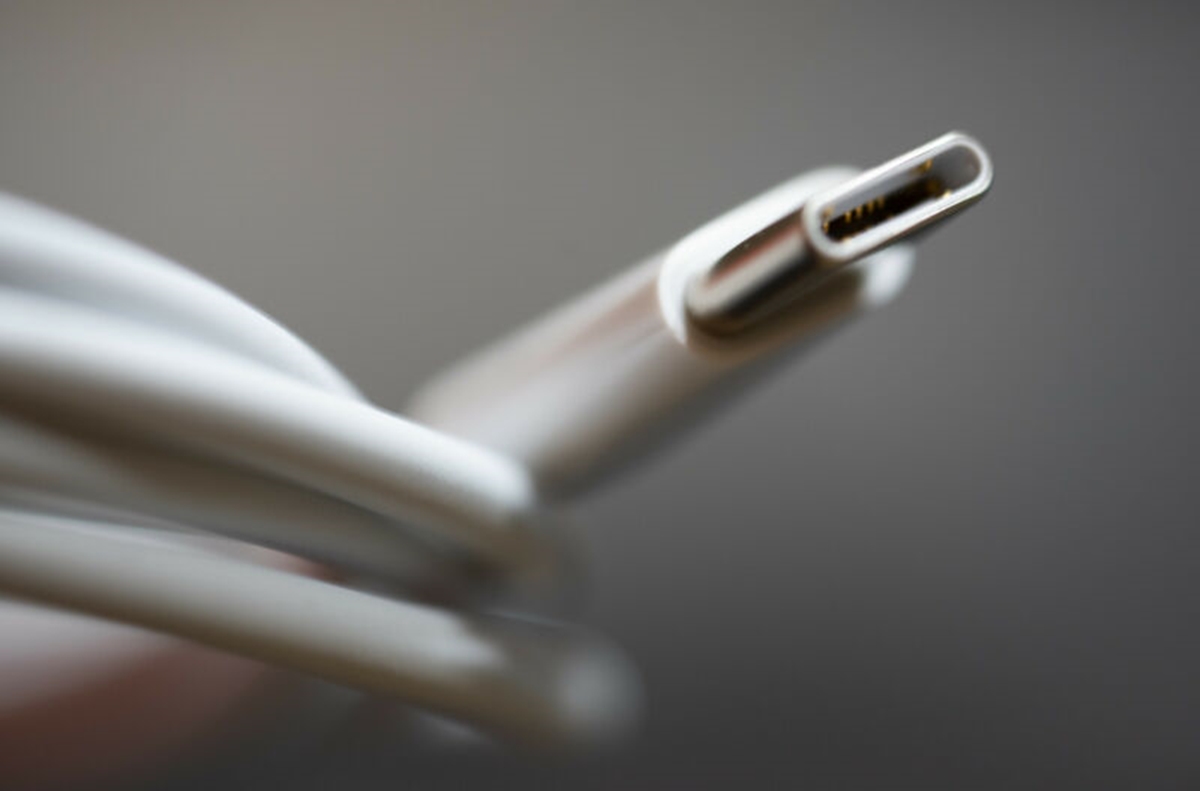
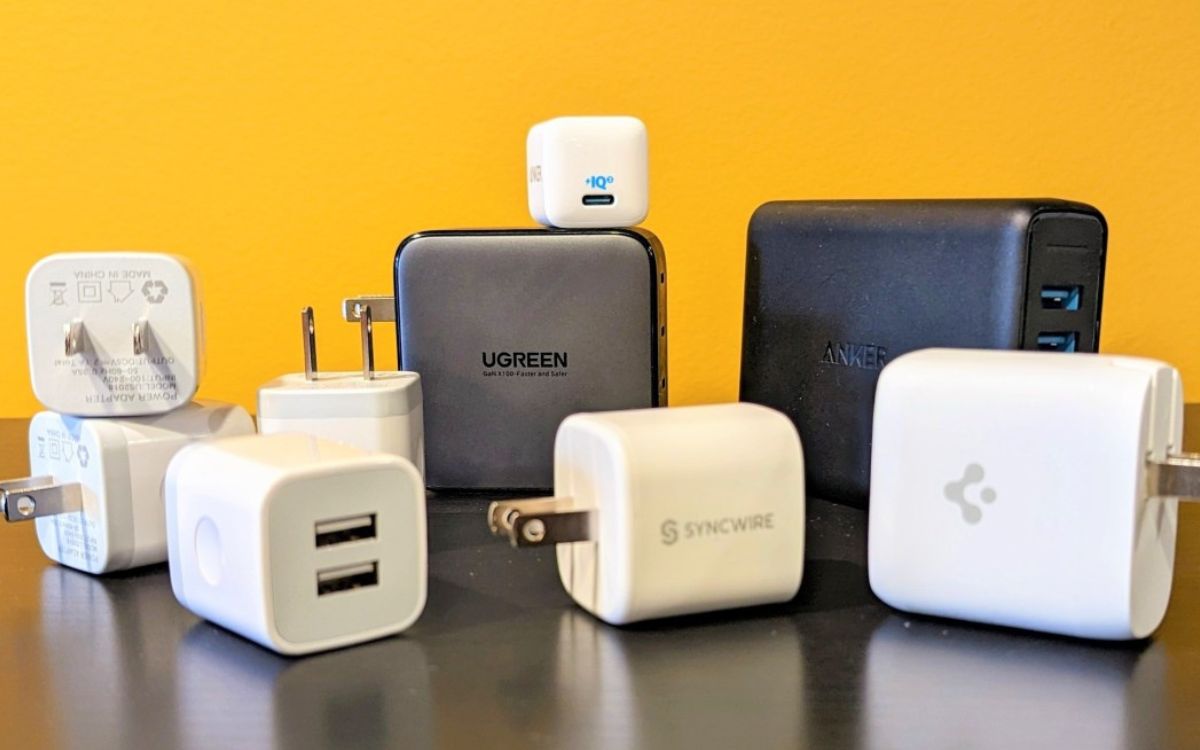
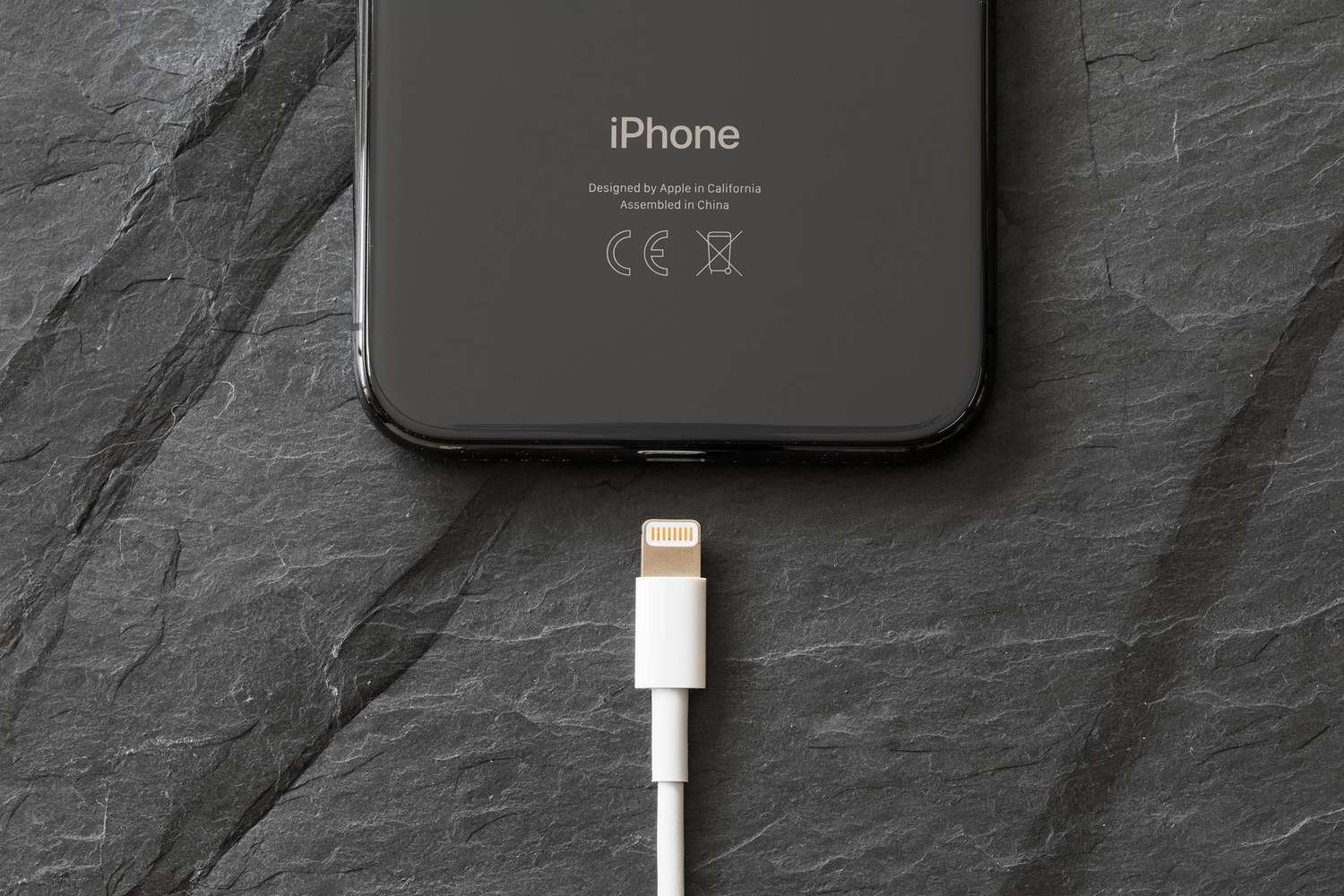
The most common connector you will encounter today is a type C phone charger, the reversible oval plug found on iPhone 15 and later and nearly all modern Android handsets. If you are holding an older iPhone, the phone charger plug called Lightning is still widely supported through USB-C to Lightning cables. For rapid power replenishment, you will almost always need a PD connector, which is simply a USB-C port and cable that follow the USB Power Delivery standard. Apple specifies that a compatible USB-C power brick must include USB Power Delivery for fast replenishment on iPhone 8 or later. When identifying a phone charger connector on your existing brick, look past the physical shape and check the fine print for a “USB-PD” or “USB Power Delivery” label, which defines whether the unit can negotiate the higher wattage your device requests; our guide on what type of connector this is can walk you through the process.
- phone charger types and compatibility
- identifying a phone charger connector
- choosing a phone charger
Charger specs and power explained
Every charger hides three numbers that determine whether it will power your device safely or leave it crawling. The USB charger voltage output typically starts at 5V for basic power delivery and can step up to 9V, 15V, or even 20V when a phone and adapter negotiate a faster speed, which is why you should read our article on how many volts a USB charger has to ensure compatibility. Your phone's cell phone charging amperage needs shift depending on that negotiation, so a compatible adapter might deliver 3A for a quick top-up but drop to 2.22A once the battery nears full, making it essential to check how many amps to charge a cell phone before buying a replacement. iPhone 17, iPhone 17 Pro, iPhone 17 Pro Max, and iPhone Air can pull from a 40W adapter, while iPhone 18 Pro and iPhone 18 Pro Max support faster charging with 60W or more. Not every gadget uses USB, though. A barrel connector is that round, hollow DC plug you still find on some older accessories and non-phone electronics. If you need to replace one, you will have to measure barrel connector dimensions, checking the outer diameter and inner pin size carefully because a near-match that wobbles or does not seat fully can cause arcing or intermittent power, and you will want to know how to measure barrel connector to get the fit right. Before you assume a charger is dead, remember that a packed lint pocket inside your phone's port often mimics a failed adapter, so rule out the simple fix first.
Device-specific charging guides
When you need to charge a Samsung phone at its fastest rate, open Settings and tap Device care then Battery, tap More options then Settings, and confirm that Fast cable charging is toggled on. The phone will automatically negotiate the highest speed the plugged-in power brick can deliver, and a computer USB port will always take longer than a wall outlet.
If you own a recent Chromebook and find yourself without its power brick, you can charge a Chromebook with a phone charger as long as both devices have USB-C ports that support two-way power delivery. After connecting them, click the time on the Chromebook shelf, open Settings, go to Device and Power, then select the port the phone is attached to.
For a Moto G Power charger type and specific Moto G charger requirements, the official documentation was not available in our sourced materials. Looking up your exact model on Motorola’s site can help you verify the needed wattage and protocol.
While some older handhelds present a puzzle, the ability to charge a PSP with a phone charger is not covered by any manufacturer guide we could source, and you would be experimenting at your own risk without a confirmed method.
Fixing damaged chargers and cables
Before you reach for a replacement, know that a frayed cable does not always mean the end of its life, though you must treat any exposed wire with caution. Official guidance is clear: stop using any accessory immediately if the cable is frayed, the adapter prongs are bent, or you spot any other visible damage, as a compromised charger can cause a fire or electric shock. There is no documented way to repair a USB charger that has internal damage, so your focus should shift to the cord itself. A common failure point is the area just behind the plug, and you can often fix a phone charger cord by reinforcing that weak spot with a carefully applied, flexible strain relief before the inner wires snap completely. If you own an older iPhone and the metal Lightning end has physically separated from the plastic housing, there are no instructions to fix broken iPhone charger tip by aligning the contacts and bonding the shell back together; you should stop using the damaged accessory, and a loose tip that overheats during use must be discarded. The smarter long-term move is to prevent the damage from happening in the first place. The simplest way to protect your phone charger cord is to always pull from the hard plastic plug instead of yanking the cable itself when you disconnect your device.
Diagnosing charging problems
Before you assume the hardware is dead, the quickest way to tell if phone is charging is to plug it into a wall outlet you have already confirmed works with another device. A silent, black screen does not automatically mean a fried motherboard, and the question of how to know if your phone is charging when its dead comes down to a single visual cue: after you connect a known-good cable and power brick and let it sit, watch whether a battery icon appears on the display or the device remains totally blank. Should you hear a faint phone charger buzzing when plugged in, stop using the accessory immediately, because a steady hum or crackle from the power brick points to internal component failure. You do not need to fix an overcharged battery through a hidden settings toggle, since current phones automatically stop drawing significant current once they hit capacity. A device that stays warm and refuses to wake likely has a port obstruction or a deeply depleted cell rather than a surplus of stored energy.
Cleaning and maintenance
Before you reach for a toothpick, power down the phone and disconnect every cable. Apple’s guidance is firm on one point: never insert a cotton swab or paper towel into a Lightning or USB-C connector, because the fibers can cause more blockage than they remove. If the phone itself shows a liquid-detection alert, unplug the accessory, tap the handset gently with the port facing down, and leave it in a dry spot with moving air. Apple says to try charging again after at least 30 minutes, but also to allow at least 5 hours before connecting an accessory after liquid exposure. A lingering alert suggests resting the port for up to 24 hours for a fully dry charging connector, so see our guide on how to dry charging connector and prevent lasting harm. For Pixel phones, Google suggests using a can of compressed air or a soft brush to carefully clean out phone charger port debris, and you will want to follow our article on how to clean out phone charger port to prevent future connection issues. For Samsung devices, wait until any moisture warning has cleared before attempting to clean or charge. Work in bright light so you can see the packed lint you are lifting away, and test with a known-good cable only after the port looks clear and feels dry to the touch.
Unusual charging methods and wiring
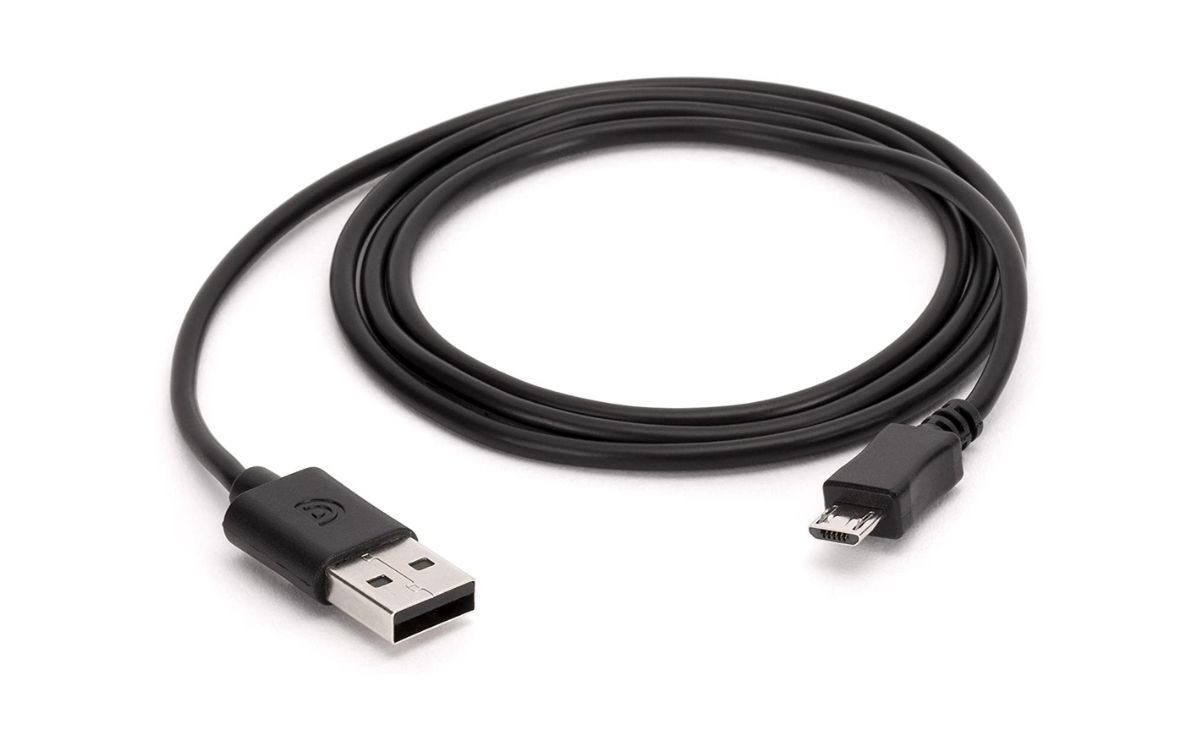
When you are far from a wall outlet, the internet is full of survival tricks, and some even suggest you can charge phone with potato to generate a tiny current, though no official manufacturer guide documents this as a safe or effective method. Attempting it risks shorting your device. If you are splicing your own cable for a DIY power source, you need to know which wire is positive and negative on a phone charger to avoid damaging your phone. In standard USB cables, red typically carries positive power and black serves as ground, while white and green are data wires, but USB-C connectors are mechanically symmetrical, so wire colors alone are not a reliable guide for USB-C DIY work. Should your experiment fail and leave you without a working cord, you can buy a cell phone charger from official retailer storefronts to ensure you get a reliable and safe replacement, where you will find options that meet basic safety standards without any special device eligibility hurdles.
Frequently Asked Questions
How do I turn on fast charging on a Samsung Galaxy phone?
Open Settings, tap Battery, then Charging settings, and toggle Fast charging on. The phone will automatically negotiate the highest speed your plugged-in power brick can deliver, and only the charging speeds your device supports will appear in the menu.
What wattage adapter do I need for fast charging iPhone 17 Pro Max?
iPhone 17 Pro Max needs a power adapter with a minimum output of 40 watts for fast charging. Apple specifies that the adapter must supply 40W continuous sustained power with 60W maximum output to achieve the fastest replenishment speeds.
What does USB Power Delivery 3.0 with Direct Charging mean for Samsung?
It means some Galaxy devices require a charger that supports that specific handshake protocol to charge at full speed. A generic power brick that lacks USB PD 3.0 with Direct Charging will replenish the battery slowly even if the plug physically fits the phone.