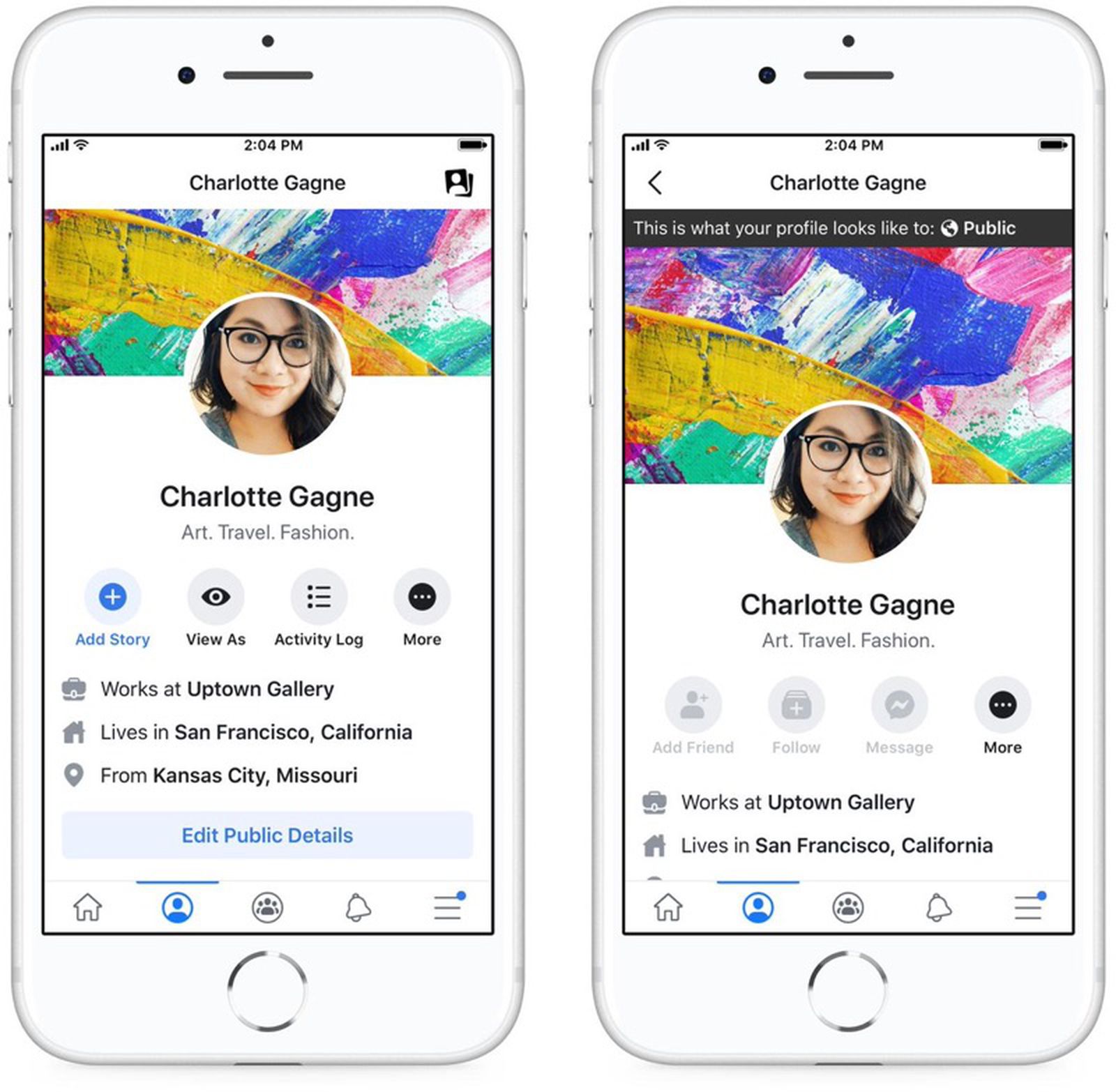
This tag collects all of CellularNews’s guides for changing, setting, or fixing your profile picture across different mobile platforms. It is written for anyone who uses their phone to manage social media, messaging, or work accounts and needs clear, step-by-step instructions that work on a mobile screen, not a desktop.
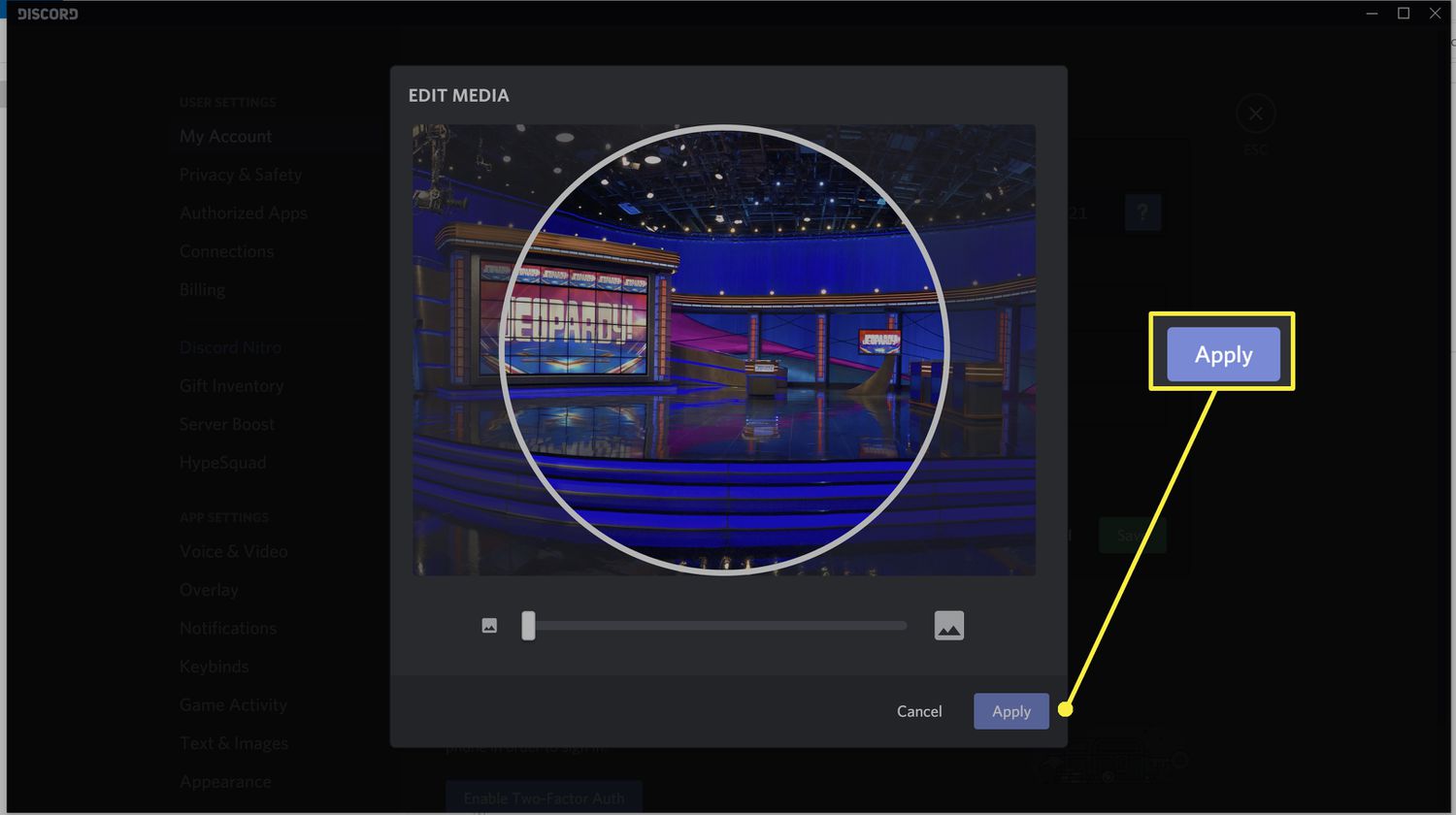
The articles here solve two main kinds of problems. First, they address platform-specific quirks, like how to avoid the automatic crop when uploading a Facebook profile picture from your phone or how to set a temporary profile picture that expires on its own. Second, they cover the simple but often confusing process of updating your avatar in apps that are not always intuitive on mobile, such as Outlook Mobile and Discord Mobile. A few of the specific topics you will see include changing the profile picture on a Samsung phone, adjusting your Discord avatar from the mobile app, and swapping your Outlook profile image while on the go.
Each article helps the reader complete a real, everyday task: update a professional headshot in a work email app, refresh a gaming profile without logging into a computer, or post a temporary Facebook photo that disappears after a set time. The focus is always on what works from your phone, with no desktop workarounds or missing steps.