
Managing your personal identity across the mobile apps and platforms you use every day. This section is built for anyone who needs to update a username, locate a profile link, or find a specific list of favorites while on their phone, without switching to a desktop computer.
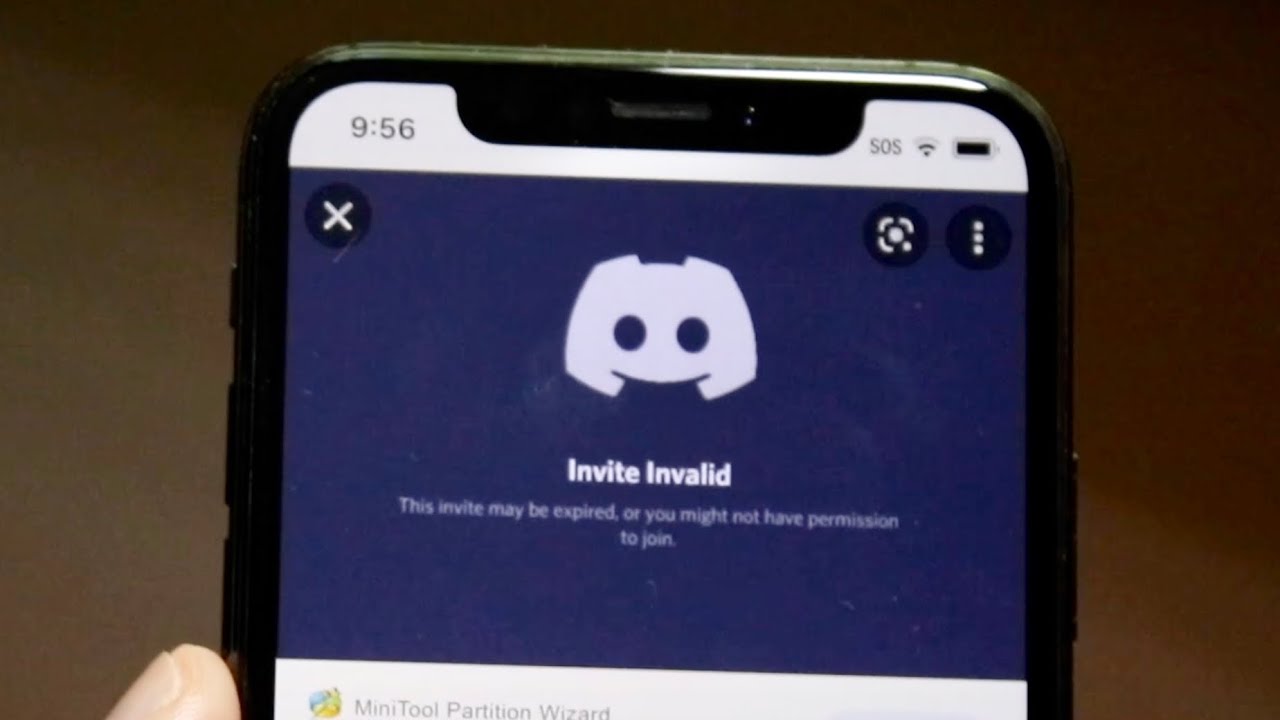
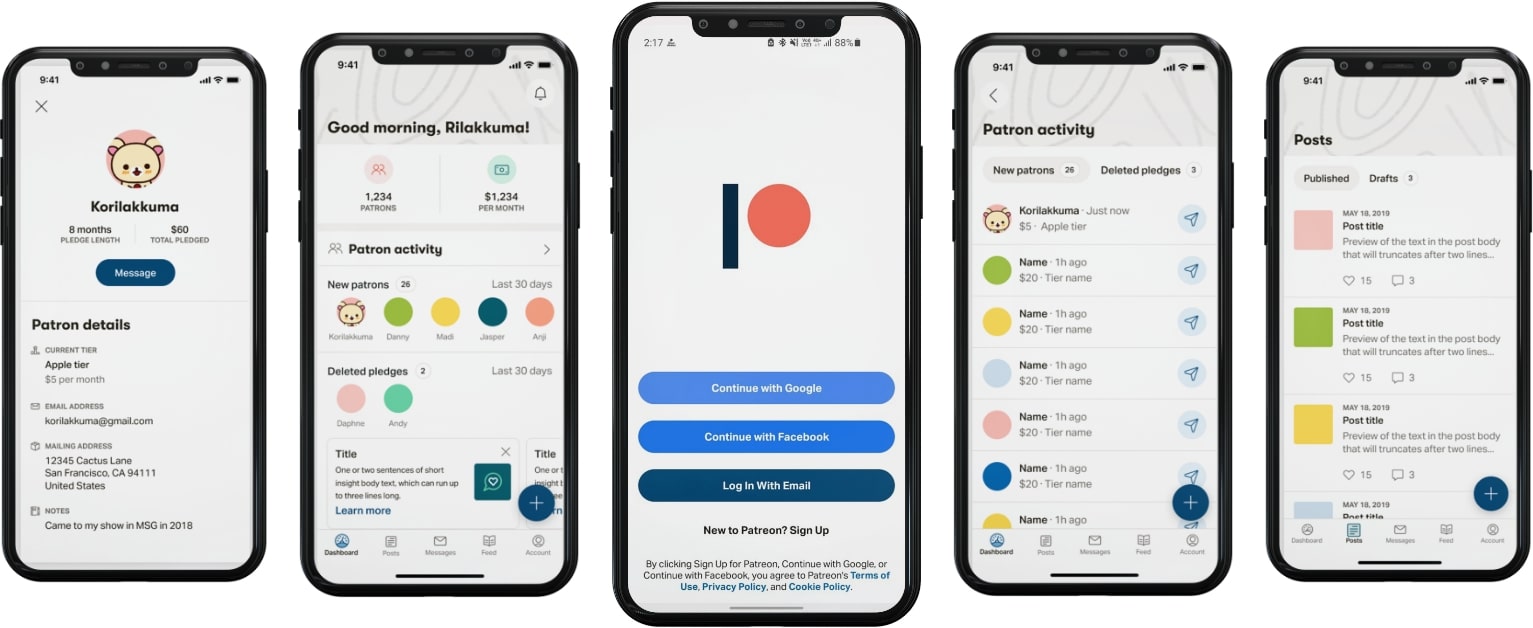
The articles here solve two main kinds of problems. First, they help you change or customize your account name on services like Spotify, Patreon, and Twitch, which is useful when you want a cleaner handle or a fresh start. Second, they show you how to find and copy your unique profile links for Discord and Twitch, making it easier to share your channel or connect with friends directly from your mobile browser or app. A few of the specific topics covered include the step-by-step process for changing your Spotify username, how to get your Twitch URL on mobile, and how to copy your Discord profile link.
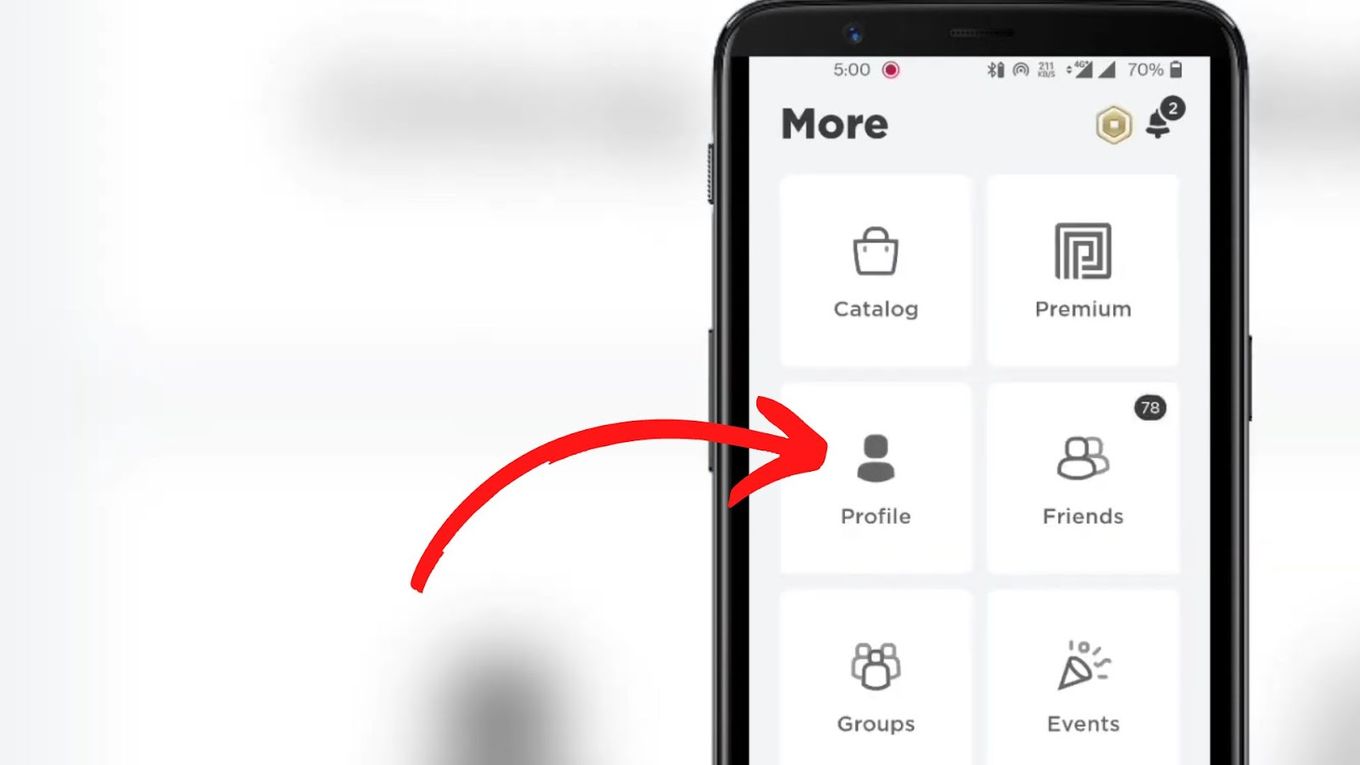
These guides are straightforward, mobile-first instructions that let you take control of your profile settings without any extra software or complicated workarounds. Whether you are updating your Patreon name or learning how to see your favorites on Roblox Mobile, each article walks you through the exact taps and menus needed to get the job done right on your phone.
![How to Change Your Spotify Username? [Step-by-Step Guide]](/wp-content/uploads/2022/04/IMG_7960.jpeg)
