Connecting and configuring Sony’s PlayStation 3 console using mobile devices and wireless networks. This content is specifically for readers who own a PS3 and want to integrate it with their Android phone, resolve internet connectivity issues, or pair wireless controllers without hassle.
The articles solve practical problems grouped into two main themes. One theme centers on linking the PS3 to mobile hotspots and Android phones, helping readers establish a network connection for online play or media streaming. Another theme addresses wireless controller synchronization, covering both standard Sony controllers and third-party accessories like the Afterglow Wireless PS3 Controller. For example, guides explain how to connect a mobile hotspot to a PS3 and how to sync a PS3 wireless controller step by step.
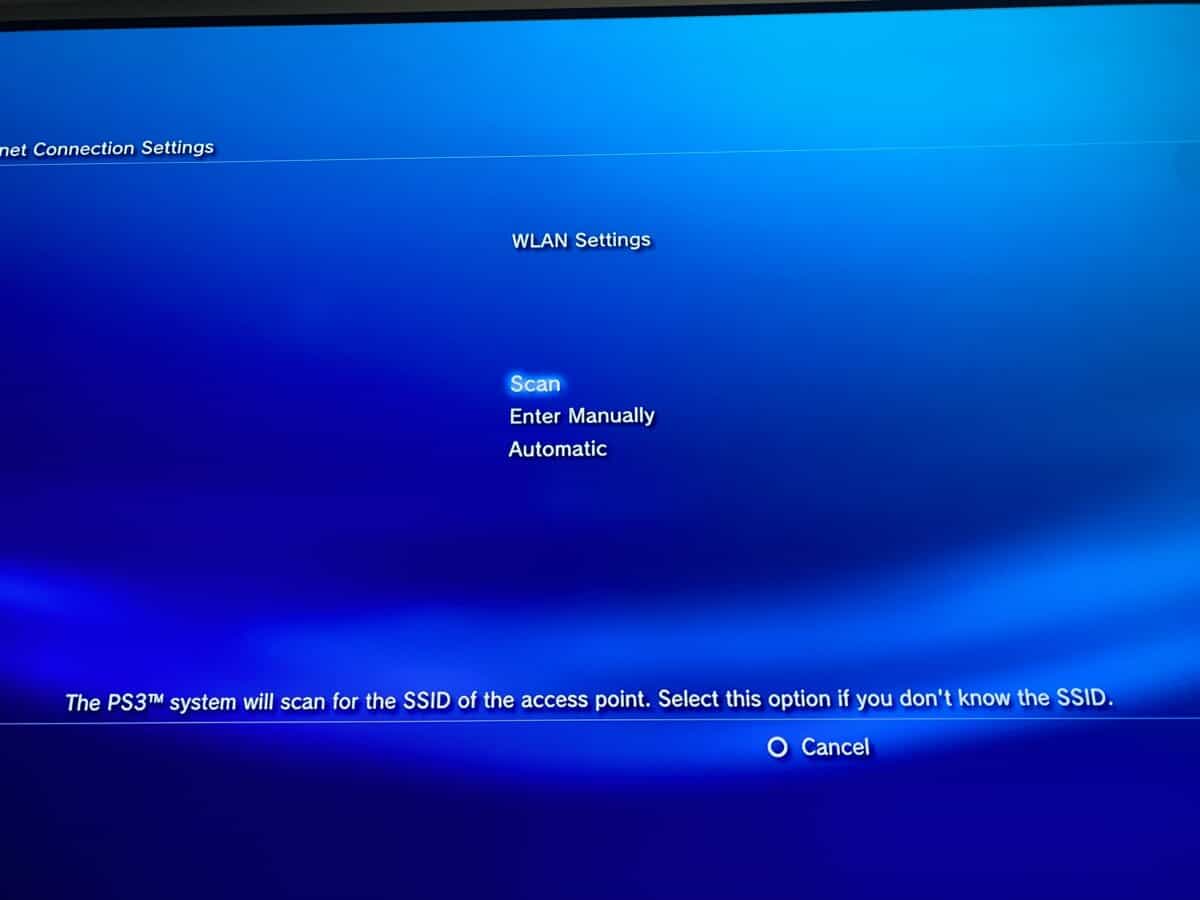
Specific topics include hooking the PS3 to wireless internet, connecting to the PS3 network wirelessly, and pairing an Android phone directly with the console. Each article provides clear instructions to help readers perform these tasks successfully, whether they are setting up a new controller or troubleshooting a stubborn Wi-Fi connection.