This tag collects all of CellularNews’s articles about Realme devices, written for anyone who owns a Realme phone, tablet, or accessory like the Realme Earbuds. Whether you are new to the brand or just looking for a quick fix, these guides focus on the everyday settings and small problems that come up during normal use.
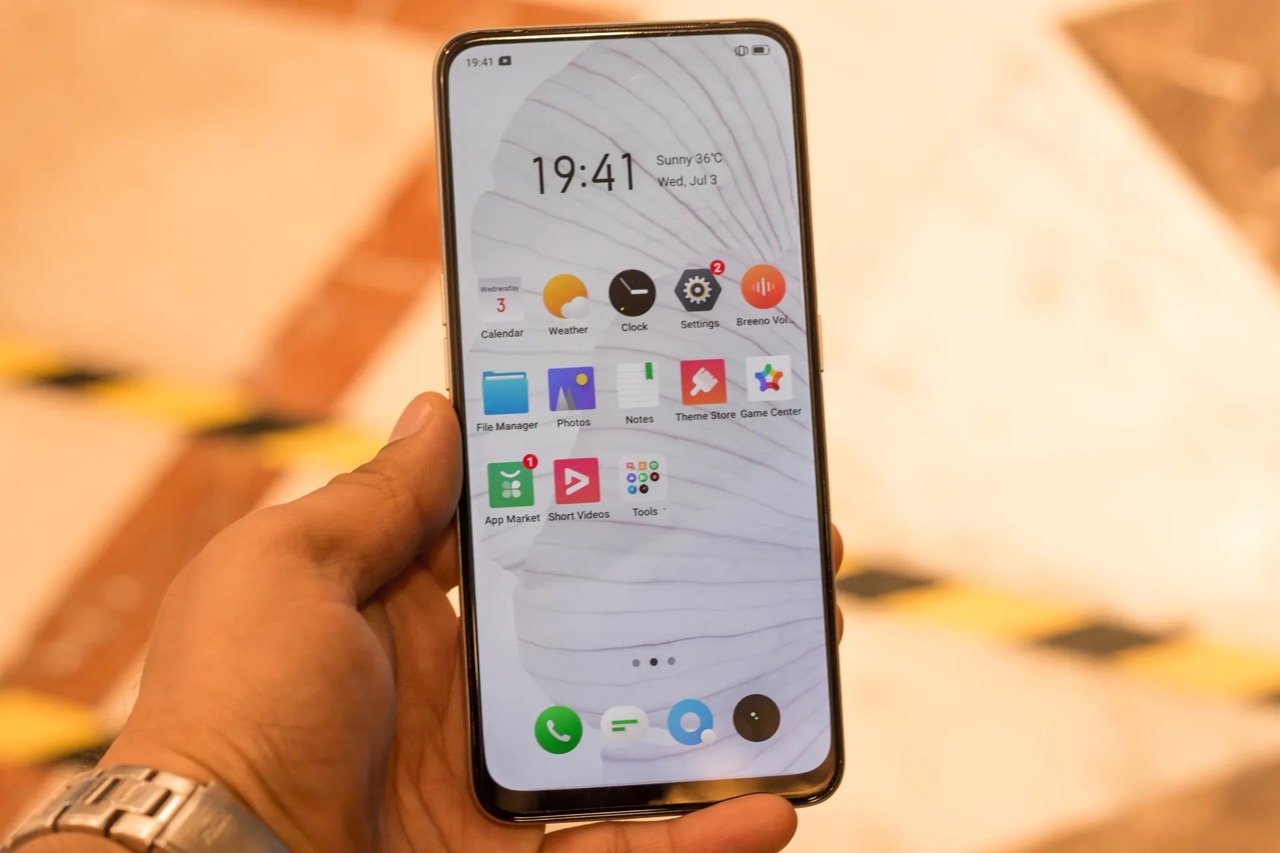
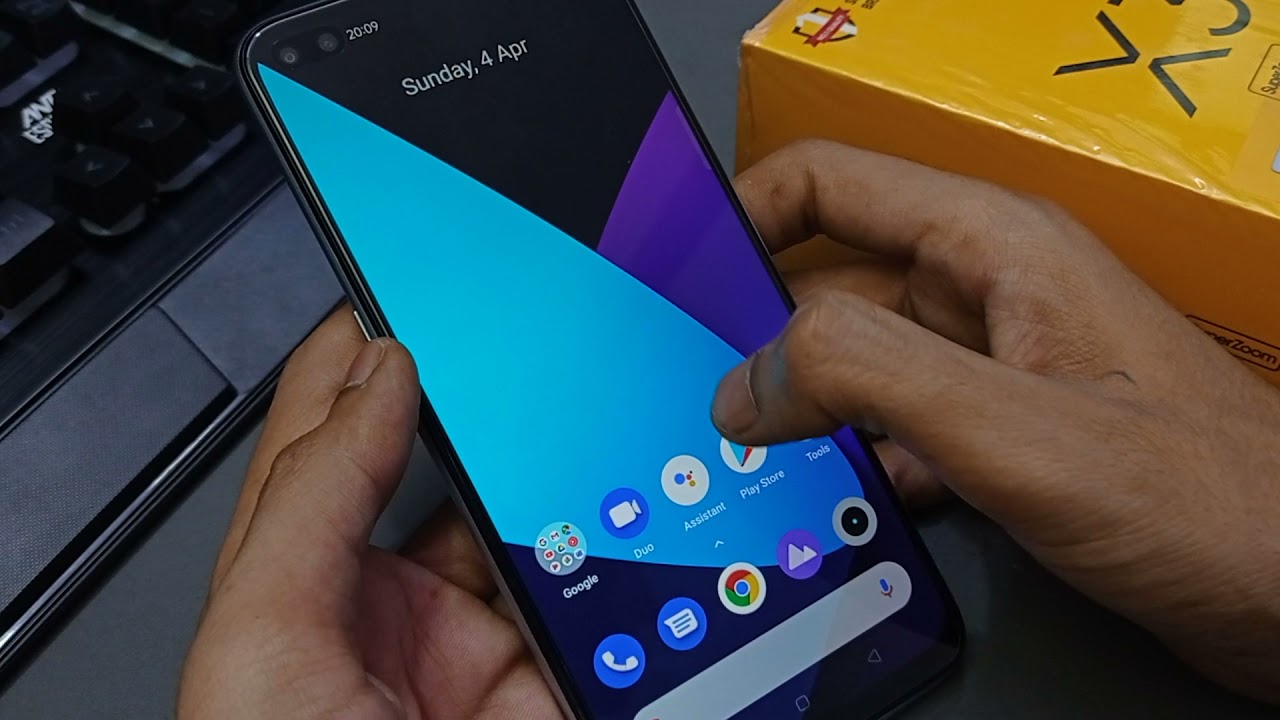
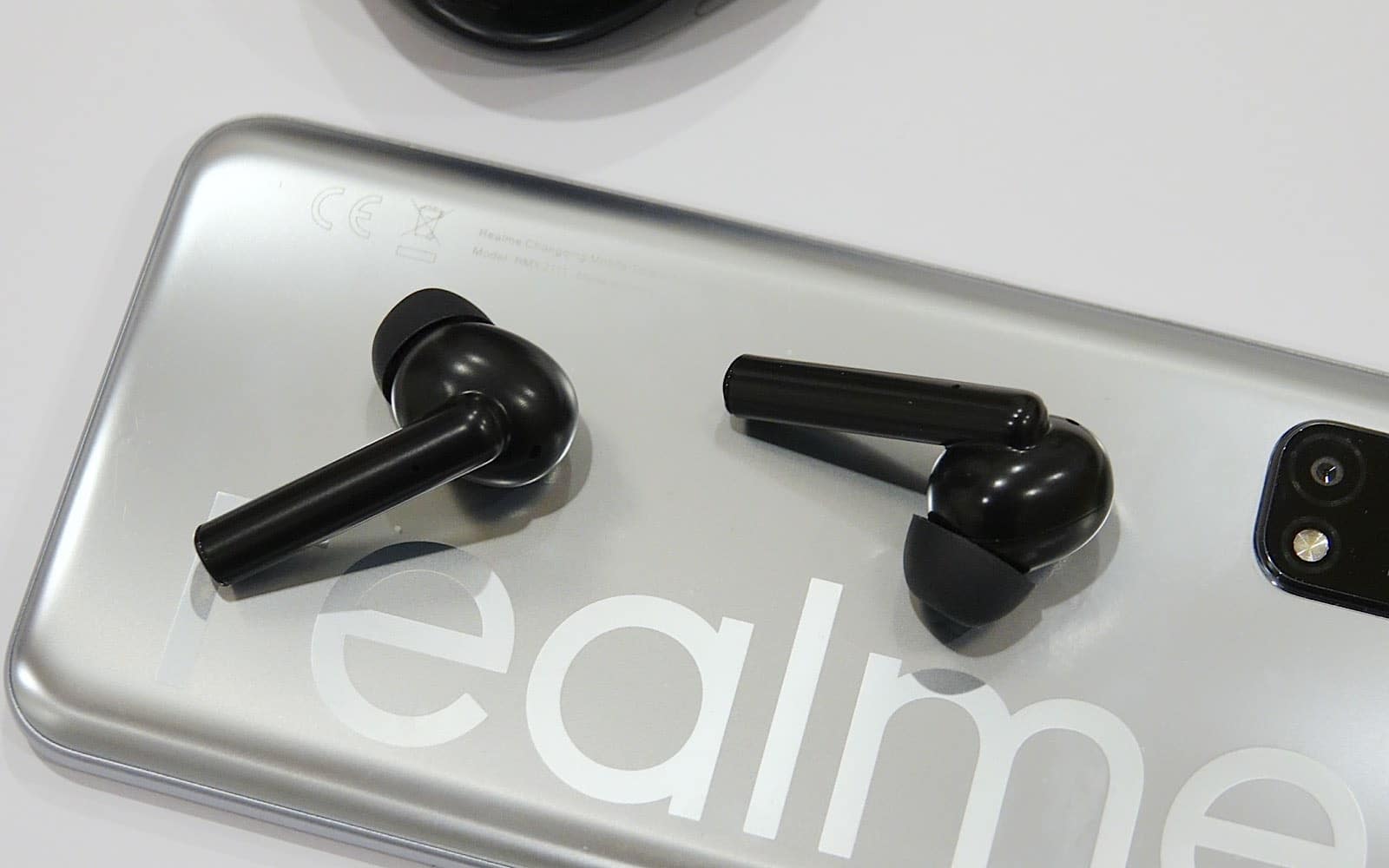
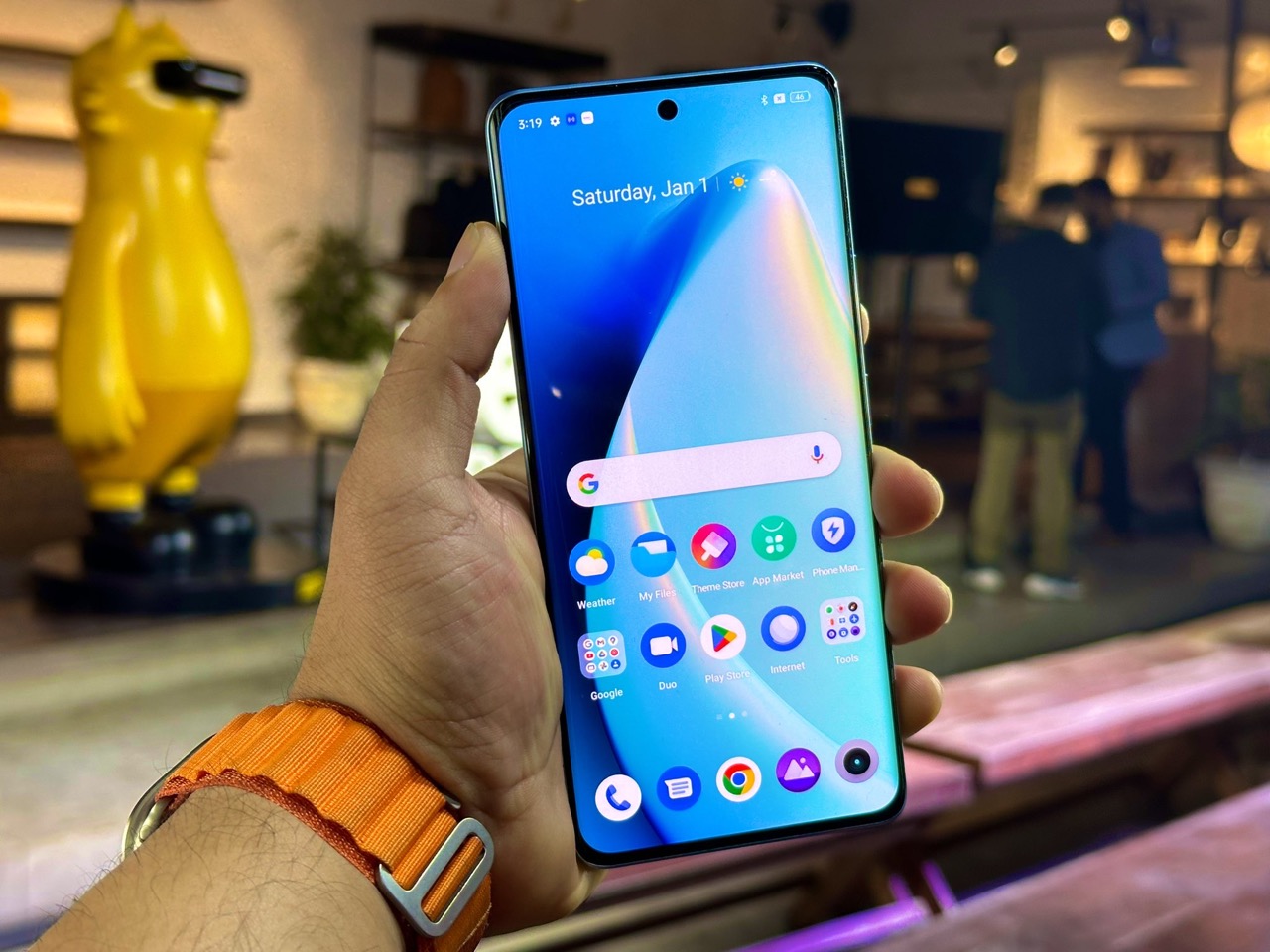
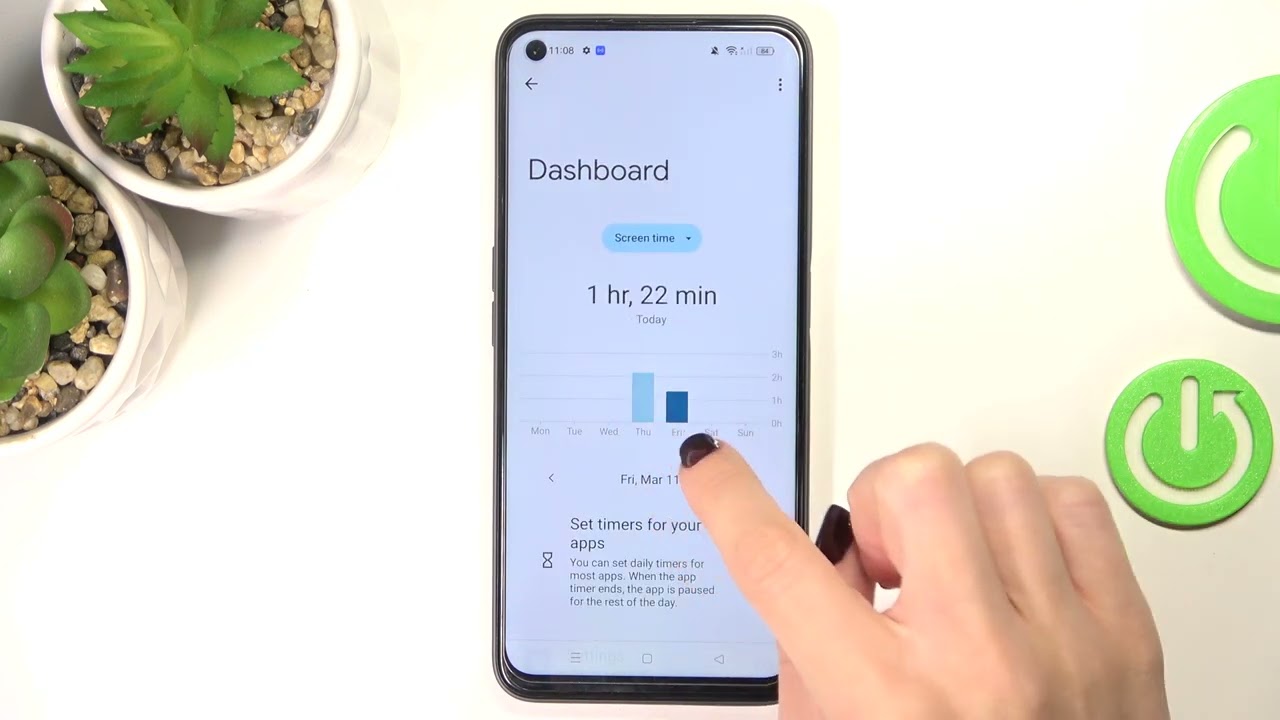
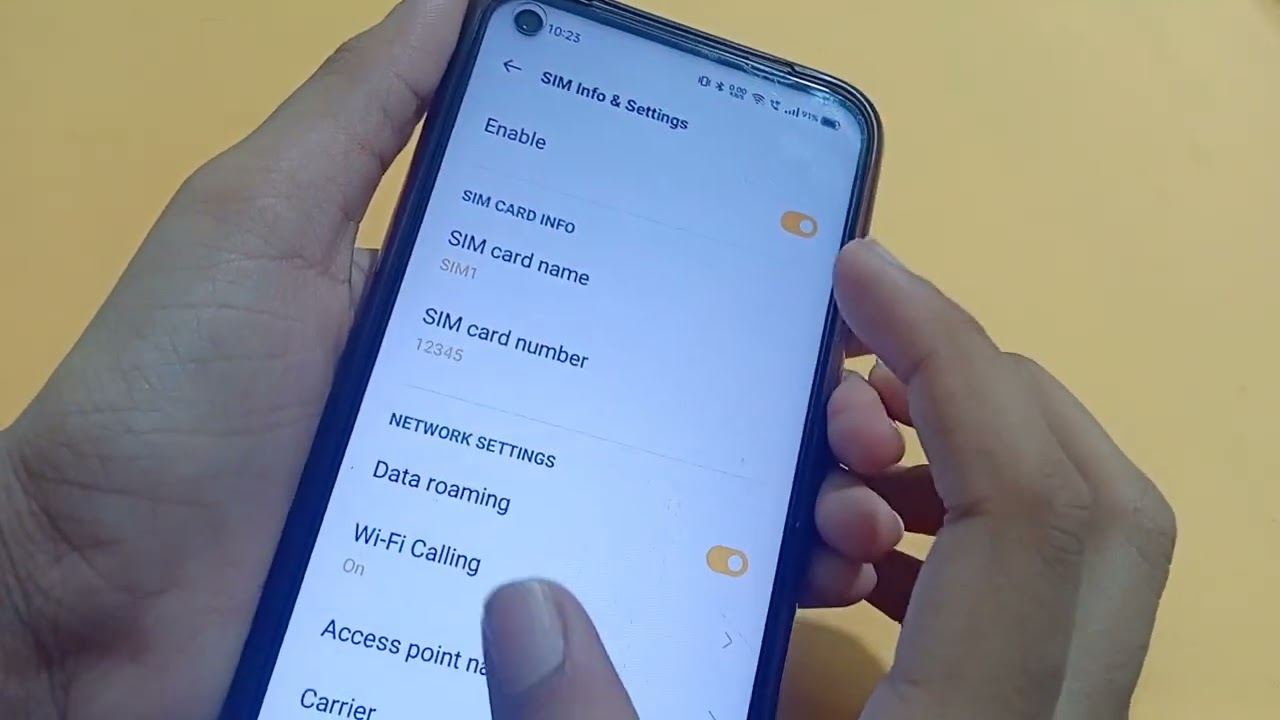
The articles fall into two main areas. First, several guides help you customize the lock screen and home screen experience, showing you how to change the clock style, add your own text, or remove the camera icon from the lock screen. Second, a group of articles covers practical phone management tasks, such as checking data usage by individual apps, enabling data roaming, and viewing your screen time. There is also a dedicated guide for tracking down lost Realme Earbuds, which solves a common accessory problem.
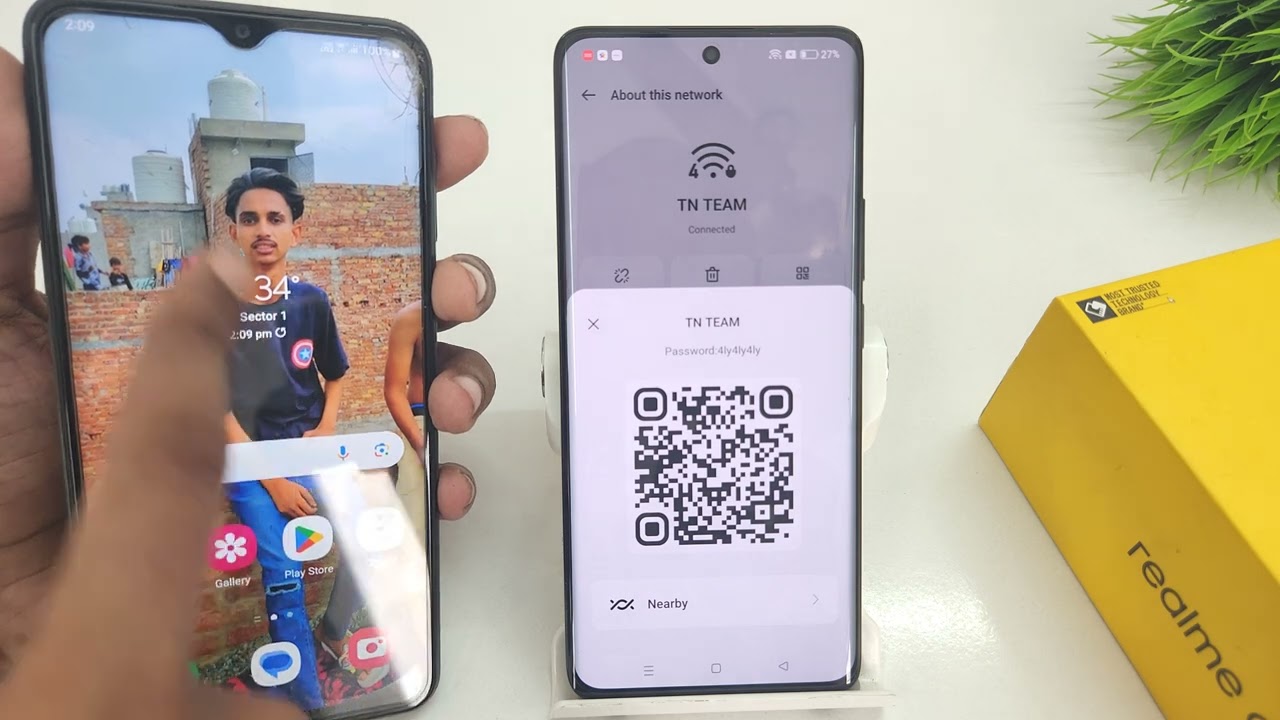
Each article walks you through a specific action. For example, you can learn how to remove the App Market from your device, how to scan a QR code on a Realme 8, or how to check your screen time. No broad promises are made, just clear, step-by-step help for the tasks listed above.