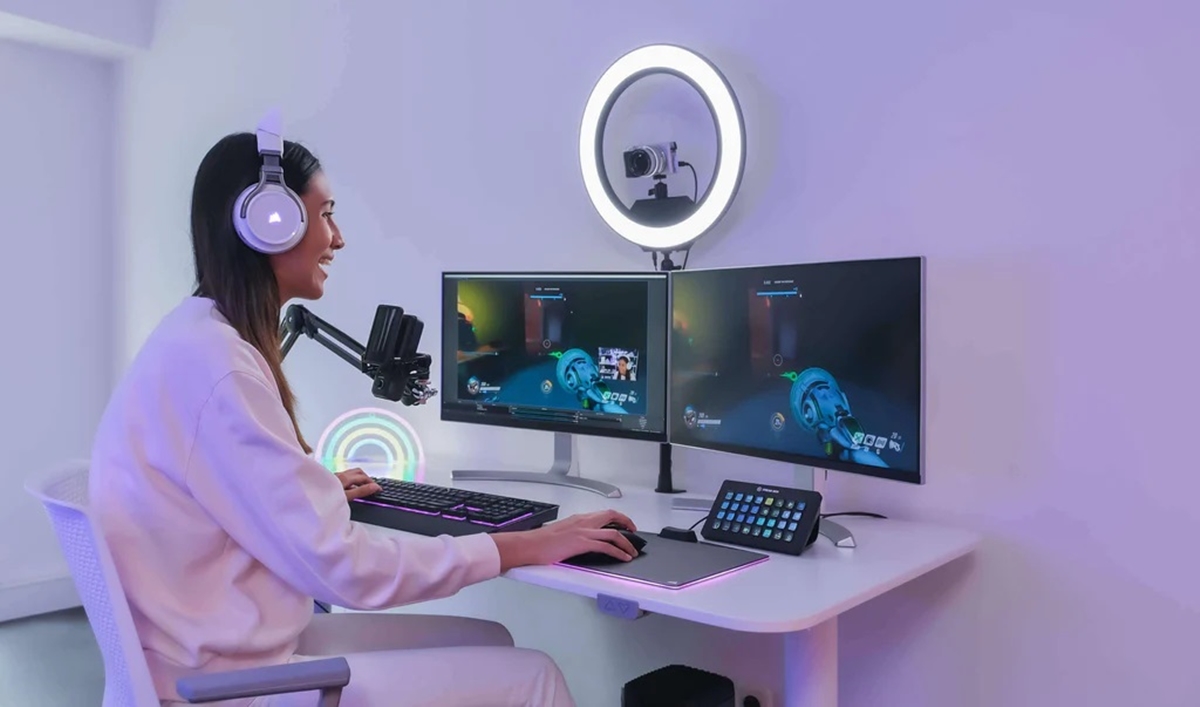
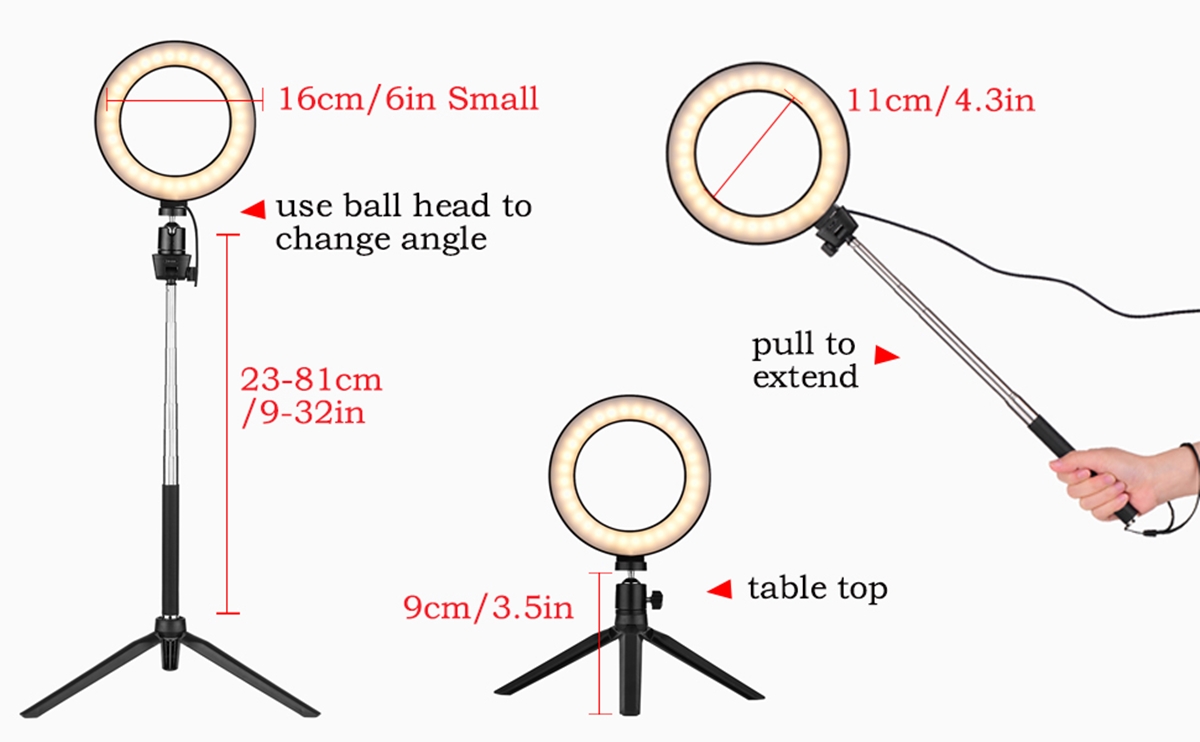
This tag collects articles about ring lights, specifically how they work with and around your phone. It is for anyone who uses a ring light for video calls, streaming, or taking photos with their mobile device, and needs practical, step-by-step guidance on setup, operation, and common issues.
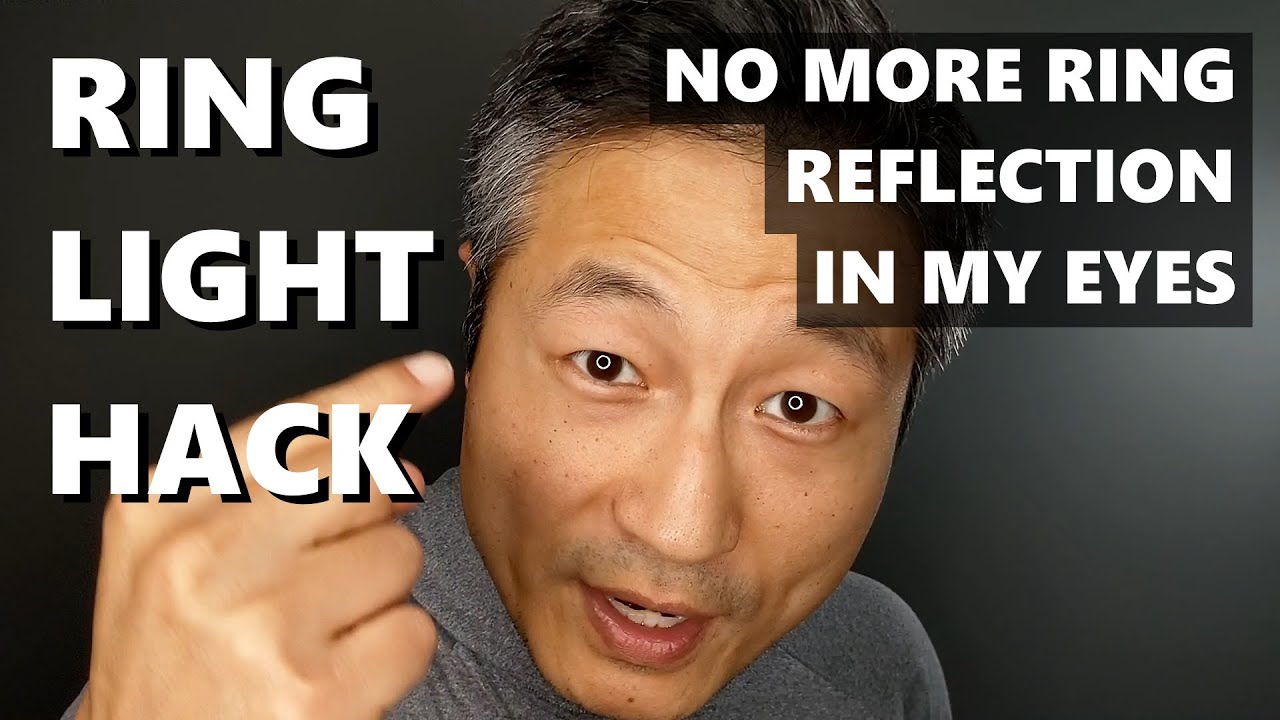
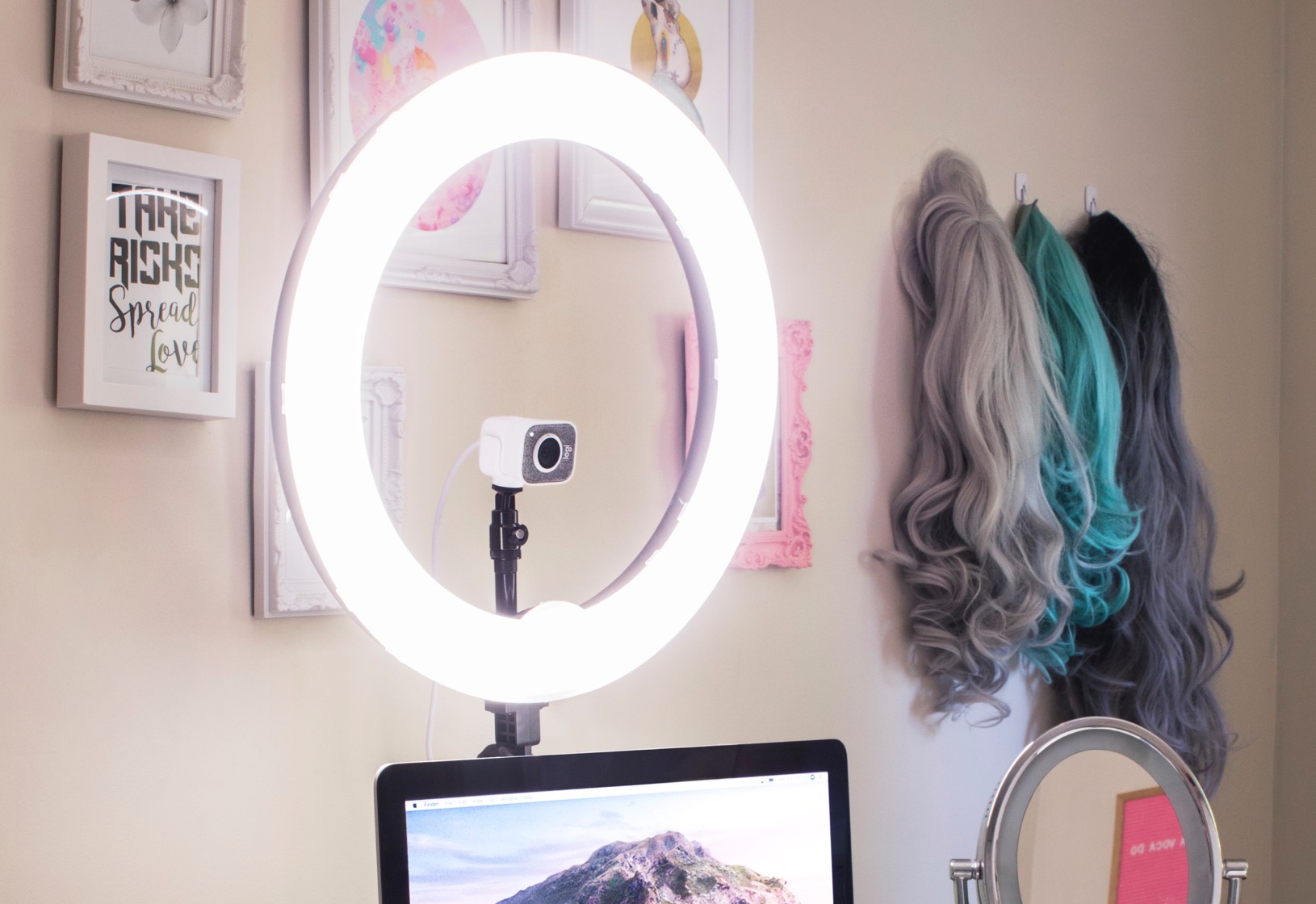
The articles here solve three kinds of real-world problems. First, they cover the basics of getting your ring light ready to use, with guides like "How To Set Up A Ring Light" and "How To Turn On Ring Light" that help you go from unboxing to actually lighting your face. Second, they address specific annoyances that can ruin a good shot or call, such as "Why Is My Ring Light Blinking" and "How To Get Rid Of Ring Light In Eyes", problems that can be distracting or uncomfortable. Finally, they help with the physical placement of the device, showing you "How To Mount A Ring Light" securely on a stand or tripod so it stays where you need it.
In short, these articles help you do specific things: get the light working, stop it from blinking, avoid glare in your eyes, and attach it properly to your phone setup. They are straightforward fixes and guides for common ring light tasks.