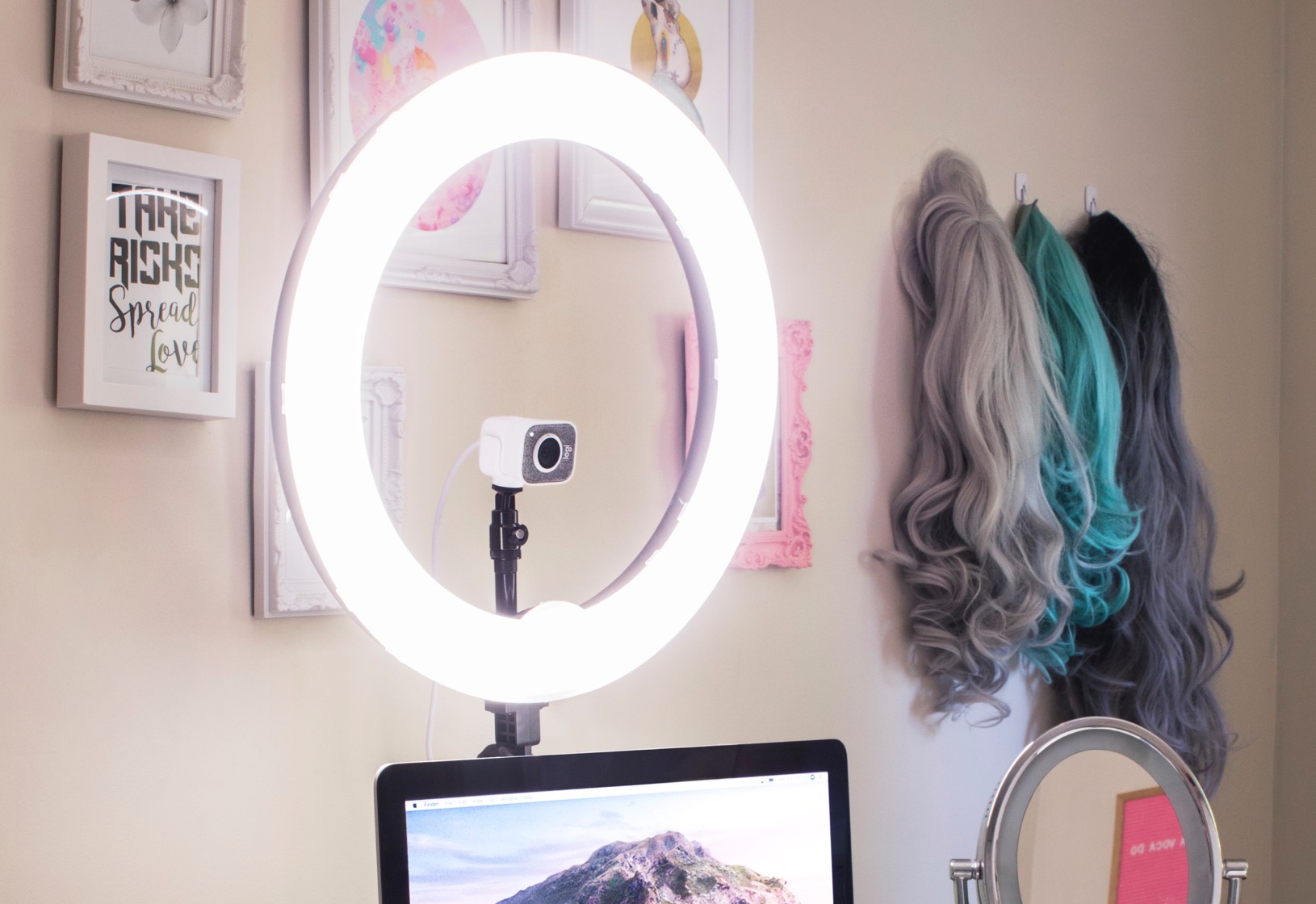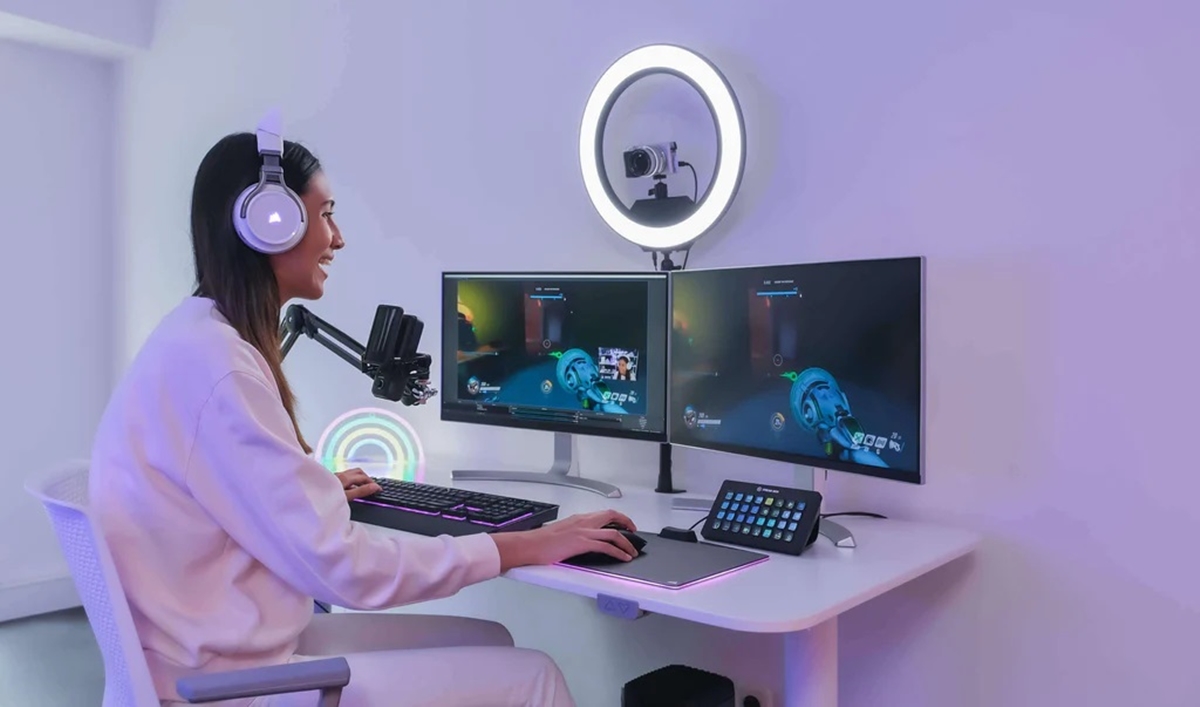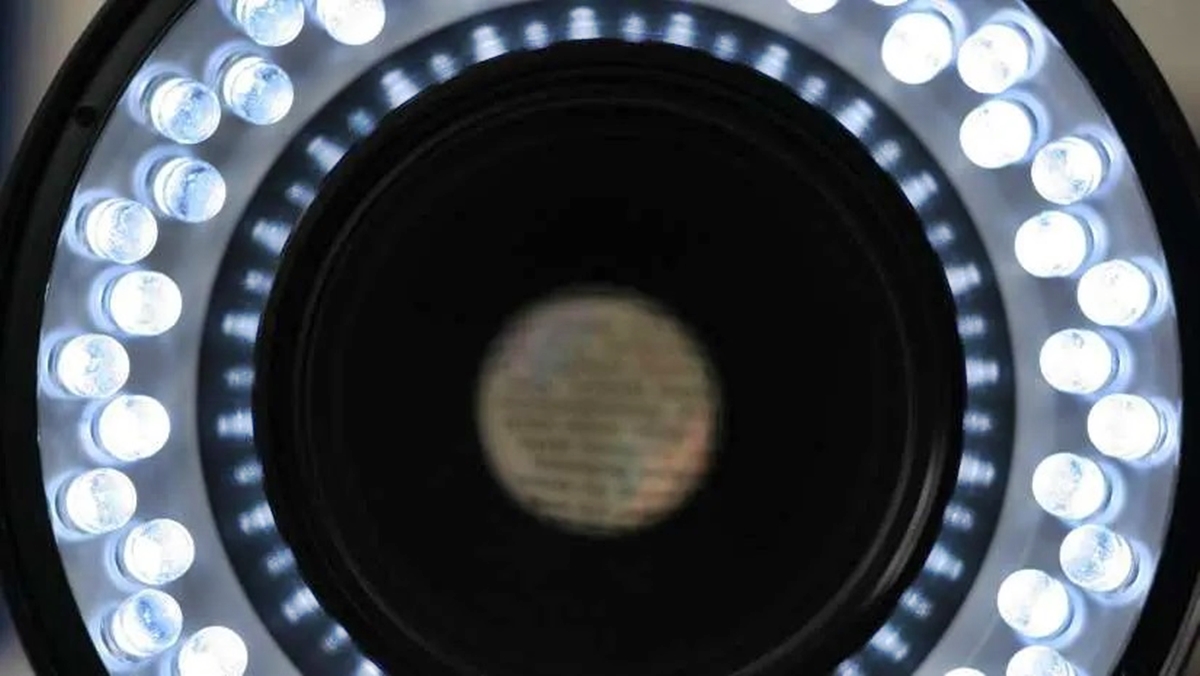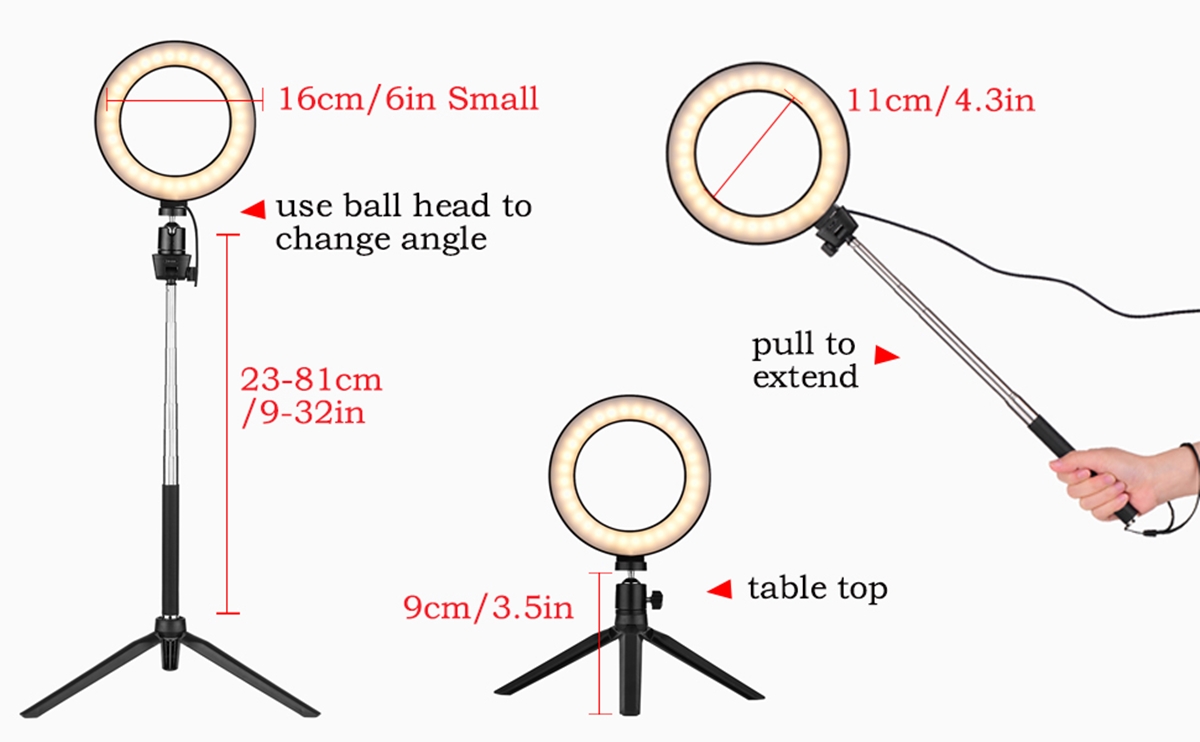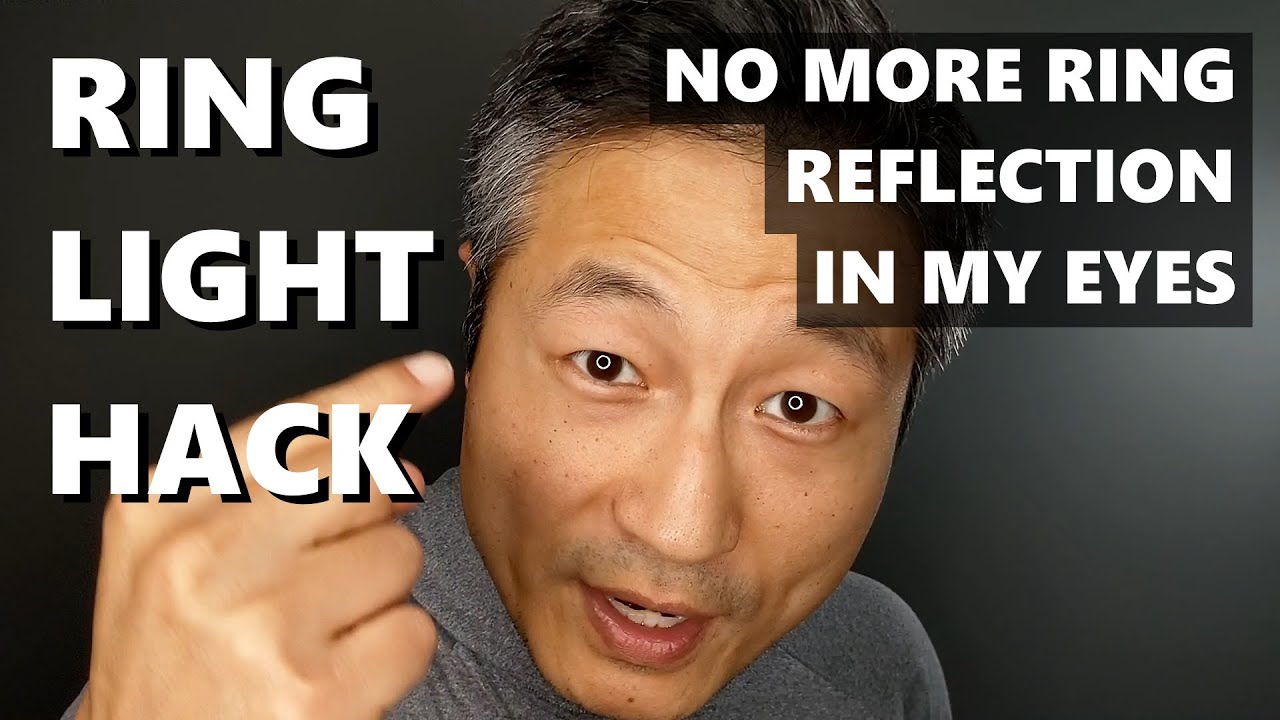
The quickest way to get rid of ring light in eyes is to move the light source so it no longer reflects directly off your cornea, and to soften the light with a diffuser so the reflection is less defined. You can also lower the brightness to reduce the intensity of the ring-shaped catchlight that appears in your photos and videos.
Adjust the ring light’s position and angle
The most direct fix for a ring light reflection is to change the geometry between the light, your eyes, and the camera. When the ring light sits directly in front of your face and in line with the lens, it creates that perfect, distracting halo in your pupils. Breaking that alignment removes the reflection entirely or pushes it out of the visible area of the eye.
- Move the ring light further away from your face. Increasing the distance reduces the size and intensity of the reflection, and at a certain point the catchlight becomes too small to notice.
- Tilt the ring light slightly upward or downward. Angling the light so it points at your forehead or chin instead of straight into your eyes changes the angle of reflection, often eliminating the ring shape from the iris.
- Position the ring light off-center. Place it to the left or right of the camera lens instead of directly behind it. This shifts the reflection to the side of the eye, where it looks like a natural catchlight rather than a full ring.
If you are using a ring light for video calls, try raising it above your eye level and aiming it downward. This mimics natural overhead lighting and keeps the reflection out of the center of your eyes.
Use a diffuser or softbox to soften the light
A ring light produces a hard, direct reflection because the LEDs are compact and intense. Placing a diffuser between the light and your face scatters the beams, turning the harsh ring into a broad, soft glow. The reflection in your eyes becomes a faint, diffuse highlight instead of a sharp circle.
You can use a purpose-built diffuser that snaps over the ring light, or you can drape a thin white cloth over the front of the fixture. A softbox attachment works the same way, spreading the light across a larger surface area. The softer the source, the less defined the reflection in your eyes will be.
Lower the brightness and take breaks
Reducing the ring light’s intensity is a simple way to minimize the reflection. Most ring lights have adjustable brightness controls, and lowering the output to a comfortable level reduces the visibility of the catchlight. You do not need the light at maximum power for most cameras; a moderate setting is often enough to illuminate your face clearly.
During long recording sessions or video calls, follow the 20-20-20 rule: every 20 minutes, look at something 20 feet away for 20 seconds. This gives your eye muscles a chance to relax and reduces the fatigue that comes from staring at a bright light source. Taking regular breaks also helps prevent dryness and irritation caused by prolonged exposure to intense lighting.
Adjust your phone or tablet screen settings
If the discomfort comes from the glowing screen itself rather than the ring light accessory, your device has built-in settings to reduce eye strain. Apple and Samsung both document features that adjust the display’s color temperature to make it easier on your eyes. These settings do not remove a physical reflection, but they reduce the overall strain from a bright or blue-heavy screen.
On iPhone and iPad, open Settings and go to Display & Brightness. Turn on Night Shift and choose Scheduled, then select Sunset to Sunrise or a Custom Schedule. Use the Color Temperature slider to make the display warmer or cooler. You can also open Control Center, touch and hold the Brightness control, and tap the Night Shift button to toggle it on or off. Apple says Night Shift uses the device clock and geolocation to determine sunset in your location and turns off in the morning. For True Tone, go to Settings > Display & Brightness and turn it on; Apple says True Tone is on by default and uses sensors to match the ambient light. Apple says True Tone appears only for displays that support it.
On Samsung Galaxy phones and tablets, open Settings > Display > Eye Comfort Shield and toggle it on. Samsung says Adaptive changes the screen’s colors based on the time of day. Samsung says Custom lets you choose the schedule and color temperature. You can also turn it on from Quick Settings by swiping down from the top of the screen and tapping Eye Comfort Shield. These phone settings and controls are the documented way to reduce eye fatigue from the screen itself, separate from any external lighting.
Wear anti-reflective glasses or change your setup
If you wear glasses, the ring light can create a double problem: the reflection in your eyes and a glare on the lenses. Lenses with an anti-reflective coating reduce the light bouncing off the glass, which minimizes both the lens glare and the visible reflection in your eyes. If you do not want to switch glasses, consider changing your lighting setup entirely.
Alternative lighting options include softboxes, umbrella lights, and portable LED panels. These sources produce a larger, softer light that does not create the same circular catchlight as a ring light. If the ring light reflection continues to bother you despite repositioning and diffusing, switching to one of these alternatives is the most reliable long-term solution.
Frequently Asked Questions
What is a ring light reflection in the eyes?
A ring light reflection is the circular catchlight that appears in the iris when a ring light is positioned directly in front of the face. It happens because the bright, circular light source reflects off the curved surface of the cornea.
Why does the ring light reflection appear in my eyes?
The reflection appears when the ring light is placed in line with the camera lens and your eyes. The direct light bounces off the cornea, creating a visible ring shape in the pupil and iris.
Can I remove the ring light reflection in post-processing?
It is sometimes possible to reduce the reflection in photo editing software, but the results depend on the intensity of the reflection, the color of the eyes, and the image quality. Preventing the reflection at the source is always more effective than trying to fix it later.
What is the best alternative to a ring light?
Softboxes, umbrella lights, and portable LED panels are the most common alternatives. They produce a broader, softer light that does not create the same circular reflection in the eyes.
What medical conditions can cause the perception of a ring light or halo?
Cataracts can cause the perception of a halo or ring light around objects. Dry Eye Syndrome can cause the perception of ring light or halos around light sources. Corneal Abrasions or Injuries can cause the perception of halos or rings around lights. Glaucoma can result in the appearance of halo or ring light. Eye Infections or Inflammation can cause the perception of ring light or halos. Certain medications can cause side effects that lead to the perception of ring light. Diabetes (diabetic retinopathy) can result in the perception of halos or rings around light sources.
Related reading: How To Turn On Ring Light and How To Mount A Ring Light.