A ring light blinking is almost always a power or connection problem, and the most common fix is to check your power adapter and cables first.
Check the power adapter and connections first
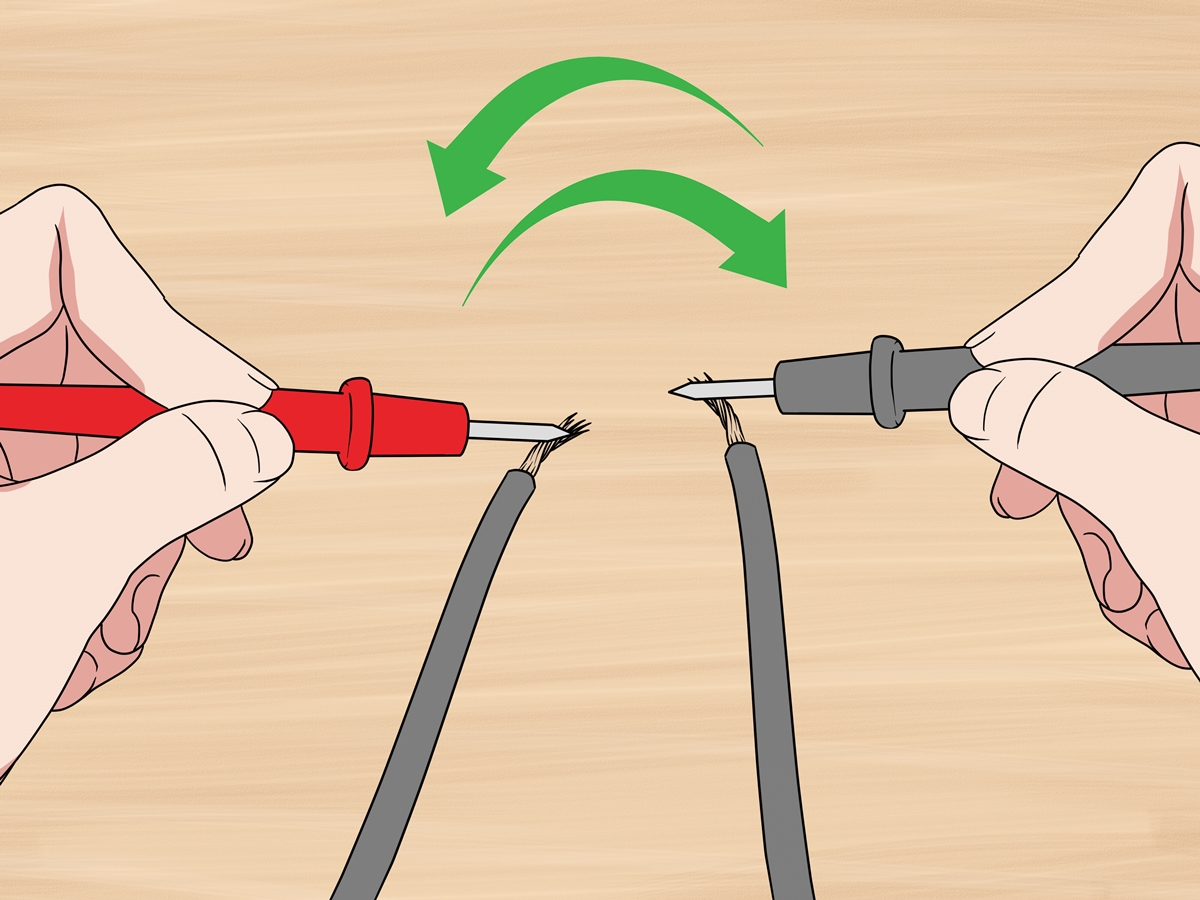
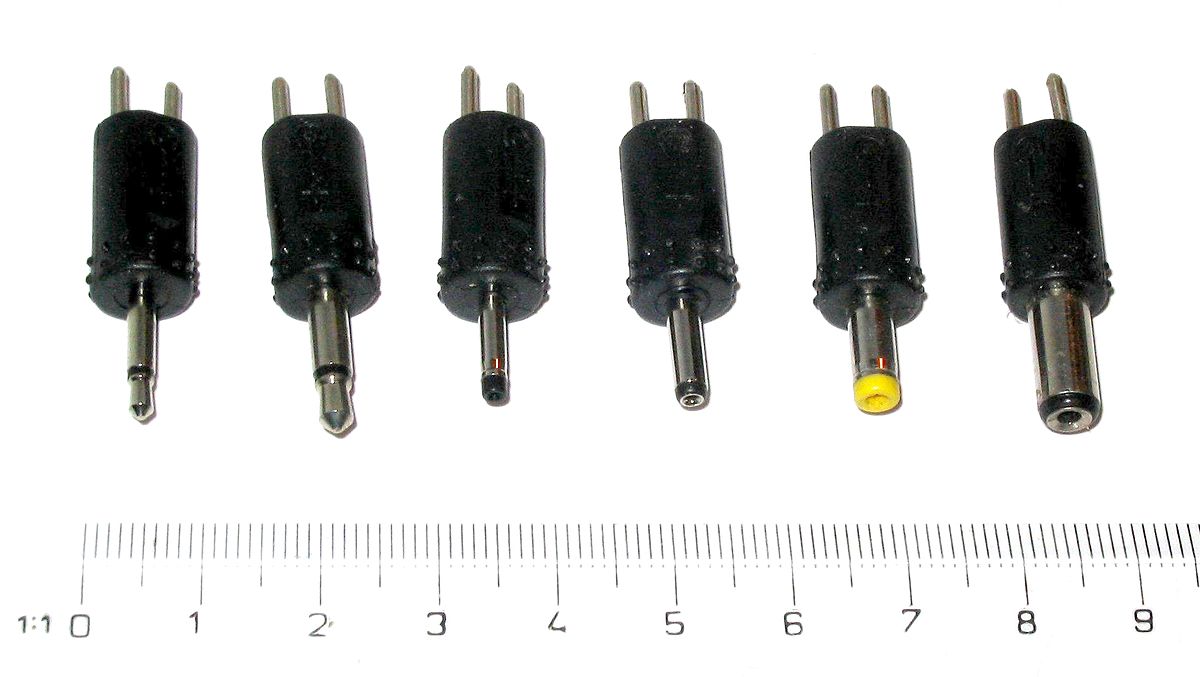
Power-related causes are the most frequent reason for a ring light blinking. A weak or faulty power adapter, a loose connection in the power cord, a faulty wall outlet, or an insufficient power supply can all cause intermittent flickering. To test each, start by ensuring the power cord is tightly inserted into both the ring light and the adapter. Then try a different wall outlet, preferably one you know works with another device. If the blinking stops, the original outlet may be faulty. If the problem persists, inspect the adapter itself for any signs of damage and consider swapping it with a known working adapter of the same voltage rating.
Inspect USB plugs and cables for flickering
For ring lights that use a USB connection, a poor connection at the USB plug is a common cause of flickering. This loose connection can also contribute to increased temperature at the plug. To fix this, unplug the USB cable from both the ring light and the power source, then firmly reseat it. If the cable feels loose in the port or shows any visible wear, replace it with a high-quality USB cable. Testing with a different USB power source, such as a wall charger instead of a computer port, can also help isolate the issue.
Look for damaged LEDs or internal hardware faults
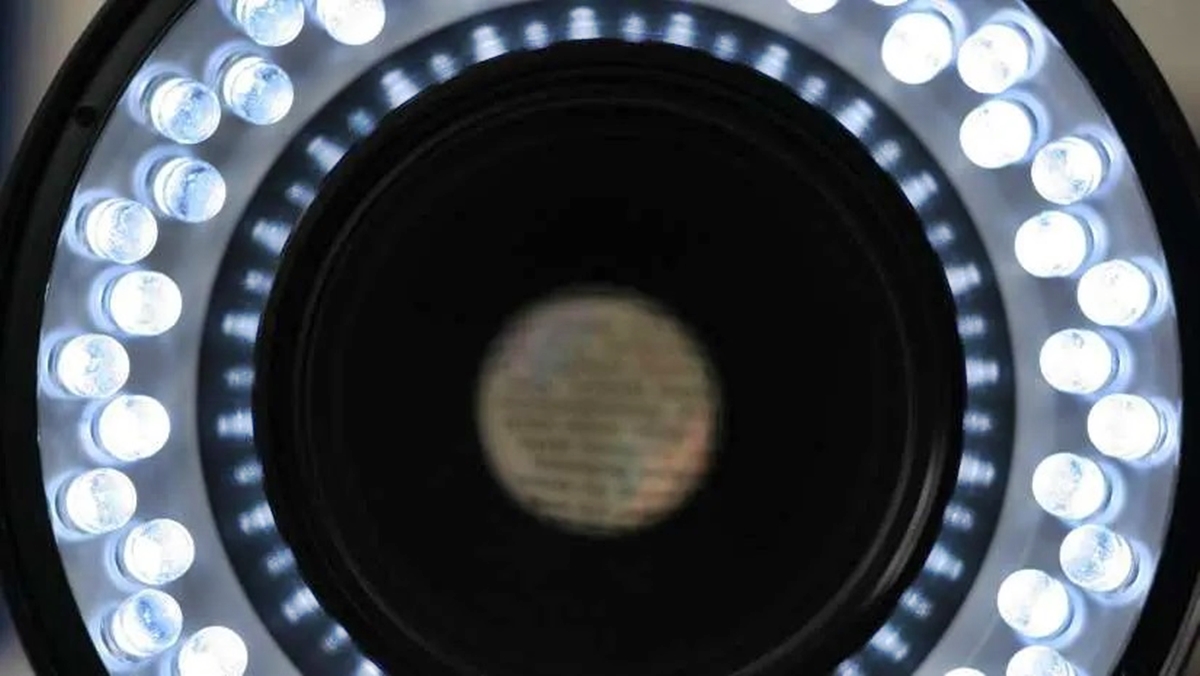
If the power supply and cables are fine, the blinking may be due to compromised LED diodes or a short in the cord. These internal hardware faults can cause partial illumination or flickering that is not consistent across the entire ring. To identify this, turn on the ring light in a dark room and look closely at each LED. If you see one or more diodes that are dimmer, completely off, or flickering independently of the others, the LED array may be failing. Unfortunately, damaged LEDs or internal shorts usually cannot be repaired, and replacement of the ring light is often the only option.
Battery-powered ring lights: what blinking means
On battery-operated ring lights, a blinking light can indicate a low battery, a very low battery, or a battery that is too cold to charge properly. If your ring light is battery-powered and starts blinking, the first step is to charge the battery fully. If it blinks while charging, check the ambient temperature, charging in very cold conditions can trigger a protective mode that causes blinking. Allow the battery to warm to room temperature and try charging again. If blinking continues after a full charge, the battery itself may need replacement.
Smart ring lights: setup mode and firmware updates
If your ring light has smart features or connects to an app, blinking can indicate it is in setup mode, trying to connect to Wi-Fi, or undergoing a firmware update. This is normal behavior during initial installation or after a power loss. To resolve it, open the companion app and follow the on-screen instructions to complete the setup or check for pending updates. If the blinking persists after the update finishes, try power-cycling the device by unplugging it for 30 seconds and plugging it back in. For devices that also function as a doorbell or camera, be aware that blinking can sometimes be confused with ringer and ringtone issues, so verify the light pattern against the device's user manual.
Try a factory reset for software issues
A factory reset can sometimes resolve software-related issues causing blinking. For some devices, this involves holding a reset button for a specific duration, such as 15-20 seconds. Locate the reset button on your ring light (often a small pinhole or recessed button) and press and hold it for the duration specified in your device's manual. Release the button when the light pattern changes, indicating the reset is complete. After the reset, you may need to set up the ring light again through its app. This step is most effective for smart ring lights that have become unresponsive or stuck in a blinking loop.
When to contact support or replace your ring light
If you have tried all the troubleshooting steps above and the ring light is still blinking, the issue is likely a hardware failure. This could be a permanent fault in the internal circuitry, the LED driver, or the power input port. At this point, contacting the manufacturer's customer support is the best next step. Provide them with the model number and a description of the blinking pattern. If the device is still under warranty, they may offer a repair or replacement. If it is out of warranty and the cost of repair is high, considering a replacement ring light may be more practical.
Frequently Asked Questions
Can a blinking ring light damage my eyes?
In general, a blinking ring light should not cause damage to your eyes. However, if the blinking is excessively bright or rapid, it may cause discomfort or eye strain. Adjust the brightness to a comfortable level and use the light in a well-lit room to reduce strain.
Is a blinking ring light always a sign of a defect?
No. While blinking can indicate a problem, it is often caused by a loose connection, low battery, or normal setup mode on smart devices. Only after ruling out these common causes should you suspect a defect.
Why does my ring light blink only when I adjust the brightness?
This usually points to a faulty dimmer switch or a compatibility issue between the ring light and its control panel.
Can using an extension cord cause my ring light to blink?
Yes. Extension cords can introduce voltage drop or unstable power, especially if they are long or shared with other high-power devices. Plug the ring light directly into a wall outlet to rule this out.
How do I know if my ring light's LED bulbs need replacing?
If you see one or more individual LEDs that are dimmer, flickering on their own, or completely dark while others work normally, those bulbs are failing. Replace the entire ring light or the LED panel if your model allows it.
Related reading: How To Turn On Ring Light and How To Mount A Ring Light.