Welcome to the Software Glitch tag on CellularNews. This page collects articles that address specific, often frustrating, problems where a phone’s software or settings are the likely culprit. It is written for everyday users who encounter an error message, a missing feature, or a sudden change in behavior and want a clear, actionable path to a fix.
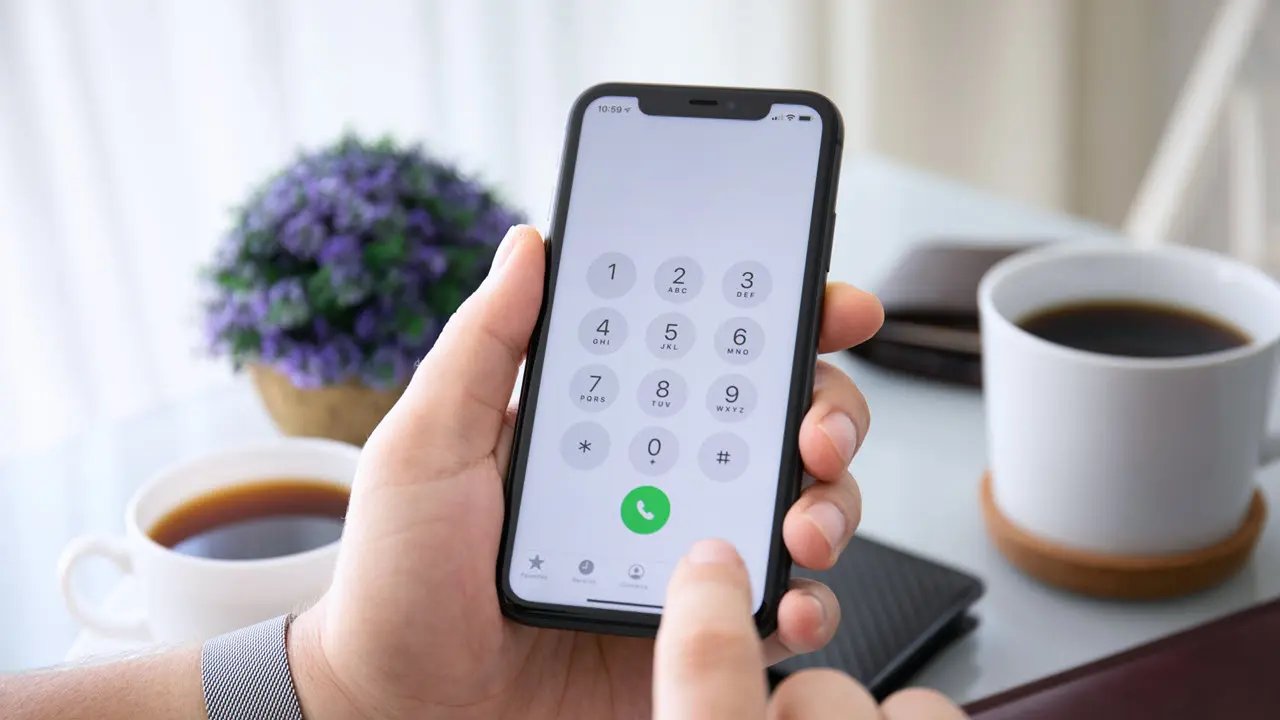
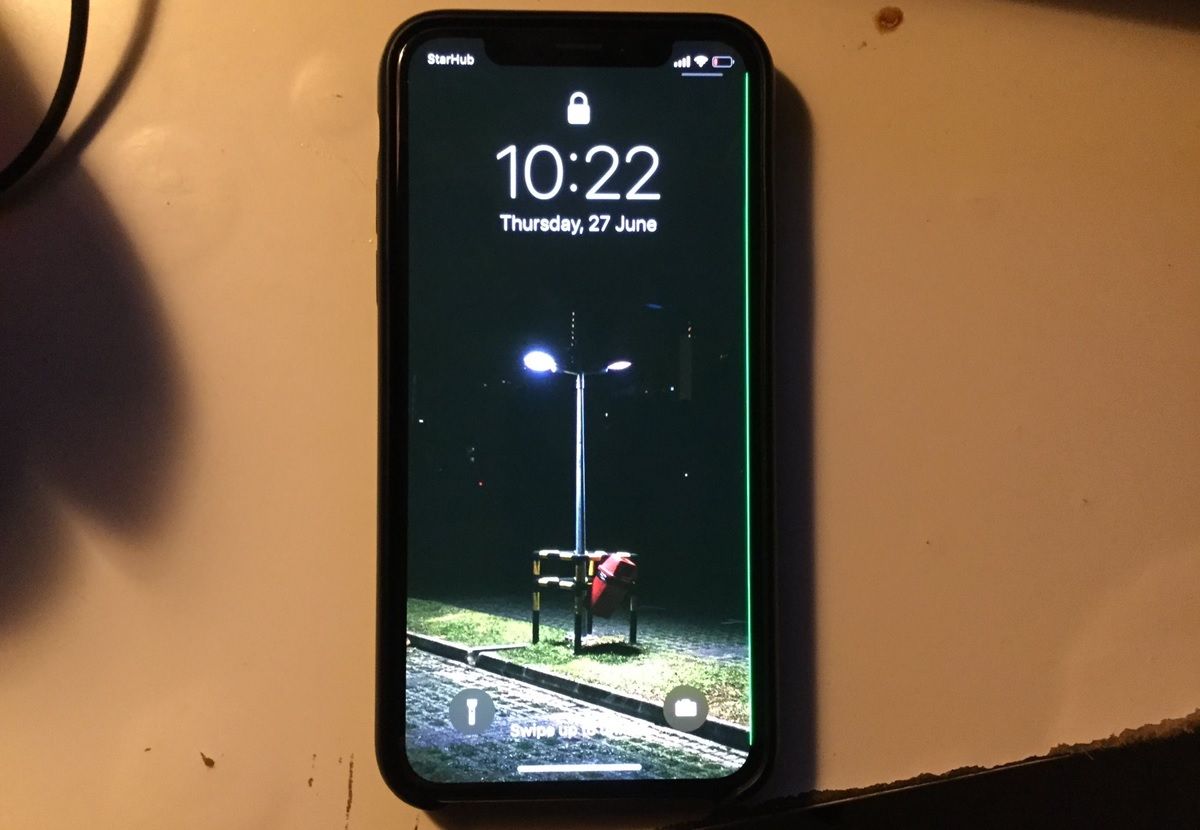
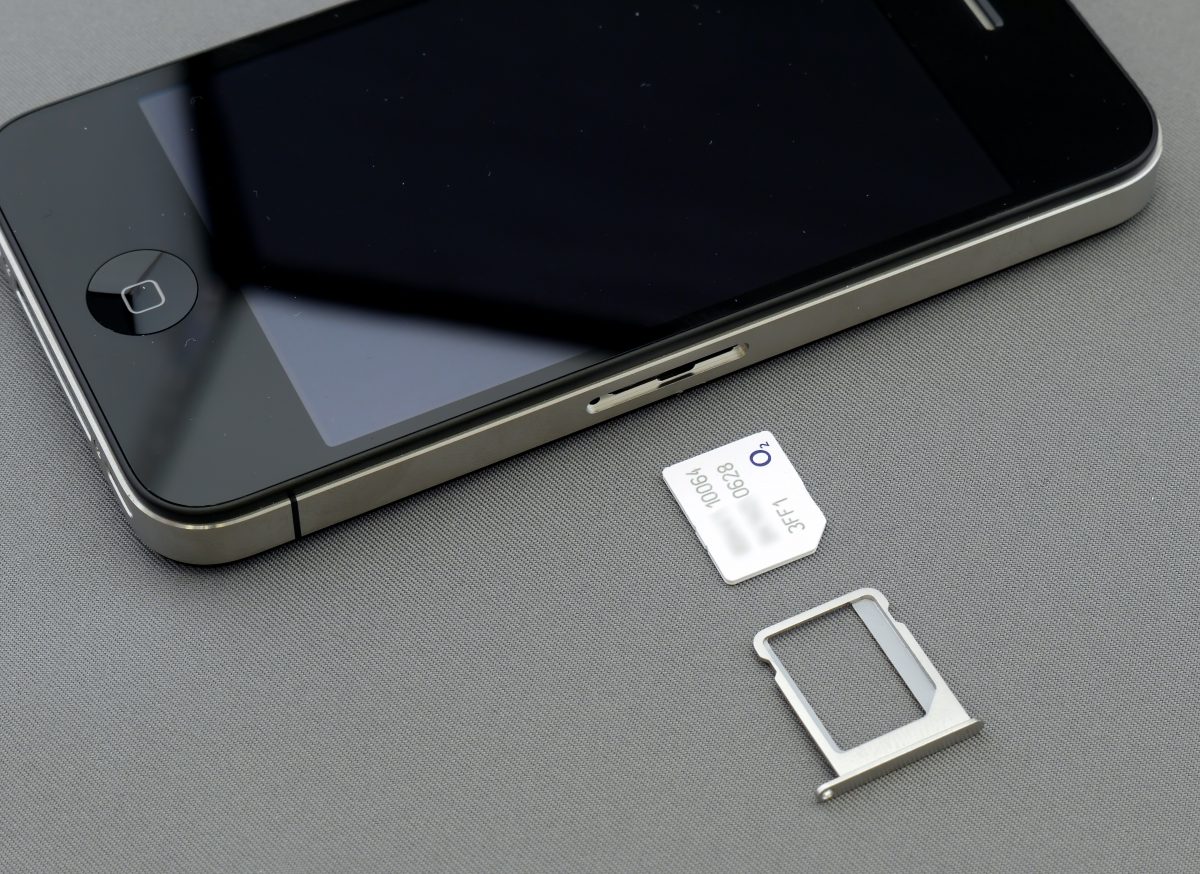
The articles here tackle a range of issues, which can be grouped into a few common themes. One major theme is connectivity and call problems. For example, you can find guidance on fixing a "Cellular Network Not Available for Voice Calls" error, and steps to take when your mobile hotspot is grayed out and won't turn on. Another theme involves audio and display glitches. These articles help you understand what to do if your headset is not working, or why you can't hear your phone unless it's on speaker. They also address visual anomalies, like how to get rid of lines on your phone screen.
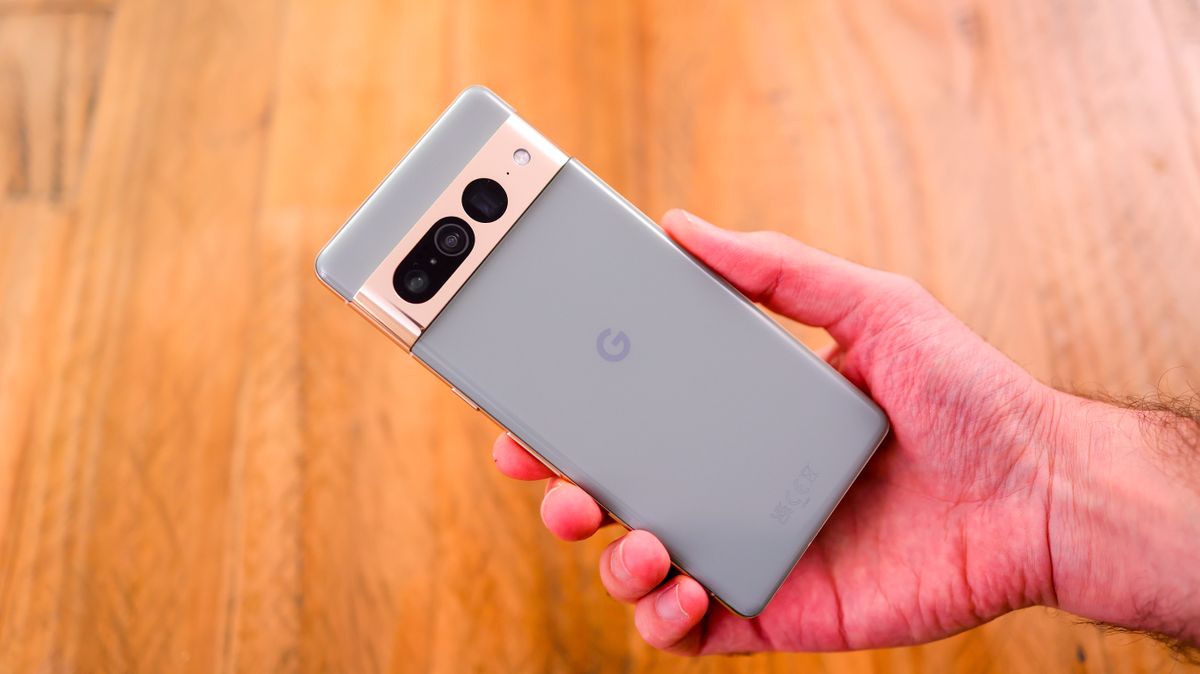
Finally, the collection covers unexpected visual changes in the operating system. If you have ever wondered, "Why did my Google Phone turn red?", there is an article that explains that specific software glitch. Each piece is designed to help you diagnose the problem and apply a practical fix, getting your phone back to normal without unnecessary jargon.