This tag collects articles focused on managing and manipulating the sound and vibration output of your mobile devices. It is intended for everyday smartphone users who want to customize their phone’s auditory feedback, whether to silence a persistent notification, troubleshoot a missing ringtone, or simply understand their audio settings better. The content here is practical, aimed at helping you take direct control over the sounds your phone makes.
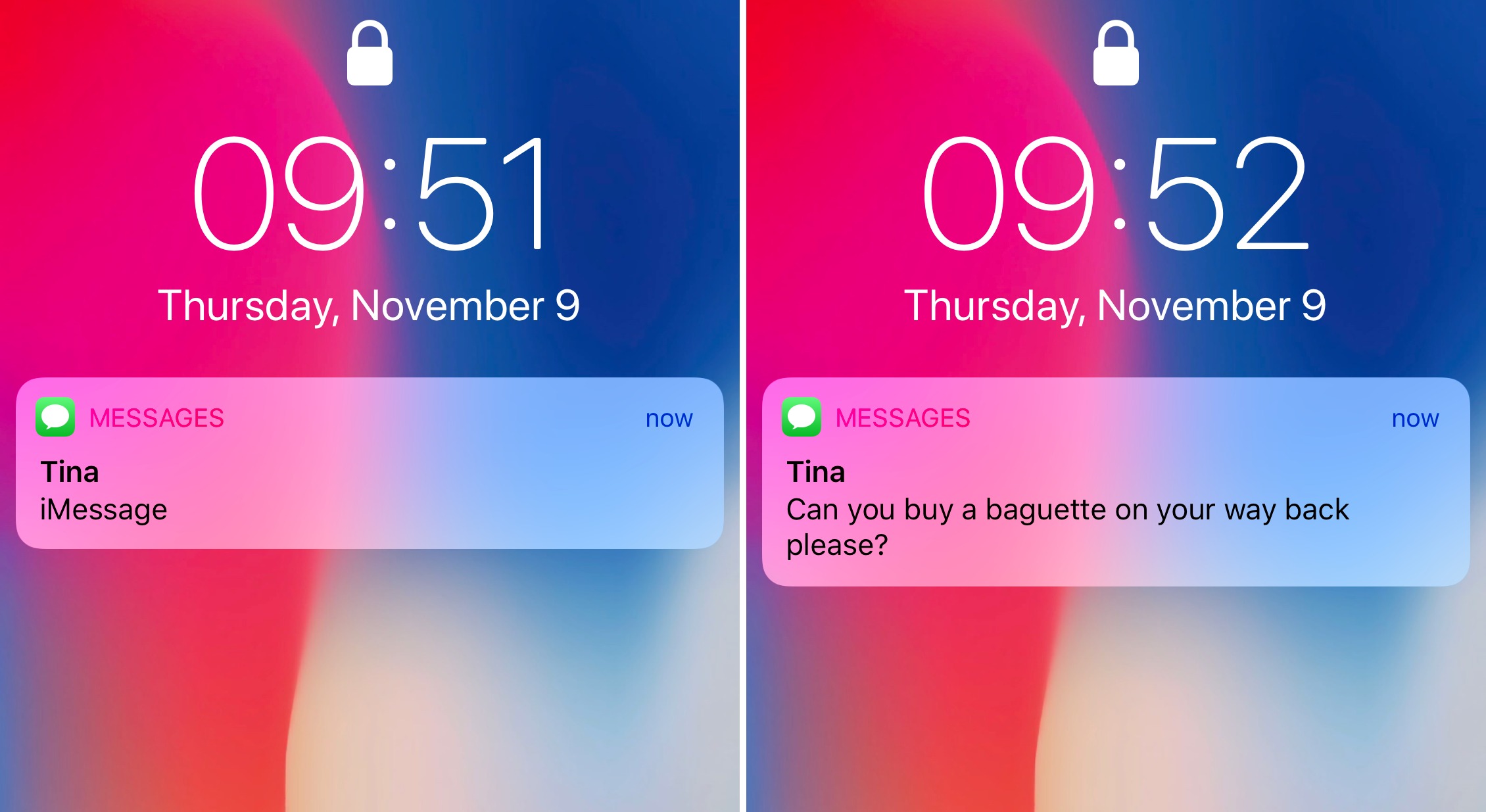
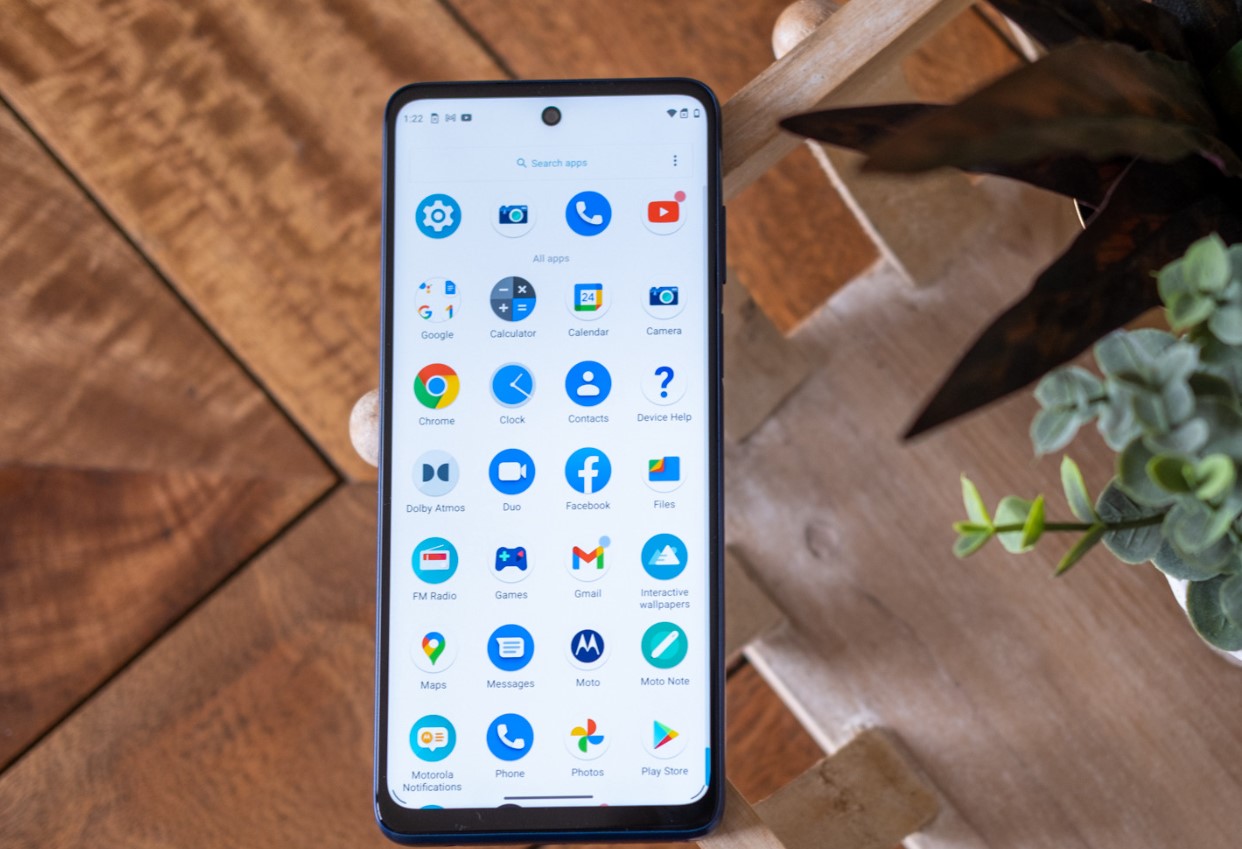
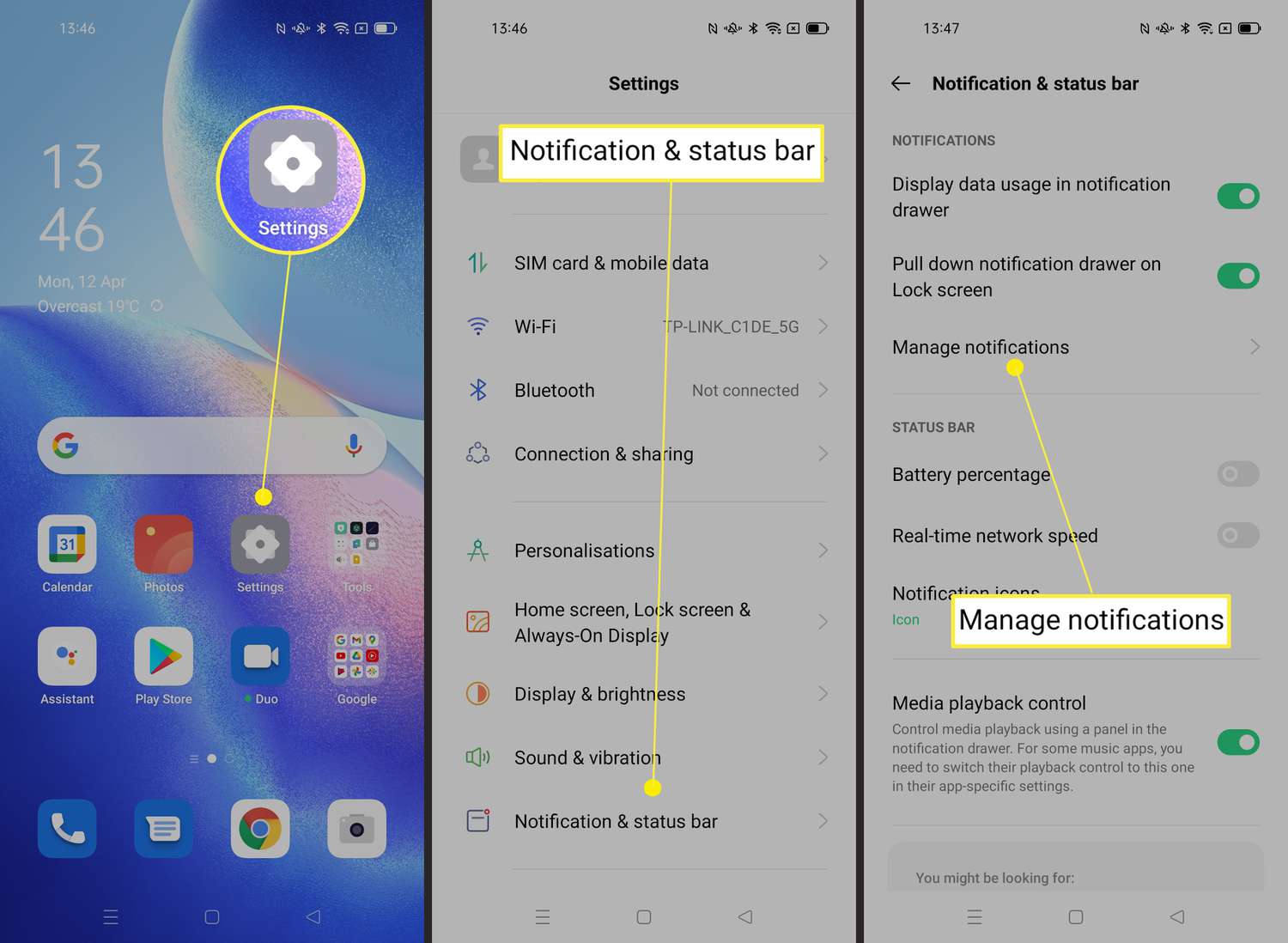
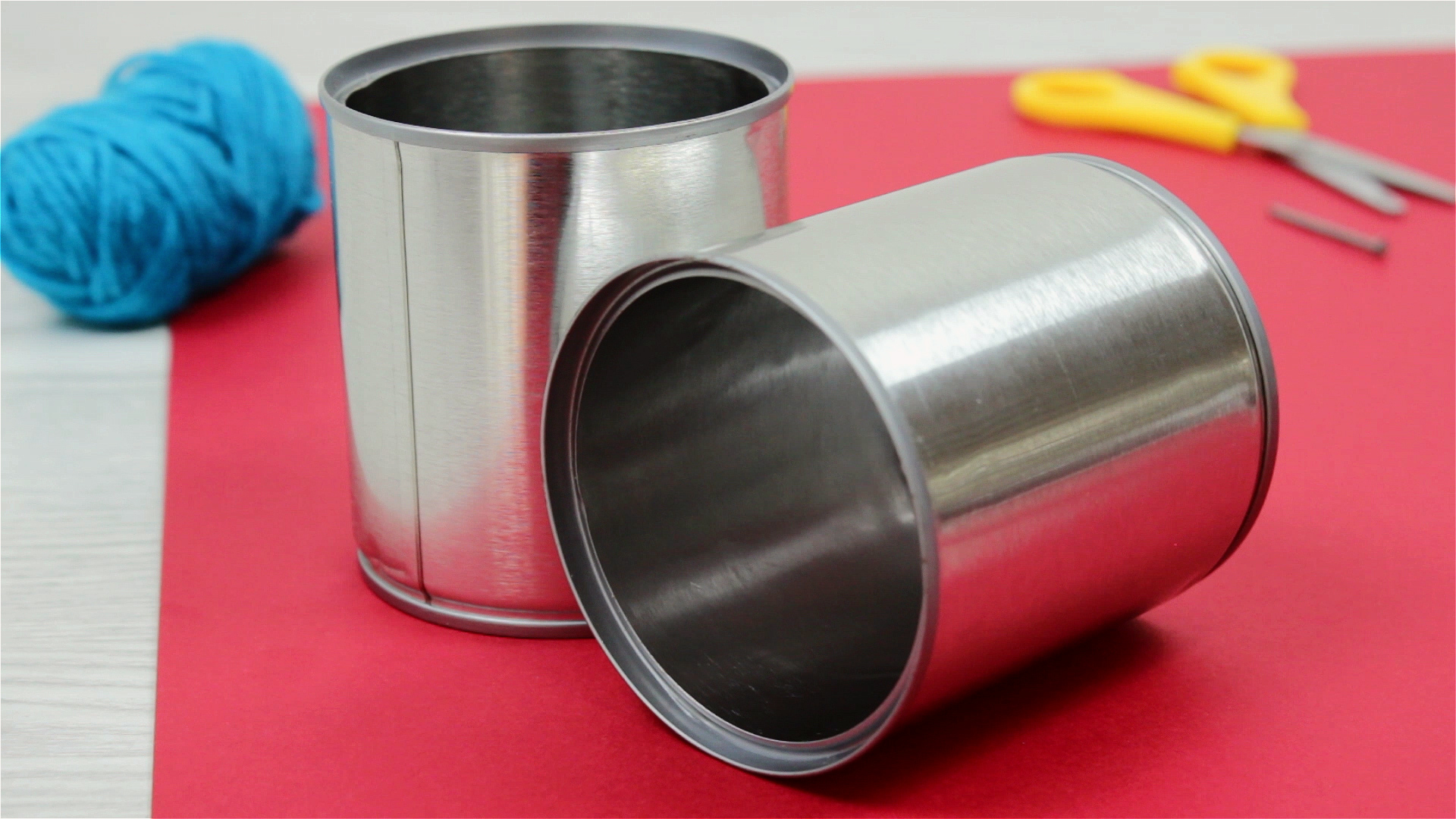
The articles address two main themes: silencing unwanted noises and accessing core audio controls. For those seeking quiet, you will find guides on how to turn off vibration on Android and how to stop the ding when getting a text on an iPhone 10. Similarly, the page explains how to turn off sound when sending a text on an iPhone 14, solving the common annoyance of a keyboard or send-tone alert. On the control side, the collection helps you locate and adjust your device’s fundamental sound settings, such as learning how to access phone audio settings on a Moto G Play. Finally, a classic DIY project, how to make a tin can phone, shows a completely analog approach to sound transmission, offering a fun, non-digital alternative.