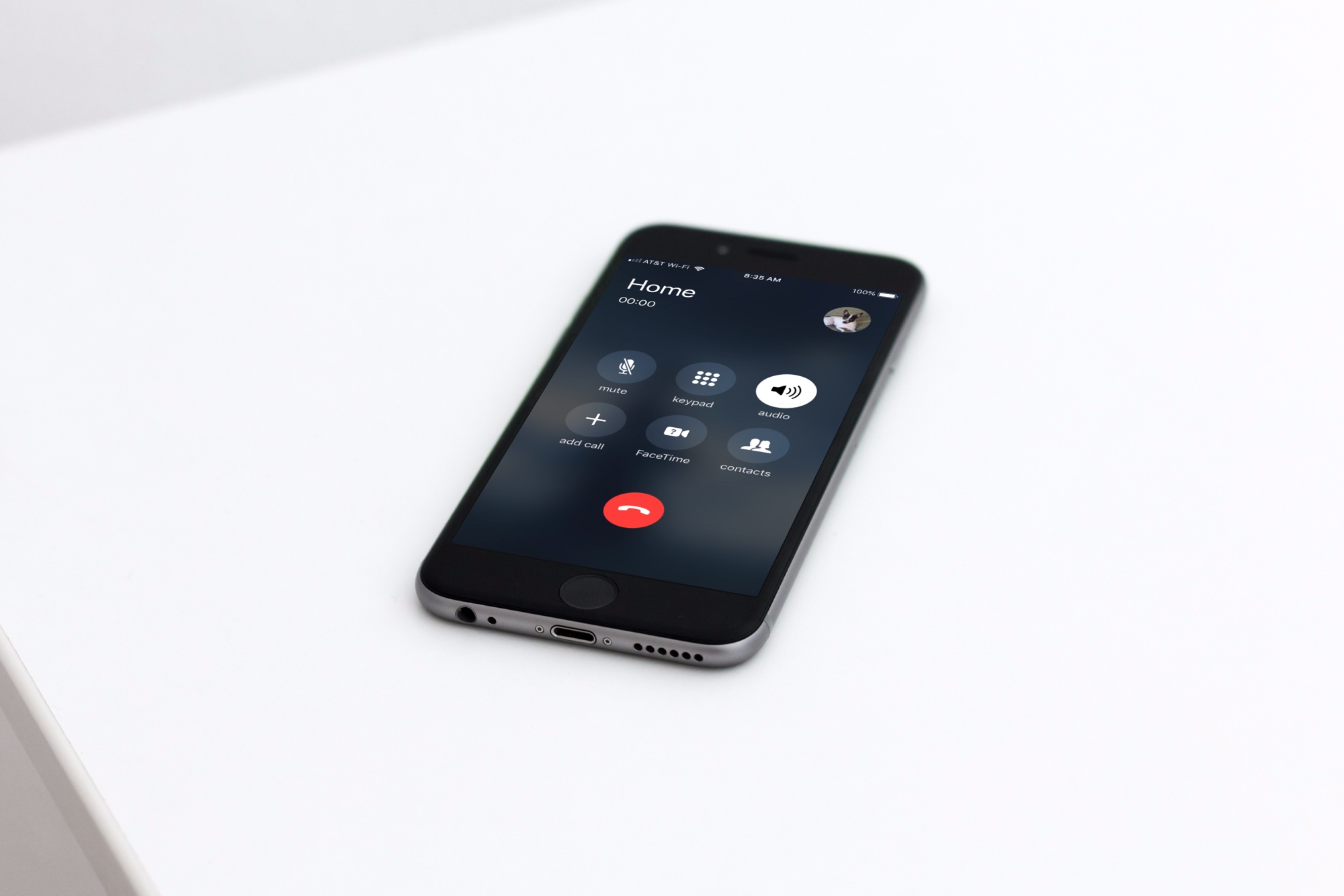
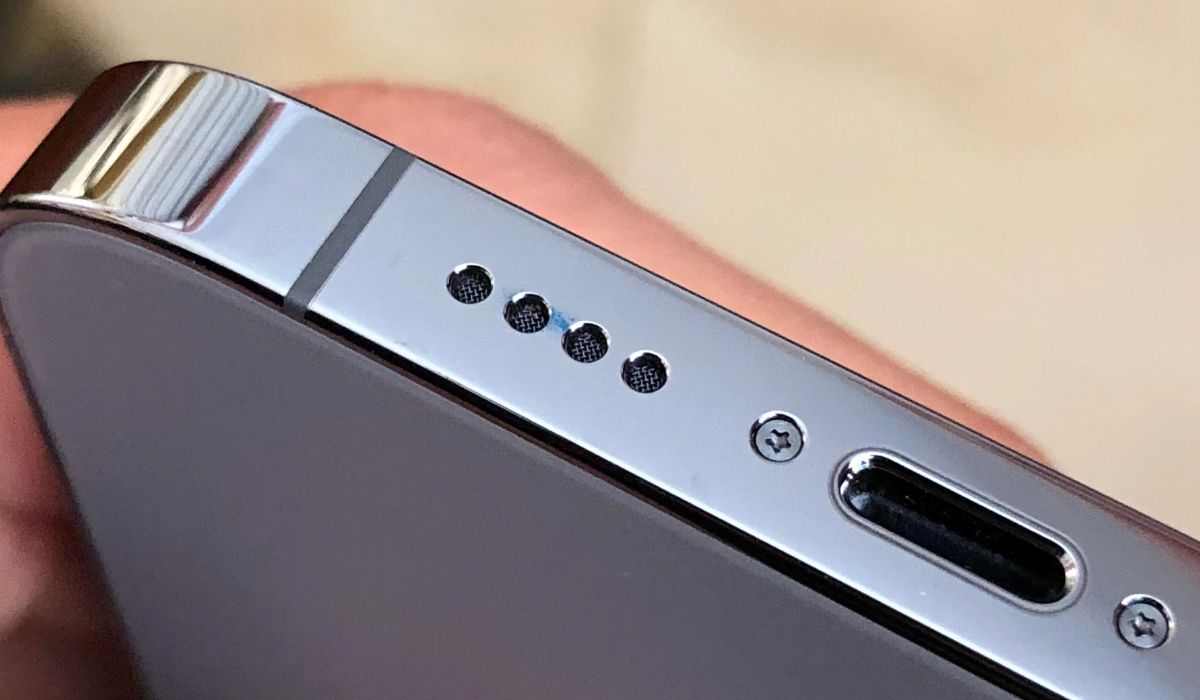
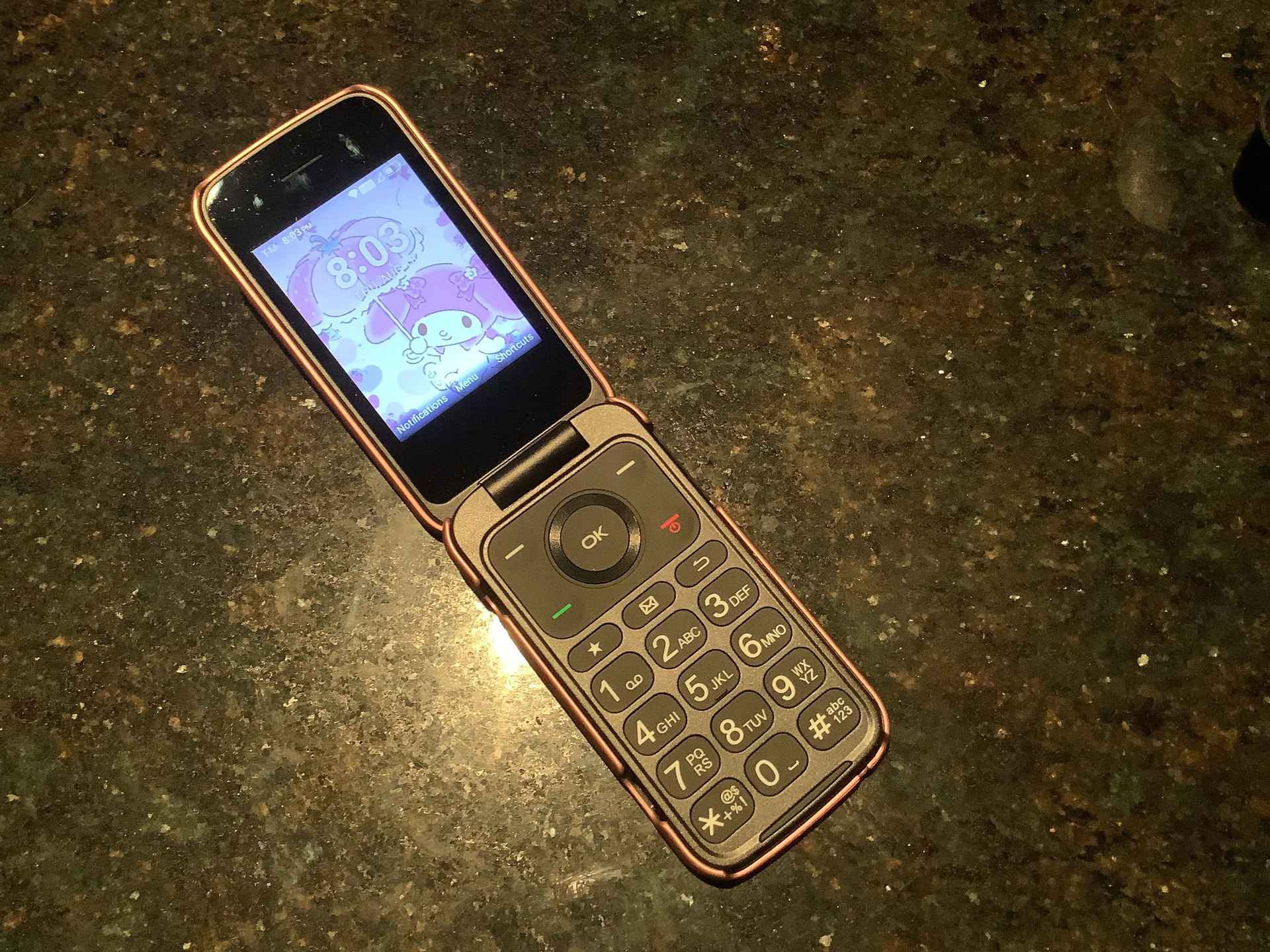
This tag collects articles focused on the practical, everyday challenge of using a phone’s speakerphone function. Whether you are a senior using a basic flip phone, a professional navigating a Cisco desk phone, or a smartphone owner frustrated by an echo during calls, these guides are written for you. The content is designed for anyone who needs clear, step-by-step instructions to activate speaker mode, locate the correct icon, or troubleshoot common audio issues.
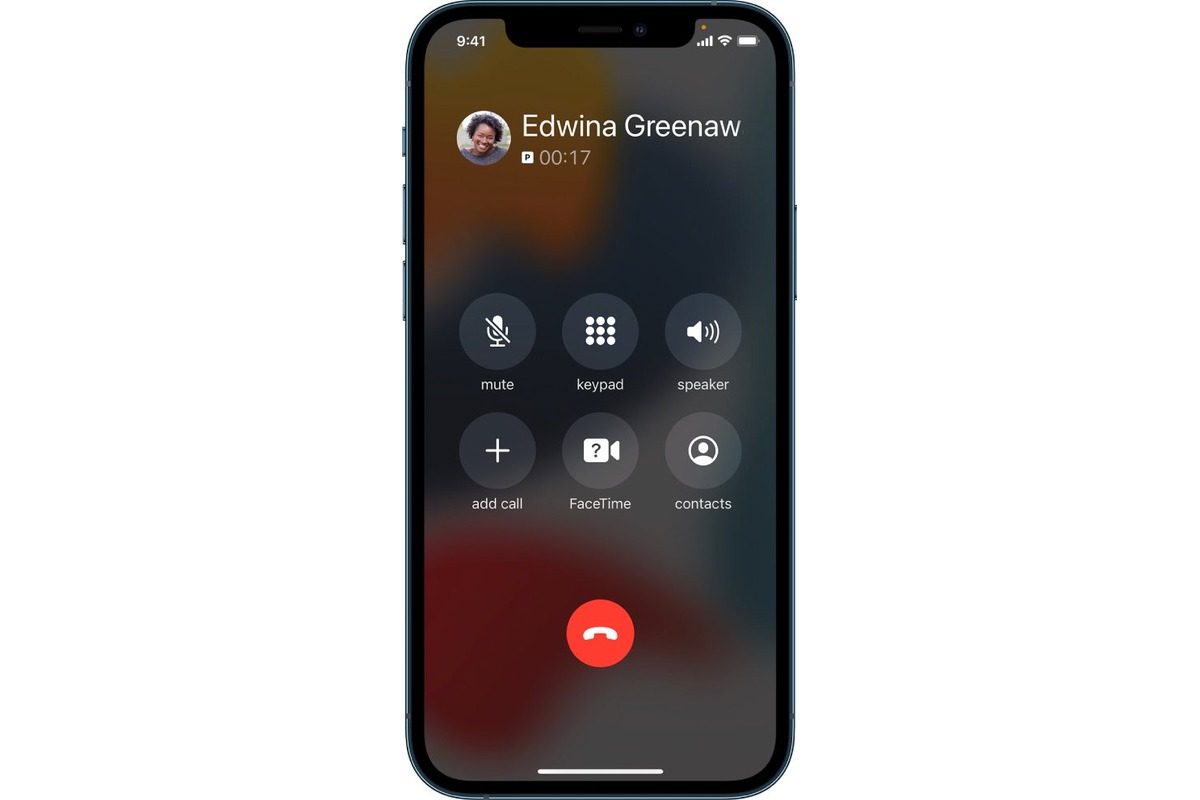
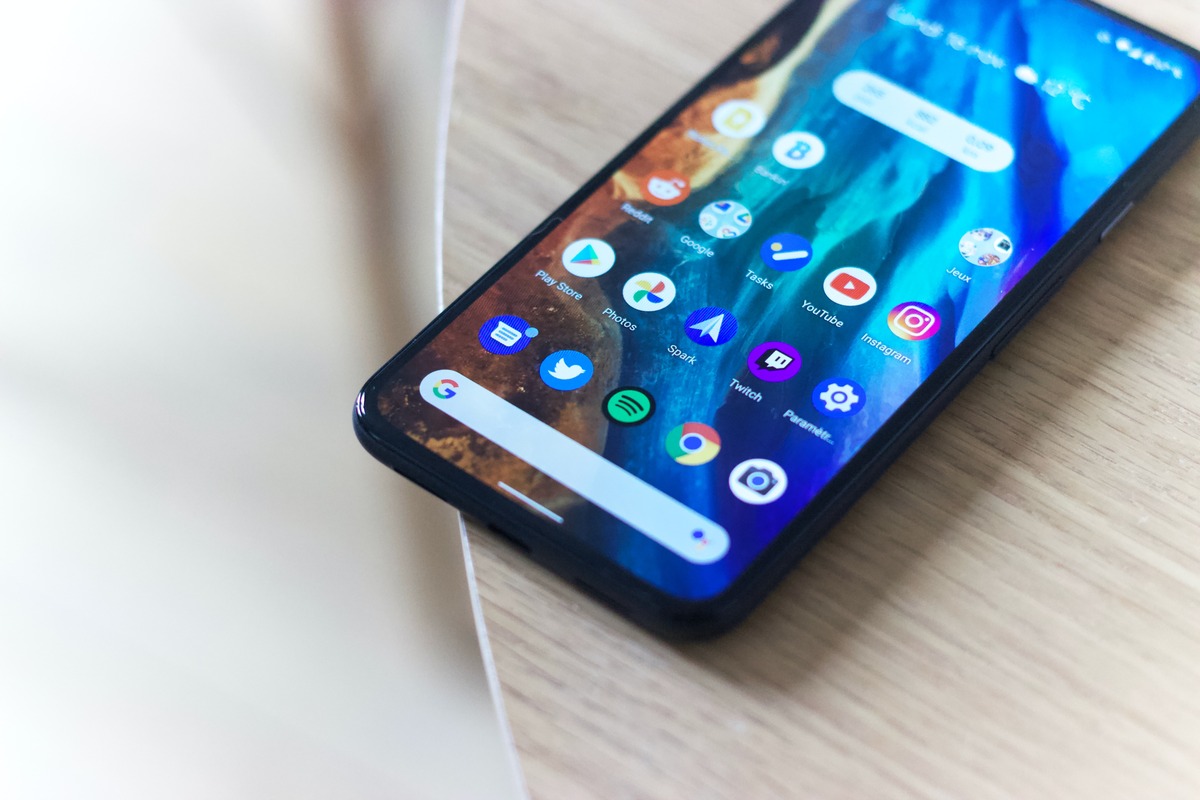
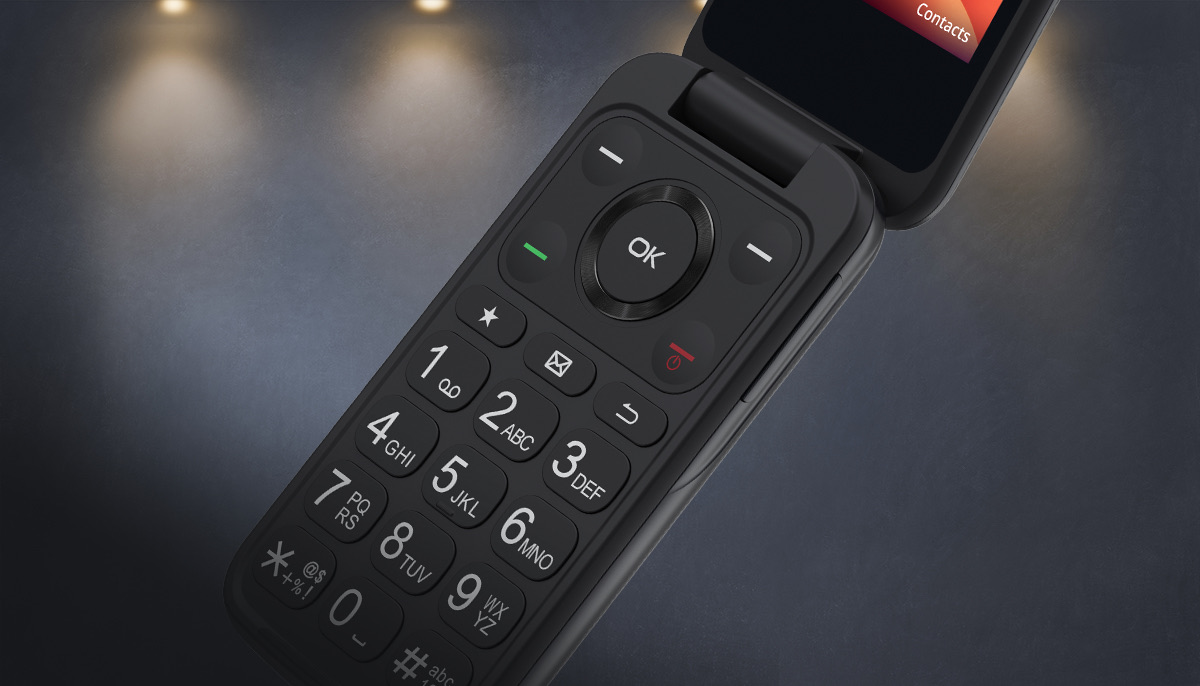
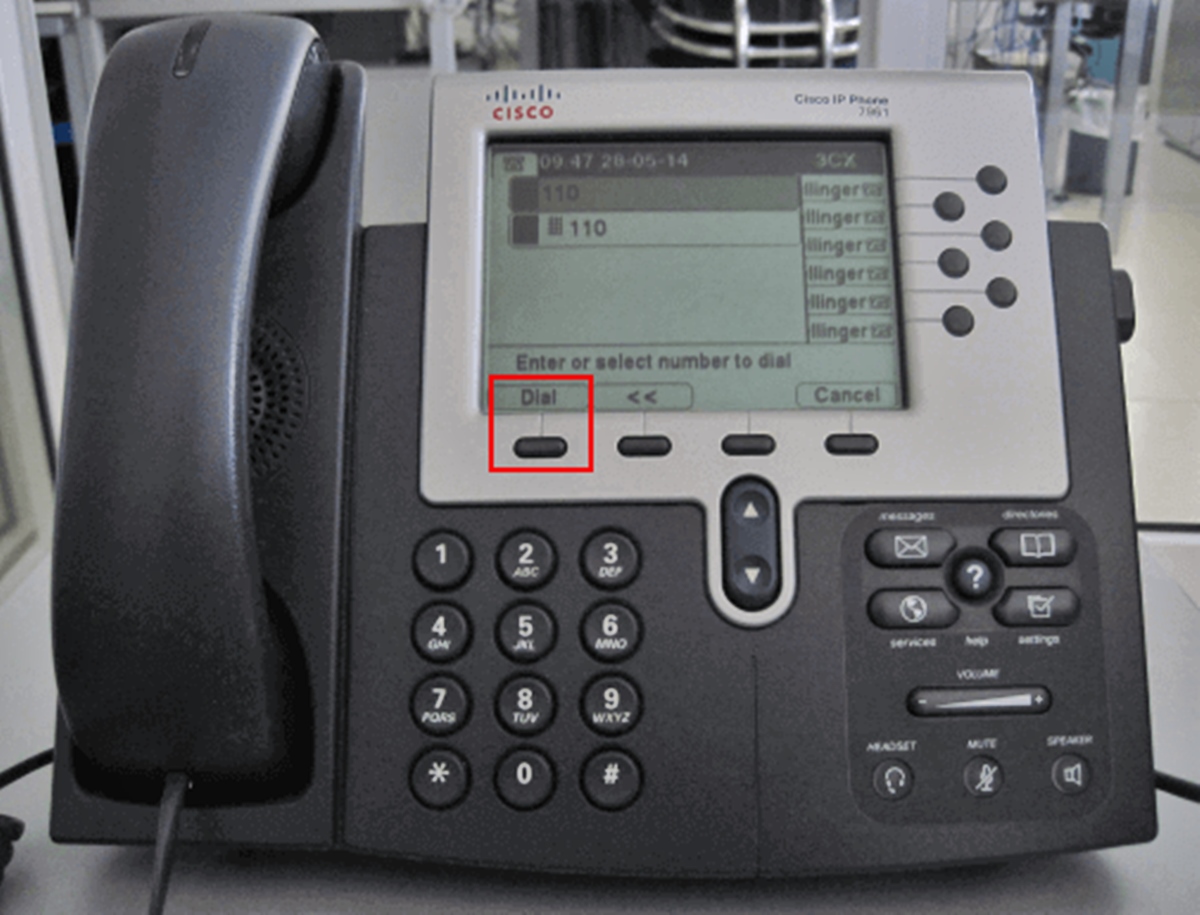
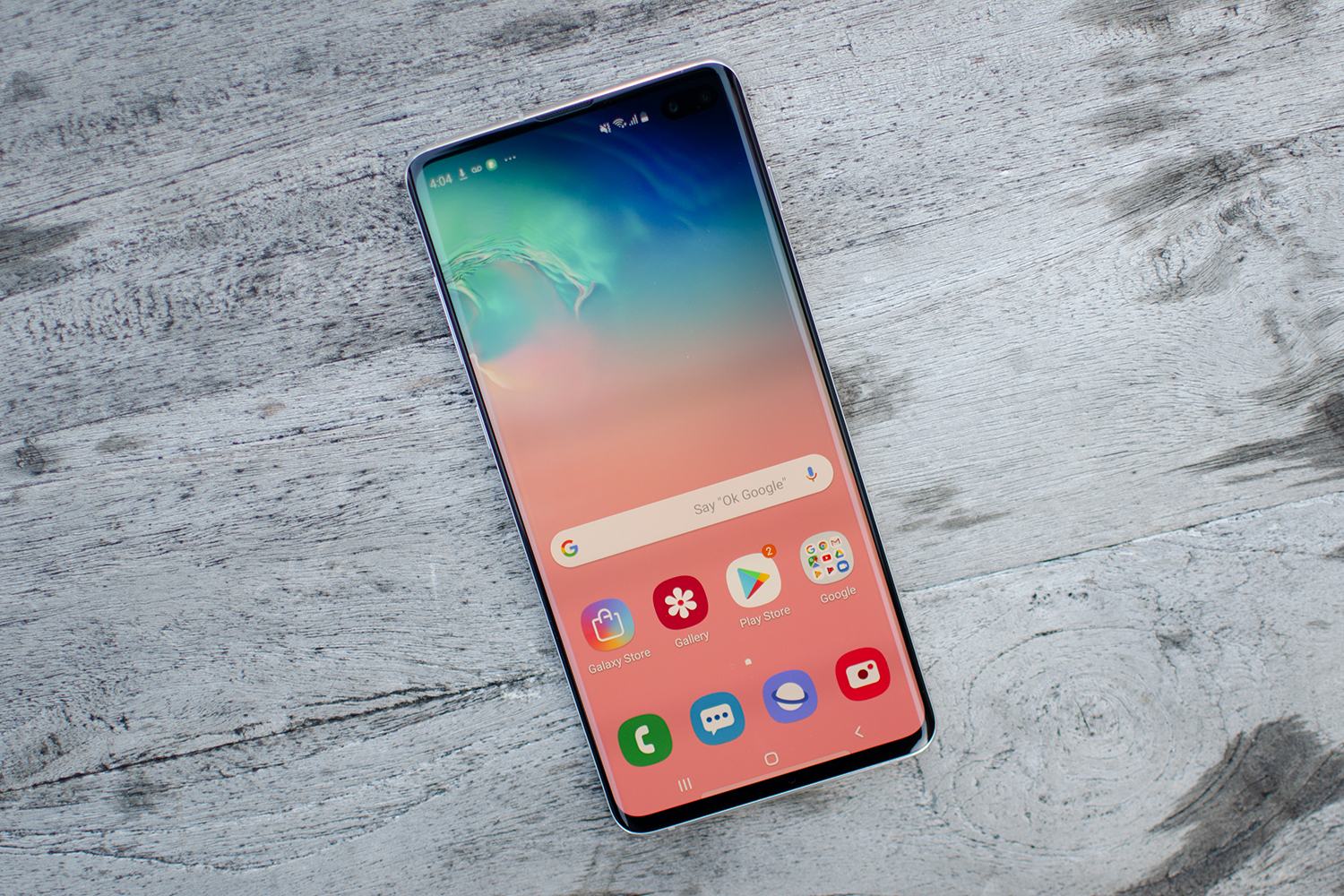
The articles address two main types of problems. The first group helps you simply find and activate the speaker, covering a range of devices. For example, you can learn how to enable speaker mode on an iPhone 13, where to find the speaker icon on an Android phone, or how to put a TCL flip phone on speaker. The second group tackles specific audio problems, such as stopping an annoying echo on a Samsung phone or figuring out the correct way to call using a Cisco phone. These articles focus on solving real, specific glitches rather than general tips.
Each guide is a direct answer to a common question. You will find clear instructions for tasks like turning on the speakerphone on a standard model, locating the speaker icon on both iPhone and Android interfaces, and enabling speaker mode on the iPhone 13. The collection does not offer broad tutorials; it provides targeted fixes for the exact speakerphone scenarios you are likely to encounter.