Welcome to the Text Messaging tag on CellularNews. This collection is for anyone who wants to get the most out of their phone’s core communication feature, whether you're a long-time smartphone user or just getting started with a basic device. Here, you’ll find straightforward guides that cut through the confusion around sending, managing, and customizing your texts across different carriers and operating systems.
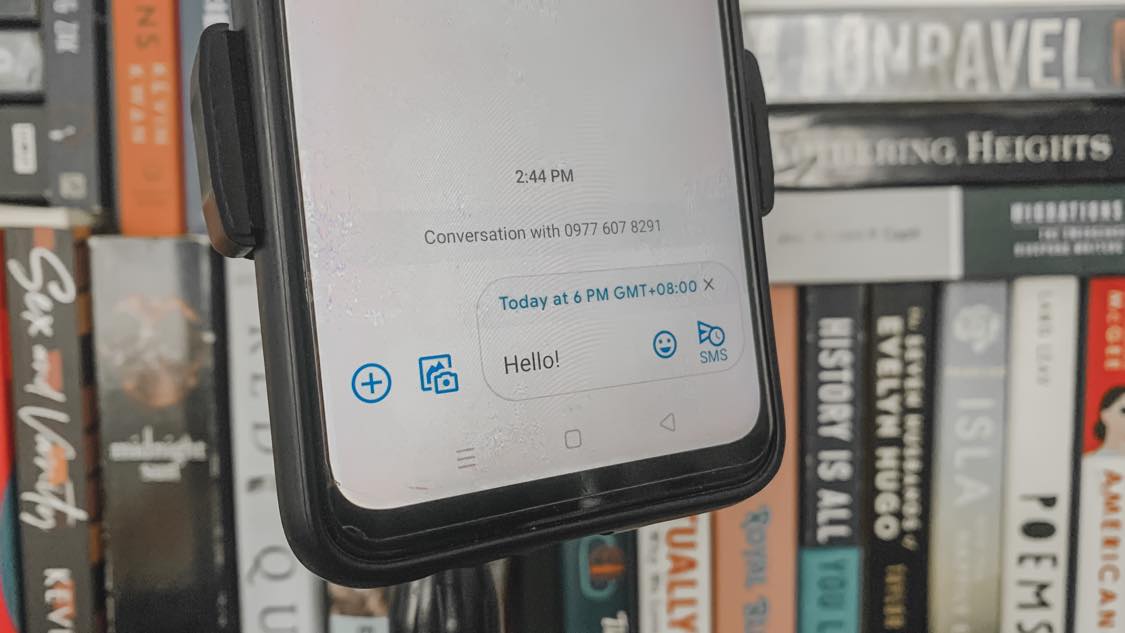
The articles here solve two main kinds of problems: practical sending and receiving hurdles, and personalization or privacy tweaks. For example, several guides show you how to send texts from email to specific carriers like AT&T, T-Mobile, or Consumer Cellular, a lifesaver when your phone is out of juice. Others tackle everyday frustrations like unsending a message on Android, hiding your phone number when texting, or even scheduling a text to send later on both Android and iPhone. You’ll also find clear explanations of technical terms like RTT and SMS, so you know exactly what those settings on your phone mean.
Beyond the basics, the tag helps you take control of your messaging experience. Want to change the message color on your Android phone or react to texts with emoji? There are articles for that. Need to figure out how to text on a Jitterbug Flip Phone or send a message on a Motorola Moto G? We’ve got you covered. And if you’re wondering how to reach someone without a phone number at all, that’s here too. Each guide is focused on helping you do one specific thing, without extra fluff.