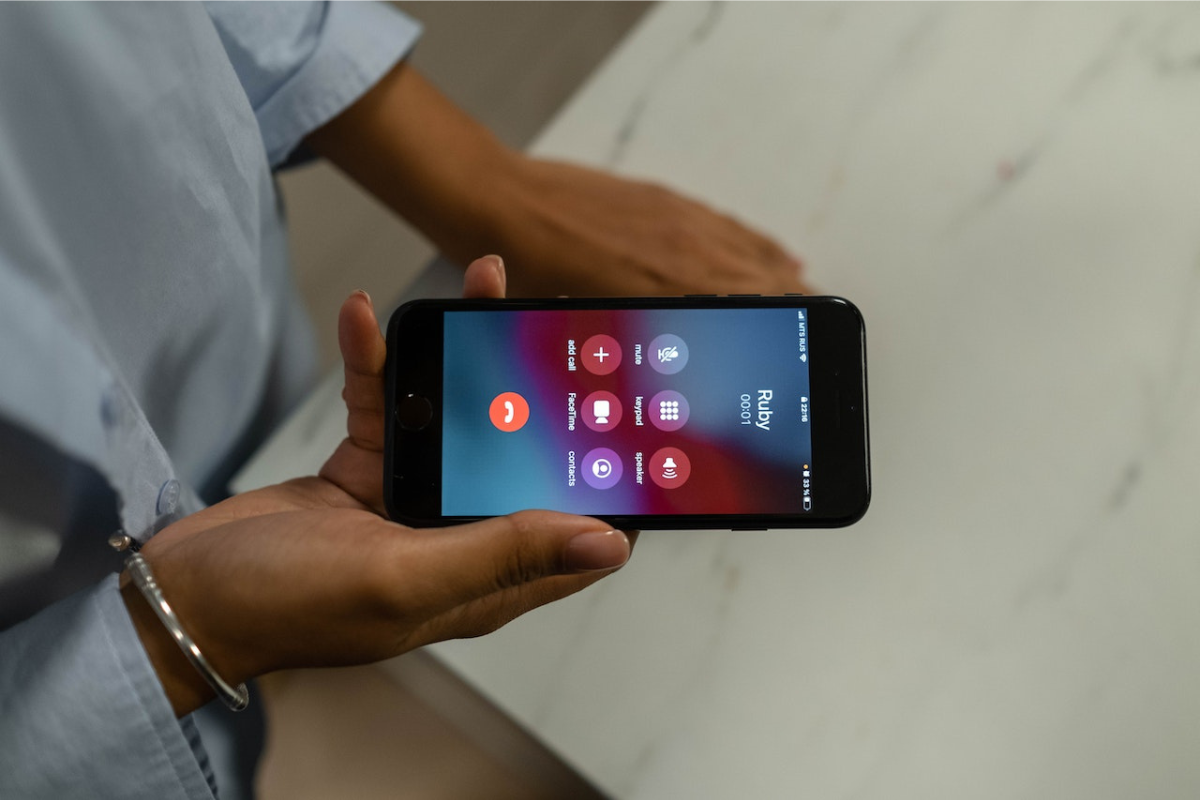
Welcome to the Text Messaging tag on CellularNews. This collection is for anyone who wants to get the most out of their phone’s core communication feature, whether you're a long-time smartphone user or just getting started with a basic device. Here, you’ll find straightforward guides that cut through the confusion around sending, managing, and customizing your texts across different carriers and operating systems.

The articles here solve two main kinds of problems: practical sending and receiving hurdles, and personalization or privacy tweaks. For example, several guides show you how to send texts from email to specific carriers like AT&T, T-Mobile, or Consumer Cellular, a lifesaver when your phone is out of juice. Others tackle everyday frustrations like unsending a message on Android, hiding your phone number when texting, or even scheduling a text to send later on both Android and iPhone. You’ll also find clear explanations of technical terms like RTT and SMS, so you know exactly what those settings on your phone mean.

Beyond the basics, the tag helps you take control of your messaging experience. Want to change the message color on your Android phone or react to texts with emoji? There are articles for that. Need to figure out how to text on a Jitterbug Flip Phone or send a message on a Motorola Moto G? We’ve got you covered. And if you’re wondering how to reach someone without a phone number at all, that’s here too. Each guide is focused on helping you do one specific thing, without extra fluff.
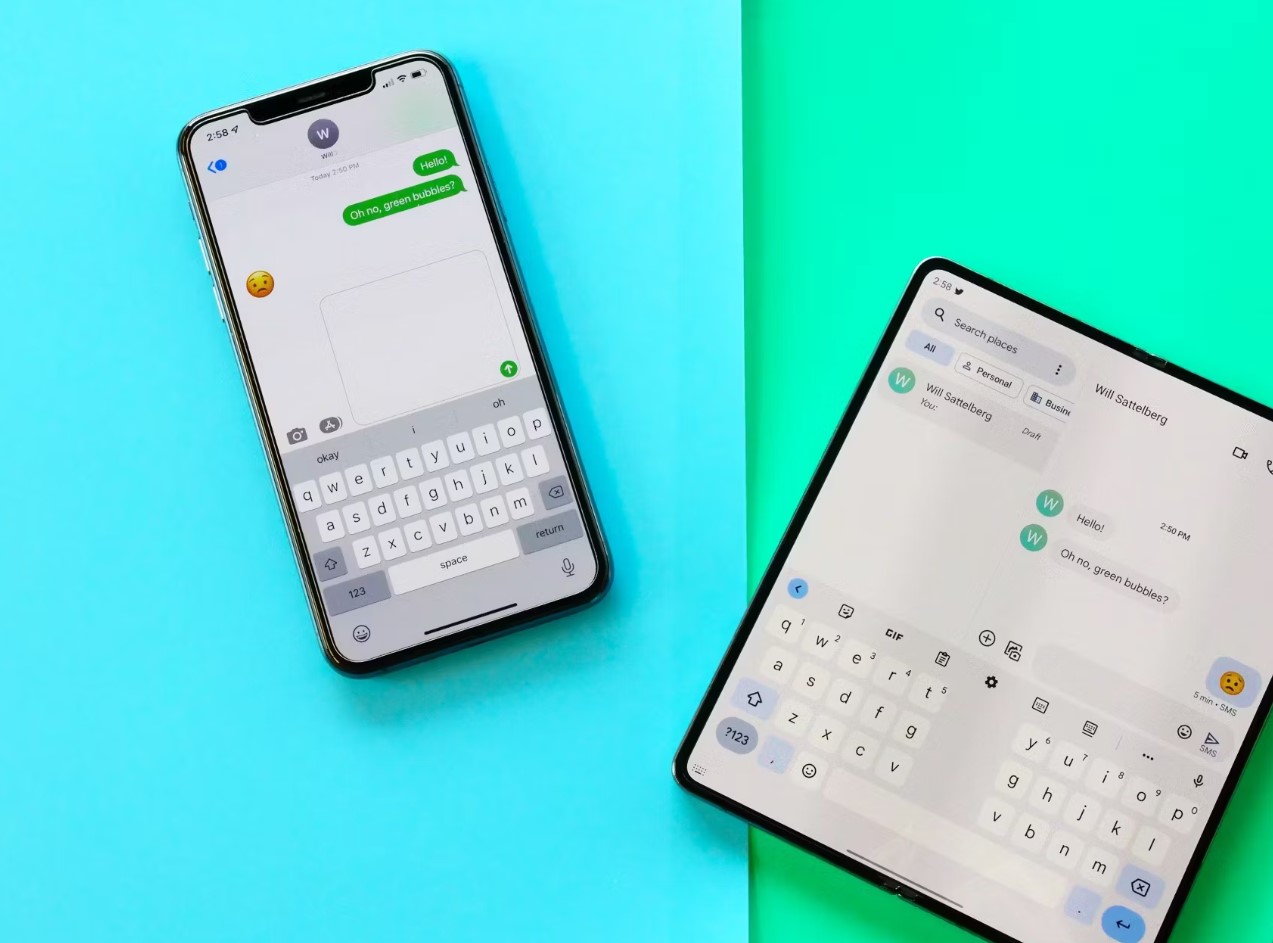
Can You Hide Phone Number When Texting

No, you cannot hide your phone number when texting using built-in iPhone or Android settings. The documented caller-ID hiding controls on both platforms are designed for phone calls only, not...

How To Send T-Mobile Phones Text From Email

To send a T-Mobile email to text message, open your email client, enter the recipient's 10-digit T-Mobile number followed by @tmomail.net in the To field, write your message as plain...

How To Unsend A Text On Android

You can unsend a text on Android, but only if you and the recipient are both using Google Messages with RCS chats enabled. The built-in "Delete for everyone" feature in...

How To Send A Text Message On Android

To send a text message on Android, open the Messages app, tap Start chat, enter the recipient in To, type your message, then tap Send. These are the official steps...

How To Change Message Color On Android

To change message color on Android, open the Google Messages app, enter a conversation, tap the three-dot menu or the contact or group name, then select "Change colors" and pick...

How To React To Texts On Android

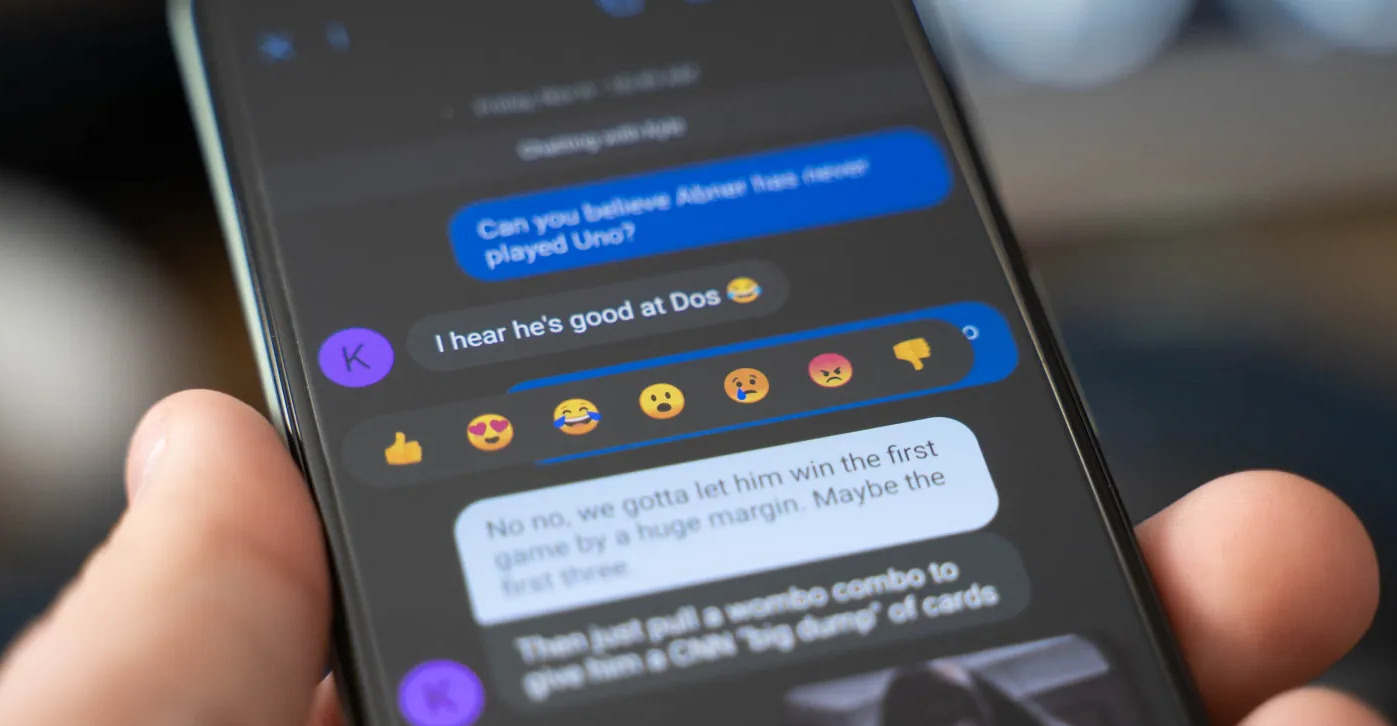
To react to texts on Android, open the Google Messages app and long-press any text message you have received. This action opens an emoji reaction menu from which you can...

How To Text Consumer Cellular From Email

To text Consumer Cellular from email, no official email-to-text gateway address is documented in available Consumer Cellular sources, so you cannot reliably send a text from email to a Consumer...

How To Text On Jitterbug Flip Phone

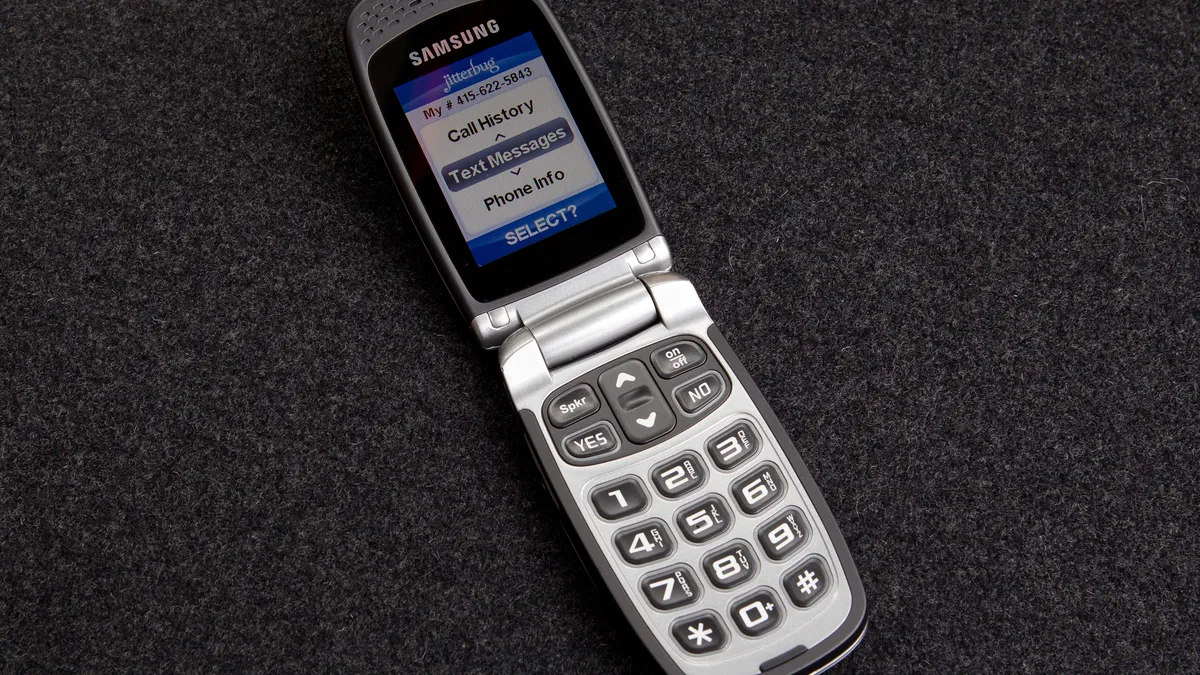
To text on a Jitterbug flip phone, you can use the keypad for manual typing or your voice for hands-free messaging. How to text on a Jitterbug flip phone using...

How To Text To AT&T Phone From Email

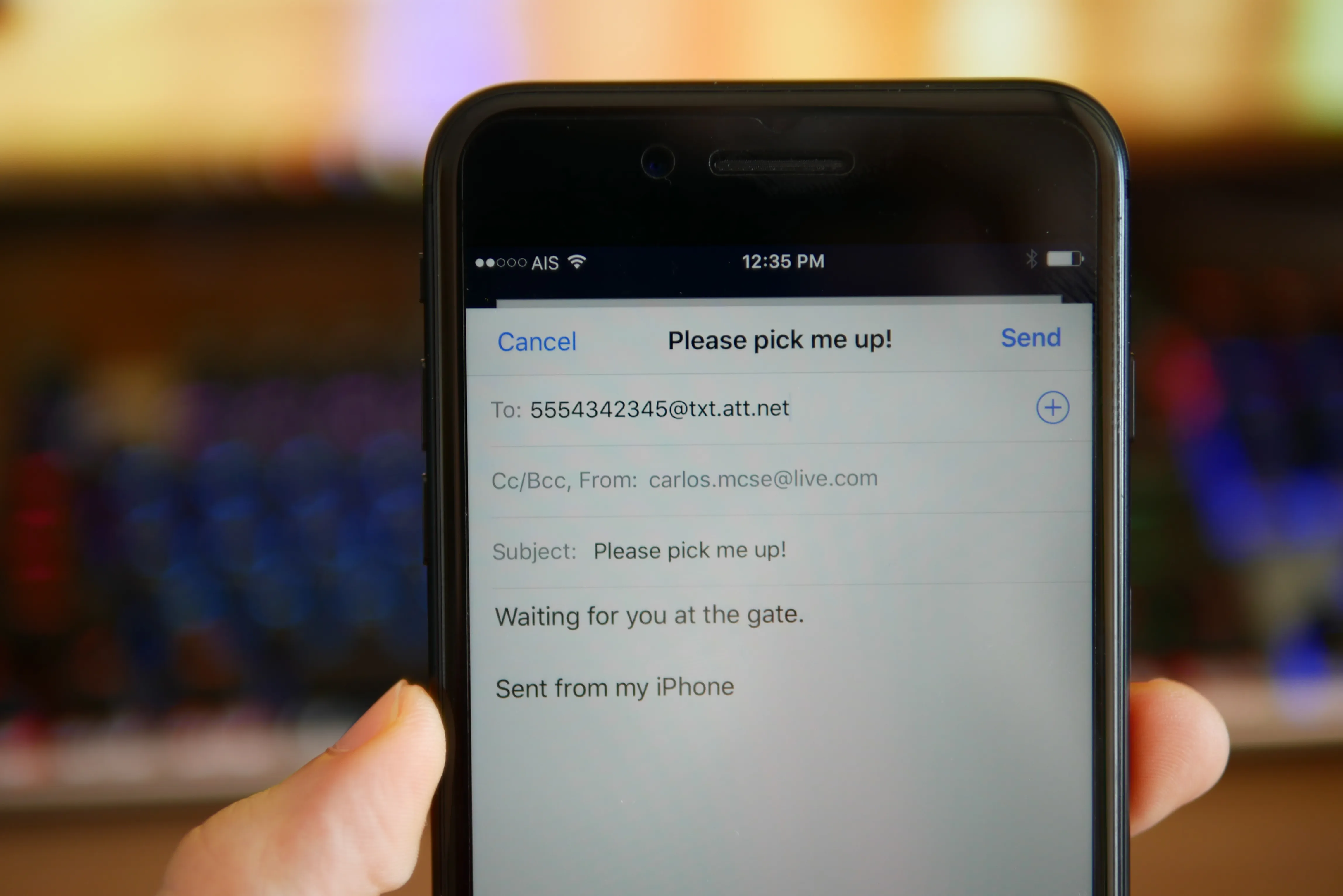
You can no longer text to an AT&T phone from email. AT&T shut down its email-to-text gateway on June 17, 2025, meaning the old @txt.att.net and @MMS.att.net addresses no longer...

What Is Rtt On My Phone

Real-Time Text (RTT) is a feature on your phone that transmits text instantly, character-by-character, during a phone call, allowing the recipient to read and respond immediately. It is primarily designed...