Practical guides focused on keeping the time display accurate across your mobile devices and wearables. This content is specifically for anyone who owns a Fitbit or a smartphone and needs to correct a wrong clock, adjust for travel, or troubleshoot a watch that keeps losing time. Whether you are setting up a new device or fixing an annoying glitch, these articles provide straightforward, step-by-step instructions.
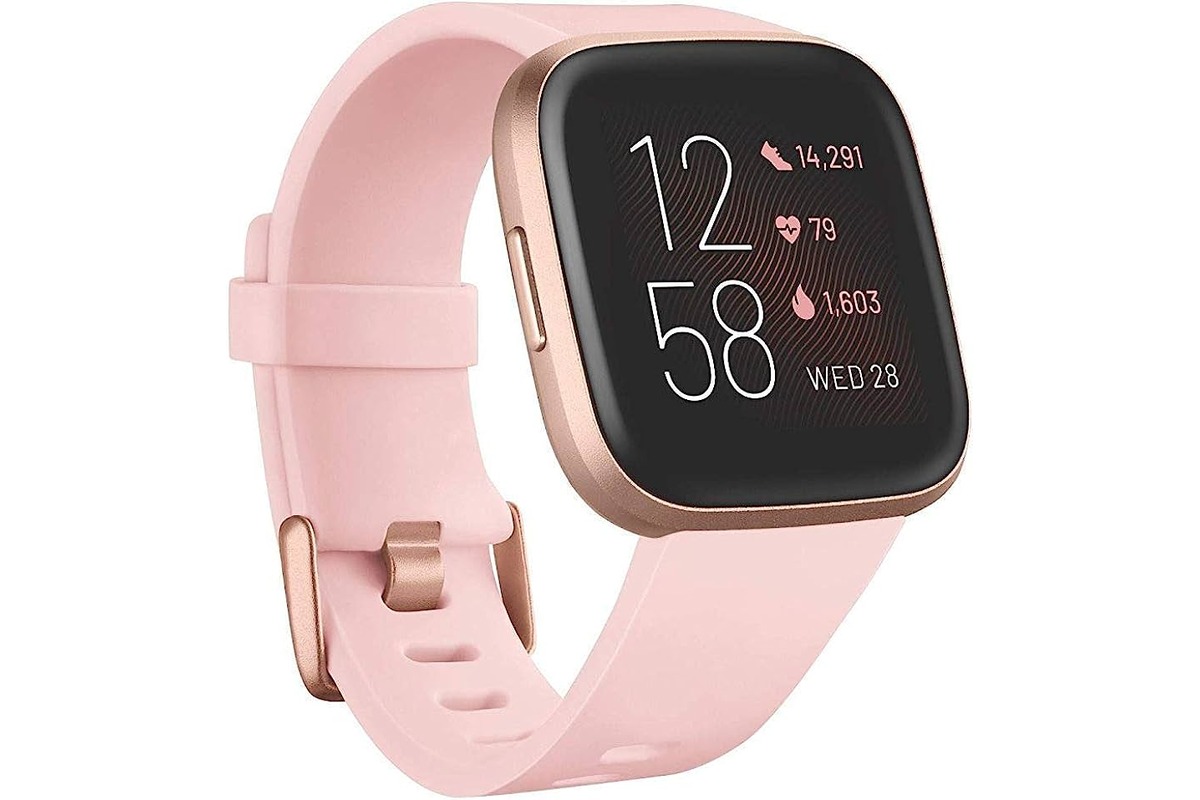
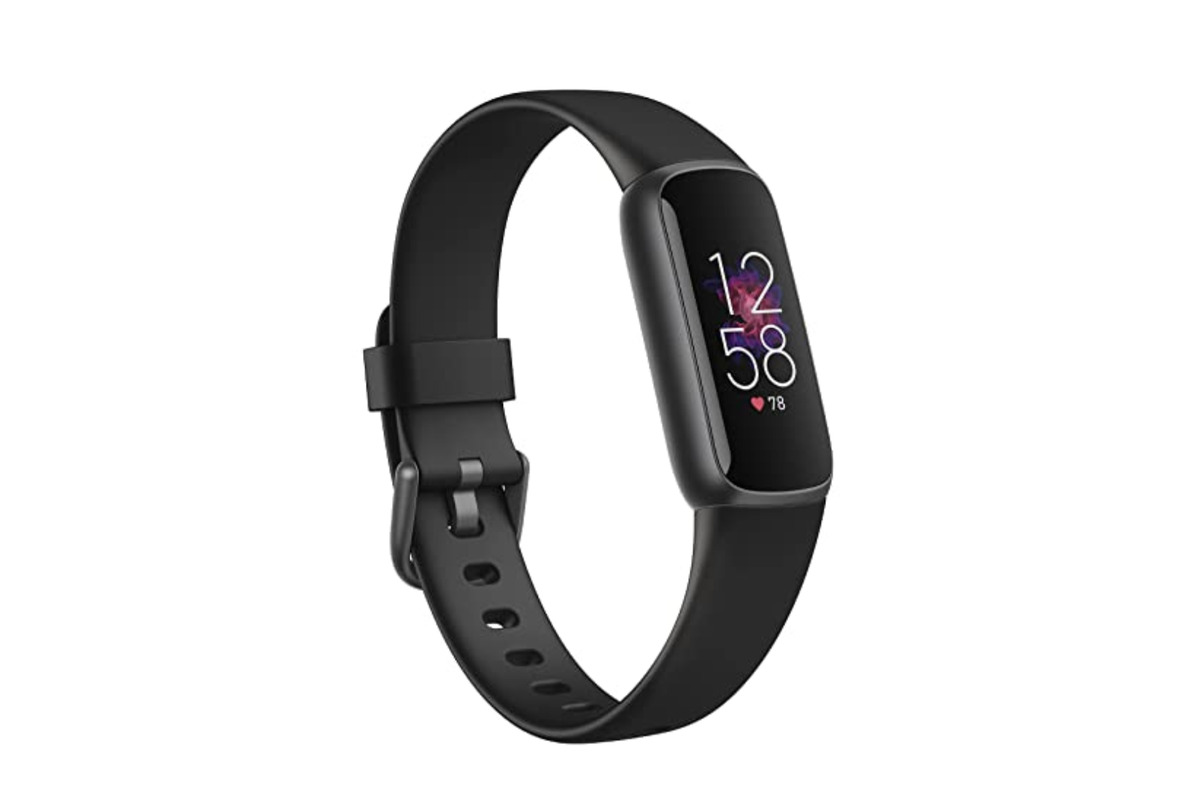
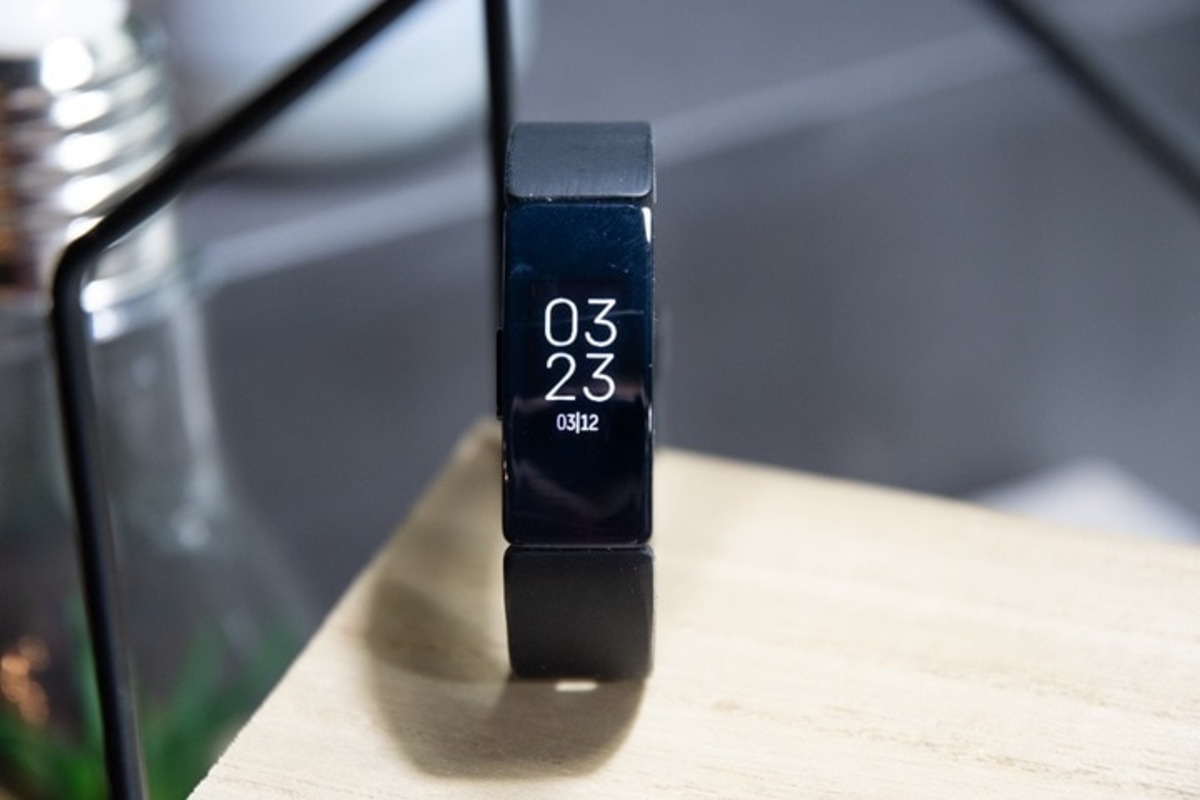
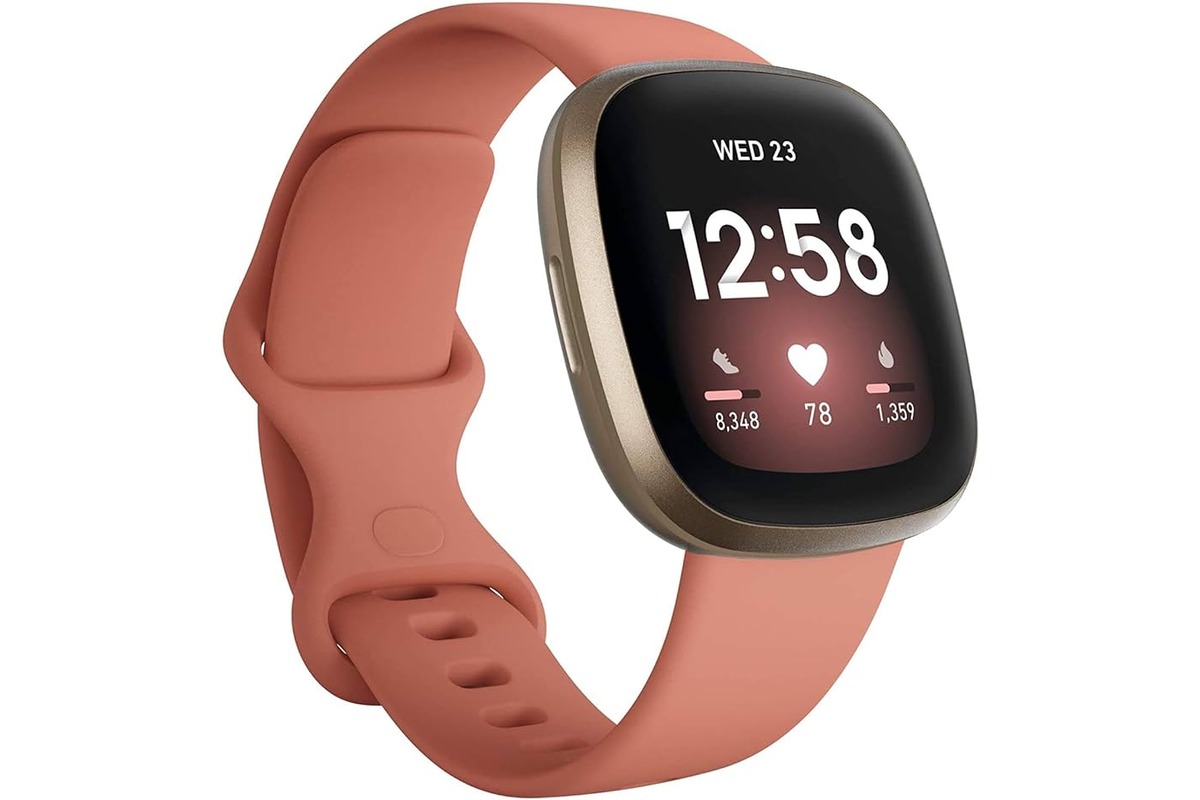
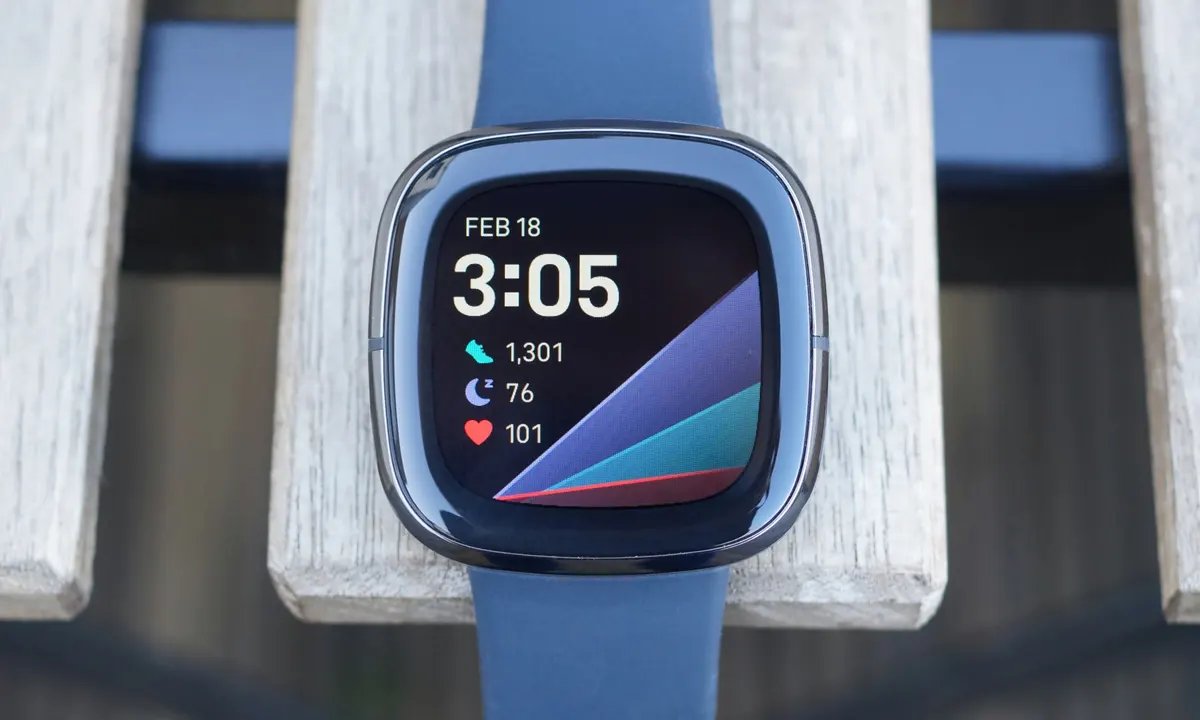
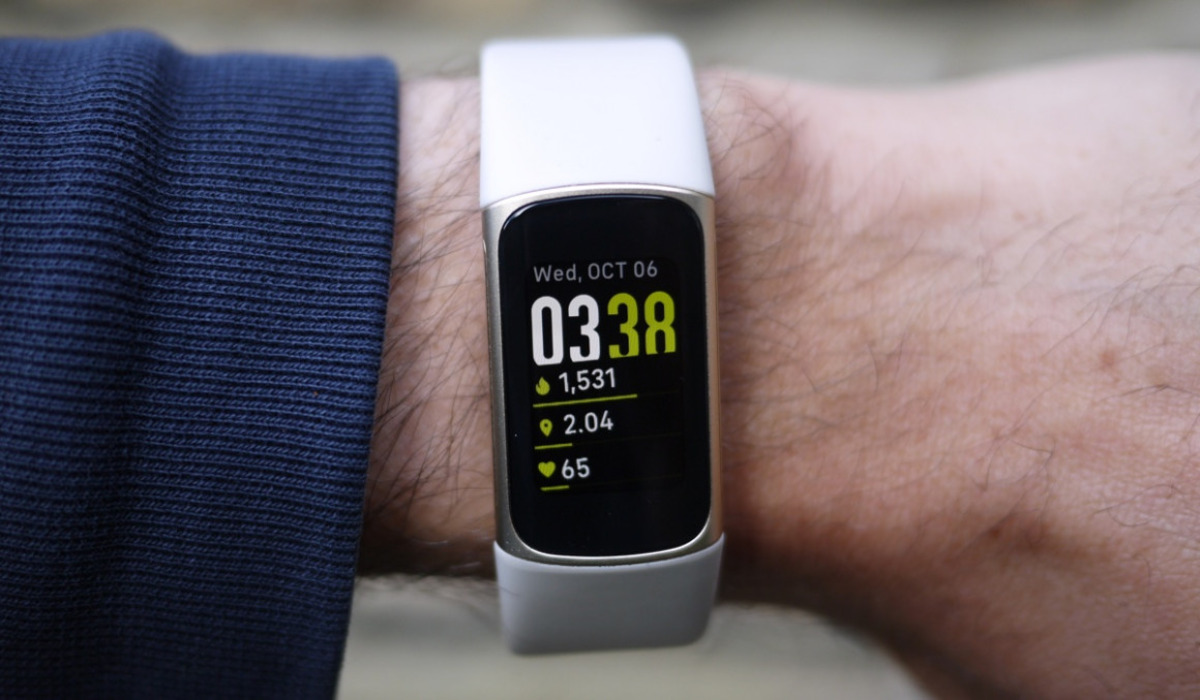
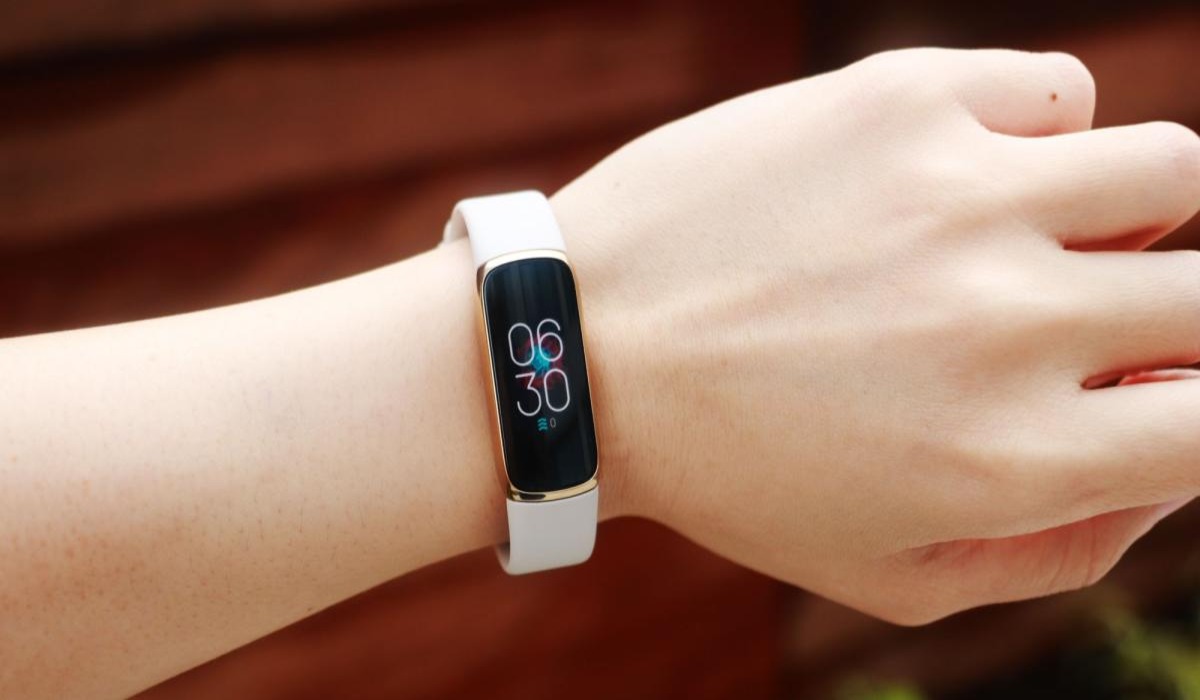
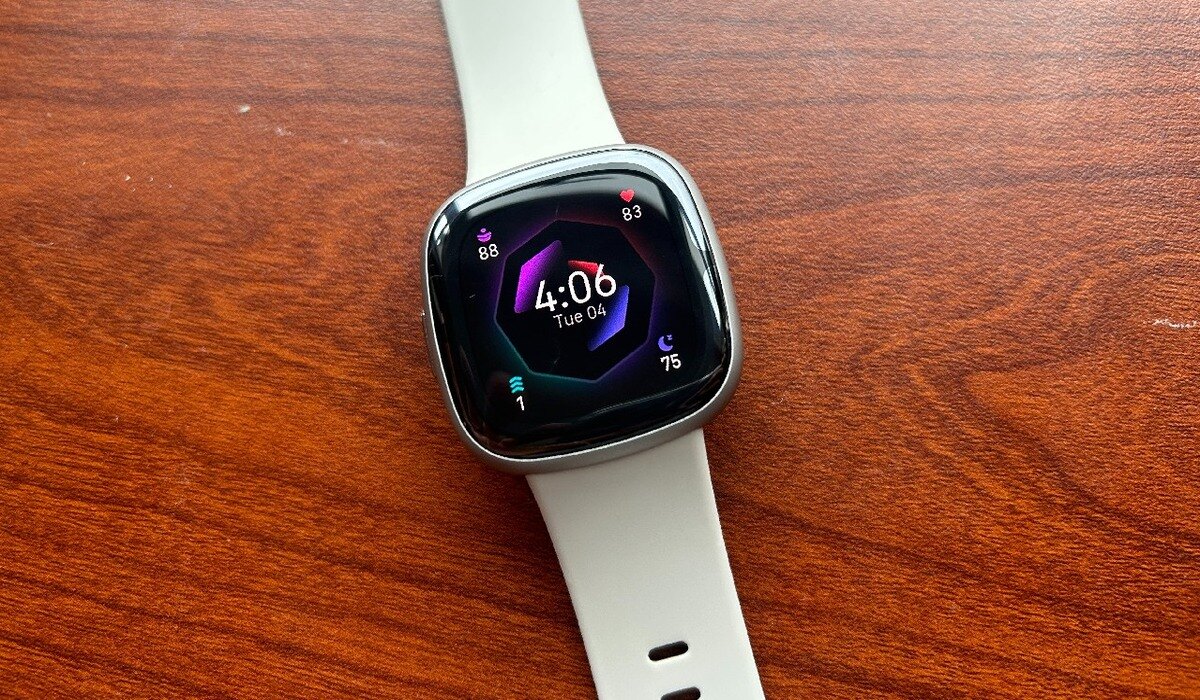
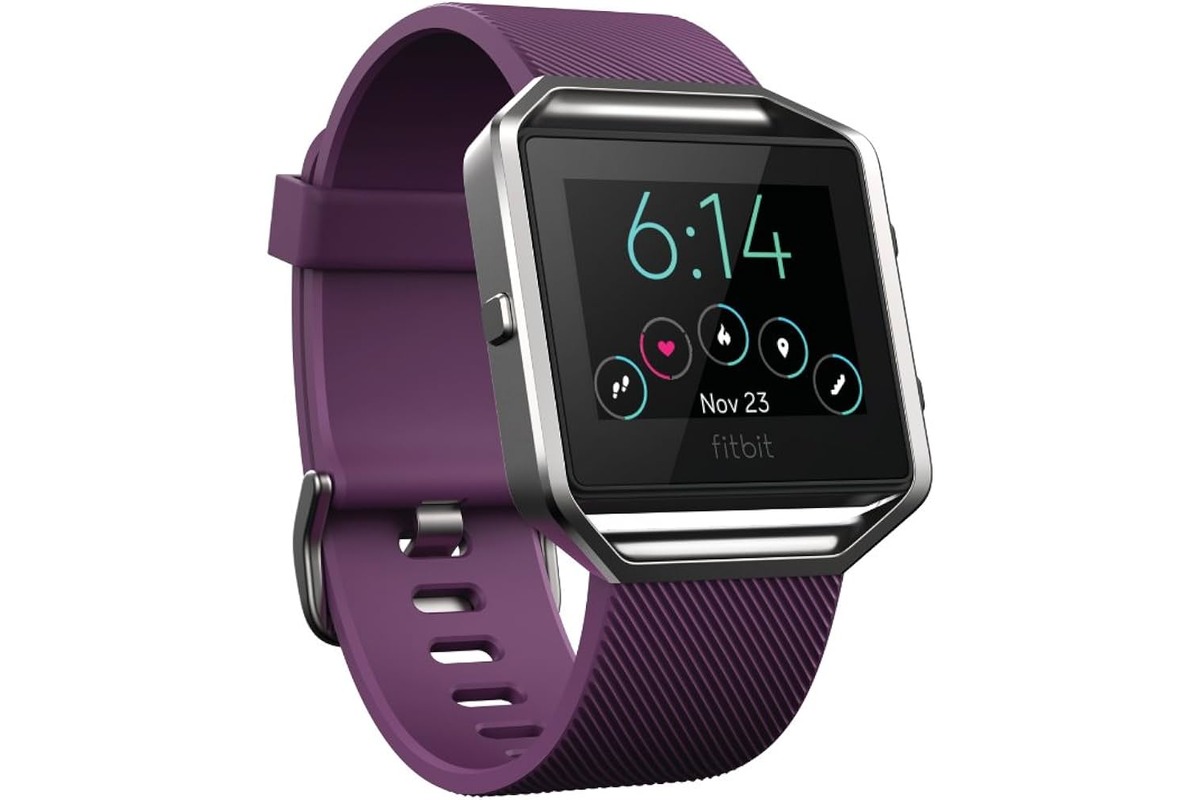
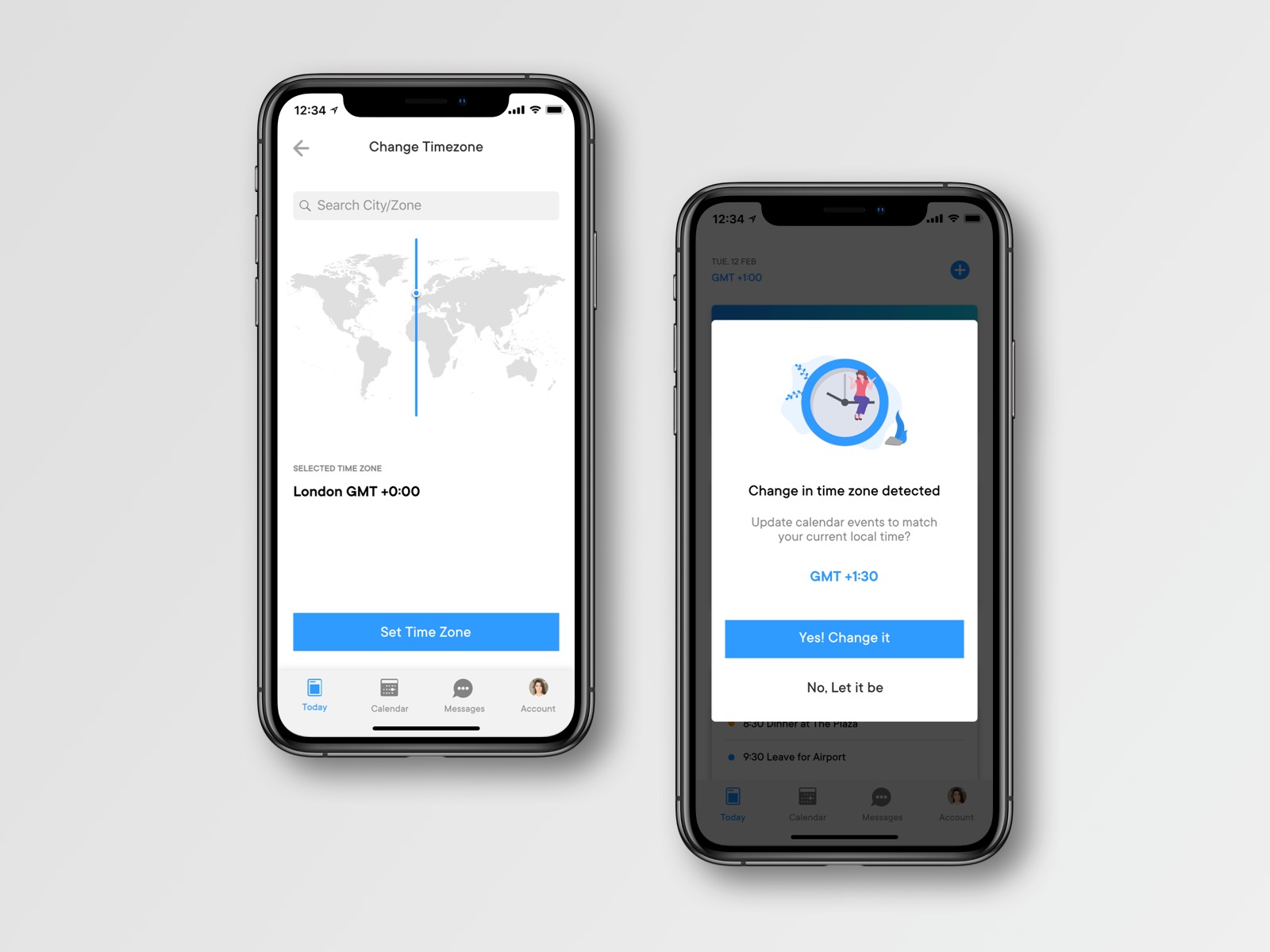
The articles here solve two main kinds of problems. One group helps you manually change the time or date on specific Fitbit models, such as the Versa 2, Versa 3, Inspire, Sense, Luxe, Charge 5, and Blaze. Another group tackles common errors, answering questions like "Why Is My Fitbit Watch Time Wrong" and "Why Does My Fitbit Keep Losing Time," which often point to syncing or battery issues. For broader phone settings, you will also find a guide on how to change the phone time zone itself.
These guides help you perform specific actions: resetting the time and date on a Fitbit without using the app, adjusting the clock on a Fitbit Blaze, or fixing a persistent time drift on your tracker. Each article is a direct solution for a single, common frustration, giving you the exact steps needed to get your devices showing the correct time again.