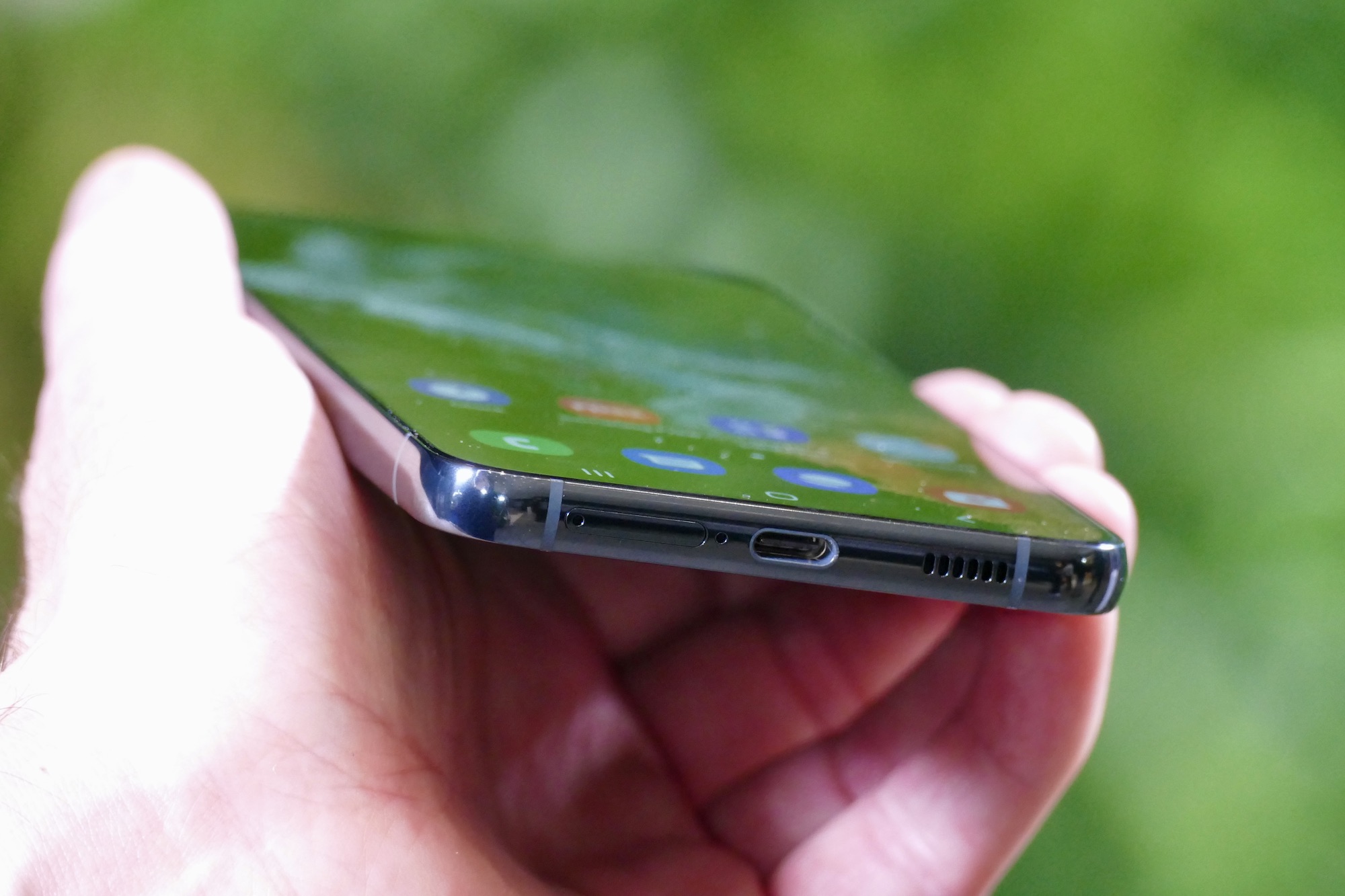
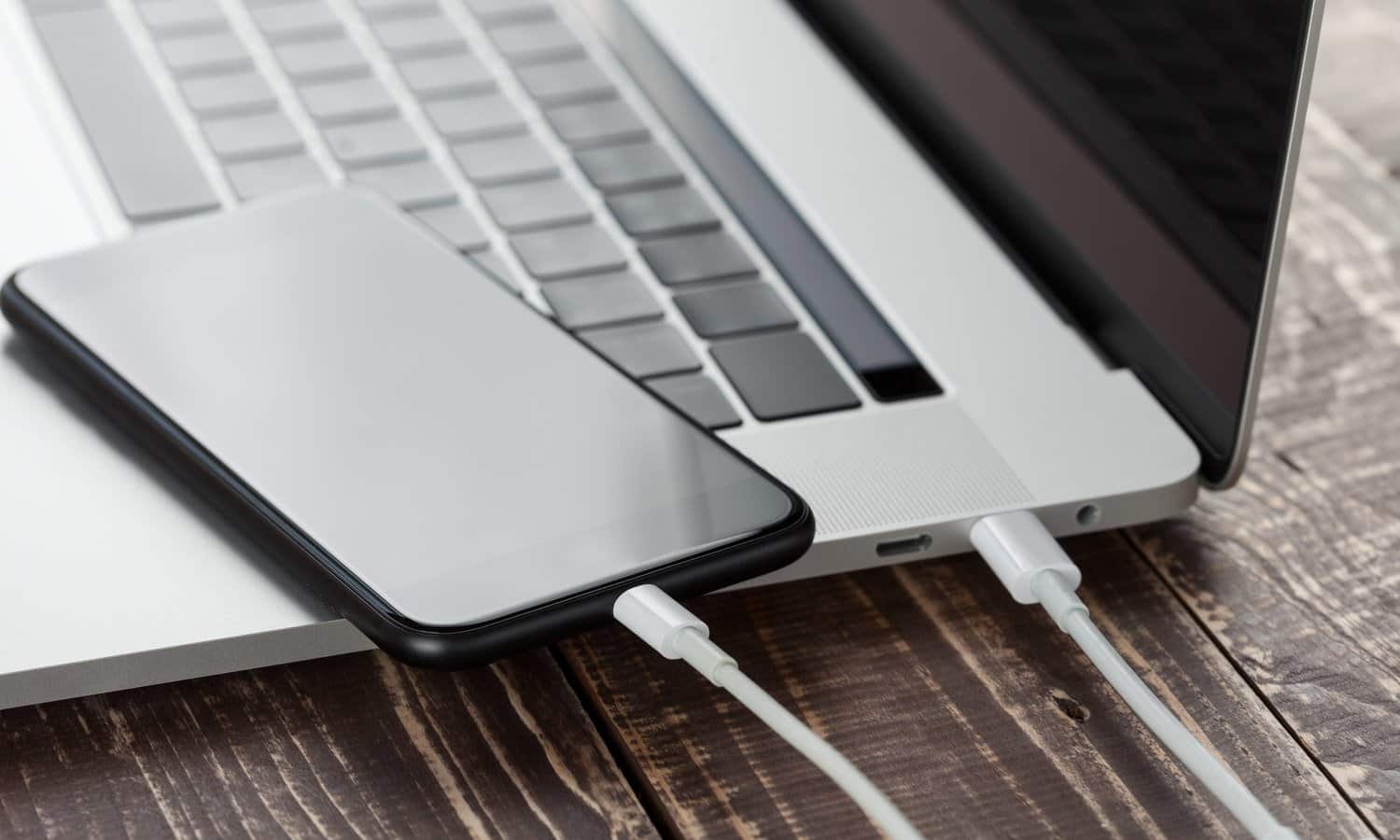
The USB-C tag on CellularNews collects articles focused on the modern charging and connectivity standard that powers today’s phones, accessories, and laptops. This page is for anyone who owns a device with a USB-C port, whether you’re an Android or iPhone user, and needs practical guidance on cables, power banks, and docks.

The articles here solve real-world problems around charging and connecting gear. One clear theme is power: you’ll find help charging specific devices like a Belkin or Romoss power bank, a Stiiizy battery, or a Chromebook using a phone charger. Another theme is compatibility and identification, articles explain what a Type C phone charger is, what a PD connector does, and what the phone charger plug is actually called. A third theme covers docking stations and accessories, with guides on connecting a ThinkPad or HP laptop to a Dell docking station, setting up a j5create dock, and using a Switch docking station.

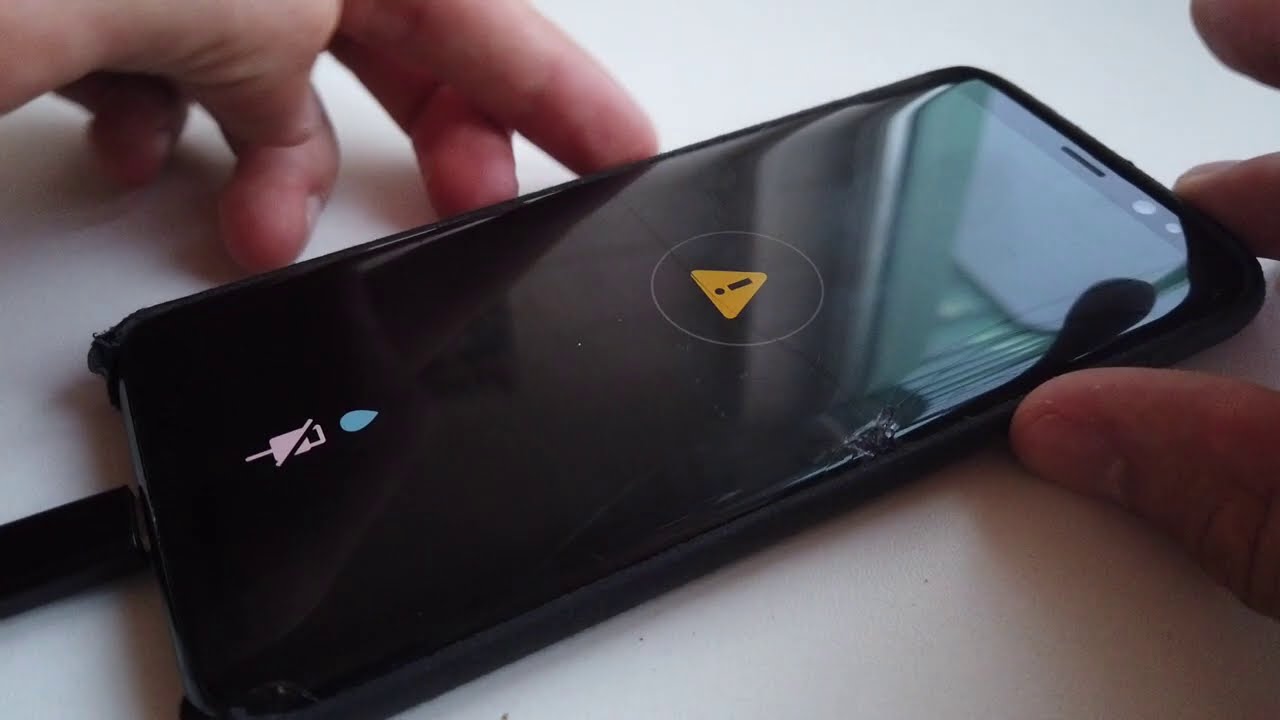
These pieces help you do things like charge your wireless earbuds faster, figure out which charger to buy, and understand what that “liquid detected” warning means on your Lightning connector. Whether you need to power a selfie stick or connect a VR headset to a PC, the USB-C tag gives you straightforward, device-specific answers.
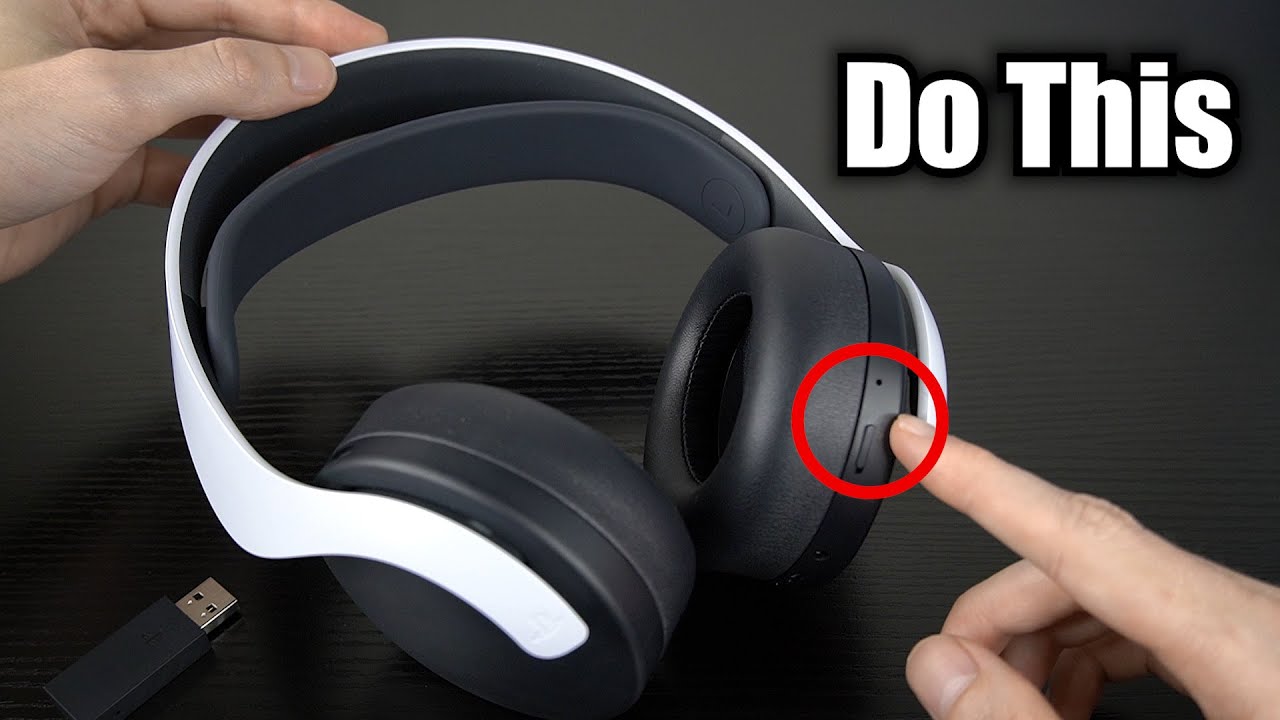
How To Charge Headset

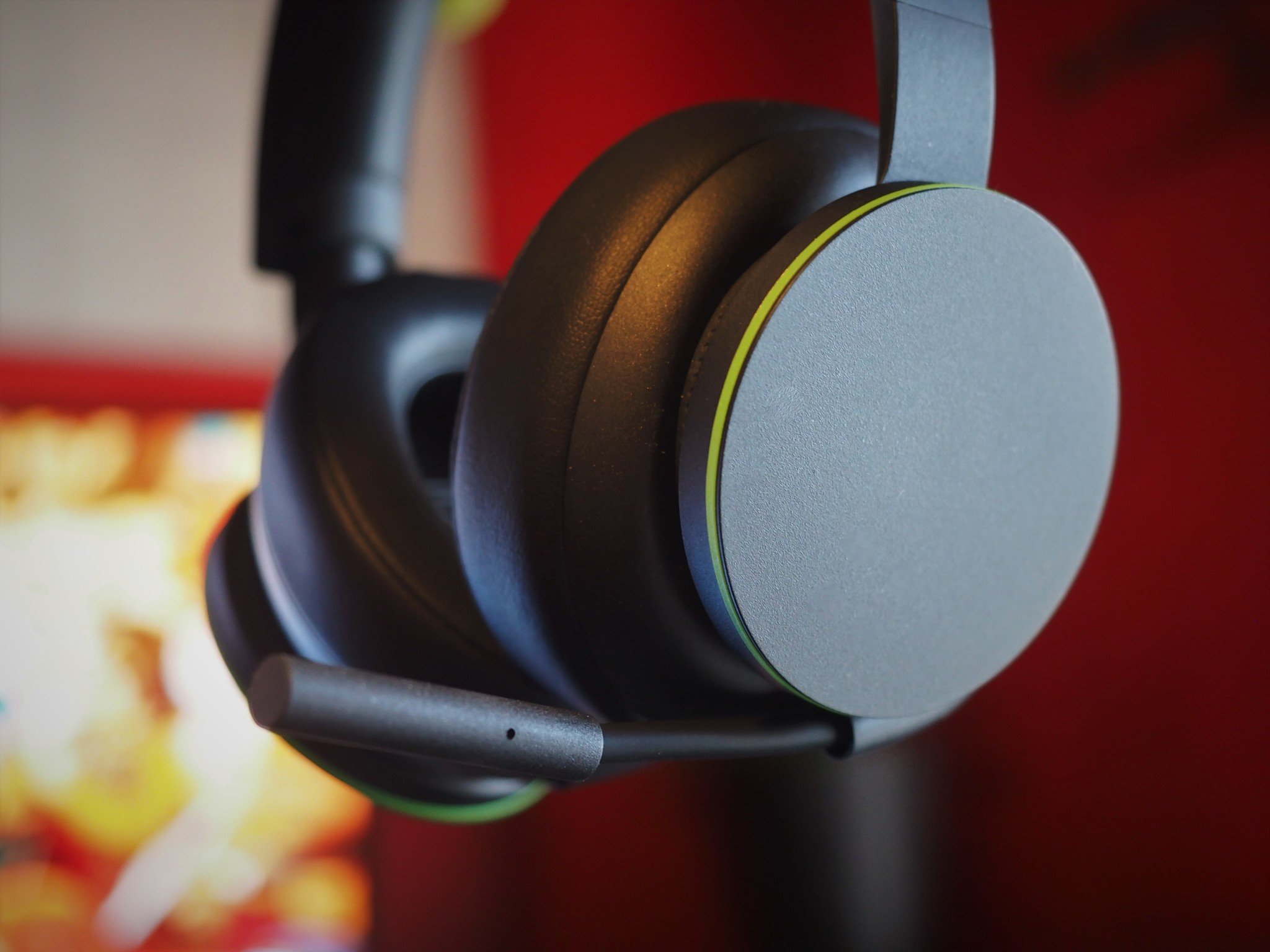
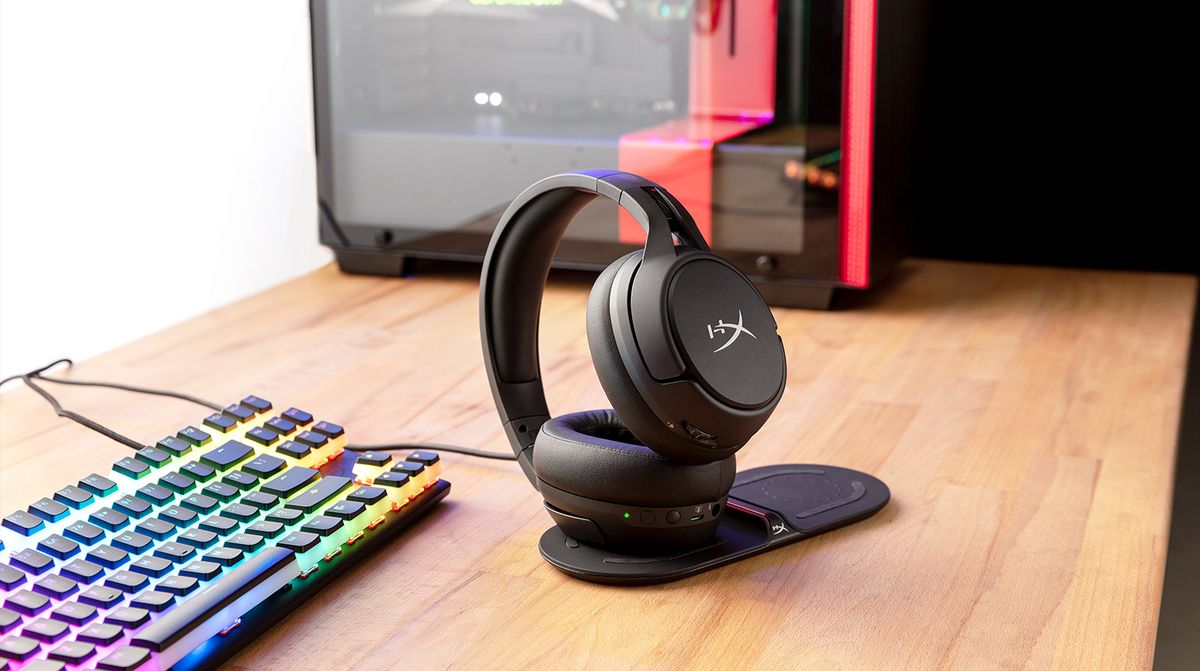
To charge your headset, connect the supplied USB Type-C cable to the headset and plug the other end into a power adapter or a computer’s USB port. This is the...

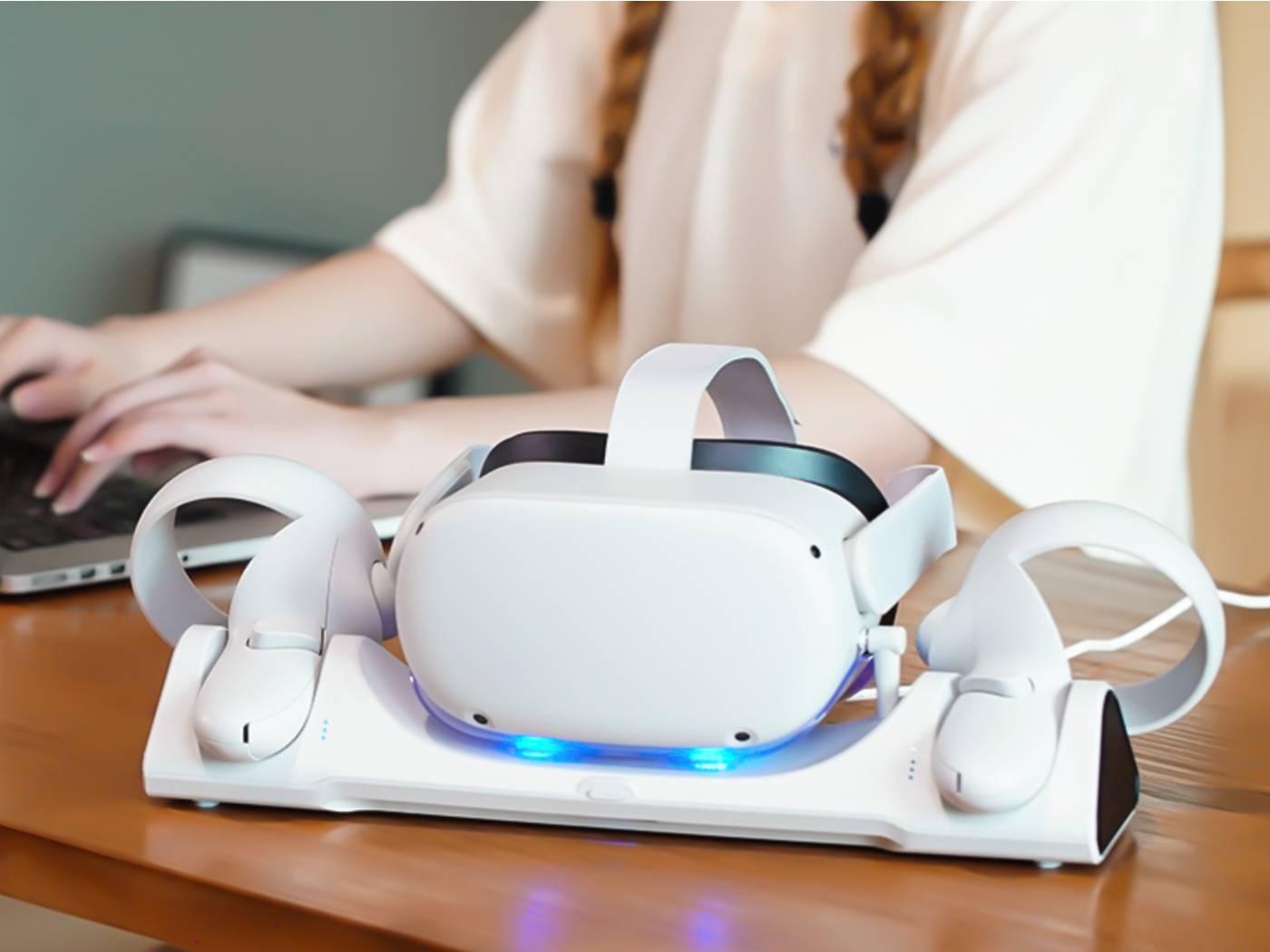
How To Charge Quest 2 Headset

To charge Quest 2 headset, connect the provided USB-C cable to the headset's USB-C port and plug the charger into a power source. The LED on the headset will glow...

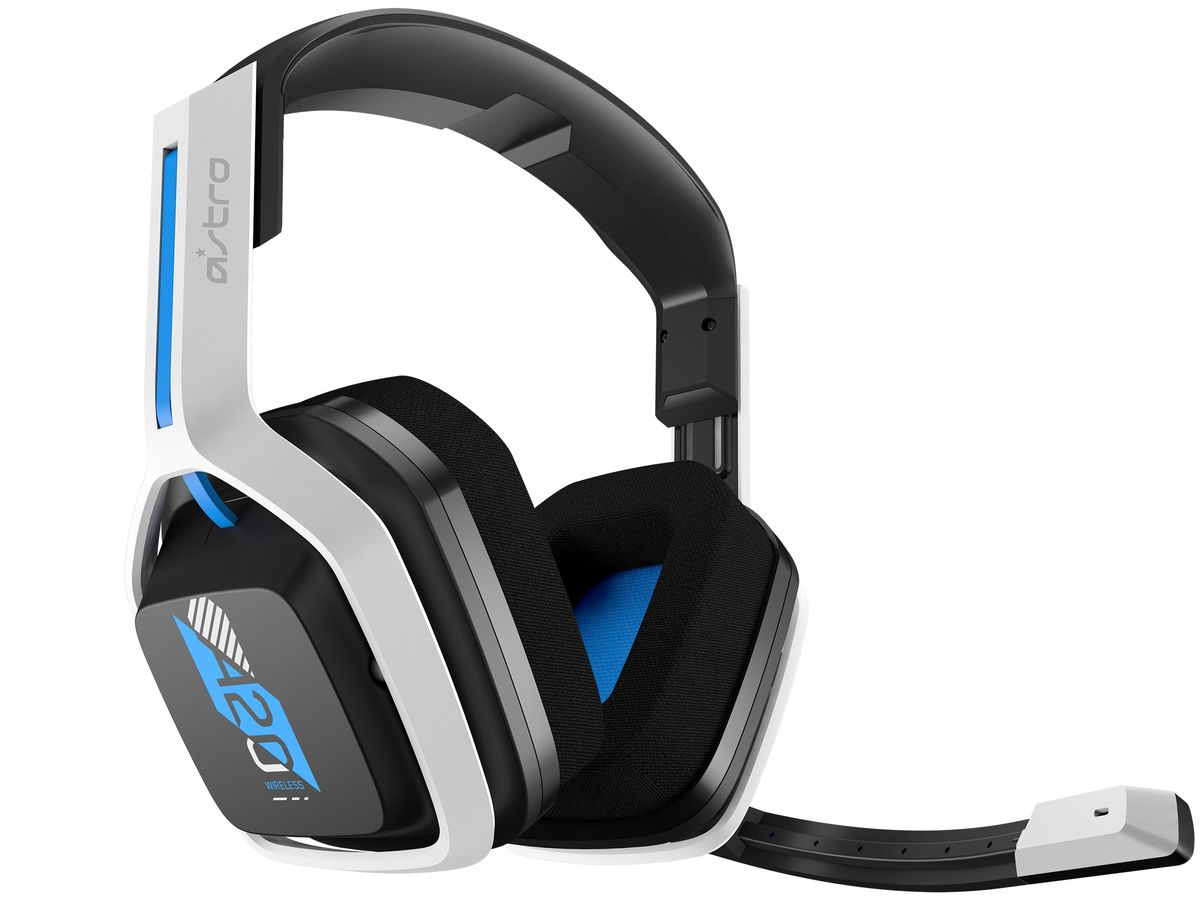
How To Charge A20 Wireless Headset

To charge an A20 wireless headset, first identify your model, then connect the included USB cable to a powered USB-A source and your headset. The correct charging method depends on...

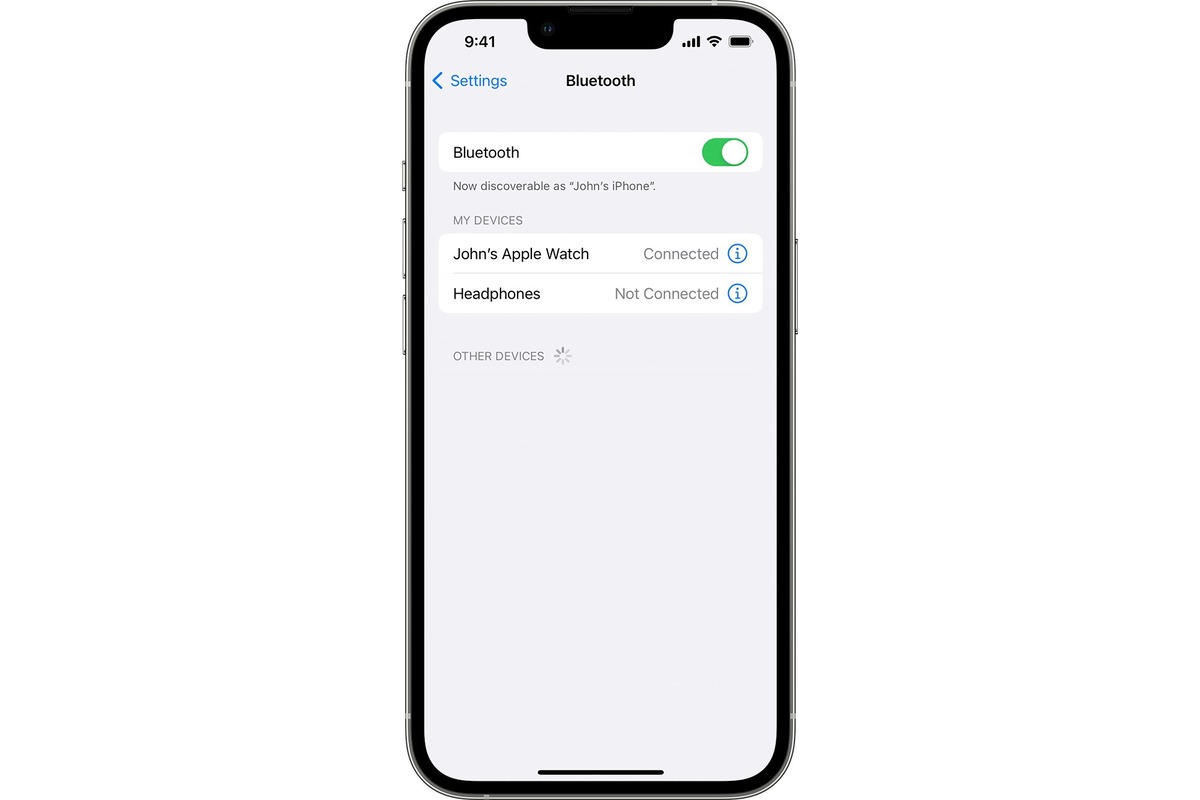
How To Connect Earphones To IPhone

To connect earphones to iPhone, the most common modern scenario is pairing wireless Bluetooth earphones, which is done through the Settings app. For wired earphones, the method depends on your...

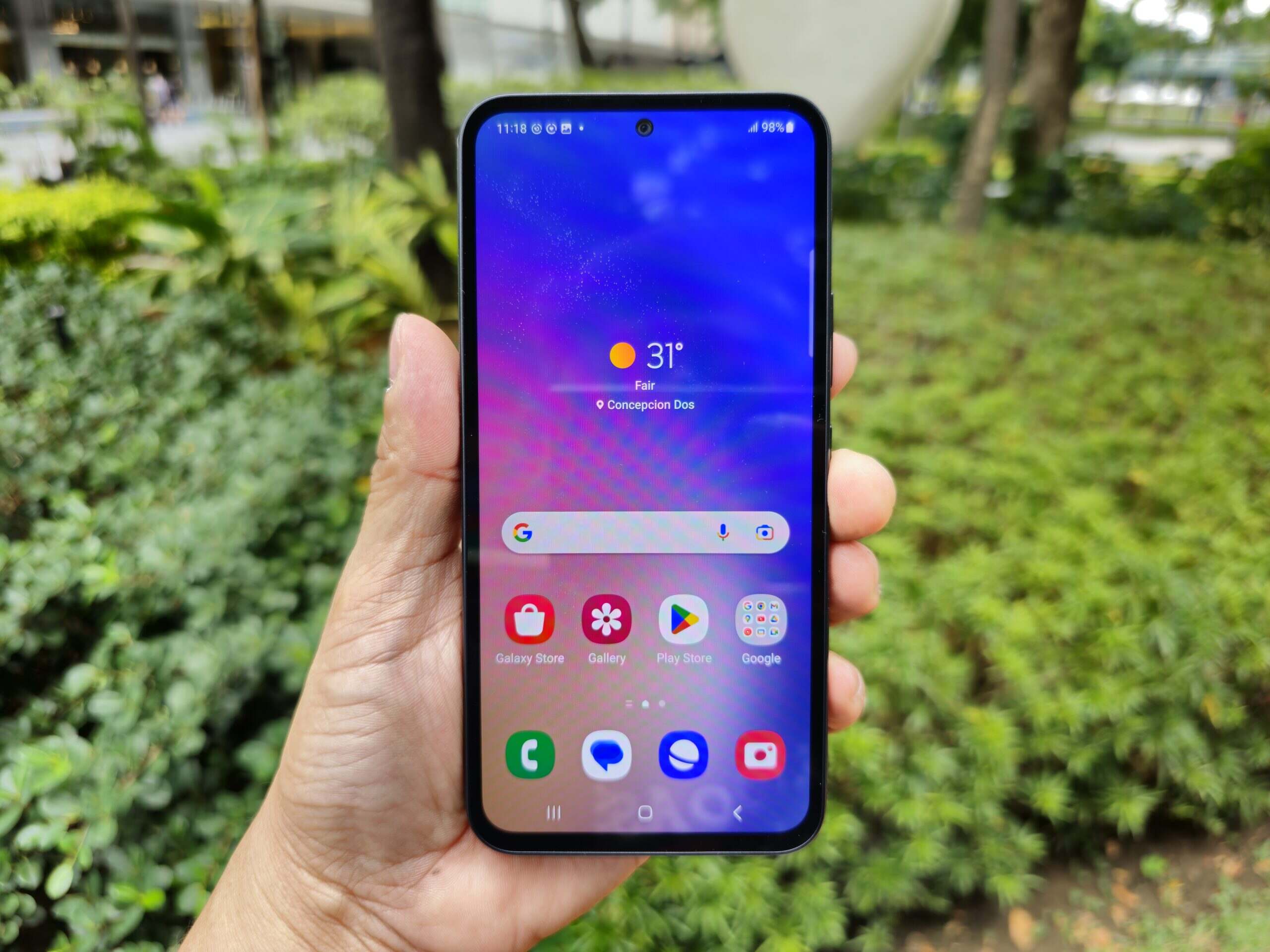
How To Charge A Samsung Phone

To charge a Samsung phone, use the USB-C cable and power adapter that came with your device, or place a compatible Galaxy model on a Qi-certified wireless charger. The correct...

How To Connect Guitar To Phone

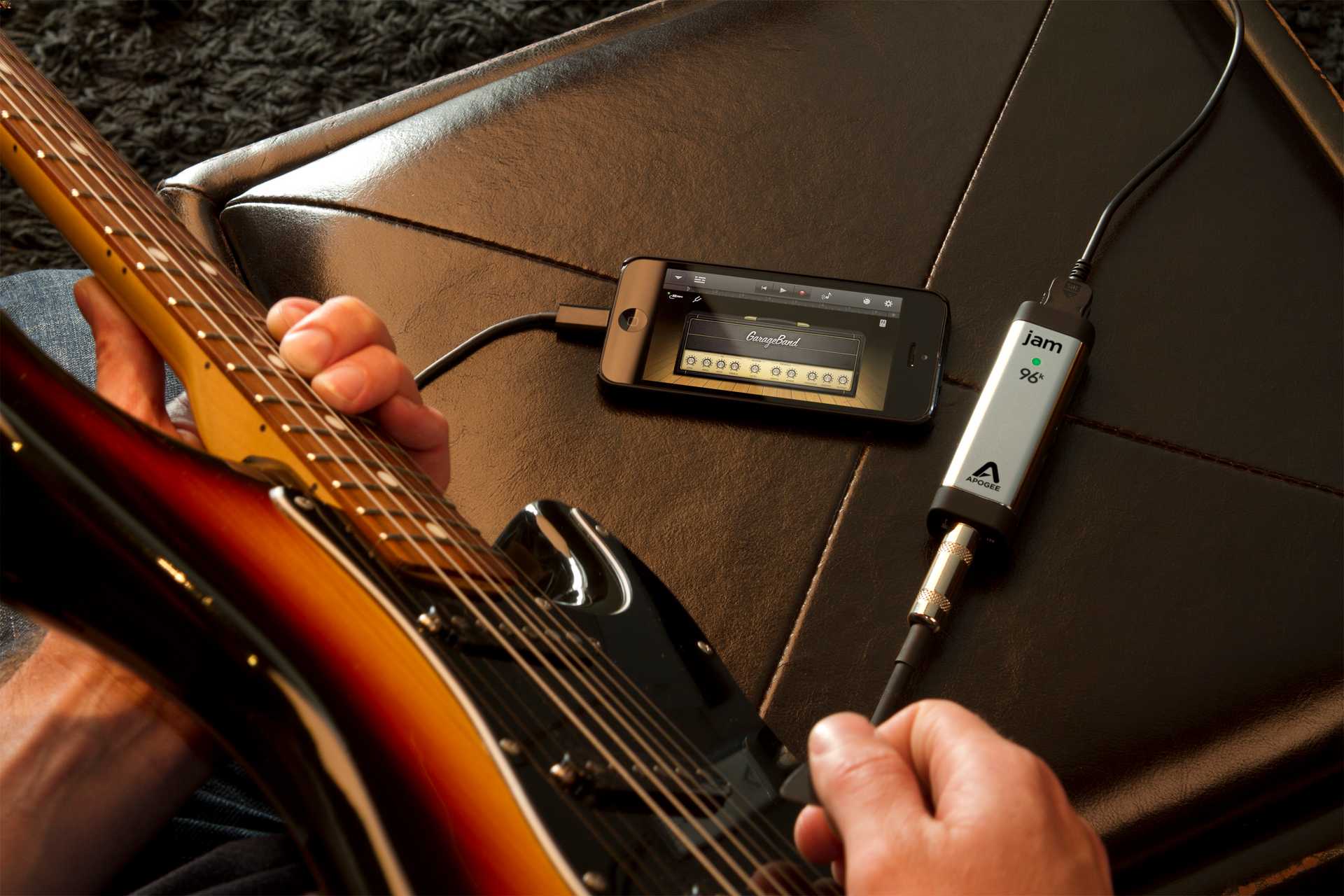
To connect guitar to phone, you need a device that converts your guitar's analog signal into a digital signal your phone can process. Your choice of adapter or interface depends...