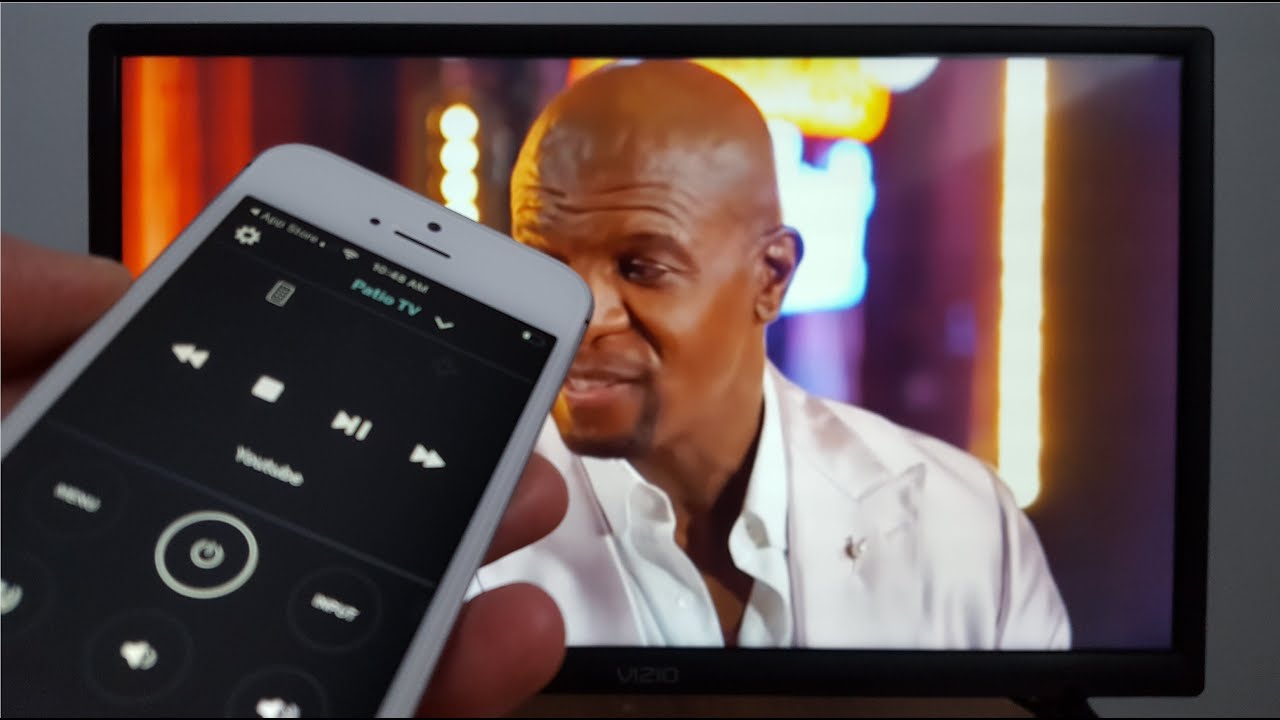
Welcome to the Vizio tag page on CellularNews. This collection brings together our articles focused on connecting your phone to a Vizio television. If you own a Vizio smart TV and a smartphone, this is the place for straightforward guides on getting the two devices to work together, whether for streaming content or controlling your viewing experience.
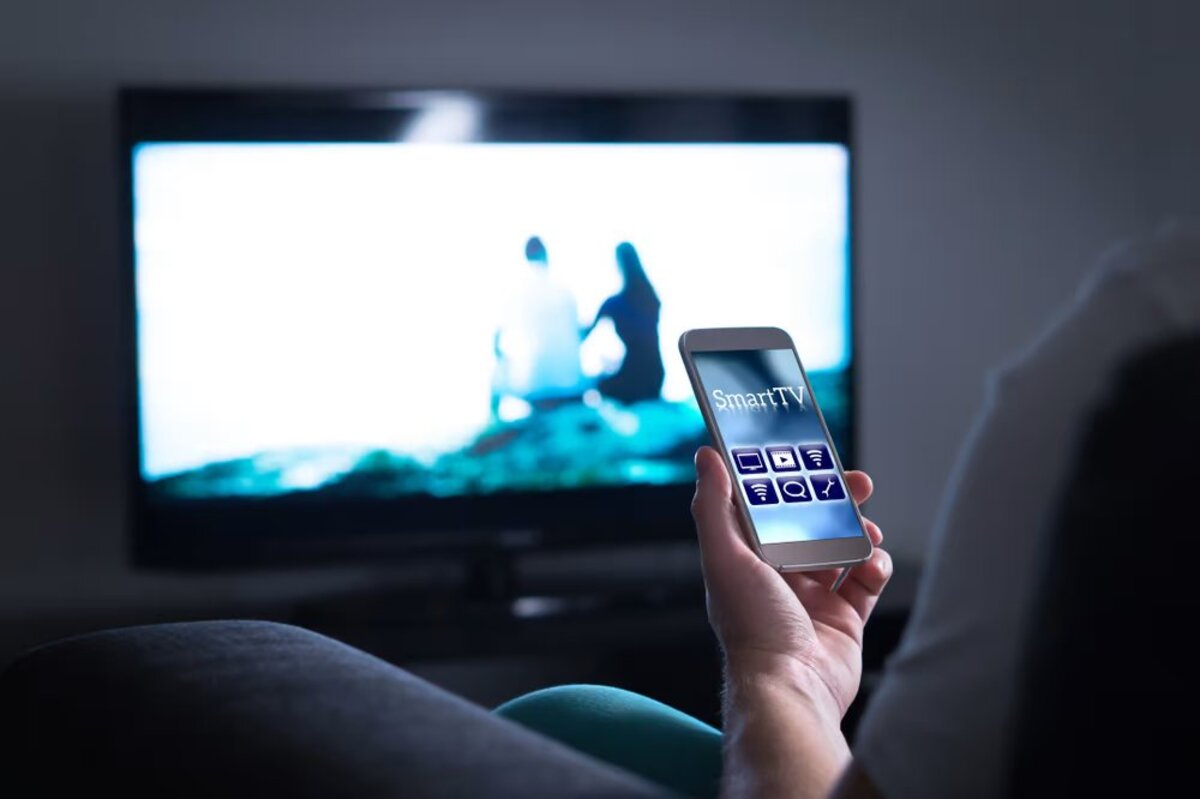
The articles here solve two main types of connection problems. The first group deals with screen sharing and casting, helping you move content from your phone to the big screen. For example, you can learn how to mirror your Android device to your Vizio TV or how to cast your phone to your Vizio TV, which lets you watch videos, show photos, or present apps directly on the television. The second group focuses on remote control and pairing. If you have misplaced your physical remote, the guide on how to use your phone as a remote for your Vizio TV shows you how to control volume, input, and channels from your handset. Similarly, the article on how to pair my phone to my Vizio TV covers the initial Bluetooth setup for a stable wireless connection.
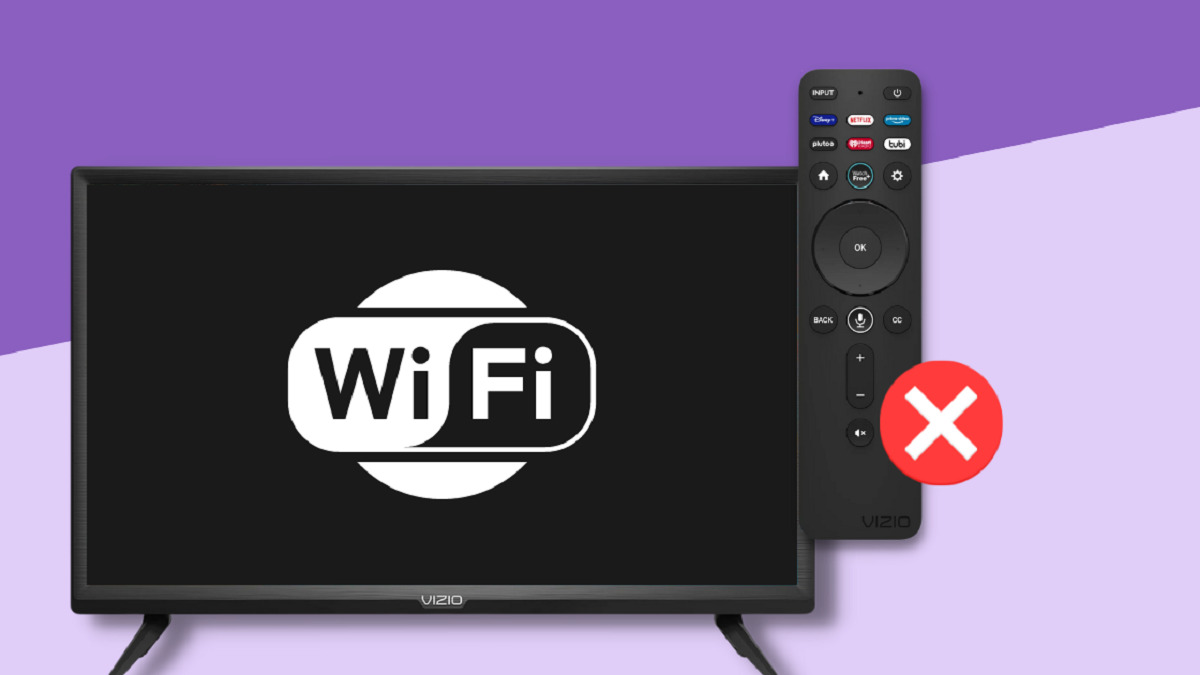
Beyond phone-to-TV connections, we also address the television's own network setup. The guide on how to connect your Vizio TV to the internet wirelessly helps you get your TV online, which is a necessary step before you can use many of the casting and remote features. Each article provides clear, step-by-step instructions to help you complete these tasks without confusion.