Practical guides for anyone looking to understand or use internet-based calling, as well as for those managing traditional landlines in a modern context. This content is aimed at everyday users, small business owners, and anyone curious about getting a second phone number, setting up office phones, or keeping an old landline number without paying for a full service plan.
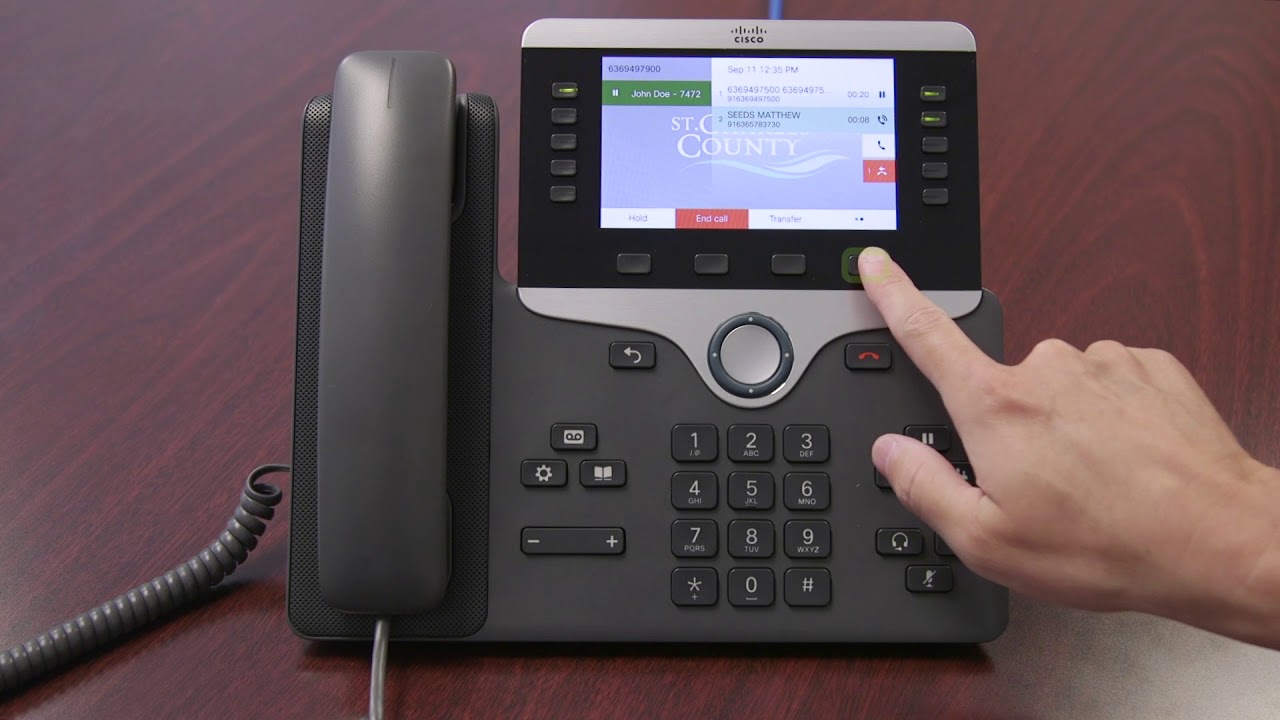
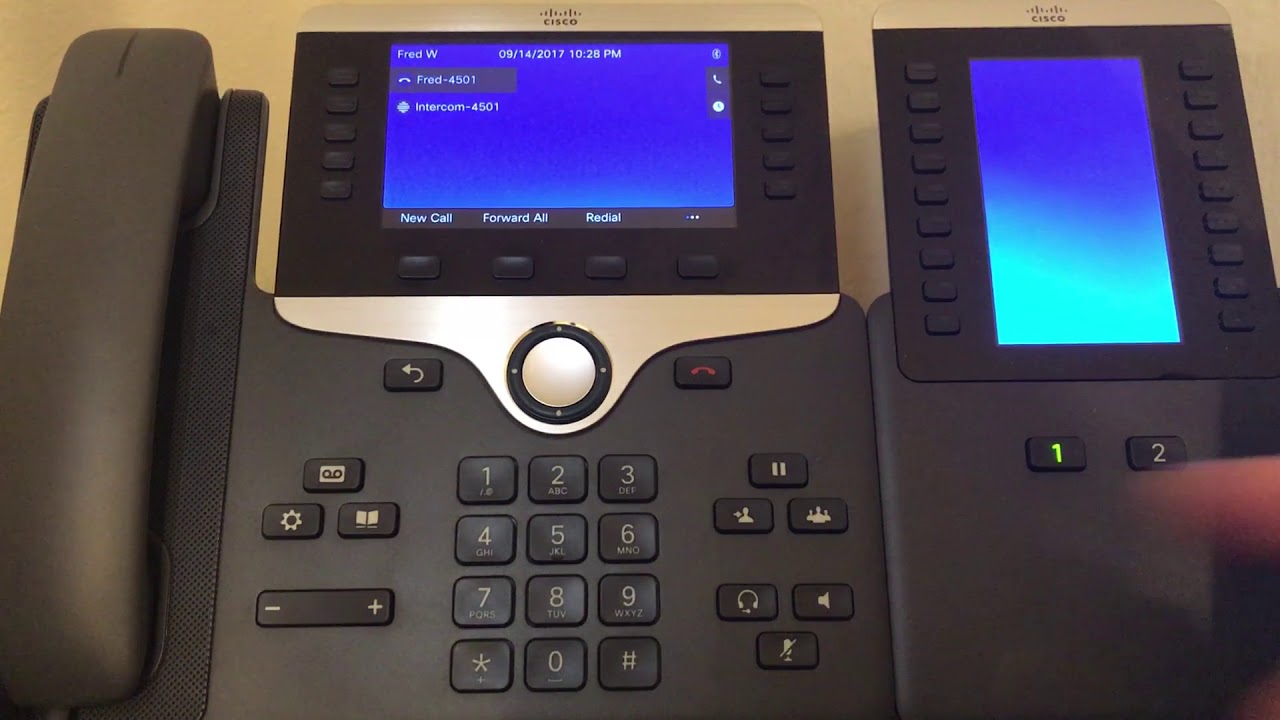
The articles here solve two main types of problems. One group focuses on making and managing calls without a standard cellular plan, covering how to use Google Voice, how to get a second phone number on one phone, and how to use a cellphone without a service provider. Another group helps with specific hardware and carrier settings, including how to use Intercom on a Cisco phone, how to change an extension name on a Yealink phone, and how to connect a landline phone to an Xfinity modem.
You will also find solutions for everyday frustrations like how to unblock a number on an AT&T landline phone, how to activate caller ID on a home phone, and how to tell if a number is mobile or landline. For those needing a business line or a temporary number, there are straightforward steps on how to get a telephone number for your business, how to get a fake phone number, and how to keep your landline phone number without service. These guides help you set up, fix, and adapt your phone setup to fit your actual needs.